






SleekPixel for FluentCRM campaigns
FluentCRM lives in WordPress, and so does the landing page that promotes each campaign. SleekPixel reads the campaign's subject, segment and schedule directly from FluentCRM and renders the share image alongside it.
♾️ Lifetime License available
FluentCRM operators ship a lot of email and rarely much social art
FluentCRM is the rare email marketing tool that keeps its data inside WordPress instead of routing through a hosted provider. Campaigns, sequences, automations, contacts, tags and reports all live in the WP database. The trade-off is that the team is now responsible for what the rest of the world sees when those campaigns get promoted. There is no hosted dashboard with auto-generated share images.
Most FluentCRM operators handle this the same way most WordPress marketers do, which is to say not well. The campaign goes out, the team writes a blog post about the launch or a tweet linking to the offer, and the share preview falls back to whatever the theme provides. A polished email lands in inboxes while a stretched homepage banner lands on social. Two halves of the same campaign, two completely different impressions.
SleekPixel reads the FluentCRM campaign record and renders a per-campaign share image. Subject line, segment, scheduled send date and contact count slot into the template. When the campaign goes live the share image is already there. When the team updates the subject line or the segment, the next save refreshes the share card across every social platform that quoted the URL.
Workflow
From FluentCRM record to share-ready post
Link FluentCRM data to the promo post
Design the campaign template
Save the post
Promote the campaign
Output
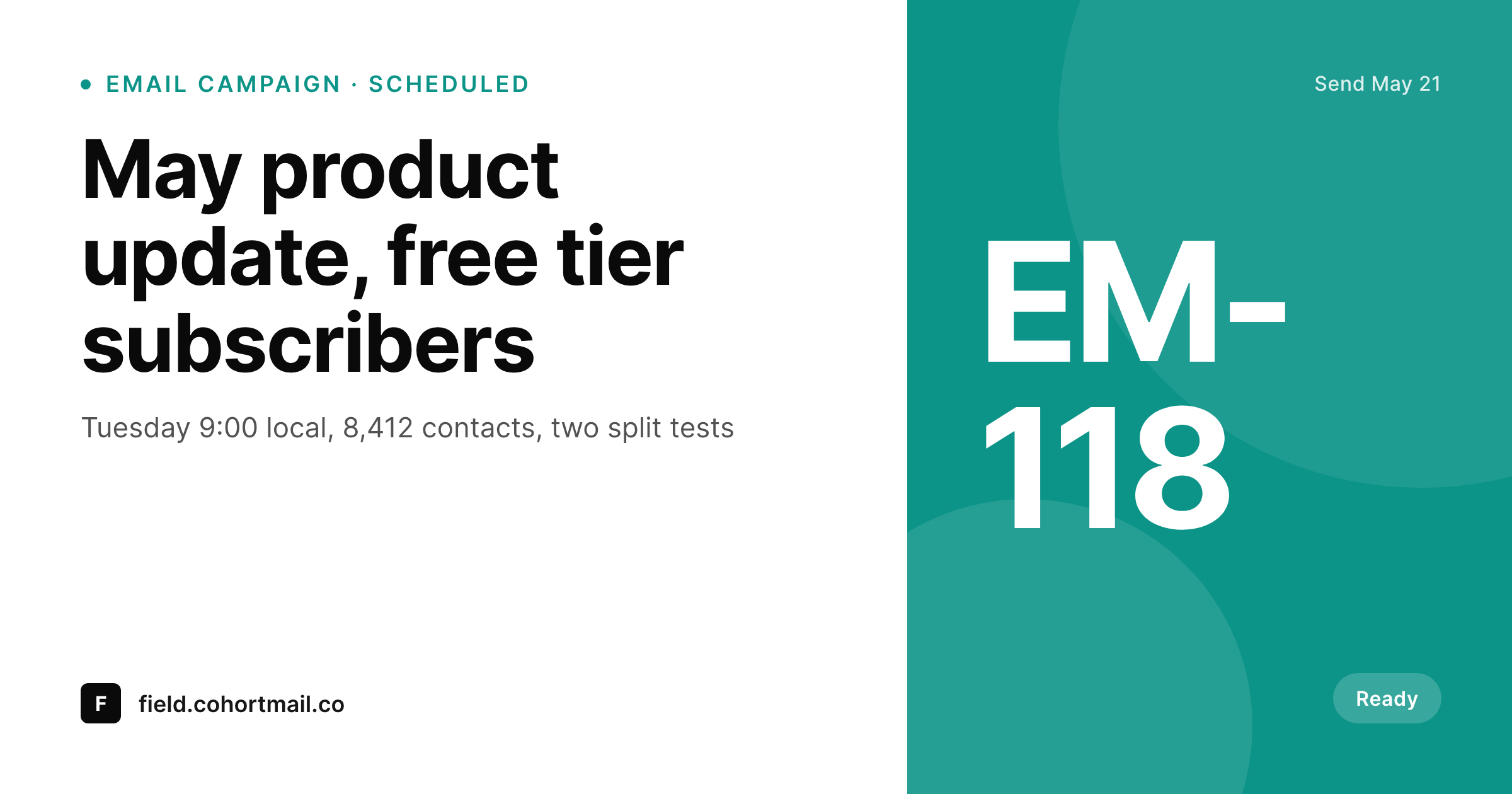
Sample FluentCRM campaign card
A 1200 by 630 OG image rendered from a FluentCRM campaign: subject, segment, send time and contact count, in your brand colors.
Comparison
Default WP OG vs FluentCRM-aware rendering
Default theme OG image
- Default OG falls back to the site banner for every campaign landing page
- Subject lines and segments never make it into the preview thumbnail
- Per-campaign promo posts share with identical card art across every send
- Manual design for each campaign launch eats hours of marketing time
- Brand refreshes require rebuilding every campaign card from scratch
SleekPixel
- Reads FluentCRM campaign fields directly without manual mapping
- Per-campaign cards with subject, segment, send time and contact count
- Status variants for draft, scheduled, sending and completed campaigns
- Bulk re-render the whole campaign archive on template changes
- All rendering stays inside WordPress, matching FluentCRM's hosting model
Features
What SleekPixel gives you for FluentCRM campaigns
Campaign-aware fields
Subject, segment, send time and contact count come from the FluentCRM record. Templates do not need duplicate data on the post side.
Schedule-aware art
Draft campaigns render with quiet placeholders, scheduled ones surface the send time, completed ones swap to archive treatments.
Segment context
Segment names render onto the share image so partners and resharers see who the campaign is aimed at, not just what it is named.
Use cases
Where FluentCRM teams use SleekPixel
Newsletter campaign promos
The blog post that hypes a Tuesday newsletter shares with a card showing the issue title, segment and scheduled time.
Launch sequences
Multi-email sequences promoting a launch each get their own share card, so day-three resharers see day-three content, not the launch day stub.
Re-engagement campaigns
Win-back campaigns share with cards that show the segment - dormant 90 days, churned customers - rather than a generic banner.
The bigger picture
Why FluentCRM teams care about share visuals
Teams running FluentCRM made a deliberate choice to keep marketing data inside WordPress rather than hand it to a hosted provider. The reasons are usually pricing at scale, data ownership, and a preference for one less third-party login. That same logic argues for handling share images the same way: render them on the server, store them in uploads, do not depend on an external design tool to bridge the gap between the campaign and its social promotion.
The second reason is consistency. A team that sends two campaigns a week and runs three or four nurture sequences in parallel is producing dozens of promotional surfaces per month. Manual social art does not survive that volume, and the default is for art to skip rather than ship.
SleekPixel inverts the default, making the share image part of the campaign by default, every time. Over a quarter of campaigns the difference between branded shares and stretched banners on every launch tweet is meaningful pipeline.
Questions
Common questions about SleekPixel for FluentCRM campaigns
FluentCRM stores campaigns as custom database tables, not as posts. Most setups use ACF fields or a companion snippet that copies the relevant campaign data onto the promo post on save. SleekPixel reads from the post meta as usual.
Yes. Funnels are sequences of campaigns, and each campaign step can have its own promo post with its own SleekPixel template. The funnel-level meta - funnel name, current step - can also render on the cards if synced into post meta.
Yes, on the next save of the promo post. If the segment was Free tier and gets changed to Free plus trial, saving the post triggers a re-render with the updated segment name.
Set the synced contact count to update on a schedule, then trigger a re-render either on schedule or on the next save. SleekPixel renders from the post data at render time, not from FluentCRM directly.
No. SleekPixel renders the share image; FluentSMTP handles sending and FluentForms handles form capture. They operate on different layers and do not overlap.
Yes, by referencing the rendered PNG URL as the email header image. The rendering happens once and the email pulls the image like any other hosted asset.
No. The render runs on the WordPress save hook for the promo post, not during the campaign send. FluentCRM's own send pipeline is unaffected.
Yes. Each subsite has its own SleekPixel templates and its own FluentCRM data. Generated PNGs land in each subsite's uploads folder.
Pricing
More than 1000+
happy customers
Explore our flexible licensing options tailored to your needs. Upgrade your license anytime to access more features, or opt for a lifetime license for ongoing value, including lifetime updates and lifetime support. Our hassle-free upgrade process ensures that our platform can grow with you, starting from whichever plan you choose.
Lifetime ♾️
Most popular
EUR
once
- Unlimited websites
- Lifetime updates
- Lifetime support
...or get the Bundle Deal
and save €250 🎁
💎 Want everything forever? The All Access Pass is going away on 01.08.2026.
The Bundle (unlimited sites)
Pay once, own it forever
Elevate your WordPress site with our exclusive plugin bundle that includes all of our premium plugins in one package. Enjoy lifetime updates and lifetime support. Save significantly compared to buying plugins individually.
What’s included
-
SleekAI
-
SleekByte
-
SleekMotion
-
SleekPixel
-
SleekRank
-
SleekView
€749
Continue to checkoutBrowse more
- Snapchat Discover tiles
- Twitch profile banner
- Threads social images
- Mastodon post images
- Signal sticker pack
- Threads post cover
- Lemmy post images
- Warpcast frame images
- YouTube banner art
- podcast cover art
- Twitter header banners
- Mastodon profile header
- TikTok ad images
- Rumble thumbnails
- Threads post images