






SleekPixel for Ko-fi shop images
A square 1080x1080 image per Ko-fi listing, with the price, edition size, and stock filled in from a WordPress product. Re-render on save, upload to Ko-fi.
♾️ Lifetime License available
Ko-fi shops earn trust on the small details
Ko-fi shops are intimate. The supporter often knows the maker by name, and the listing image carries a lot of the trust the transaction needs. A generic stock photo or a phone snap with poor lighting reads as careless, even when the product is genuinely good. The standard fix is to redesign each listing image in Canva, which works for a few products and fails by the time the catalog hits twenty.
SleekPixel renders a 1080x1080 listing image per WordPress product. The image carries the product title, edition size, price, and stock state. New listings render on save. Sold-out items can pick up a different badge automatically. The same image set keeps the shop visually coherent regardless of how many listings are added in a quarter.
Because the source is WordPress, the maker can keep a single product catalog there and push the images into Ko-fi without keeping a parallel design library.
Workflow
From WordPress product to Ko-fi listing image
Design the listing template
Map WooCommerce or custom product fields
Save the product
Upload to Ko-fi
Output
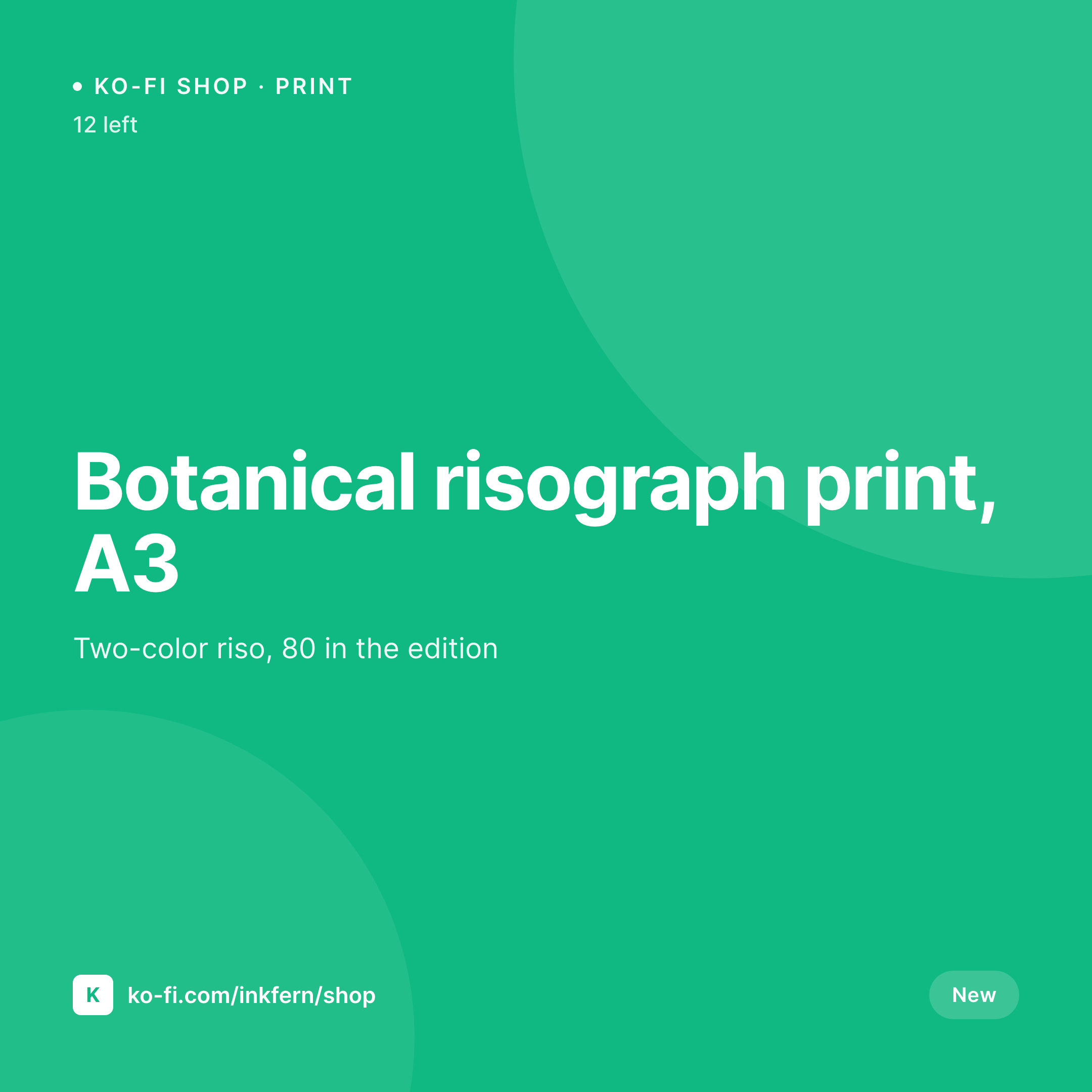
Sample Ko-fi shop image
A 1080x1080 square PNG rendered from a WordPress product with price, edition size, and stock state.
Comparison
Canva per listing vs SleekPixel for Ko-fi shop images
Canva or phone snap
- Each listing is a fresh Canva file or an inconsistent phone snap
- Price and stock fall out of date between the listing and the image
- Sold-out badges only appear after a manual swap in the shop UI
- Catalog over twenty items becomes a maintenance burden
- No path from the WordPress product to the Ko-fi listing image
SleekPixel
- 1080x1080 image per product, rendered on save
- Price, edition size, and stock state pulled from WordPress
- Sold-out and low-stock badges swap automatically
- Re-render the catalog when the brand or layout changes
- Same source emits Instagram-ready square posts for the same products
Features
What SleekPixel gives you for Ko-fi shop images
Edition and price built in
Edition size, price, and currency render from real WordPress fields. The image always matches the listing it represents.
Stock state badges
Sold out, low stock, and pre-order each map to a badge variant. The image reflects the current state without manual swaps.
Catalog-wide refresh
When the shop brand shifts, run batch regenerate and every listing image updates from the same template.
Use cases
Where Ko-fi shop images carry weight
Print and zine sellers
Risograph prints, zines, and stationery where the edition size and price are part of the appeal.
Sample and stem packs
Musicians selling sample packs and stems where the BPM and pack size are the visual hooks.
Digital download stores
Templates, presets, and PDFs where the format and file size belong on the listing image.
The bigger picture
Why Ko-fi shop images carry the small-shop trust gradient
Small Ko-fi shops do not compete on selection. They compete on care. A supporter who lands on a Ko-fi shop is usually arriving from a tweet, a YouTube link, or a newsletter footer, and the listing images are the first signal about whether the shop is worth the click and the card swipe.
A consistent listing image set says the maker takes the shop seriously and the product is a serious thing. An inconsistent set says the opposite. The constraint is not taste.
It is throughput. A maker who can produce three good Canva files in an afternoon cannot produce eighty in a week, and the catalog plateaus at whatever the design pace allows. Tying the image to the WordPress product removes the design pace as the bottleneck, and the catalog can grow as fast as the work itself.
Questions
Common questions about SleekPixel for Ko-fi shop images
No. SleekPixel renders the PNG and provides a download. The maker uploads the image to Ko-fi as the listing cover.
Ko-fi shops display square 1:1 product images. SleekPixel renders at 1080x1080, which downscales cleanly inside the Ko-fi shop UI.
Yes. WooCommerce product fields including price, stock status, and attributes bind directly into the template. WooCommerce is not required, though; custom post types work too.
Yes. Stock status maps to a badge variant in the template. Sold out, low stock, and in stock each render their own badge.
Digital products are first-class. The template can surface format, file count, and version instead of stock and edition.
In WordPress uploads, as real PNGs. They appear in the media library and are included in normal backups.
Yes. Run batch regenerate from the SleekPixel admin and every listing image updates from the current template.
Yes. Variants render their own images if the variation page is shareable. Otherwise the parent product image is used.
Pricing
More than 1000+
happy customers
Explore our flexible licensing options tailored to your needs. Upgrade your license anytime to access more features, or opt for a lifetime license for ongoing value, including lifetime updates and lifetime support. Our hassle-free upgrade process ensures that our platform can grow with you, starting from whichever plan you choose.
Lifetime ♾️
Most popular
EUR
once
- Unlimited websites
- Lifetime updates
- Lifetime support
...or get the Bundle Deal
and save €250 🎁
💎 Want everything forever? The All Access Pass is going away on 01.08.2026.
The Bundle (unlimited sites)
Pay once, own it forever
Elevate your WordPress site with our exclusive plugin bundle that includes all of our premium plugins in one package. Enjoy lifetime updates and lifetime support. Save significantly compared to buying plugins individually.
What’s included
-
SleekAI
-
SleekByte
-
SleekMotion
-
SleekPixel
-
SleekRank
-
SleekView
€749
Continue to checkoutBrowse more
- command of the day card
- contributor spotlight card
- checklist download card
- developer tool card
- restock alert cards
- bundle deal cards
- whitepaper covers
- lead magnet card
- pricing comparison cards
- explainer essay card
- track release cards
- prediction cards
- acquisition announcement cards
- newsletter cover cards
- status update cards
- SoundCloud track art
- Facebook event covers
- Nostr note images
- Pinterest product pin covers
- Bluesky link cards
- Klaviyo email headers
- Threads profile banners
- Substack post headers
- Twitch overlay
- Amazon A+ content images
- Telegram channel cover images
- Lemon8 post
- Poshmark listing images
- Facebook Marketplace images
- Vimeo channel banners