






SleekPixel for Ocoya alternative for WordPress
Ocoya promises AI captions, image generation, scheduling, and analytics in one suite. SleekPixel owns one piece of that, the canonical share image, and owns it natively from WordPress so the post URL always has a real og:image.
♾️ Lifetime License available
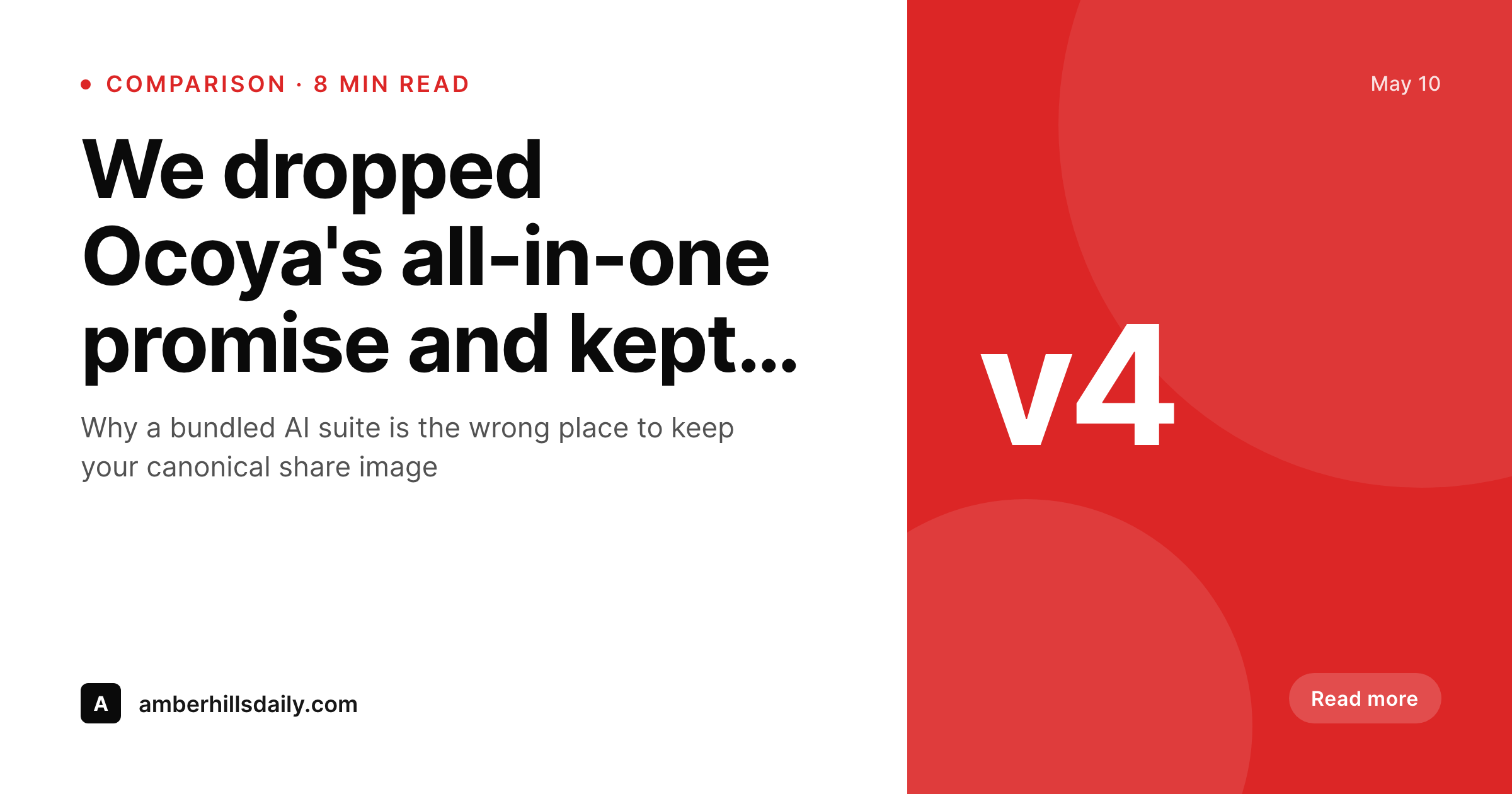
Pulling the canonical image out of an all-in-one suite
Ocoya bundles AI caption generation, image creation, scheduling, and analytics. The bundle is appealing on a marketing page, but the canonical share image is a strange thing to put inside a social suite. Once the image lives in the suite, it is only as durable as the team's relationship with that vendor. Pricing changes, feature shifts, and account migrations all become a risk to the post's og:image, which is supposed to be the most stable visual property of the URL.
SleekPixel takes the canonical image out of the suite and into WordPress. Templates live in the admin, the renderer runs in PHP, and og:image and twitter:image meta point at the rendered PNG. Whether Ocoya, Buffer, Hootsuite, or hand-written tweets do the sharing, the link preview is the same image because it lives on the post itself.
Teams that like Ocoya for captions and scheduling keep it, drop its image creation step, and let WordPress own the canonical render. The bill on Ocoya often drops because the team can stay on a lighter plan, and the share previews stop depending on suite-side image work.
Workflow
Carving the image piece out of Ocoya
Install SleekPixel
Rebuild the share template
Bulk regenerate
Right-size the Ocoya plan
Output
What renders on save
A 1200x630 PNG with the post title, category, byline, and brand mark, written to uploads and referenced from og:image meta in the post head.
Comparison
Ocoya in-app image vs SleekPixel og:image render
Ocoya in-app image
- Images live inside the Ocoya suite, disconnected from og:image meta
- Suite cancellation removes the image library along with scheduling
- Bundled pricing makes the image piece hard to evaluate on its own
- AI variants drift across the same post, no canonical lock for organic shares
- Per-seat costs scale with team size regardless of image rendering needs
SleekPixel
- Canonical og:image PNG rendered inside WordPress on every save
- Template lives in the WordPress admin, alongside the post body
- Flat plugin license, unlimited renders, no per-seat costs
- Image survives any future suite or scheduler changes
- Renders consistent across Twitter, LinkedIn, Facebook, Slack, iMessage
Features
What SleekPixel gives you for Ocoya alternative for WordPress images
Canonical and consistent
One PNG per post referenced by og:image and twitter:image meta. Every share of the URL inherits the same preview.
Lives in WordPress
Templates and rendered files sit in the WordPress admin. No external dashboard to keep credentials for, no second tool to onboard editors onto.
Suite-independent
Whatever happens to Ocoya, the image story stays inside WordPress and keeps working for organic shares.
Use cases
Where moving the image into WordPress helps
Content publishers
Blogs that publish weekly stop maintaining a parallel image library inside a suite and ship every post with a matching share image from WordPress.
WooCommerce stores
Product URLs get a consistent share image with price, title, and stock from the post, not from a suite's drag-and-drop editor.
Lean teams
Solo founders and small teams cut the suite plan because the image piece, often the slowest to manage in-suite, is no longer there.
The bigger picture
Why the canonical share image belongs to the site, not the suite
All-in-one suites optimize for convenience at the time of purchase. The convenience does not always survive contact with a year of editorial work, vendor pricing changes, and team rotations. The pieces of the workflow most worth protecting from suite churn are the ones that end up on every URL the site ever publishes, and the canonical share image is at the top of that list.
It shows up in every Slack link, every iMessage thread, every Twitter card, every press pickup. Putting that artifact inside a suite means trusting the suite to be there in two years, which is a longer commitment than most SaaS roadmaps actually keep. Moving the image into WordPress makes it a property of the site, not a property of any third party.
The suite can be kept for the parts it does well, dropped to a lighter tier, or replaced entirely, and the canonical share image keeps working through all of it.
Questions
Common questions about SleekPixel for Ocoya alternative for WordPress images
No. Caption generation stays with Ocoya, ChatGPT, or any other AI tool the team uses. SleekPixel only renders images and writes meta tags.
No. Scheduling stays with Ocoya, Buffer, SocialBee, or any other scheduler. SleekPixel only owns the image rendering side on WordPress.
For the canonical share image yes, with a deterministic template. For AI-driven variant exploration the workflow still benefits from a dedicated AI tool.
Yes. SleekPixel writes og:image, og:image:width, og:image:height, and twitter:image into the post head on save.
Yes. The Gutenberg sidebar has a download button for the rendered PNG, ready to upload into Ocoya or any other scheduler.
Yes. Templates can reference any registered field, including ACF, Meta Box, WooCommerce attributes, and recipe plugin fields.
After bulk regenerate, og:image meta is correct. Social platforms re-scrape on next share, and previously cached URLs can be refreshed through Twitter and LinkedIn debug tools.
AI caption generation, AI image variants, scheduling, multi-channel posting, analytics, and team workflow tools. SleekPixel only handles the canonical image render and meta tag layer on WordPress.
Pricing
More than 1000+
happy customers
Explore our flexible licensing options tailored to your needs. Upgrade your license anytime to access more features, or opt for a lifetime license for ongoing value, including lifetime updates and lifetime support. Our hassle-free upgrade process ensures that our platform can grow with you, starting from whichever plan you choose.
Lifetime ♾️
Most popular
EUR
once
- Unlimited websites
- Lifetime updates
- Lifetime support
...or get the Bundle Deal
and save €250 🎁
💎 Want everything forever? The All Access Pass is going away on 01.08.2026.
The Bundle (unlimited sites)
Pay once, own it forever
Elevate your WordPress site with our exclusive plugin bundle that includes all of our premium plugins in one package. Enjoy lifetime updates and lifetime support. Save significantly compared to buying plugins individually.
What’s included
-
SleekAI
-
SleekByte
-
SleekMotion
-
SleekPixel
-
SleekRank
-
SleekView
€749
Continue to checkoutBrowse more
- SoundCloud track art
- Facebook group banners
- Telegram channel images
- Bluesky link cards
- Bandcamp banner
- Etsy cover photos
- Flickr cover photo
- Spotify podcast covers
- Spotify Canvas
- YouTube Music cover art
- Ghost feature images
- Twitch panel images
- Discord server icon
- Etsy shop banners
- VK community cover photos