






SleekPixel for AffiliateWP programs
AffiliateWP stores affiliates in affiliate_wp_affiliates and referrals in affiliate_wp_referrals with payouts in affiliate_wp_payouts. SleekPixel reads the program-wide aggregates and renders a branded OG image, so recruitment shares always show the actual scale of the program.
♾️ Lifetime License available
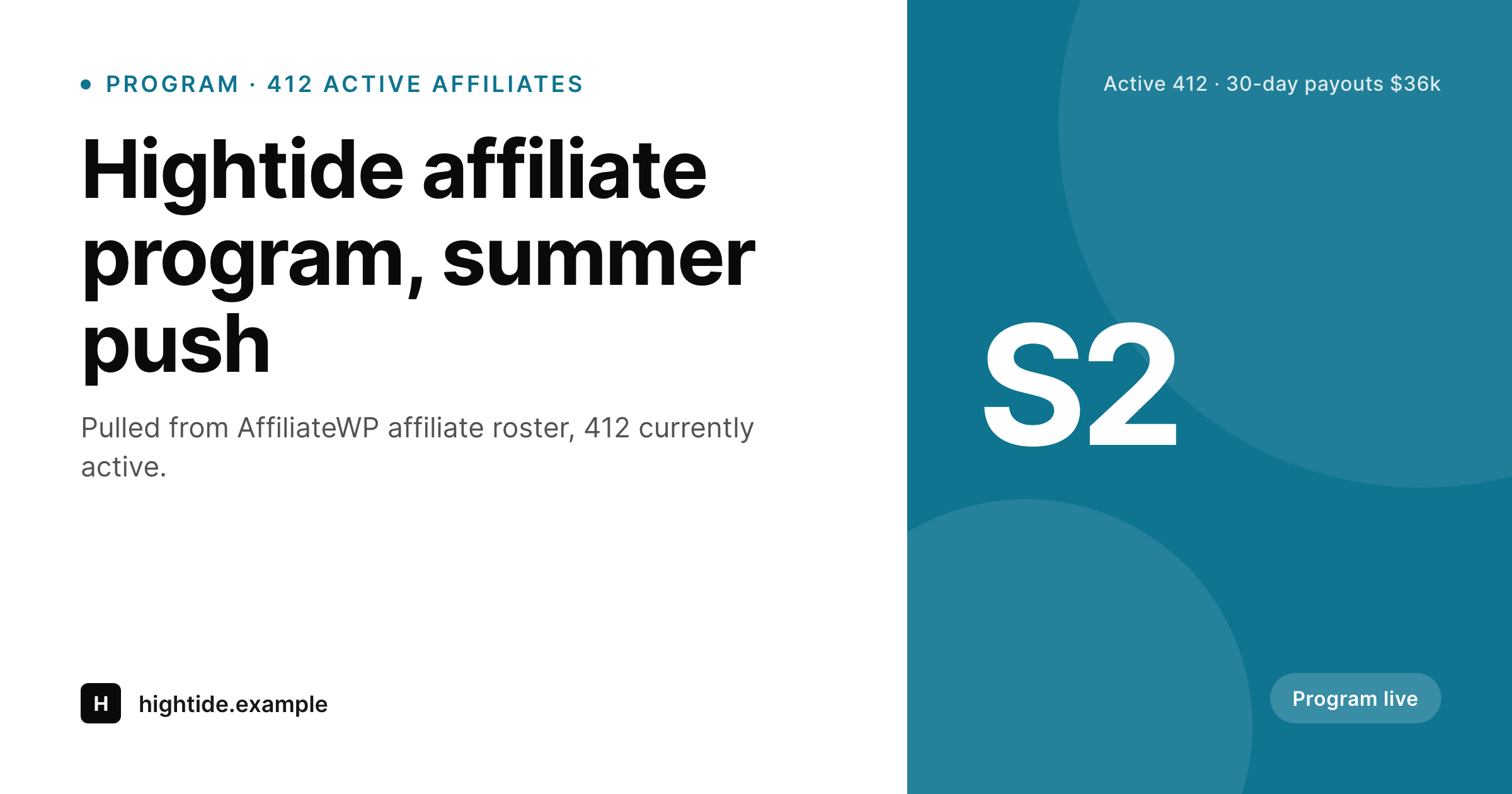
Recruitment lives or dies on the share.
AffiliateWP adds three core tables to WordPress: affiliate_wp_affiliates for the affiliate roster, affiliate_wp_referrals for each conversion event, and affiliate_wp_payouts for every batch of money sent out. Each affiliate carries a status, a rate type, a rate, and a join date, and the plugin exposes program-wide aggregates through its REST endpoints.
The recruitment landing page of an AffiliateWP-driven program exists to grow the affiliate roster. The pitch is the scale: how many affiliates are already active, how often payouts run, and how much money is moving through the program. Default OG generators see only the static page copy and miss all of it, so a recruitment share looks identical to a privacy-policy share.
SleekPixel reads aggregates directly from the AffiliateWP tables, picks up the active-affiliate count, the configured payout schedule, and the rolling 30-day payout total, then renders a per-program OG card. The card names the program, stamps the active count, and badges the payout cadence, so the link itself helps recruit new affiliates without any extra step from marketing.
Workflow
From AffiliateWP event to social card
Aggregate the roster
affiliate_wp_affiliates for active-status counts, rate types, and join cadence per program scope.
Sum recent payouts
affiliate_wp_payouts entries to compute the program's actual recent payout pace, without exposing identities.
Render the OG image
Hook payout and affiliate events
Output
Sample AffiliateWP card
Generated from a real AffiliateWP program: active count, payouts, and cadence pulled from affiliate_wp_affiliates and affiliate_wp_payouts.
Comparison
Default theme OG image vs SleekPixel for AffiliateWP
Default theme OG image
- Default OG image never reflects how many affiliates the program already has
- Recruitment landing pages share with one identical card across the whole site
- Payout cadence and recent payout volume are invisible to potential affiliates
- Affiliate-tier tags from AffiliateWP add-ons never surface in the share preview
- Editors cannot tell from a share which program is currently being promoted
SleekPixel
-
Reads
affiliate_wp_affiliatesfor active count and active rates -
Reads
affiliate_wp_payoutsfor the rolling 30-day payout total - Renders the rate type as a badge: percentage, flat, recurring, tiered
- Refreshes on every payout batch and on every affiliate-status change
- Supports the AffiliateWP Tiered Affiliate Rates extension as routing field
Features
What SleekPixel gives you for AffiliateWP
Active roster size
Active count from affiliate_wp_affiliates renders as the headline stat. The card signals the actual roster size in real time.
Payout pace
Rolling 30-day payout totals from affiliate_wp_payouts render as the footer line, signalling program momentum without exposing per-affiliate amounts.
Rate-type badge
Percentage, flat, recurring, or tiered: the affiliate rate type rendered as a colored badge signals the program's structure at a glance to potential applicants.
Use cases
Where AffiliateWP-driven sites benefit most
Recruitment landing pages
Affiliate program pages share with a card that names the program and counts active affiliates, recruiting applicants directly from the link preview.
Tier-comparison pages
Pages that compare affiliate tiers share with a badge for the tier system and surface the active counts per tier.
Seasonal program pushes
Seasonal recruitment pushes share with a card that reflects this season's actual numbers, not a stale annual summary.
The bigger picture
Why AffiliateWP recruitment needs a scale-aware share
AffiliateWP programs grow through social shares of the recruitment page. Existing affiliates pass the URL around their networks and potential affiliates judge the program in the first second of the share preview. If the preview is a generic theme card, the share lands with no signal and the click suffers.
A SleekPixel card that names the program, counts active affiliates, badges the rate type, and stamps the recent payout pace turns the share into a small piece of social proof. AffiliateWP already writes every field SleekPixel needs into its own tables. Active counts, rate types, payouts, and statuses are maintained by the plugin and surfaced through its REST endpoints.
SleekPixel reads what the plugin already writes and refreshes the OG image on every payout batch and on every affiliate-status update. Across a year of weekly payouts on a 400-affiliate program, that is dozens of refreshed previews that always reflect what the program currently looks like.
Questions
Common questions about SleekPixel for AffiliateWP
No. SleekPixel only uses program-wide aggregates. Per-affiliate identities and earnings stay inside the AffiliateWP tables where the plugin keeps them and never get written into a publicly cacheable image.
The default is the last 30 days. You can configure a 7-day, 30-day, or 90-day window from the SleekPixel integration settings page if a different cadence matches your program's actual payout rhythm.
Yes. AffiliateWP stores add-on data in the same affiliate and referral tables. SleekPixel reads the rate-type field, including 'recurring' and 'tiered' values from the add-ons, and renders the appropriate badge automatically.
AffiliateWP supports multiple referral types through groups. SleekPixel can scope per group id, so each recruitment page shows its own affiliate count, rate type, and payouts rather than a site-wide aggregate that would mix programs.
For a launch program, SleekPixel omits the affiliate-count stat and renders launch-day messaging with the badge set to 'Launching'. As affiliates start joining, the next regeneration cycle adds the active count back in.
No. OG regeneration runs asynchronously through Action Scheduler. The payout batch completes immediately and the image rebuilds in the next queue tick, usually within seconds, with no blocking on the actual money movement.
No. SleekPixel registers a higher-priority filter on each SEO plugin's og:image and twitter:image filters, so the AffiliateWP-aware card wins. Description, twitter:card type, and schema continue to come from the SEO plugin you already use.
Locally in wp-content/uploads/sleek-pixel/ on your own server. Your existing CDN handles delivery. No third-party host appears in the og:image URL and no per-render fees apply.
Pricing
More than 1000+
happy customers
Explore our flexible licensing options tailored to your needs. Upgrade your license anytime to access more features, or opt for a lifetime license for ongoing value, including lifetime updates and lifetime support. Our hassle-free upgrade process ensures that our platform can grow with you, starting from whichever plan you choose.
Lifetime ♾️
Most popular
EUR
once
- Unlimited websites
- Lifetime updates
- Lifetime support
...or get the Bundle Deal
and save €250 🎁
The Bundle (unlimited sites)
Pay once, own it forever
Elevate your WordPress site with our exclusive plugin bundle that includes all of our premium plugins in one package. Enjoy lifetime updates and lifetime support. Save significantly compared to buying plugins individually.
What’s included
-
SleekAI
-
SleekByte
-
SleekMotion
-
SleekPixel
-
SleekRank
-
SleekView
€749
Continue to checkoutBrowse more
- waitlist cards
- course module cards
- infographic card snippets
- field notes card
- fundraising announcement cards
- expectation vs reality cards
- release day cards
- postmortem cards
- framework cards
- security report card
- tutorial thumbnails
- this not that cards
- press kit card
- buy one get one cards
- shell tip card
- Douyin thumbnails
- LinkedIn ad images
- Fanvue page banner
- Bluesky link cards
- Medium article headers
- LinkedIn carousel slides
- YouTube end cards
- Twitch schedule banners
- podcast cover art
- Slack channel headers
- Twitch profile banner
- Instagram ad images
- Amazon Storefront banners
- Depop listing images
- LinkedIn post images