






SleekPixel as a Black Magic alternative for WordPress
Black Magic is an analytics layer on X. SleekPixel handles the rendered card on the WordPress post that the tweet links to, so the click-through has a chance.
♾️ Lifetime License available
Black Magic tracks, SleekPixel renders
Black Magic is a browser extension that overlays X with per-tweet metrics: impressions, engagement rate, follower growth attribution, and ghostwriting features. It is upstream of the rendered card, focused on the analytics and the writing loop. What Black Magic does not do is render a templated image for the WordPress post a tweet links to. The card that appears when the tweet's URL is shared is whatever WordPress's og:image happens to be, which is usually a featured image or a logo, neither of which matches the article.
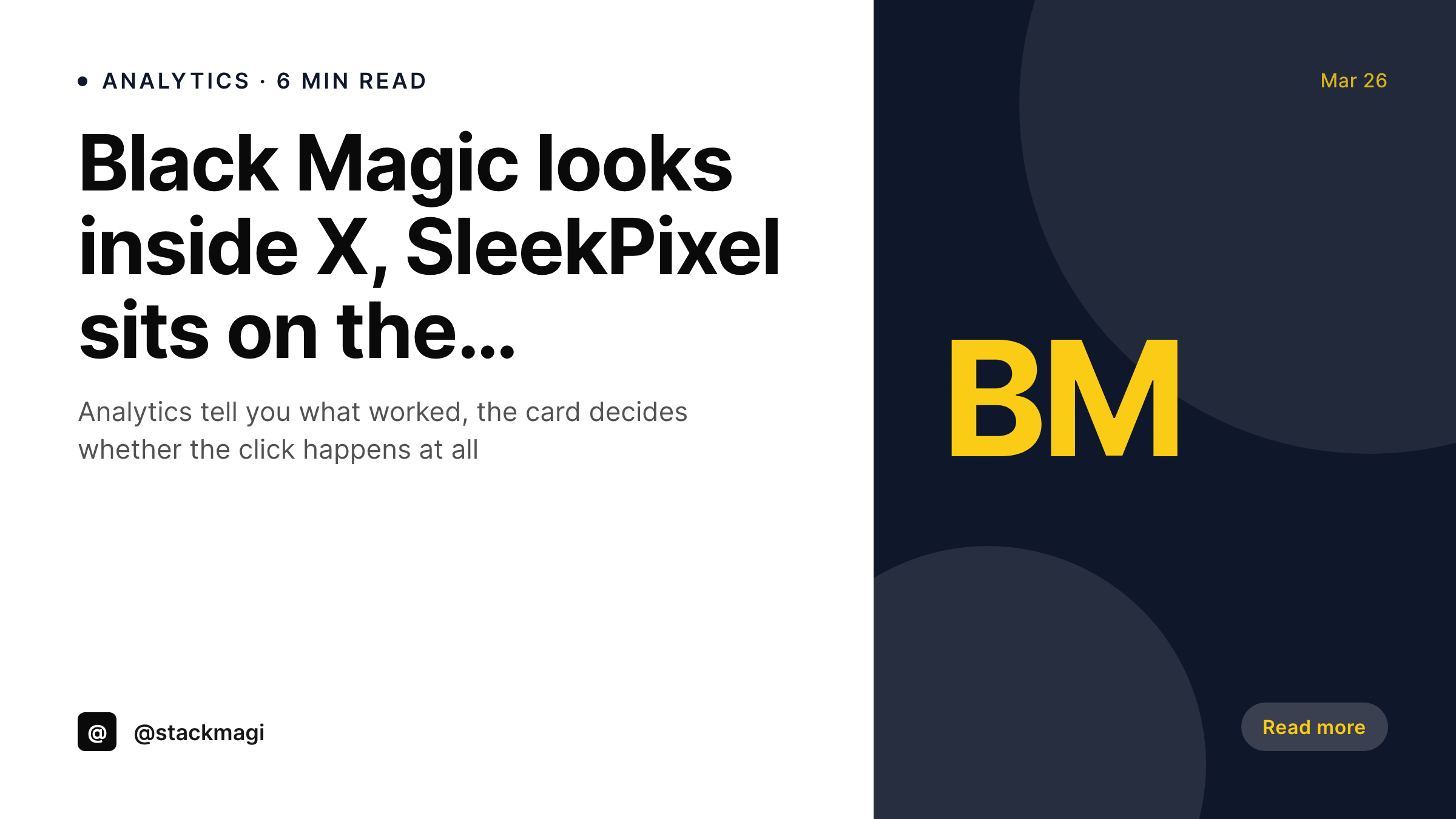
SleekPixel sits on the WordPress side of the same workflow. On post save, the plugin renders a 1200x675 X card using post fields and writes og:image and twitter:image meta into the head. The card matches the article. When a tweet links to the post, Black Magic still does its analytics job on the tweet, and the link preview holds up because the card is real and current.
The two tools do not compete. Black Magic answers "did the tweet work?" SleekPixel answers "did the post produce a card the tweet could actually leverage?" Both questions matter, and putting them in separate tools is what keeps the writing loop tight on X and the publishing loop tight on WordPress.
Workflow
Stacking analytics and rendering
Install SleekPixel on WordPress
Save a post
Tweet the WordPress URL
Iterate on hooks and template
Output
What the linked WordPress post ships
A 1200x675 card rendered from the WordPress post on save, surfaced as the link preview when the tweet runs.
Comparison
Black Magic on X vs SleekPixel on WordPress
Black Magic
- Browser extension on X, no role in rendering the WordPress card
- Link previews use whatever og:image WordPress had set previously
- Analytics on the tweet do not fix a broken or generic preview
- Brand drift on the WordPress side is invisible to Black Magic
- Subscription is per-X-account, separate from WordPress hosting
SleekPixel
- Renders the X card from the WordPress post on save
- Writes og:image and twitter:image meta tags into the post head
- Card refreshes with one template edit plus a bulk regenerate
- Works alongside Black Magic, Tweet Hunter, FeedHive, or manual shares
- Flat plugin license, no per-account or per-month subscription
Features
What SleekPixel gives you for Black Magic alternative for WordPress
X card sized right
1200x675 PNG with type sized to be readable on the timeline. Not a cropped featured image, not a stretched logo.
Analytics-friendly
Black Magic's metrics improve when the click-through actually fires. A real card is what drives that click on top of a good hook.
Post-driven
Title, byline, date, category, and ACF fields render straight from the WordPress post. The card cannot drift from the article.
Use cases
Where Black Magic plus SleekPixel works
Indie operators on X
Tweet performance analytics through Black Magic, post-side card rendering through SleekPixel. The two cover the full loop.
Publisher accounts
Editorial accounts running on X get analytics on the tweet plus a consistent card on the underlying article.
Growth-focused writers
Hooks tested with Black Magic land readers on a post whose card lives up to the hook, instead of a generic preview.
The bigger picture
Why analytics need a working card to measure
A tweet with great copy and a generic link preview will underperform a tweet with average copy and a strong, on-brand preview. The card is the second hook, the one that decides whether the reader follows through from the timeline into the article. Analytics tools like Black Magic can show that a tweet is being seen but not clicked, but they cannot fix the underlying preview.
The fix happens on the WordPress side, by making sure the post produces a card that matches the writing. Once the card is correct, analytics start telling a more useful story, because the conversion path actually exists end to end. Black Magic on the X side, SleekPixel on the WordPress side, and the writer has both halves of the loop instrumented.
Questions
Common questions about SleekPixel for Black Magic alternative for WordPress
No. Per-tweet analytics, ghostwriting, and the X-side overlay stay in Black Magic. SleekPixel only handles the rendered card on the WordPress post.
Black Magic reads tweet performance. The link preview shown inside the tweet uses the og:image meta tag that SleekPixel writes.
A consistent, on-brand card is one of the inputs to click-through. SleekPixel makes the card real and current, the writing still has to do the work on the hook side.
Not needed. SleekPixel writes standard og:image and twitter:image meta, which X's preview crawler picks up automatically when the URL is tweeted.
Out of scope for SleekPixel. Ghostwriting belongs in Black Magic. The rendered card is independent of the tweet's copy.
Black Magic is a monthly subscription per X account. SleekPixel is a flat plugin license per WordPress site. The two cover different sides of the workflow.
Yes. The Gutenberg sidebar previews the rendered image. X's card validator also shows what the preview looks like when the URL is shared.
Bulk regenerate refreshes the cards. X caches previews, so already-circulating URLs may need a manual refresh through X's debug tools.
Pricing
More than 1000+
happy customers
Explore our flexible licensing options tailored to your needs. Upgrade your license anytime to access more features, or opt for a lifetime license for ongoing value, including lifetime updates and lifetime support. Our hassle-free upgrade process ensures that our platform can grow with you, starting from whichever plan you choose.
Lifetime ♾️
Most popular
EUR
once
- Unlimited websites
- Lifetime updates
- Lifetime support
...or get the Bundle Deal
and save €250 🎁
💎 Want everything forever? The All Access Pass is going away on 01.08.2026.
The Bundle (unlimited sites)
Pay once, own it forever
Elevate your WordPress site with our exclusive plugin bundle that includes all of our premium plugins in one package. Enjoy lifetime updates and lifetime support. Save significantly compared to buying plugins individually.
What’s included
-
SleekAI
-
SleekByte
-
SleekMotion
-
SleekPixel
-
SleekRank
-
SleekView
€749
Continue to checkoutBrowse more
- waitlist cards
- industry report cards
- music recommendation cards
- company milestone card
- values card
- checklist download card
- poll result card
- annual report card
- sustainability report card
- waitlist closing card
- new arrival cards
- panel discussion card
- job posting
- stat callout cards
- product update images
- Weibo post images
- Twitch alert
- Dailymotion thumbnails
- YouTube ad thumbnails
- YouTube podcast thumbnails
- YouTube end cards
- Audible audiobook cover
- Ko-fi banners
- Bluesky link cards
- Klaviyo email banner
- X ad images
- TikTok shop images
- YouTube playlist covers
- Shopify product images
- Patreon post thumbnails