






SleekPixel for SocialBee alternative for WordPress
SocialBee is a scheduler with image tooling bolted on. SleekPixel is the image tooling, native to WordPress. Render branded PNGs on post save, write og:image meta in the same request, and let scheduling stay wherever it works for the team.
♾️ Lifetime License available
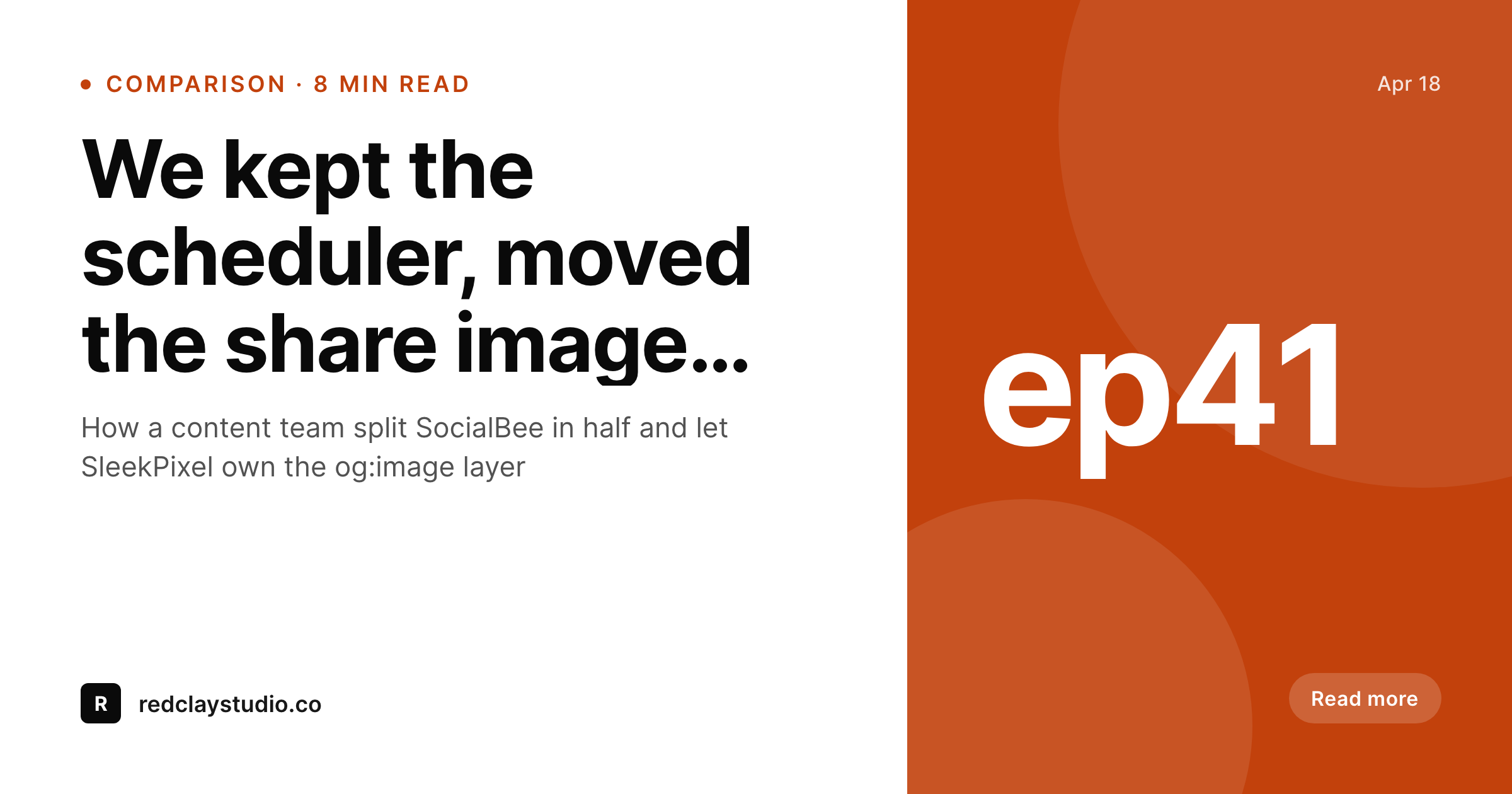
Pulling the image layer out of SocialBee
SocialBee bundles scheduling, content categories, and a Canva-style image editor into one product. The editor part is fine for ad-hoc graphics, but it is not where a WordPress site's og:image meta gets generated. Teams running on SocialBee usually have two image stories: the post's own og:image, generated by some other workflow, and the SocialBee in-app variants for individual scheduled posts. The two drift over time, and share previews from the post URL no longer match what is being scheduled.
SleekPixel does the og:image side natively. Templates live in WordPress, the renderer runs in PHP on save, and og:image and twitter:image meta tags get written into the post head automatically. The image SocialBee schedules is then the same image WordPress reports on link previews, because the canonical post URL has a known and consistent og:image rather than a hand-edited variant from the scheduler.
Teams keep SocialBee for scheduling and content categories, drop the in-app image editor, and let WordPress own the share image story. That is a smaller surface area to maintain, and it is the workflow that holds up best when an editor changes the post headline at the last minute.
Workflow
Splitting SocialBee in four steps
Install SleekPixel
Recreate the share template
Bulk regenerate
Demote the SocialBee editor
Output
What gets generated on save
A 1200x630 PNG with the post title, category, brand mark, and meta line, written into uploads and referenced from og:image meta on the post page.
Comparison
SocialBee in-app editor vs SleekPixel in WordPress
SocialBee in-app image
- Image editor lives in the scheduler, disconnected from og:image meta
- Variants per scheduled post drift from the canonical post share preview
- Per-seat pricing increases when more editors need access to the editor
- Template changes happen in SocialBee, not in the WordPress block editor
- Cancelling SocialBee means losing the image work along with scheduling
SleekPixel
- og:image and twitter:image meta written from a single rendered PNG
- Templates designed in WordPress blocks, with post field tokens
- Flat plugin license, no per-seat or per-render fees
- Image lives in uploads, served by the same CDN as the rest of the site
- Scheduling tool of choice remains the team's call, not a forced bundle
Features
What SleekPixel gives you for SocialBee alternative for WordPress images
Canonical share image
One PNG per post, referenced from og:image and twitter:image meta, served on every link share regardless of which scheduler runs it.
Designed in WordPress
Template lives in the admin alongside the post. Editors edit it the same way they edit any block layout, no separate dashboard.
Scheduler-agnostic
Keep SocialBee, switch to Buffer, write threads by hand. The image story does not move when the scheduling tool changes.
Use cases
Where the SocialBee split makes sense
Content sites
Blogs that publish multiple times a week stop maintaining two parallel image workflows for the same post.
Team rotations
New editors learn WordPress once and ship share images. They do not also need a SocialBee seat to maintain visual consistency.
SEO and PR teams
Press pickups and SEO audits show the same image as the scheduled social posts, which keeps brand presentation tight.
The bigger picture
Why owning the image inside WordPress beats bundling it with scheduling
Bundled tools sell convenience by combining scheduling, image editing, content categories, and analytics into one subscription. The convenience is real until the team needs to change one of those pieces. Switching schedulers is expensive when the share images live inside the old scheduler.
Adding an extra editor is expensive when every seat unlocks the image editor whether or not the new person needs it. Pulling the image layer out and into WordPress makes those decisions cheaper. The canonical post URL has a consistent og:image, the scheduler is a swappable component, and the team can pick the right tool for each part of the workflow rather than living with whichever combination one vendor decided to bundle.
That flexibility shows up most clearly during tool rotations, but it also makes day-to-day editing simpler, because the share image is on the same screen as the post body.
Questions
Common questions about SleekPixel for SocialBee alternative for WordPress images
No. SleekPixel only renders images and writes meta tags. Scheduling stays with SocialBee, Buffer, Hootsuite, or any other tool the team uses.
No. Content categories and evergreen rotation are scheduler features. SleekPixel is purely a WordPress-side image generator for og:image and social cards.
No. SocialBee analytics keep working, since the schedule and posts stay there. SleekPixel only changes where the share image is rendered and stored.
Yes. og:image, og:image:width, og:image:height, and twitter:image are written into the post head whenever a post saves and the renderer produces a PNG.
Yes. The Gutenberg sidebar has a download button so the rendered PNG can be uploaded into SocialBee, Buffer, or any other scheduler that does not auto-pull og:image.
Yes. Templates can use product title, price, stock status, and gallery image. The og:image meta on a product URL then matches the rendered card.
Some schedulers, including SocialBee, can read og:image from the post URL. In that case the scheduled image and the canonical share image are the same PNG, which is the desired outcome.
Scheduling, content category rotation, RSS auto-posting, and analytics. SleekPixel only owns the image rendering and meta tag layer.
Pricing
More than 1000+
happy customers
Explore our flexible licensing options tailored to your needs. Upgrade your license anytime to access more features, or opt for a lifetime license for ongoing value, including lifetime updates and lifetime support. Our hassle-free upgrade process ensures that our platform can grow with you, starting from whichever plan you choose.
Lifetime ♾️
Most popular
EUR
once
- Unlimited websites
- Lifetime updates
- Lifetime support
...or get the Bundle Deal
and save €250 🎁
💎 Want everything forever? The All Access Pass is going away on 01.08.2026.
The Bundle (unlimited sites)
Pay once, own it forever
Elevate your WordPress site with our exclusive plugin bundle that includes all of our premium plugins in one package. Enjoy lifetime updates and lifetime support. Save significantly compared to buying plugins individually.
What’s included
-
SleekAI
-
SleekByte
-
SleekMotion
-
SleekPixel
-
SleekRank
-
SleekView
€749
Continue to checkoutBrowse more
- Snapchat Discover tiles
- Reddit subreddit banners
- Buy Me a Coffee banners
- YouTube end cards
- Twitter header banners
- Pinterest video pin covers
- Audible audiobook cover
- Mastodon profile header
- Pinterest product pin covers
- X Space banners
- Bluesky link cards
- Depop listing images
- Medium article headers
- Pinterest board covers
- Klaviyo email banner