






SleekPixel for Meta Creator Studio alternative for WordPress
Meta Creator Studio handles Facebook and Instagram scheduling well. The image side is left to whatever the post URL exposes via og:image. SleekPixel makes that og:image a real, branded render of the post, automatically.
♾️ Lifetime License available
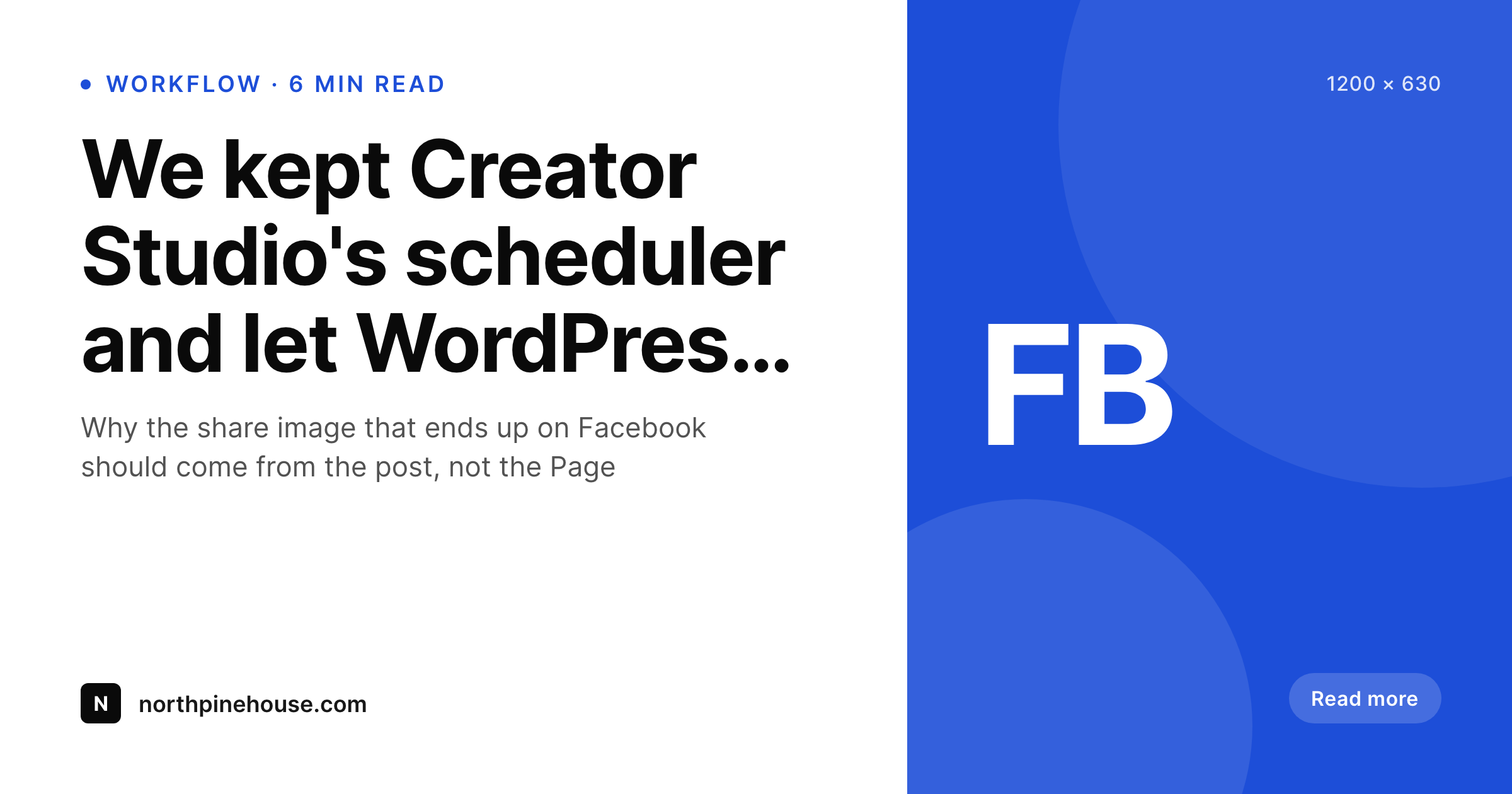
Why Creator Studio cannot fix a missing og:image
Creator Studio is Meta's free scheduler. When a WordPress link gets shared into a scheduled Facebook post, Facebook pulls og:image from the post URL. If the post does not have a proper og:image, Facebook substitutes whatever it finds, often a small inline image or a featured thumbnail. Creator Studio has no way to fix that on the WordPress side, because the asset lives in the post's head, not in the scheduler.
SleekPixel handles the post side. On save, a 1200x630 PNG is rendered using the post title, category, and brand mark. og:image and twitter:image meta tags are written into the post head pointing at that PNG. Creator Studio then has a known and consistent image to work with whenever a link is scheduled, and the same image appears on direct link shares from anywhere else on the web.
Teams keep Creator Studio for the scheduling side. The image story moves into WordPress where it can be tied to the post itself, and the share previews stop being a roll of the dice depending on which image Facebook decides to grab.
Workflow
Fixing the Creator Studio share image at the source
Install SleekPixel
Set up the share template
Bulk regenerate
Let Creator Studio do its job
Output
What renders on save
A 1200x630 PNG with the post title, category, brand mark, and meta line, written to uploads and referenced from og:image meta in the post head for Creator Studio and any other scheduler to pick up.
Comparison
Creator Studio default share vs SleekPixel og:image
Default Creator Studio share
- Creator Studio uses whatever og:image the post URL exposes, with no override
- Posts without proper og:image meta default to a thumbnail or first inline image
- Brand presentation varies across scheduled link shares for the same WordPress site
- No per-post image template exists inside Creator Studio for link posts
- Fixing the share image requires editing meta tags on the WordPress side anyway
SleekPixel og:image
- og:image and twitter:image meta written from a real, branded PNG render
- Templates designed in WordPress blocks with post field tokens
- Same image used by Creator Studio, Buffer, manual shares, and Slack unfurls
- Flat plugin license, no per-render or per-page fees
- Renders happen inside the WordPress PHP process, no external API
Features
What SleekPixel gives you for Meta Creator Studio alternative for WordPress images
Consistent unfurls
The same PNG appears across Facebook, Messenger, LinkedIn, Slack, iMessage, and Twitter, because it lives in og:image meta on the post.
Designed in the admin
Templates and rendered previews live in WordPress, alongside the post. Editors do not switch tools to update brand presentation.
No render quota
Flat plugin license covers unlimited renders. Republishing during copy review does not move the bill.
Use cases
Where moving the image into WordPress helps
Publishers on Creator Studio
Editorial sites that schedule Facebook posts from Creator Studio stop seeing the wrong inline image as the share thumbnail.
Small businesses
Local businesses publishing weekly Facebook updates ship a branded share image without learning a design tool.
Page admins and editors
Admins managing Pages from Creator Studio rely on the WordPress side rendering the correct image once, instead of patching share previews case by case.
The bigger picture
Why the og:image belongs to the post, not the scheduler
Schedulers cannot fix what is wrong on the WordPress side. Creator Studio renders link previews using og:image meta from the post URL, and if that meta is missing or pointing at a stale image, every scheduled share inherits that problem. Trying to fix it inside Creator Studio is a treadmill, because every new post starts with the same default.
Fixing it at the post level removes the treadmill. Once og:image is set correctly by a plugin, every future share automatically inherits a consistent preview, no matter which scheduler or app generates the share. That makes brand presentation a property of the site, not a property of each scheduling tool.
The single biggest payoff is on shares the team does not control, like links a reader paste into Messenger or a journalist drops into a tweet. Those shares benefit from the same fixed og:image as the scheduled ones.
Questions
Common questions about SleekPixel for Meta Creator Studio alternative for WordPress images
No. Scheduling stays with Creator Studio, Buffer, or any other tool. SleekPixel only renders images and writes meta tags on the WordPress side.
Yes. Creator Studio parses og:image from the link URL when a post is scheduled. Once SleekPixel writes the meta tag, the next scheduled share uses the new image.
Posts already in the queue keep the preview they were created with. New posts and rescraped previews use the updated og:image after SleekPixel runs.
SleekPixel can render at any custom dimension, including 820x312 for Page covers, but those uploads still happen inside Creator Studio or Facebook directly.
Already-cached link previews on Facebook require a manual rescrape through the Sharing Debugger. Once rescraped, the new og:image is shown.
Yes. Templates can pull from any registered field, including ACF, Meta Box, WooCommerce, and recipe plugin fields.
No. SleekPixel writes og:image, og:image:width, og:image:height, and twitter:image tags directly. Yoast or Rank Math can keep handling other meta.
Cross-posting to Facebook and Instagram, monetization tools, analytics, content library management, and scheduling. SleekPixel only owns the image rendering layer on WordPress.
Pricing
More than 1000+
happy customers
Explore our flexible licensing options tailored to your needs. Upgrade your license anytime to access more features, or opt for a lifetime license for ongoing value, including lifetime updates and lifetime support. Our hassle-free upgrade process ensures that our platform can grow with you, starting from whichever plan you choose.
Lifetime ♾️
Most popular
EUR
once
- Unlimited websites
- Lifetime updates
- Lifetime support
...or get the Bundle Deal
and save €250 🎁
💎 Want everything forever? The All Access Pass is going away on 01.08.2026.
The Bundle (unlimited sites)
Pay once, own it forever
Elevate your WordPress site with our exclusive plugin bundle that includes all of our premium plugins in one package. Enjoy lifetime updates and lifetime support. Save significantly compared to buying plugins individually.
What’s included
-
SleekAI
-
SleekByte
-
SleekMotion
-
SleekPixel
-
SleekRank
-
SleekView
€749
Continue to checkoutBrowse more
- YouTube Shorts covers
- Threads post cover
- Lemmy post images
- Shopify product images
- Bluesky profile banner
- Threads profile banners
- Discord server banners
- Bluesky feed banner
- WhatsApp status images
- LinkedIn document post covers
- Behance project covers
- Medium article headers
- Poshmark listing images
- Slack channel headers
- Spotify podcast covers