






SleekPixel for Metigy alternative for WordPress
Metigy's social marketing suite shut down operations, leaving content teams looking for replacements. SleekPixel does not replace the full suite, but it owns the image rendering piece natively from WordPress.
♾️ Lifetime License available
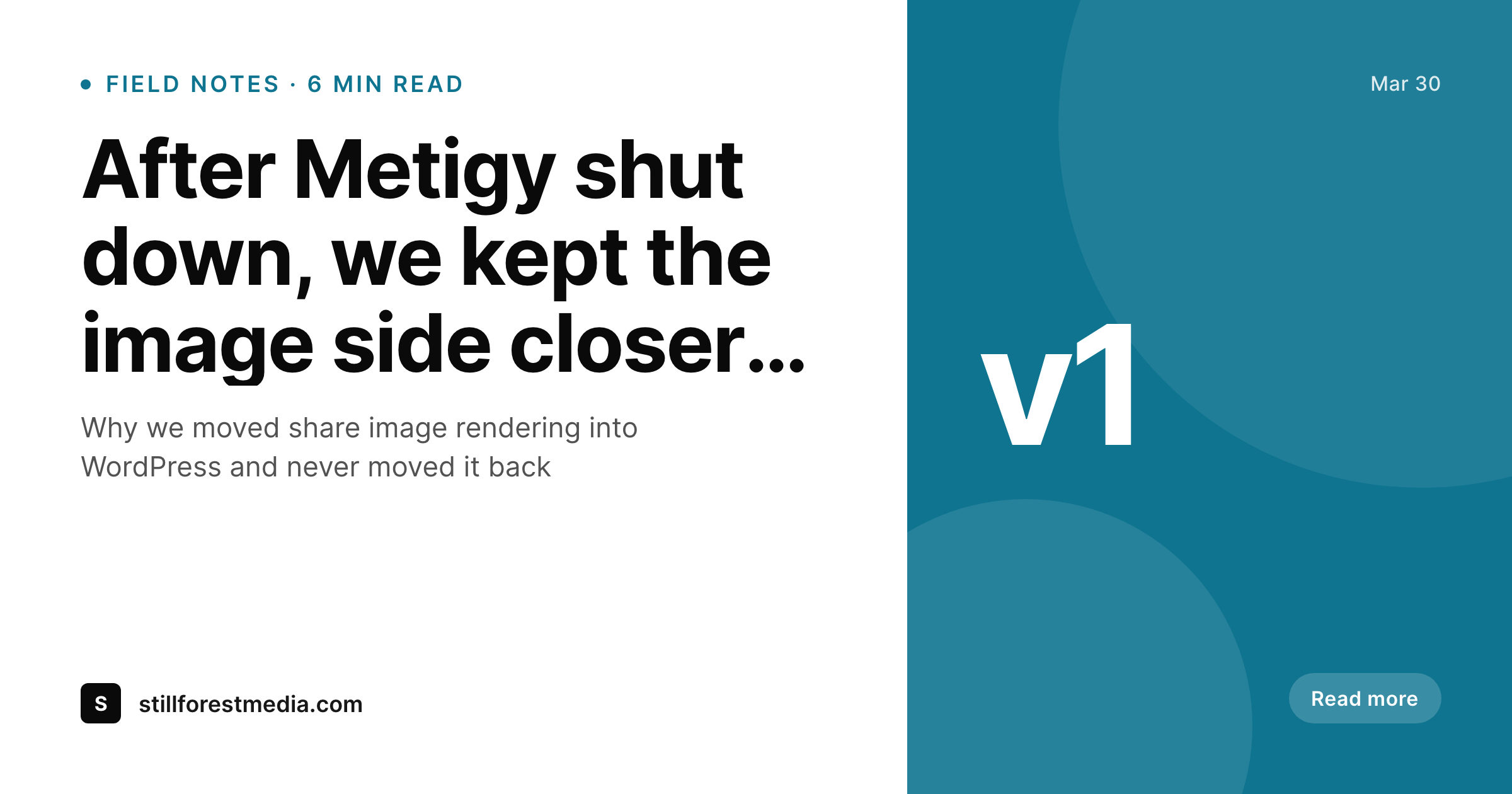
What happens when a suite goes away
Metigy positioned itself as an AI-driven social marketing suite, with scheduling, recommendations, and image creation bundled into one product. When the company wound down operations, teams that depended on the suite were left to reconstruct the workflow from separate tools. The image side of that workflow is where many teams felt the loss most, because the in-app image editor was tied to the rest of the suite's recommendations.
SleekPixel takes one specific piece of that workflow, the social image, and moves it into WordPress where the post already lives. Save a post, get a branded OG image and a square render, plus og:image meta in the post head. The renderer runs in PHP, no external service, no risk of another vendor sunset taking the image pipeline with it.
For teams that still need scheduling, recommendations, or analytics, a separate tool now handles those pieces. The image piece, however, sits inside the WordPress install itself and survives whatever tooling decisions the team makes on the social side. That separation is the lesson many ex-Metigy teams take away from the shutdown.
Workflow
Rebuilding the image piece in WordPress
Install SleekPixel
Rebuild the template
Bulk regenerate
Layer in a scheduler
Output
What renders on save
A 1200x630 PNG with the post title, category, brand mark, and meta line, written to uploads and linked from og:image and twitter:image meta in the post head.
Comparison
Metigy in-app image vs SleekPixel og:image render
Metigy in-app image
- Image creation tied to a suite that is no longer operational
- Images lived in the Metigy dashboard, not in the post itself
- Suite cancellation took the image library with it
- Recommendations were specific to Metigy and not portable to other tools
- Replacement workflow requires assembling several tools instead of one suite
SleekPixel
- Images render inside WordPress, no third-party service to depend on
- og:image and twitter:image meta written into the post head on save
- Templates and previews live in the admin, alongside the post
- Flat plugin license, no per-render or per-seat fees
- Image pipeline survives any future scheduling or analytics tool changes
Features
What SleekPixel gives you for Metigy alternative for WordPress images
No vendor risk
Renders happen inside the WordPress PHP process. A scheduler or analytics tool change does not affect the image story.
Inside the post
Template, preview, and rendered file all live with the post in the WordPress admin. Nothing to reconstruct after a vendor change.
Flat license
One plugin license covers unlimited renders. Republishing a post during copy review does not move the bill.
Use cases
Where moving the image into WordPress matters
Post-suite migrations
Teams reconstructing a workflow after a SaaS shutdown lock down the image piece first, since it is the part most prone to disappearing with the vendor.
Editorial sites
Content teams that publish multiple times a week stop maintaining a parallel image library in an external tool.
SEO-driven publishers
SEO teams that need predictable og:image meta on every URL get that consistency from the post itself.
The bigger picture
Why the image piece should outlive any single social tool
The Metigy shutdown was a reminder that SaaS suites can go away with limited notice, and the pieces of the workflow that lived inside them go away with them. For most content teams, the social image is the longest-running visual artifact of the post, because it shows up in every share, every press pickup, and every internal Slack link. That artifact deserves to live in a place the team controls.
WordPress is that place for sites publishing content there. Moving the image piece into WordPress puts it on the same lifecycle as the post body, the SEO metadata, and the uploads folder. Schedulers can come and go, analytics tools can be swapped, the in-house team can rotate, and the share images keep working because they are a property of the post.
That decision is cheap to make now and expensive to make later, after another vendor surprise.
Questions
Common questions about SleekPixel for Metigy alternative for WordPress images
Yes. Metigy announced the closure of operations, leaving customers to migrate their workflows to separate tools.
No. SleekPixel only handles image rendering and meta tag writing. Scheduling, recommendations, and analytics live in separate tools.
Not directly. Metigy templates were not exportable as block layouts. Most teams rebuild the design as a WordPress block template, often simplifying the layout in the process.
Yes. SleekPixel writes og:image, og:image:width, og:image:height, and twitter:image into the post head on save.
SleekPixel does not provide analytics. Teams typically pair it with a dedicated analytics tool, separate from the image rendering piece.
Yes. Templates can reference any registered field, including ACF, Meta Box, WooCommerce attributes, and recipe plugin fields.
After a bulk regenerate, og:image meta is in place. Social platforms re-scrape on next share, and previously cached URLs may need a manual invalidation through Twitter and LinkedIn debug tools.
A typical replacement combines SleekPixel for image rendering on WordPress, a scheduler such as Buffer or SocialBee for posting, and a separate analytics tool. Each piece can be swapped without affecting the others.
Pricing
More than 1000+
happy customers
Explore our flexible licensing options tailored to your needs. Upgrade your license anytime to access more features, or opt for a lifetime license for ongoing value, including lifetime updates and lifetime support. Our hassle-free upgrade process ensures that our platform can grow with you, starting from whichever plan you choose.
Lifetime ♾️
Most popular
EUR
once
- Unlimited websites
- Lifetime updates
- Lifetime support
...or get the Bundle Deal
and save €250 🎁
💎 Want everything forever? The All Access Pass is going away on 01.08.2026.
The Bundle (unlimited sites)
Pay once, own it forever
Elevate your WordPress site with our exclusive plugin bundle that includes all of our premium plugins in one package. Enjoy lifetime updates and lifetime support. Save significantly compared to buying plugins individually.
What’s included
-
SleekAI
-
SleekByte
-
SleekMotion
-
SleekPixel
-
SleekRank
-
SleekView
€749
Continue to checkoutBrowse more
- tutorial thumbnails
- release day cards
- loyalty program cards
- media mention card
- incorporation card
- explainer essay card
- coming soon cards
- explainer video thumbnails
- rating cards
- compliance update cards
- fundraise card
- music recommendation cards
- quote graphic
- team spotlight cards
- quarterly update cards
- Instagram Reels covers
- YouTube Music cover art
- YouTube podcast thumbnails
- Fansly banner
- Klaviyo email banner
- Medium article headers
- Mailchimp email banner
- Patreon cover images
- TikTok profile banners
- Threads profile banners
- WeChat Moments images
- Stan Store cover
- Spotify podcast covers
- Snapchat Spotlight covers
- Discord stage banner