






SleekPixel for Tailwind App alternative for WordPress
Tailwind App (the Pinterest scheduler, unrelated to the CSS framework) bundles pin design with scheduling and analytics. SleekPixel handles the pin design half from inside WordPress, so each post ships a branded 2:3 image automatically.
♾️ Lifetime License available
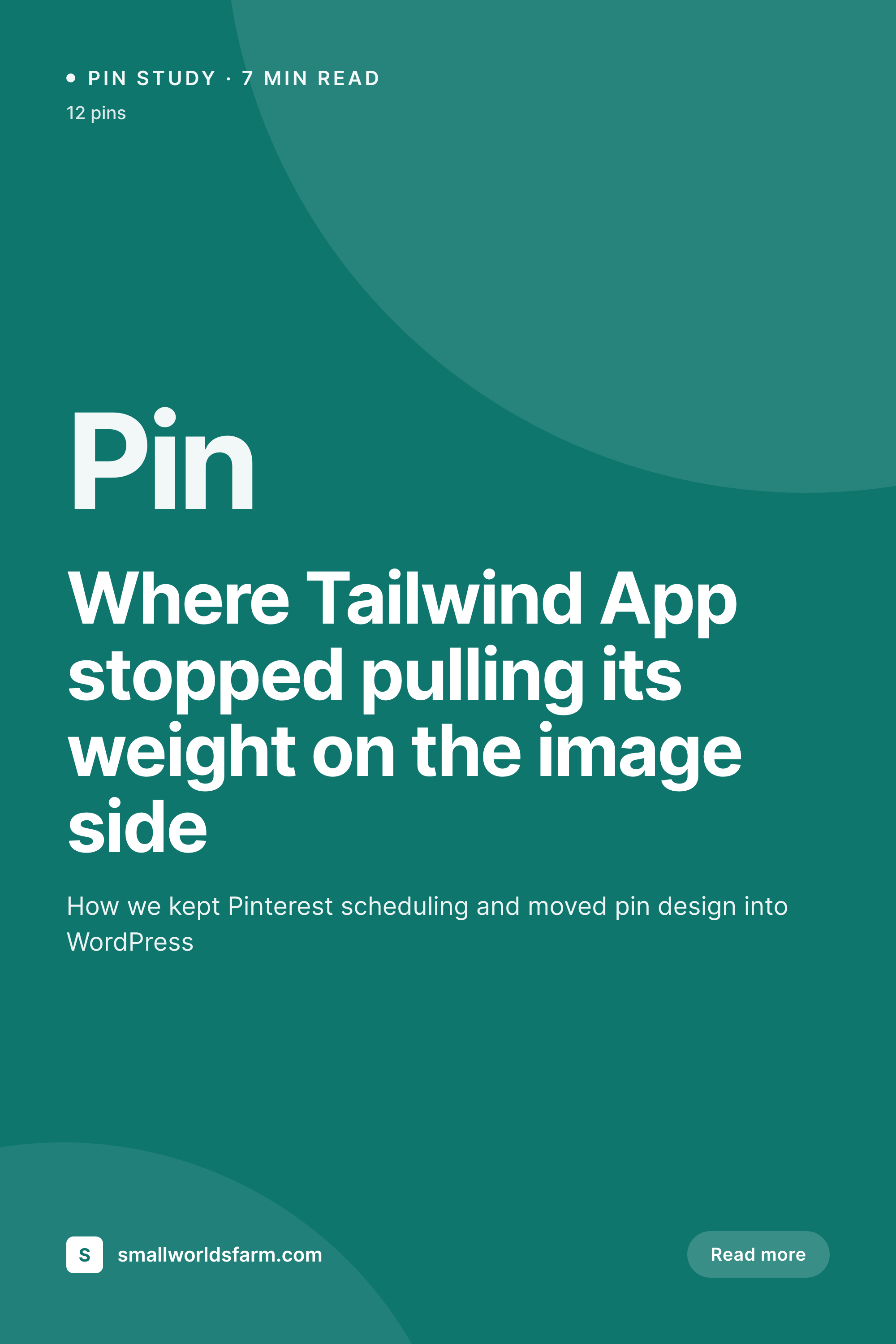
Splitting Tailwind App's pin designer from its scheduler
Tailwind App is a useful Pinterest scheduling tool with a built-in pin designer. The designer side is fine for one-off promotional pins, but it falls behind for content sites that want a pin for every blog post automatically. Most teams end up either skipping pins for posts that did not get a hand-designed image, or hand-creating dozens of pins per article, which is the workflow Tailwind App is supposed to remove.
SleekPixel takes the pin design problem out of Tailwind App and into WordPress. The post save triggers a 1000x1500 PNG render with the post title, category, hero image, and brand mark. The Gutenberg sidebar exposes a download button, so the pin file is ready for upload into Tailwind App's scheduler, or any other Pinterest tool the team uses.
The trade is honest. Tailwind App keeps doing what it is best at, which is Pinterest scheduling, Tribes, and SmartLoop. The pin design step moves into WordPress where the post lives, and stops being a manual content-creation tax on the editor.
Workflow
Moving pin design into WordPress in four steps
Install SleekPixel
Design the pin template
Bulk regenerate
Schedule from Tailwind App
Output
Pin render on save
A 1000x1500 PNG with the post title, category, hero image, and brand mark, sized for Pinterest's 2:3 ratio and ready to upload to any Pinterest scheduler.
Comparison
Tailwind App pin designer vs SleekPixel renders
Tailwind App pin design
- Pin designer assumes manual editing per post inside the Tailwind App dashboard
- Designs are disconnected from the WordPress post fields they describe
- Per-month pricing on the scheduler regardless of how many pins are designed
- Cancelling Tailwind App removes both scheduling and the pin design library
- Pin variations require duplicating designs by hand inside the app
SleekPixel
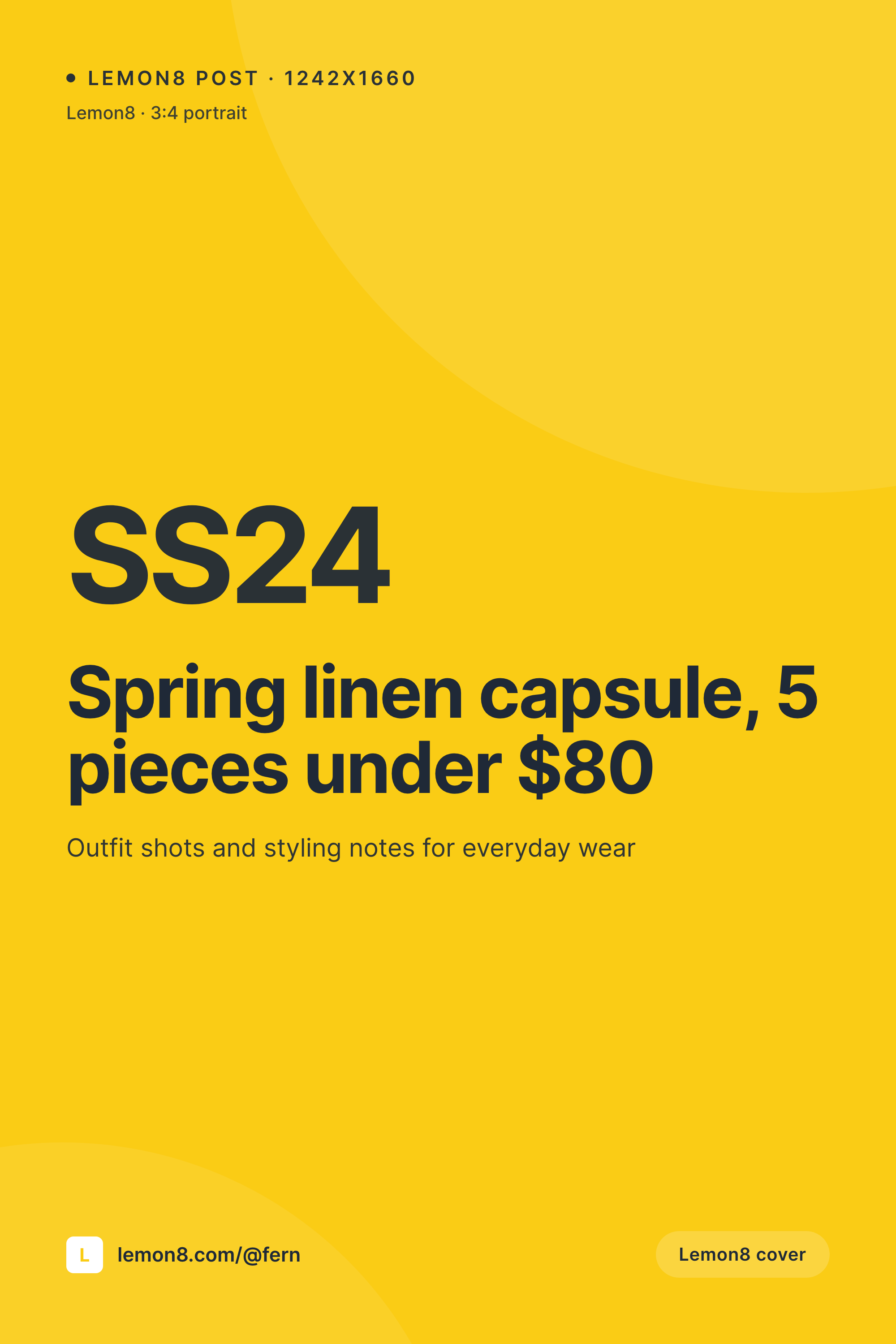
- 1000x1500 PNG rendered on post save with post title and hero image
- Templates designed in WordPress blocks, reusing OG image styling
- Pins are saved in uploads and downloadable from the Gutenberg sidebar
- Flat plugin license, no extra cost per pin generated
- Multiple pin variations per post supported via template variants
Features
What SleekPixel gives you for Tailwind App alternative for WordPress images
2:3 ratio render
Pinterest's preferred ratio, generated automatically from the post. No hand-design step before scheduling.
Variations from the post
Define two or three template variants and render multiple pins per post for A/B testing inside Tailwind App.
No second account
Pin design happens inside WordPress. Editors do not need a Tailwind App seat just to ship a pin.
Use cases
Where moving pin design into WordPress helps
Food blogs
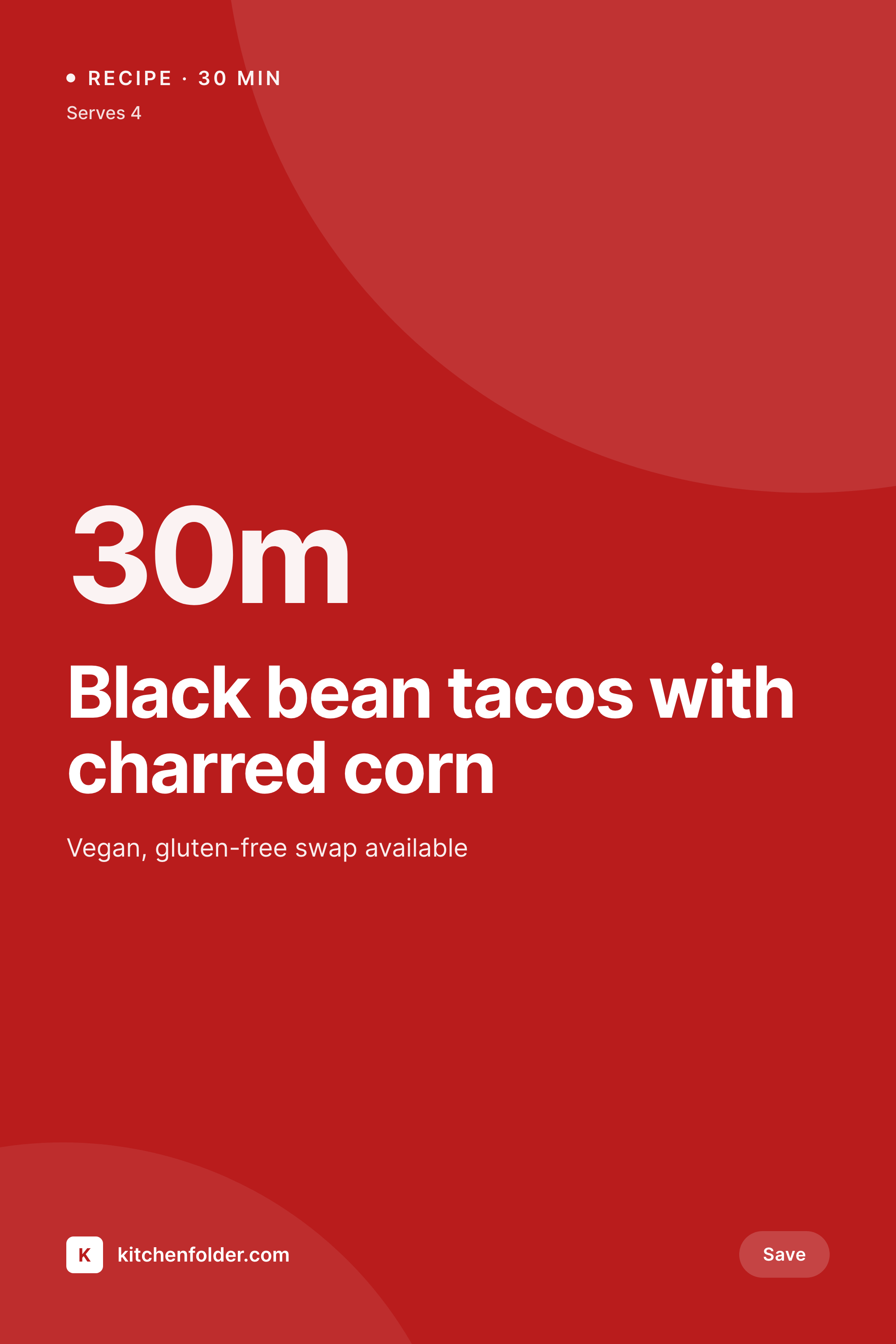
Recipe sites that pin every recipe stop hand-designing each pin. The render uses the recipe title, hero image, and brand mark.
Home and lifestyle sites
Design and DIY blogs reach Pinterest's preferred volume without slowing down the editorial calendar.
Travel publishers
Destination guides render city-specific pins from the post automatically, no per-destination design pass required.
The bigger picture
Why pin design belongs next to the post, not inside a scheduler
Pinterest rewards consistent posting volume, and that pressure pushes content teams to either skip pins or hire someone to design them. Both responses are expensive. Skipping pins forfeits a real distribution channel, and hiring per-pin design is hard to justify against the marginal traffic each pin produces.
Generating the pin from the post solves both. Each post yields at least one branded pin automatically, and template variants generate multiple pins for testing without proportionally more design time. Tailwind App keeps its actual value, which is scheduling at the right times, joining Tribes, and rotating older pins through SmartLoop.
The pin file itself stops being something a human has to make. That balance is the long-term workflow Pinterest content sites tend to converge on once they have been through a year of trying to keep up by hand.
Questions
Common questions about SleekPixel for Tailwind App alternative for WordPress images
No. Scheduling stays with Tailwind App, Pinterest's own scheduler, or any other tool the team uses.
Yes. Multiple template variants can render against the same post, producing two or three pins ready for A/B testing in Tailwind App.
For typography-led pin layouts with hero image, title, and brand mark, yes. Highly illustrated designs with custom artwork stay easier in a dedicated design tool.
Yes. Templates can layer text, gradient masks, and brand marks over the post hero image, similar to the standard Pinterest pin pattern.
Those are Tailwind App features and stay with Tailwind App. SleekPixel does not handle scheduling or community sharing on Pinterest.
Yes. Templates can pull from any registered field, including recipe plugin fields, ACF, Meta Box, and WooCommerce product attributes.
Yes. The bulk regenerate action processes the existing catalog, producing a pin for every post that has a hero image and the required fields.
Pinterest scheduling, Tribes, SmartLoop, analytics, and direct posting. SleekPixel only handles pin rendering on the WordPress side.
Pricing
More than 1000+
happy customers
Explore our flexible licensing options tailored to your needs. Upgrade your license anytime to access more features, or opt for a lifetime license for ongoing value, including lifetime updates and lifetime support. Our hassle-free upgrade process ensures that our platform can grow with you, starting from whichever plan you choose.
Lifetime ♾️
Most popular
EUR
once
- Unlimited websites
- Lifetime updates
- Lifetime support
...or get the Bundle Deal
and save €250 🎁
💎 Want everything forever? The All Access Pass is going away on 01.08.2026.
The Bundle (unlimited sites)
Pay once, own it forever
Elevate your WordPress site with our exclusive plugin bundle that includes all of our premium plugins in one package. Enjoy lifetime updates and lifetime support. Save significantly compared to buying plugins individually.
What’s included
-
SleekAI
-
SleekByte
-
SleekMotion
-
SleekPixel
-
SleekRank
-
SleekView
€749
Continue to checkoutBrowse more
- Bluesky profile banners
- X ad images
- Lemon8 post
- VK community cover photos
- TikTok cover images
- Lemmy post images
- Facebook ad images
- Odnoklassniki banners
- Douyin thumbnails
- Mailchimp email banner
- Kick stream thumbnails
- Depop listing images
- Twitch starting soon screen
- Mastodon post images
- TikTok ad images