






SleekPixel for Planoly alternative for WordPress
Planoly is a grid planner with a scheduler. SleekPixel is a WordPress-native renderer that emits 1080x1080 PNGs from posts. Use both, drop one, the image is consistent either way because it comes from the post itself.
♾️ Lifetime License available
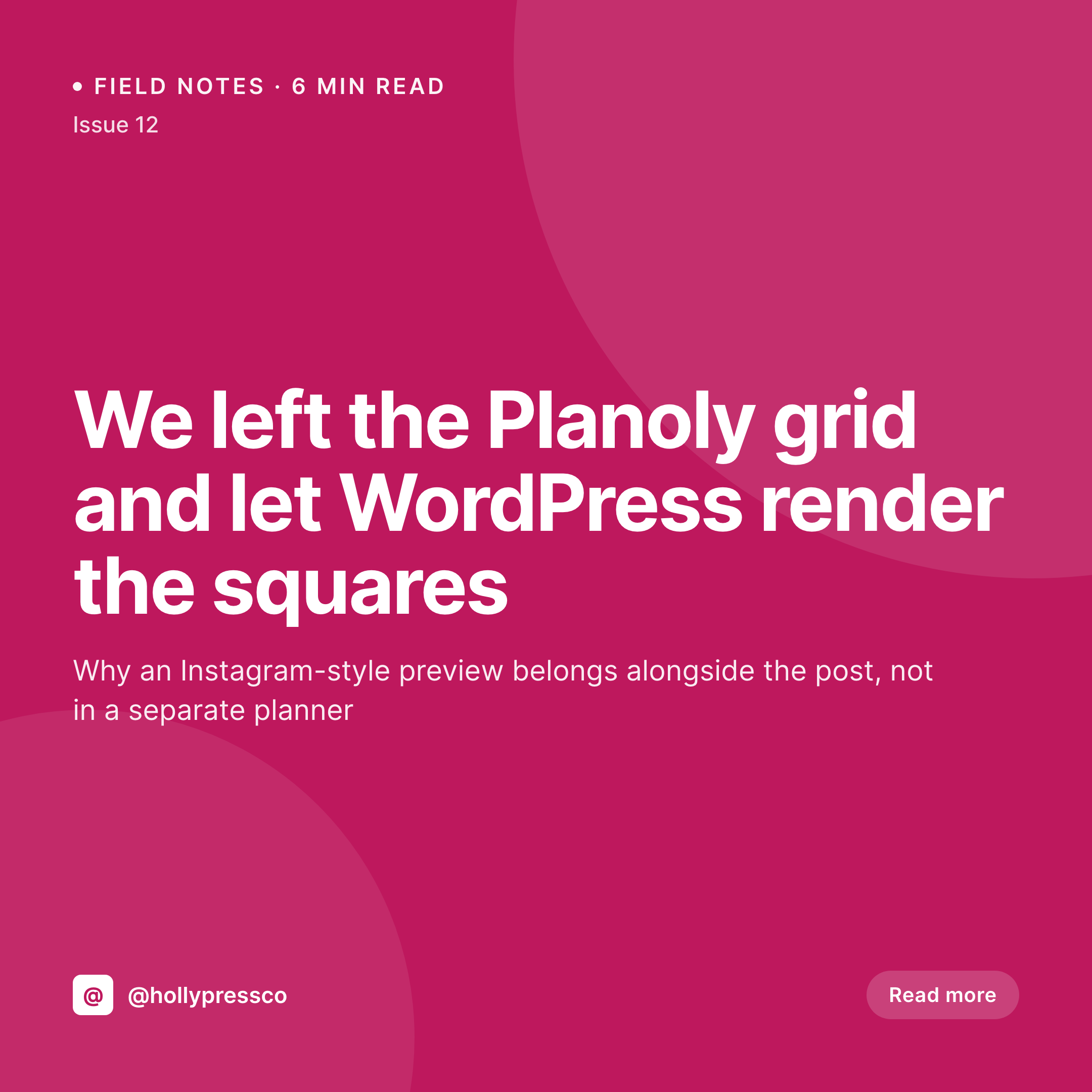
Why the image and the planner are two different problems
Planoly's strength is the visual grid planner. Drag posts around, see how the next twelve squares look together, schedule from there. The image generation in Planoly is a bonus feature, not the core of the product, and it mostly assumes the user already has artwork to upload. WordPress sites that publish regularly often want the image generated from the post itself, with the post title, category, and brand applied automatically. That is a different problem.
SleekPixel handles that side. Save a post, get a 1080x1080 PNG ready for Instagram or any other square placement, alongside the standard 1200x630 OG image. The PNG lives in uploads, and the Gutenberg sidebar exposes a download button so the file is ready to feed into Planoly's planner, Buffer, or any other scheduler the team uses.
Teams keep Planoly for the grid view if it earns its keep, and use SleekPixel to make sure every square that lands in the grid is a properly branded render of the actual post. The split usually means a smaller Planoly plan and a more consistent visual presentation, because the images stop being one-off uploads and start being a function of the post.
Workflow
Bringing the square render into WordPress
Install SleekPixel
Set up the square template
Bulk regenerate
Feed Planoly the rendered PNG
Output
Square render on save
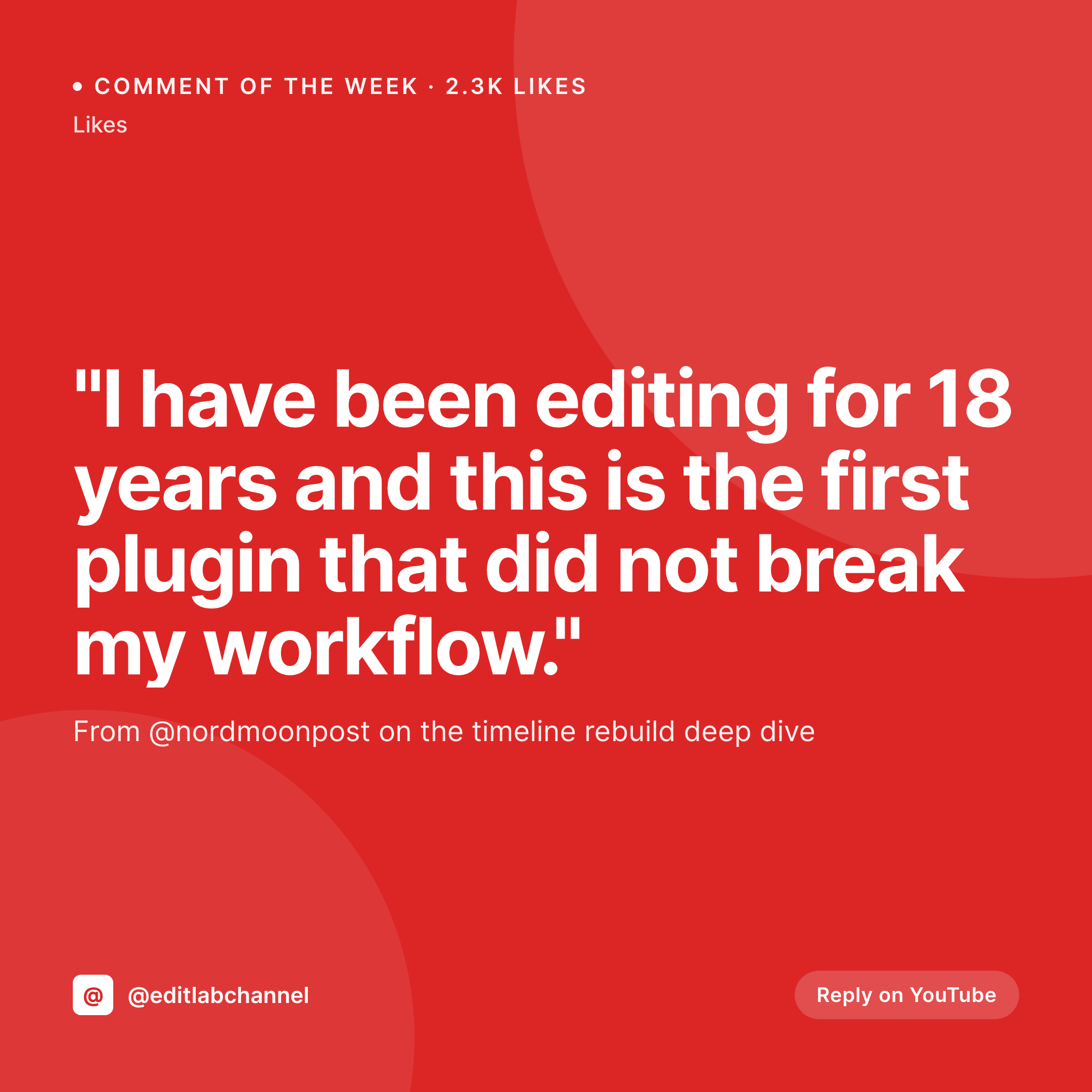
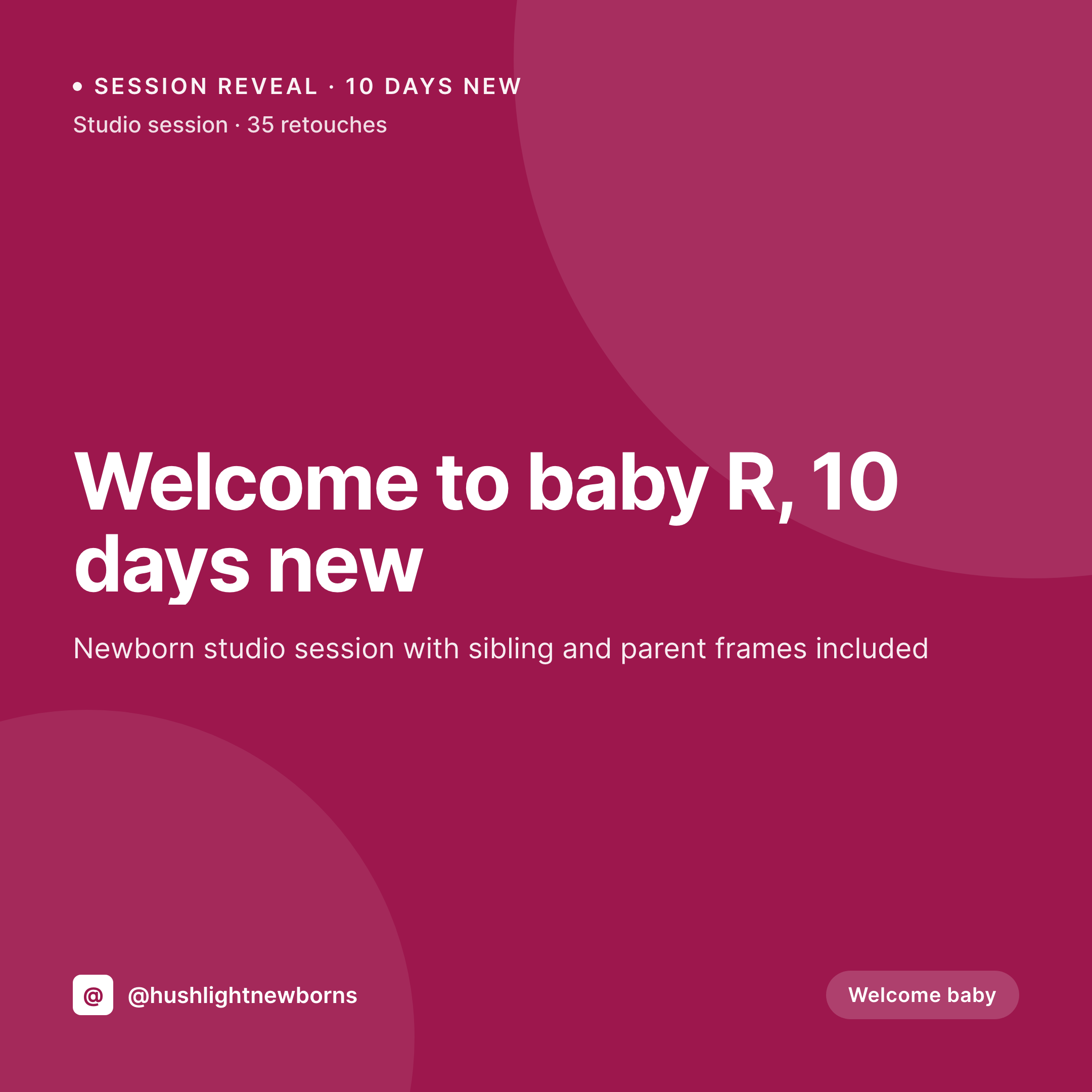
A 1080x1080 PNG with the post title, category, brand mark, and decorative pattern, ready to drop into a Planoly grid or any scheduler that accepts a static square image.
Comparison
Planoly grid editor vs SleekPixel renders
Planoly upload
- Image generation in Planoly assumes the user already has artwork
- Grid previews require uploading the asset before it is visible in context
- Square renders are disconnected from the post they belong to
- Subscription pricing tied to grid views, not image rendering
- Cancelling Planoly removes the grid view and the uploaded images
SleekPixel
- Square 1080x1080 PNG rendered from the WordPress post automatically
- Same source data as the OG image, so brand presentation stays aligned
- Download from the Gutenberg sidebar straight into Planoly or any scheduler
- Flat plugin license, no per-render or per-grid-view fees
- Images live in uploads, served from the same CDN as the site
Features
What SleekPixel gives you for Planoly alternative for WordPress images
Square format
Render 1080x1080 cards that match Instagram and any other square placement, generated from post fields without manual artwork.
Lives with the post
The square render is attached to the post and visible in the Gutenberg sidebar. No separate planner to keep in sync with the editorial calendar.
Hand-off ready
Download the PNG and drop it into Planoly, Buffer, or Later. The grid planner gets a real, branded asset instead of a placeholder.
Use cases
Where pulling the image out of Planoly helps
Blog-driven brands
Sites that publish weekly stop hand-designing squares for each post. The render comes for free with the save.
Small social teams
One person can handle posting and visuals when the image is already in the post. Planoly stays useful as a planner, not as an image source.
Lifestyle and wellness publishers
Categories like recipes, wellness, and travel benefit from on-brand squares per post, generated from the actual recipe or article.
The bigger picture
Why generating from the post beats uploading into a planner
The visual planner pattern assumes the artwork is already done. That model fits agencies and influencer brands, where the artwork is the deliverable and the planner is the staging area. For content sites, the artwork is downstream of the post, not parallel to it.
If the post headline changes, the artwork needs to change. If the category changes, the brand mark color may need to change. Those updates are easy when the artwork is generated from post data, and laborious when the artwork is a static upload sitting inside a planner.
Moving the image into WordPress lines the asset up with the source. The grid in Planoly, if it stays, is now populated with real, post-derived squares instead of generic uploads, and that consistency is what makes a brand grid feel intentional rather than busy.
Questions
Common questions about SleekPixel for Planoly alternative for WordPress images
No. SleekPixel does not include a grid planner. The download from each post can be loaded into Planoly or any other planner that the team prefers.
No. Scheduling stays with Planoly, Buffer, Later, or any other tool. SleekPixel only owns the image rendering and meta tag layer.
Yes if the templates are set up consistently. Both use the same post data and the same brand tokens, so the styling stays aligned across formats.
Square images are downloads, not og:image. og:image and twitter:image meta in the post head use the 1200x630 OG render. The square is for manual upload to scheduling tools.
Yes. Separate templates can render 1080x1920 stories or reels covers from the same post data, alongside the square and OG formats.
SleekPixel does not generate hashtag suggestions. That feature stays with Planoly or any caption assistant the team uses.
Yes. Any registered field is available as a token in the template, including ACF, Meta Box, and WooCommerce product attributes.
Visual grid planner, Instagram scheduling, hashtag tools, and analytics. SleekPixel only renders the image and writes og:image meta on the WordPress side.
Pricing
More than 1000+
happy customers
Explore our flexible licensing options tailored to your needs. Upgrade your license anytime to access more features, or opt for a lifetime license for ongoing value, including lifetime updates and lifetime support. Our hassle-free upgrade process ensures that our platform can grow with you, starting from whichever plan you choose.
Lifetime ♾️
Most popular
EUR
once
- Unlimited websites
- Lifetime updates
- Lifetime support
...or get the Bundle Deal
and save €250 🎁
💎 Want everything forever? The All Access Pass is going away on 01.08.2026.
The Bundle (unlimited sites)
Pay once, own it forever
Elevate your WordPress site with our exclusive plugin bundle that includes all of our premium plugins in one package. Enjoy lifetime updates and lifetime support. Save significantly compared to buying plugins individually.
What’s included
-
SleekAI
-
SleekByte
-
SleekMotion
-
SleekPixel
-
SleekRank
-
SleekView
€749
Continue to checkoutBrowse more
- TikTok shop images
- LinkedIn newsletter headers
- YouTube community images
- Facebook group banners
- Pinterest product pin covers
- podcast cover art
- Telegram channel images
- YouTube Shorts thumbnails
- Ko-fi banners
- YouTube Music cover art
- Passes page banner
- YouTube ad thumbnails
- kbin post images
- SoundCloud banner
- Tumblr header