






SleekPixel for Freepik alternative for WordPress OG images
Freepik is a stock and AI image library. SleekPixel is a templated renderer that pulls the post title and byline out of WordPress and bakes them onto a card on save. They overlap less than the search results suggest.
♾️ Lifetime License available
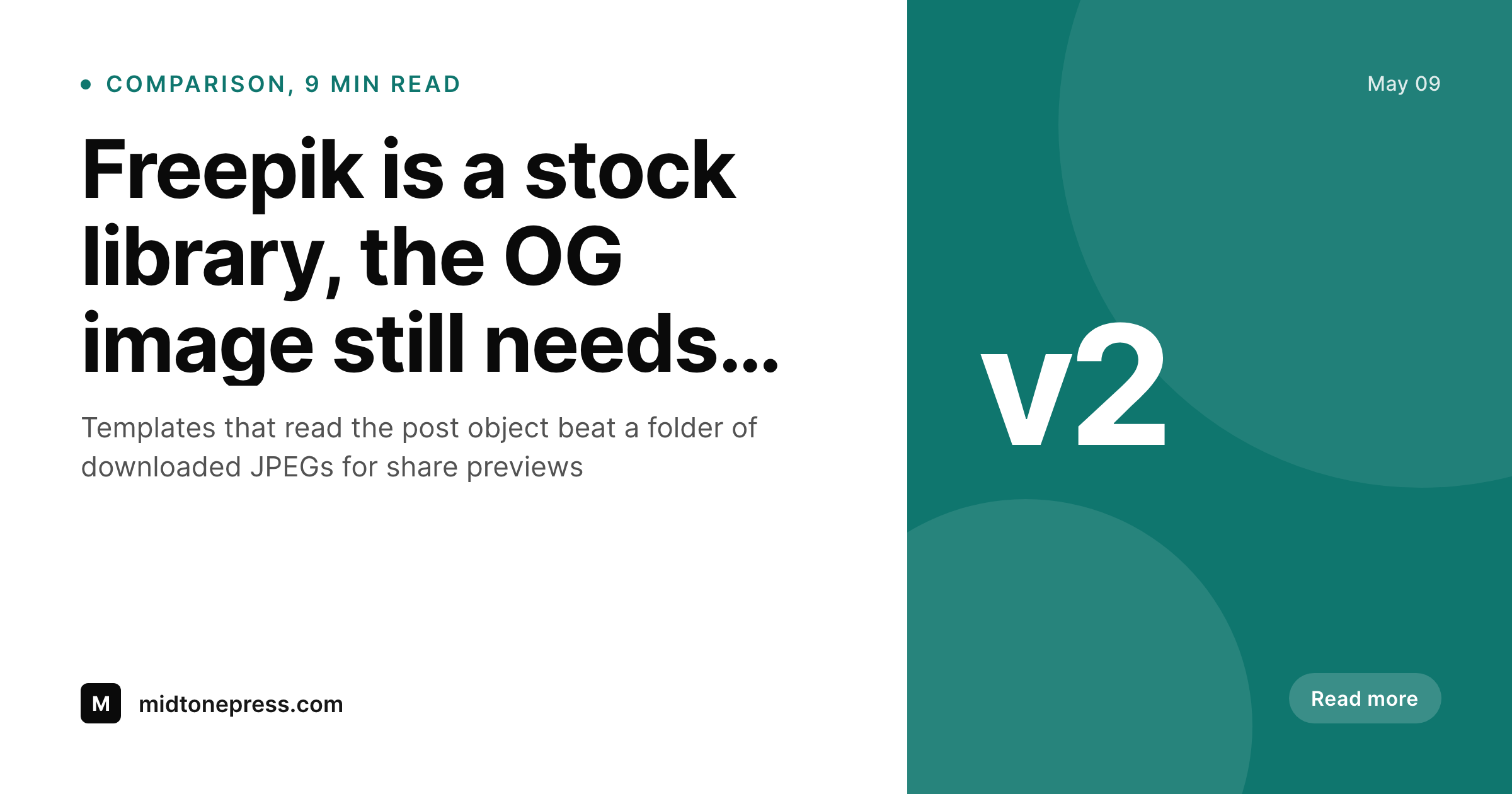
Stock libraries do not solve the share preview problem
Freepik is the default for teams that need a steady supply of illustrations, photos, and AI generated images. It does that job well. The friction starts when the same library is asked to also provide the OG image for every blog post. A downloaded illustration is a flat file, it does not know the post title and it cannot write og:image meta. So the workflow becomes search, download, drop into a design tool, retype the headline, export at 1200 by 630, upload to WordPress, paste the URL into the SEO plugin. That round trip exists on every single post, and editorial teams quietly give up on it after the third launch week.
SleekPixel is built for the slot Freepik cannot fill. The plugin lives inside WordPress, the template is built once, and the renderer reads the post title, excerpt, author, category, and date directly out of the post object on save. The PNG goes into uploads, og:image and twitter:image meta land in the post head, and the next share on Twitter, LinkedIn, or Slack picks up the right card without anyone touching a stock library. The image stays consistent across every post in a section because it is generated from the same template, not stitched together from whatever asset was in the downloads folder that week.
Most teams keep Freepik in the toolkit after the switch. Stock photography and royalty free illustrations still belong in long form posts, in the homepage hero, in marketing emails. They just stop being responsible for the share preview, which is now templated and automatic. Treating the two as complementary, rather than rivals, is the move that makes both stop getting in each other's way.
Workflow
From Freepik download cycle to native WordPress card
Install SleekPixel
Layer in Freepik backgrounds
Map post fields to template slots
Backfill and stop downloading per post
Output
Sample card produced from a Freepik background plus post fields
A 1200x630 PNG that layers the post title, byline, and brand mark over a templated background. SleekPixel writes og:image and twitter:image meta into the post head from the same render.
Comparison
Default Freepik alternative for WordPress OG images image vs SleekPixel
Default Freepik alternative for WordPress OG images image
- Stock library, useful for assets, not for composing the post title onto a card
- Every share preview still needs a separate design pass before publish
- Subscription scales with download volume, not with editorial output
- No og:image meta written, the SEO plugin still has to be wired up by hand
- License attribution rules add friction to bulk per-post usage
SleekPixel
- Templates render on save from post title, byline, category, and date
- Freepik assets can live underneath the template as backgrounds, reused across posts
- og:image and twitter:image meta written into the head automatically
- Flat plugin license, unlimited renders, no per-image quota
- Outputs land in wp-content uploads, served by the existing CDN
Features
What SleekPixel gives you for Freepik alternative for WordPress OG images
Built for the OG slot
SleekPixel is a templated renderer that exists inside WordPress. Freepik is a download library. The two solve different problems, only one is in the publish hook.
Same template, every post
Editing the SleekPixel template regenerates every post that uses it. Updating a Freepik background across a hundred existing posts is a manual job, every time.
Meta tags handled
og:image, og:image:width, og:image:height, and twitter:image are written from the rendered PNG. No second plugin to wire the URL into the head.
Use cases
Who uses SleekPixel for Freepik alternative for WordPress OG images
Editorial blogs with section identity
Sections that need to feel visually related, like a column or a category page, get more from a templated card than a per-post stock pick.
WooCommerce catalog stores
Product previews built from price, SKU, and stock fields stay consistent across hundreds of items, which a stock library was never going to deliver.
Course platforms
Lesson and module pages get a unified card with title, module number, and instructor. Stock backgrounds can still slot in for variety per category.
The bigger picture
Why a stock library is the wrong place to source share previews
OG images get judged at thumbnail size in a crowded feed. The thing that makes a thumbnail readable in that context is not the photograph behind it, it is the typography on top of it, sized and weighted so the headline lands in under a second. A stock library cannot solve that part of the problem, because the typography has to come from the post title and the post title lives in WordPress, not in the asset.
Trying to ship share previews from a stock pipeline always ends in a manual design step per post, and manual design steps per post are the reason most blogs ship inconsistent cards. Moving the renderer into the publish hook is the fix. Stock assets still have a role, they just become inputs to the template rather than the output of the share preview workflow.
That distinction sounds small until it removes a recurring weekly chore from the editorial calendar.
Questions
Common questions about SleekPixel for Freepik alternative for WordPress OG images
Yes. Upload the licensed asset to the media library once and reference it from the template. The same asset can sit underneath every post in a category, with the per-post title and byline rendered on top by SleekPixel.
No. Rendering happens inside the WordPress PHP process using GD or Imagick, whichever is available on the host. The PNG lands in wp-content uploads and og:image meta points at that URL with no outbound HTTP call.
Freepik attribution and license terms still apply to the asset itself. SleekPixel does not change those rules, it just stops requiring a fresh download per post. Most premium plans permit the kind of reuse this workflow encourages, check the current license terms to confirm for the relevant assets.
SleekPixel is a flat plugin license and does not replace a Freepik plan if assets are needed. Many teams downsize the Freepik plan once the per-post design step is gone, since the same assets get reused across more posts.
Yes. Any registered post field, ACF field, Meta Box field, or WooCommerce attribute can drop into a template slot as a token. That covers most editorial and store setups out of the box.
Once a card is rendered and og:image meta is updated, social platforms re-scrape on the next share. Twitter, LinkedIn, and Facebook cache aggressively, so a manual cache invalidation through their debug tools may be needed for already-shared URLs.
No. SleekPixel is a templated renderer, not a generative model. For original illustrations or AI generated photography keep a library like Freepik in the toolkit, the two roles are different on purpose.
Yes. The same template can be cloned for Instagram, Pinterest, or LinkedIn dimensions, and the Gutenberg sidebar has a download button for the rendered file when it is needed outside the OG slot.
Pricing
More than 1000+
happy customers
Explore our flexible licensing options tailored to your needs. Upgrade your license anytime to access more features, or opt for a lifetime license for ongoing value, including lifetime updates and lifetime support. Our hassle-free upgrade process ensures that our platform can grow with you, starting from whichever plan you choose.
Lifetime ♾️
Most popular
EUR
once
- Unlimited websites
- Lifetime updates
- Lifetime support
...or get the Bundle Deal
and save €250 🎁
💎 Want everything forever? The All Access Pass is going away on 01.08.2026.
The Bundle (unlimited sites)
Pay once, own it forever
Elevate your WordPress site with our exclusive plugin bundle that includes all of our premium plugins in one package. Enjoy lifetime updates and lifetime support. Save significantly compared to buying plugins individually.
What’s included
-
SleekAI
-
SleekByte
-
SleekMotion
-
SleekPixel
-
SleekRank
-
SleekView
€749
Continue to checkoutBrowse more
- Twitch schedule banners
- Shopify collection banners
- Reddit subreddit banners
- Instagram feed posts
- YouTube thumbnails
- Discord event cover
- Etsy listing images
- YouTube Shorts covers
- Threads story-style images
- Tidal cover art
- Depop listing images
- Open Graph images
- Weibo post images
- Twitch alert
- Twitch starting soon screen