






SleekPixel for gluten-free bakery
Gluten-free customers read allergen labels twice. SleekPixel renders dairy-free, nut-free, soy-free flags directly on the Instagram tile from your product fields, so safety is visible at a glance.
♾️ Lifetime License available
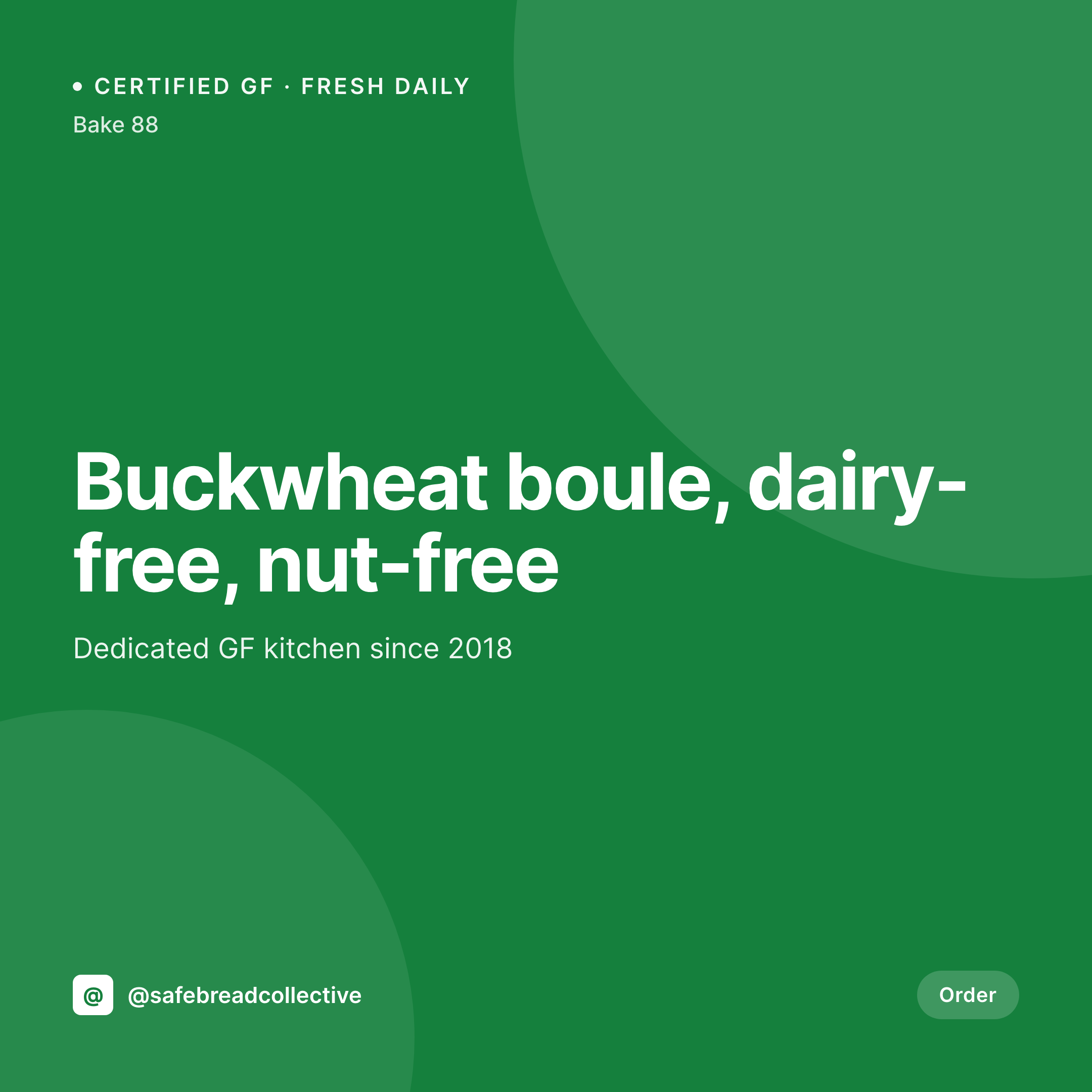
Allergen questions in every DM
A gluten-free bakery's DMs are different from a regular bakery's DMs. Every Instagram post triggers the same questions: is this dairy free, is it nut free, is the kitchen dedicated GF or shared, what's the cross-contamination policy. The answers are on the product page. The Instagram tile rarely shows them. The team ends up typing the same response a dozen times a day, and a customer who didn't get the reply in time skips the bake.
The allergen data already lives on the WordPress site. Most GF bakeries run a product CPT or WooCommerce store with checkboxes for dairy free, nut free, soy free, egg free, vegan, refined-sugar free, and certifications like GFCO or kitchen-dedicated. That data drives filters on the menu page, so anyone shopping on the site can sort by what they tolerate. The same checkboxes can drive icons or tags on the Instagram tile.
SleekPixel reads the allergen fields and renders matching badges on the tile. A buckwheat sandwich loaf that's also dairy free and nut free shows three icons. A vegan brownie shows the vegan badge. The DM volume drops, the trust goes up, and the bakery isn't typing the same answer ten times a day before service.
Workflow
From product page to allergen-tagged tile
Map the allergen fields
Design the GF template
Publish the bake
Post with safety up front
Output
What gets generated per bake
A 1080x1080 Instagram tile with the GF product name, allergen badges, certification logo, and price from the product post.
Comparison
Manual tile, allergen DMs vs auto-tagged tile
Manual / Canva / DM replies
- Same allergen questions in DMs under every post
- Allergen icons missing from tiles, only in product page copy
- Certification logo lives in a folder, not in the design template
- New allergen flag added to a bake but the tile still shows the old set
- Cross-contamination policy explained one DM at a time
SleekPixel
- Dairy-free, nut-free, soy-free badges rendered directly on the tile
- GFCO or certification logo pulled in when the cert field is checked
- Allergen icons stay in sync with the product page filters
- Stories include a full safe-for list, generated in the same save
- Bulk update icons when packaging or certification changes
Features
What SleekPixel gives you for gluten-free bakery
Allergen badges on tile
Dairy free, nut free, soy free, egg free, vegan. Each box checked on the product post becomes an icon on the 1080x1080 Instagram tile.
Certification logo
GFCO, kitchen-dedicated, third-party tested. The logo and label render automatically when the certification field is set on the product.
Cross-contact note
Templates can include a small cross-contact line - shared facility, dedicated equipment - so the safety story is visible without a DM.
Use cases
Where gluten-free bakery tiles get used
Daily Instagram tiles
Every fresh-baked product gets a tile with allergen flags visible at a glance, dropping the DM volume around safety questions.
Pre-order pickups
Birthday cakes, wedding cakes, and holiday breads each render a tile with allergen tags so customers can vet safety before ordering.
Cafe partner menus
Wholesale partners can share the same tile, giving their customers the same allergen visibility that the bakery's own feed offers.
The bigger picture
Why allergen-safe customers shop with the camera, not the caption
A celiac customer browsing Instagram for breakfast options doesn't have the patience to tap into every post to check allergens. They scan the feed, looking for badges, certifications, and cues that signal safety. If the tile doesn't carry that information, the customer scrolls past, because every untrusted bake is a potential glutening.
The bakeries that put allergen badges directly on the image get the click. The ones that hide the data in captions or product pages lose customers who can't risk the guesswork. The economics make the manual version harder.
Most GF bakeries are small operations, run by a founder who developed the recipes after their own diagnosis. They don't have a designer who knows which icons to use or where they fit. Treating the badges as derived from product fields means the safety story is consistent across every bake, every season, and every wholesale partner.
The customer trusts the feed because the bakery treats safety as a structured field, not a sentence in a caption.
Questions
Common questions about SleekPixel for gluten-free bakery
Yes. Each certification (GFCO, NSF, kitchen-dedicated, third-party tested) can have its own field and logo asset. The template renders the appropriate logo automatically when the certification is set on the product.
Yes. A bake that's vegan and gluten free can use one template, a celiac-only bake another. Templates are conditional on which checkboxes are set, so the visual language matches the safety profile.
The cross-contact policy is a field. Templates can render dedicated kitchen as a green badge, shared facility with a cross-contact note. The same template engine handles both transparently.
Yes. WooCommerce attributes for dietary flags work the same as ACF fields. The template reads the attribute and renders the matching badge or icon.
For short ingredient lists yes. Long ingredient panels are better kept on the product page where they're readable. The tile is for quick recognition: name, allergen flags, certification, price.
Any field can drive a badge. FODMAP friendly, low histamine, AIP, refined-sugar free, all show up the same way as the standard allergen icons if the field is set on the product.
Yes. A single product save can render an Instagram tile, a Facebook OG, a Pinterest pin, and a partner-portal asset all at once. Wholesale partners pull the asset from a shared URL.
Add the field, add the badge asset to the template, and run a bulk regenerate. Every product in the catalog updates with the new flag set or unset based on its existing data.
Pricing
More than 1000+
happy customers
Explore our flexible licensing options tailored to your needs. Upgrade your license anytime to access more features, or opt for a lifetime license for ongoing value, including lifetime updates and lifetime support. Our hassle-free upgrade process ensures that our platform can grow with you, starting from whichever plan you choose.
Lifetime ♾️
Most popular
EUR
once
- Unlimited websites
- Lifetime updates
- Lifetime support
...or get the Bundle Deal
and save €250 🎁
💎 Want everything forever? The All Access Pass is going away on 01.08.2026.
The Bundle (unlimited sites)
Pay once, own it forever
Elevate your WordPress site with our exclusive plugin bundle that includes all of our premium plugins in one package. Enjoy lifetime updates and lifetime support. Save significantly compared to buying plugins individually.
What’s included
-
SleekAI
-
SleekByte
-
SleekMotion
-
SleekPixel
-
SleekRank
-
SleekView
€749
Continue to checkoutBrowse more
- remote first card
- LinkedIn thread card
- quote of the day cards
- policy update cards
- interview card
- survey result card
- GitHub release card
- partnership card
- waitlist open card
- scheduled maintenance card
- incident postmortem card
- podcast appearance card
- office hours recap card
- postmortem cards
- new arrival cards
- Douyin cover
- Pinterest pins
- Twitter/X header
- Slack channel headers
- Telegram channel cover images
- Mastodon profile header
- YouTube end screens
- Telegram bot avatar
- Facebook cover photos
- Telegram channel images
- Twitch starting soon screen
- LinkedIn newsletter headers
- Twitch camera frame
- Twitch alert
- Shopify product images