






SleekPixel for Italian restaurant
Cacio e pepe Friday, Negroni hour Tuesday, white-truffle weekend in November. Every special on the menu post becomes a 1080x1080 grid card the manager can post before service.
♾️ Lifetime License available
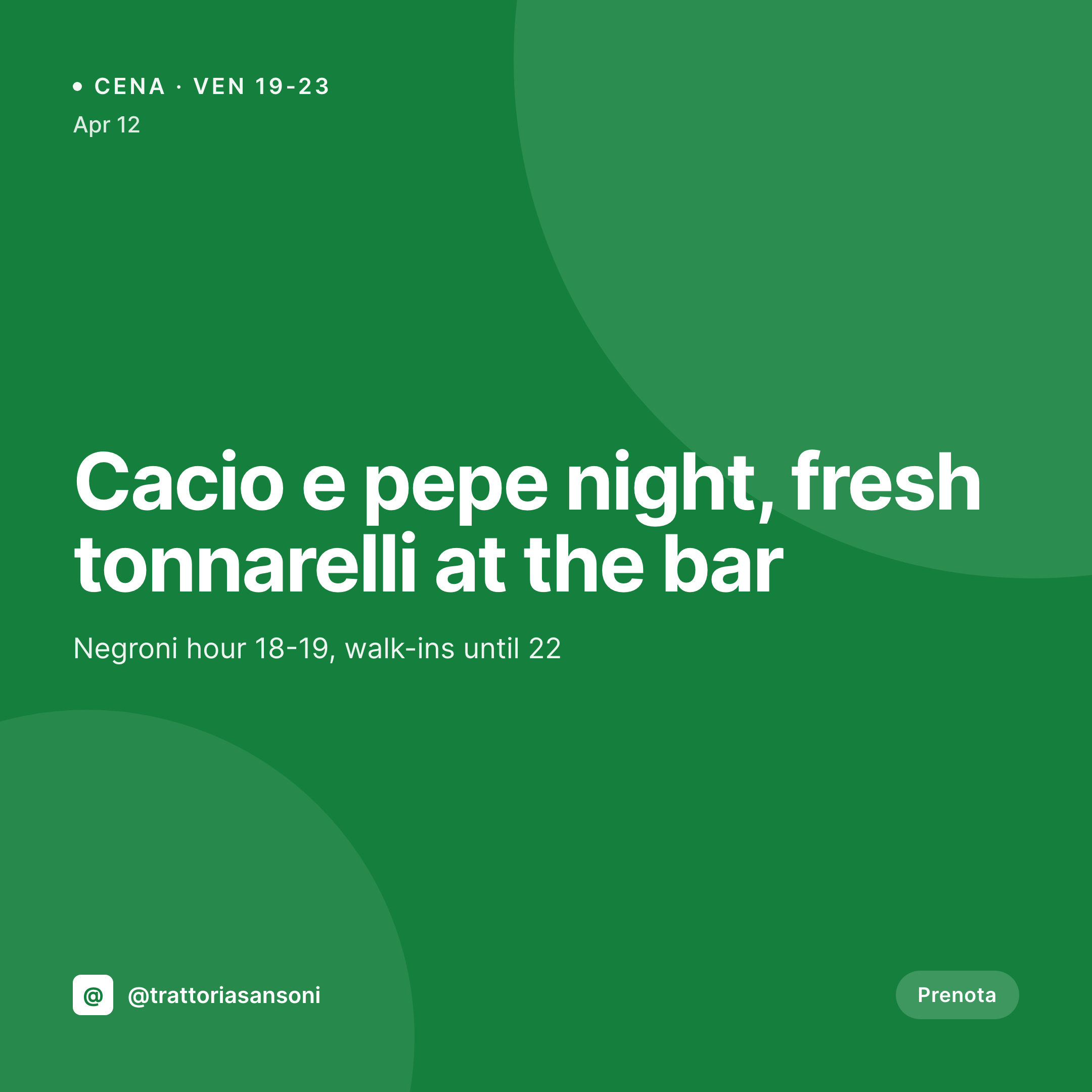
Weekly pasta drops and the Canva grind
An Italian restaurant's grid is mostly weekly specials. Pasta night on Thursday, a new vermouth list, a truffle weekend, an aperitivo hour with a different antipasti each Tuesday. Each one is a square image with a dish name, a price, sometimes an Italian phrase that has to be set in the right font. Each one needs to ship before service.
The data already lives on the website. The dish name is on the menu CPT, the price is in the ACF field, the date is on the event post, the hero photo is in the media library. The work of typing all of that is done. The work that keeps happening over and over is the work of getting that information into a Canva file, sized to 1080x1080, with the right type and color palette.
That work is the work SleekPixel removes. Save the pasta night post, the 1080x1080 PNG saves to uploads with the dish, price, hours, and brand mark already in place. The manager downloads it from the Gutenberg sidebar at 5:55pm and posts. The grid stays consistent week to week without anyone opening a design tool.
Workflow
From menu update to grid card
Map menu and event fields
Design one square template
Publish the pasta night
Post from a phone
Output
What gets generated per pasta night
A 1080x1080 square card with the dish name, price, hours, and event date pulled from the menu or event post, framed in the restaurant's brand.
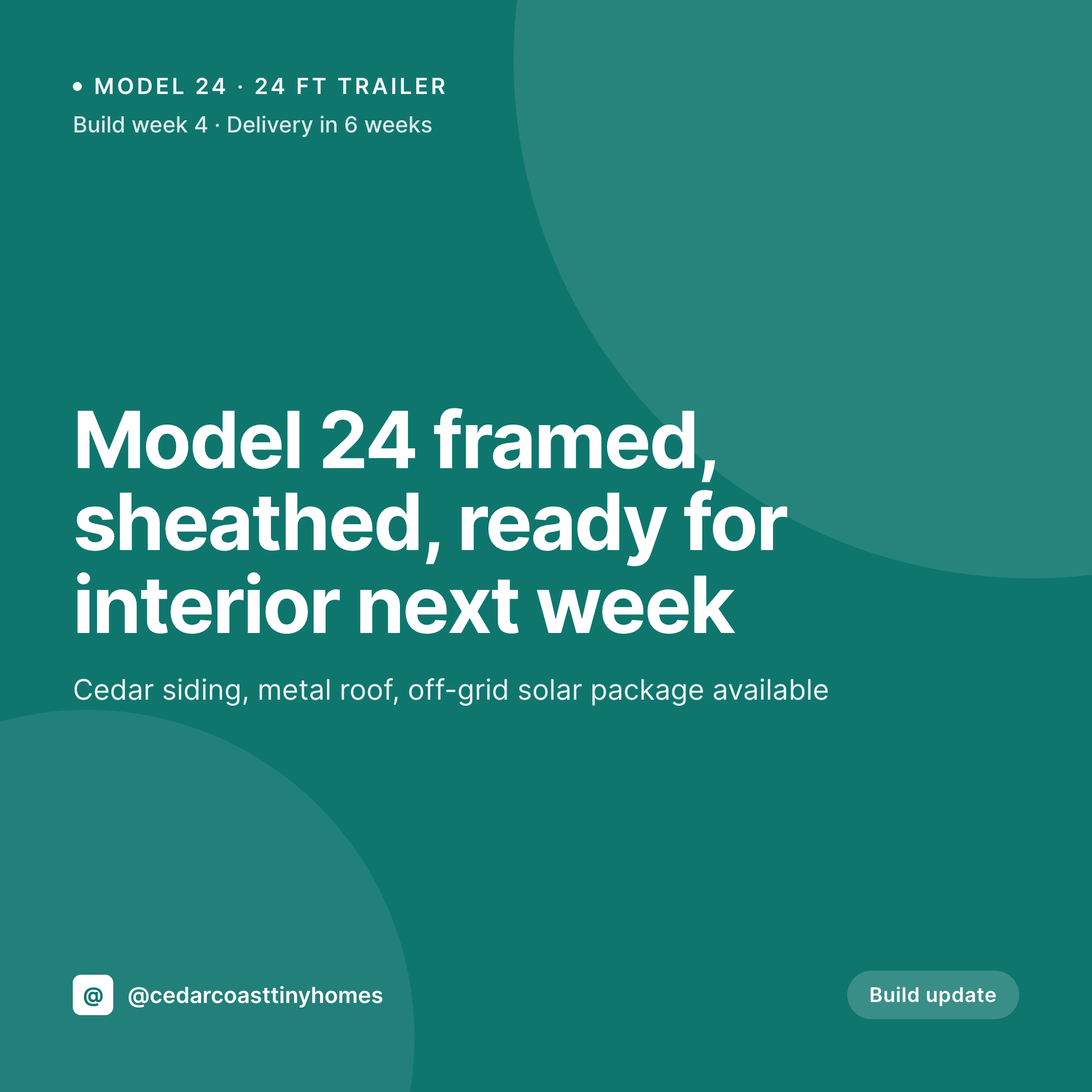
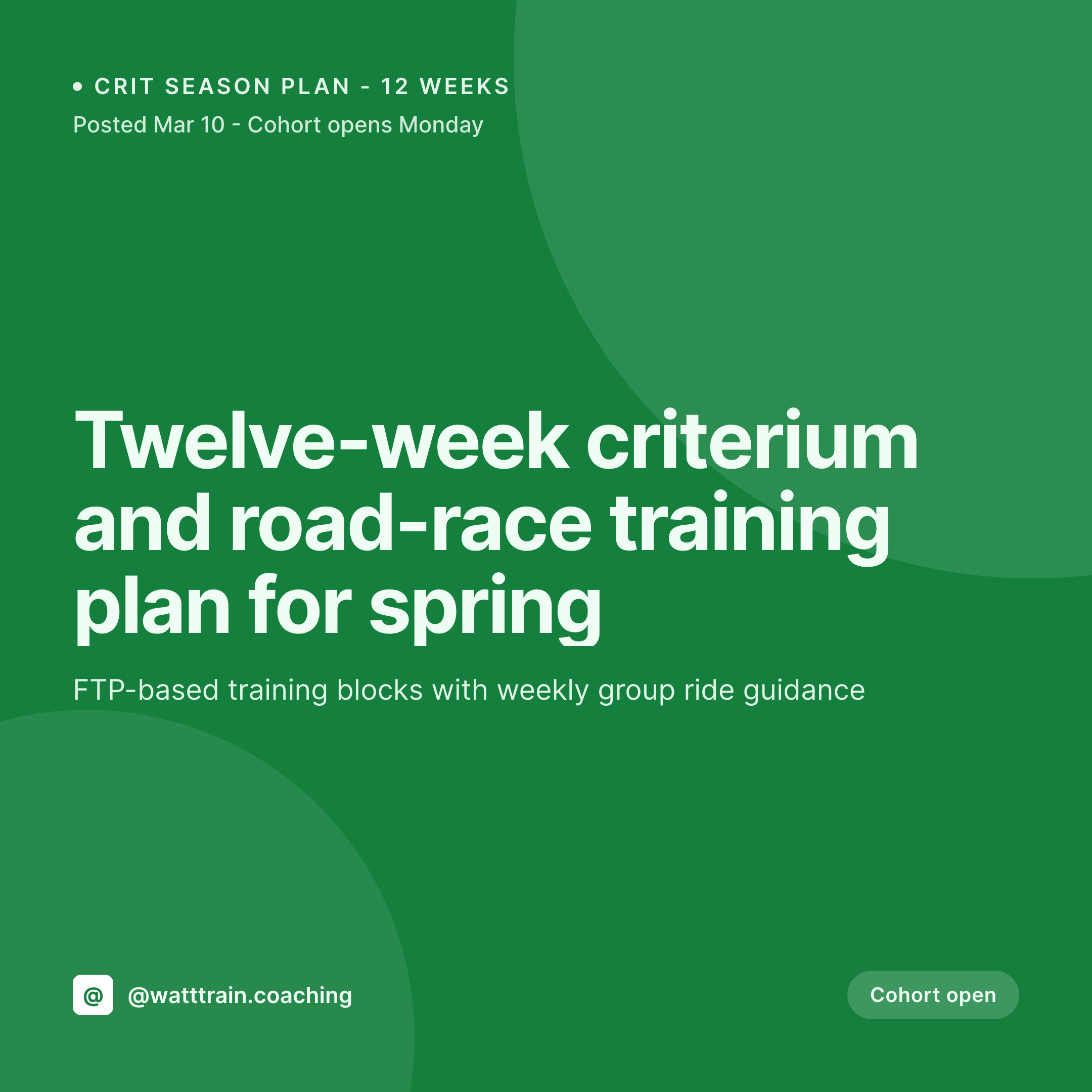
Comparison
Default Italian restaurant image vs SleekPixel
Default Italian restaurant image
- Manager builds a Canva card for every weekly pasta night
- Italian accents and special characters drift between staff members
- Price on the card doesn't match what the kitchen is plating tonight
- Aperitivo hour, pasta night, and wine flight all use slightly different fonts
- Group of trattorias has each location posting its own off-brand cards
SleekPixel
- Save the pasta night post, the 1080x1080 PNG lands in uploads
- Dish, price, hours, and date pulled live from the menu fields
- Square format sized for Instagram and Facebook grids
- Manager downloads from the Gutenberg sidebar before service
- Single template across locations keeps every trattoria on-brand
Features
What SleekPixel gives you for Italian restaurant
Card per night
Every pasta night, aperitivo, and wine drop saves with a square image. The dish name and price come from the post, not a duplicated Canva file.
Event-driven
Tuesday aperitivo, Thursday pasta, Saturday cacio e pepe. Each event post renders into a card the moment the manager hits publish.
Front-of-house fast lane
The manager opens the post on a phone, taps download in the Gutenberg sidebar, and posts. No design tools, no font drift.
Use cases
Who uses SleekPixel for Italian restaurants
Neighborhood trattorias
Weekly pasta nights and aperitivo specials all render as cards from the menu CPT, ready to post before service.
Wine bars and enotecas
New Barolo by the glass, a Tuesday natural-wine flight, a Friday vermouth list. Each bottle post becomes a grid card automatically.
Multi-location groups
Trattoria groups with three or four locations keep the same template across stores. Each location's specials render with the same brand frame.
The bigger picture
Why a trattoria's grid drifts without automation
An Italian restaurant lives on rhythm. Tuesday aperitivo, Thursday pasta, Sunday family lunch. The grid is supposed to reflect that rhythm, but it only does that if the cards are consistent across a year.
The moment a different manager opens Canva, or a stagiaire designs their first card, the rhythm breaks. The mark moves. The type changes.
The shade of olive on the background shifts. Customers don't post a complaint about font drift, but they unfollow when the feed stops looking considered. The way to keep the rhythm is to treat the card as a derived asset of the menu post, not a thing somebody designs each week.
The dish is typed once in the system that runs the website. The image falls out of it. The grid stays consistent for as long as the restaurant runs the same template, which is the whole point.
Questions
Common questions about SleekPixel for Italian restaurant
Yes. Any text typed in the post renders into the template, including accented characters and Italian phrases. Web fonts can be loaded so the type stays correct across all letters.
Yes. Templates can be conditional on category or custom field. Pasta night uses one layout, aperitivo another, wine flight a third. All pull from the same menu fields.
Saving the seasonal event post renders a card with the truffle dish, price, and the dates the event runs. When the season ends, the post is archived and the image stays tied to that post.
Yes. SleekPixel reads any post type and any field. Five Star Menu, RestroPress, GloriaFood, or a plain custom post type all map onto the card template.
Yes. WordPress multisite or a location taxonomy lets each store render with the same brand frame and its own hours, address, and specials. The group looks like one brand across cities.
No. SleekPixel renders the image and saves it to uploads. Posting to Instagram or Facebook is a manual step from the platform app or a scheduling tool.
Yes. A pasta night post can render a 1080x1080 grid card, a 1080x1920 story, and a 1200x630 OG image in a single save. Each is downloadable from the sidebar.
Editing the post re-renders the PNG with the new fields. The latest version overwrites the prior file, so the image attached to that URL is always current with the kitchen.
Pricing
More than 1000+
happy customers
Explore our flexible licensing options tailored to your needs. Upgrade your license anytime to access more features, or opt for a lifetime license for ongoing value, including lifetime updates and lifetime support. Our hassle-free upgrade process ensures that our platform can grow with you, starting from whichever plan you choose.
Lifetime ♾️
Most popular
EUR
once
- Unlimited websites
- Lifetime updates
- Lifetime support
...or get the Bundle Deal
and save €250 🎁
💎 Want everything forever? The All Access Pass is going away on 01.08.2026.
The Bundle (unlimited sites)
Pay once, own it forever
Elevate your WordPress site with our exclusive plugin bundle that includes all of our premium plugins in one package. Enjoy lifetime updates and lifetime support. Save significantly compared to buying plugins individually.
What’s included
-
SleekAI
-
SleekByte
-
SleekMotion
-
SleekPixel
-
SleekRank
-
SleekView
€749
Continue to checkoutBrowse more
- template download card
- doors closing card
- weekly ship cards
- milestone celebration cards
- research report images
- fact-of-the-day card
- indie hacker cards
- trip report card
- company update card
- founder story cards
- tip of the day cards
- experiment recap card
- monthly roundup cards
- product update images
- rebrand card
- Etsy listing images
- Mastodon profile header
- Signal sticker pack
- Twitch overlay
- Spotify playlist cover
- Patreon post thumbnails
- KDP paperback cover
- YouTube Shorts thumbnails
- LinkedIn document post covers
- Discord stage banner
- Facebook ad images
- Instagram ad images
- Etsy cover photos
- Instagram Shop product images
- Telegram channel images