






SleekPixel for photographer
Series title, shoot date, location, format, and hero frame already live on the post. SleekPixel renders a 1080x1080 tile on save so the portfolio's Instagram presence stays in sync with the publish queue.
♾️ Lifetime License available
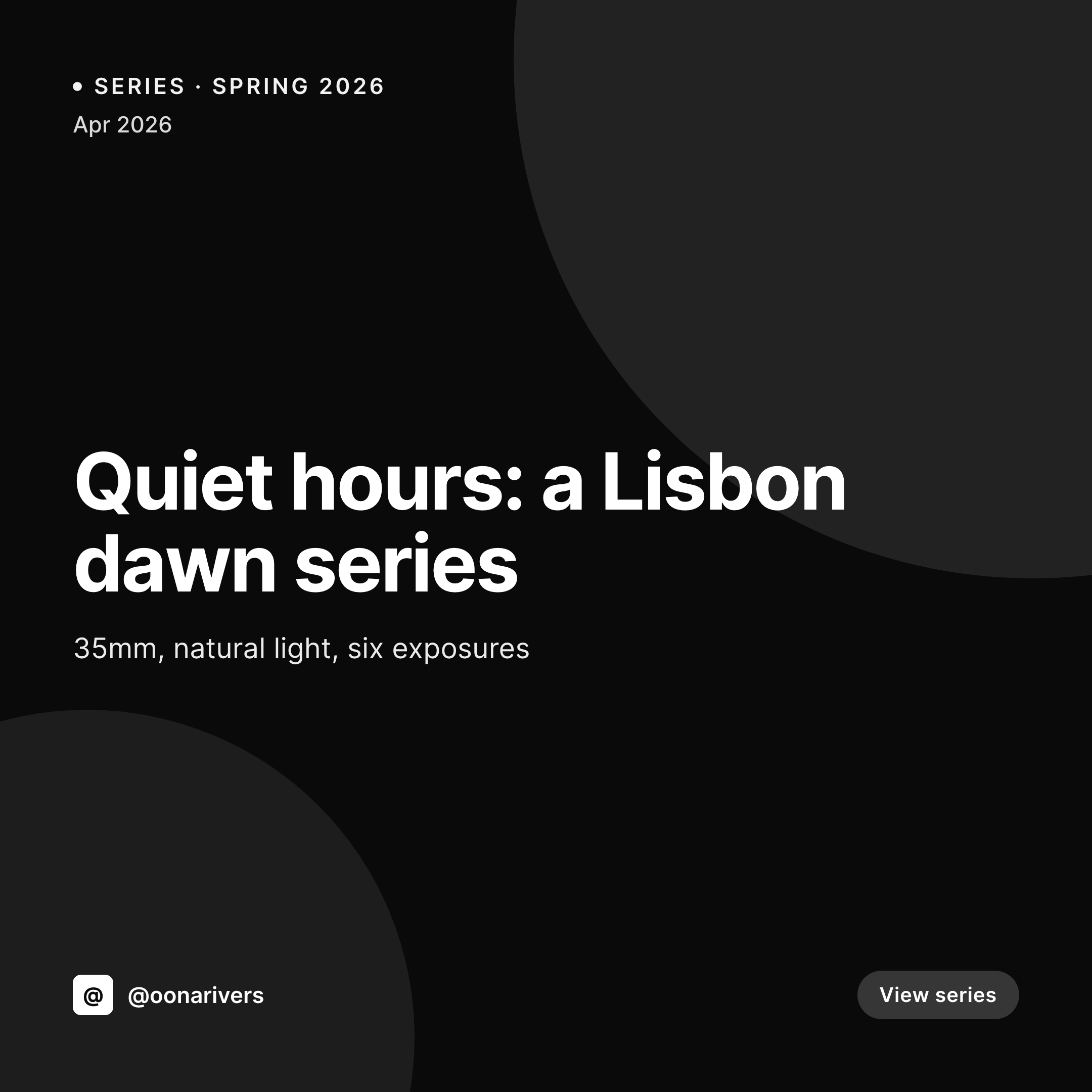
Photographers undersell on Instagram
A working photographer publishes a new series every couple of weeks, plus client work that gets a single hero frame. Each post on the portfolio site needs a corresponding Instagram tile, and the tile has to do something the photo alone can't - it has to brand the series. Otherwise the feed reads as a pile of unconnected photographs from anyone, not a body of work from a specific photographer. The work that brands the tile - title typography, series number, location callout - is what every photographer dislikes doing and most photographers do badly.
The portfolio data is already on the site. Most photographers run a series CPT or a project CPT with title, shoot date, location, format (35mm, medium format, digital), and a hero image. The website's portfolio grid already pulls from those fields. The Instagram tile needs the same fields rendered into a square format with the photographer's typographic system. Doing this manually means opening Photoshop, retyping the series title, eyeballing the brand kerning, and hoping the export matches last month's tile.
The fix is automation that respects the photography. Define a tile template that gives the hero frame the room it needs, with brand typography handling the series number, title, and location. Every series saves with a tile that frames the work without crowding it. The feed reads as one photographer with one voice across hundreds of posts.
Workflow
From series upload to posted tile
Map portfolio fields
Design the tile system
Publish the series
Post to Instagram
Output
What gets generated per series
A 1080x1080 Instagram tile with the series title, shoot date, location, and hero frame pulled from the portfolio post.
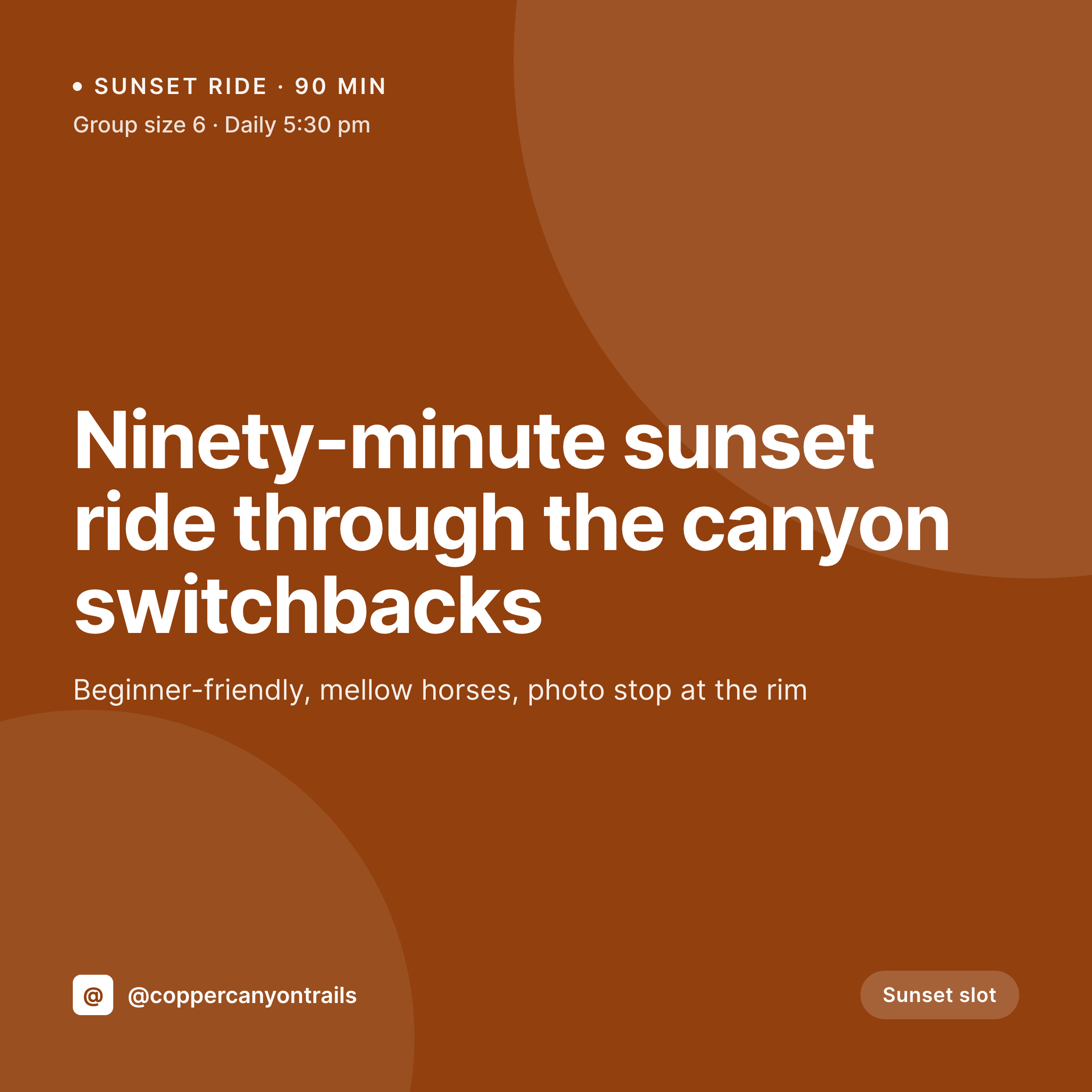

Comparison
Photoshop export vs auto-rendered series tiles
Manual / Photoshop / Lightroom
- Every series export takes a Photoshop file and a designer's eye for type
- Series number and shoot date get retyped per tile, with typos baked in
- Brand typography drifts across months because nothing enforces it
- Old portfolio work stays unbranded after a visual identity refresh
- Photographers spend client billable time fighting Photoshop instead of editing
SleekPixel
- Every series saves with a 1080x1080 tile rendered from the post
- Series title, date, location, format pulled from portfolio fields
- Hero frame respected with proper margin and typographic hierarchy
- Bulk regenerate the entire portfolio after a brand refresh
- Print-ready exports possible alongside the social tile
Features
What SleekPixel gives you for photographer
Tile per series
Each series saves with a 1080x1080 Instagram tile. Title, shoot date, and location come from the portfolio post.
Type-driven layout
Templates designed for photography give the hero frame room. Title, series number, and location sit in a typographic system the photographer controls.
Multi-format set
One save can render a square Instagram tile, a vertical story, and an OG image for the portfolio link. The portfolio's social presence stays unified.
Use cases
Where photographer tiles get used
Series announcements
Every new series ships with a tile that brands it. The Instagram grid reads as a body of work from one photographer, not loose images.
Client gallery shares
Client galleries linked publicly get an OG image with the client name and shoot date - shares preview as a portfolio asset, not a generic gallery URL.
Portfolio refresh
Identity update? Bulk regenerate every series tile in one job. The full archive stays current with the new typographic system.
The bigger picture
Why photographers lose feeds without typography
A photographer's Instagram is a portfolio that runs in real time, and the difference between a working photographer's feed and an enthusiast's feed is almost entirely typography. The photographs themselves can be similar in technical quality. The thing that makes a feed read as professional is the consistent typographic system that frames each series - title treatment, series numbering, location callouts, brand mark placement.
That system is also the thing photographers are least equipped to maintain at scale. Photographers spend their craft hours editing in Lightroom and Capture One, not typesetting in Figma. The tile work either gets outsourced to a designer (expensive, slow) or improvised in Canva (off-brand, inconsistent).
Most working photographers cycle between the two, and the feed shows it: tiles from Q1 look one way, tiles from Q3 look another. Treating the tile as a derived asset of the portfolio post means the typographic system is enforced by the template, not by the photographer's vigilance. The hero frame still does what only the photo can do - carry the work.
The brand typography handles everything around it, automatically, every time. The feed reads as one body of work, and the photographer stays in Lightroom.
Questions
Common questions about SleekPixel for photographer
Yes. ProPhoto, NextGEN, Modula, FooGallery, or a plain custom post type all work. SleekPixel reads any post type and any field, so series title, shoot date, location, and hero image map directly onto the tile template regardless of the gallery plugin in use.
Yes. The featured image is the default, but ACF gallery fields, Meta Box image fields, or a custom 'tile photo' field can drive the hero. Some photographers shoot a square frame specifically for Instagram - that field can be separate from the portfolio's primary hero.
Templates can be conditional on category or taxonomy. A 'film' series can use one tile design, a 'commercial' series another, a 'documentary' series a third. All pull from the same field schema, just styled to match the genre.
SleekPixel renders PNGs at the dimensions you configure. A 12-inch print-resolution PNG can be generated alongside the 1080x1080 tile on the same save. Color profiles, bleed marks, and print-specific export settings are not part of the output - it is a flat high-resolution PNG.
If each subject has their own portfolio post, each subject gets their own tile. If a single shoot post represents multiple subjects, the template renders one tile per shoot. The data structure on the site determines what gets a tile and what doesn't.
Yes. Upload self-hosted fonts in the SleekPixel template editor. Google Fonts work directly. Foundry-licensed fonts work if you have hosting rights for them - SleekPixel doesn't pay for or host paid font subscriptions on your behalf.
If the format (35mm, medium format, digital) is stored as a custom field or taxonomy on the series post, the template can render it as a callout. Each series's tile shows the format it was shot in, useful for portfolios that want to highlight craft details.
If clients have access to the WordPress admin (as a contributor or custom role), they can open the post and download the tile from the Gutenberg sidebar. For galleries shared publicly, the tile is the og:image - clients can right-click and save from the share preview, or you can email the PNG directly.
Pricing
More than 1000+
happy customers
Explore our flexible licensing options tailored to your needs. Upgrade your license anytime to access more features, or opt for a lifetime license for ongoing value, including lifetime updates and lifetime support. Our hassle-free upgrade process ensures that our platform can grow with you, starting from whichever plan you choose.
Lifetime ♾️
Most popular
EUR
once
- Unlimited websites
- Lifetime updates
- Lifetime support
...or get the Bundle Deal
and save €250 🎁
💎 Want everything forever? The All Access Pass is going away on 01.08.2026.
The Bundle (unlimited sites)
Pay once, own it forever
Elevate your WordPress site with our exclusive plugin bundle that includes all of our premium plugins in one package. Enjoy lifetime updates and lifetime support. Save significantly compared to buying plugins individually.
What’s included
-
SleekAI
-
SleekByte
-
SleekMotion
-
SleekPixel
-
SleekRank
-
SleekView
€749
Continue to checkoutBrowse more
- YouTube Shorts cover
- Mailchimp email headers
- Snapchat snap images
- Tidal cover art
- LinkedIn article covers
- Twitch profile banner
- Fanvue page banner
- Douyin cover
- Threads social images
- Telegram channel cover images
- Fansly banner
- Kick stream thumbnails
- Twitter card images
- Bluesky profile banner
- Etsy shop banners