






SleekPixel for yoga studios
SleekPixel reads each class's name, instructor, time, and focus and renders a square Instagram graphic on save. No more rebuilding the schedule card every Sunday night.
♾️ Lifetime License available
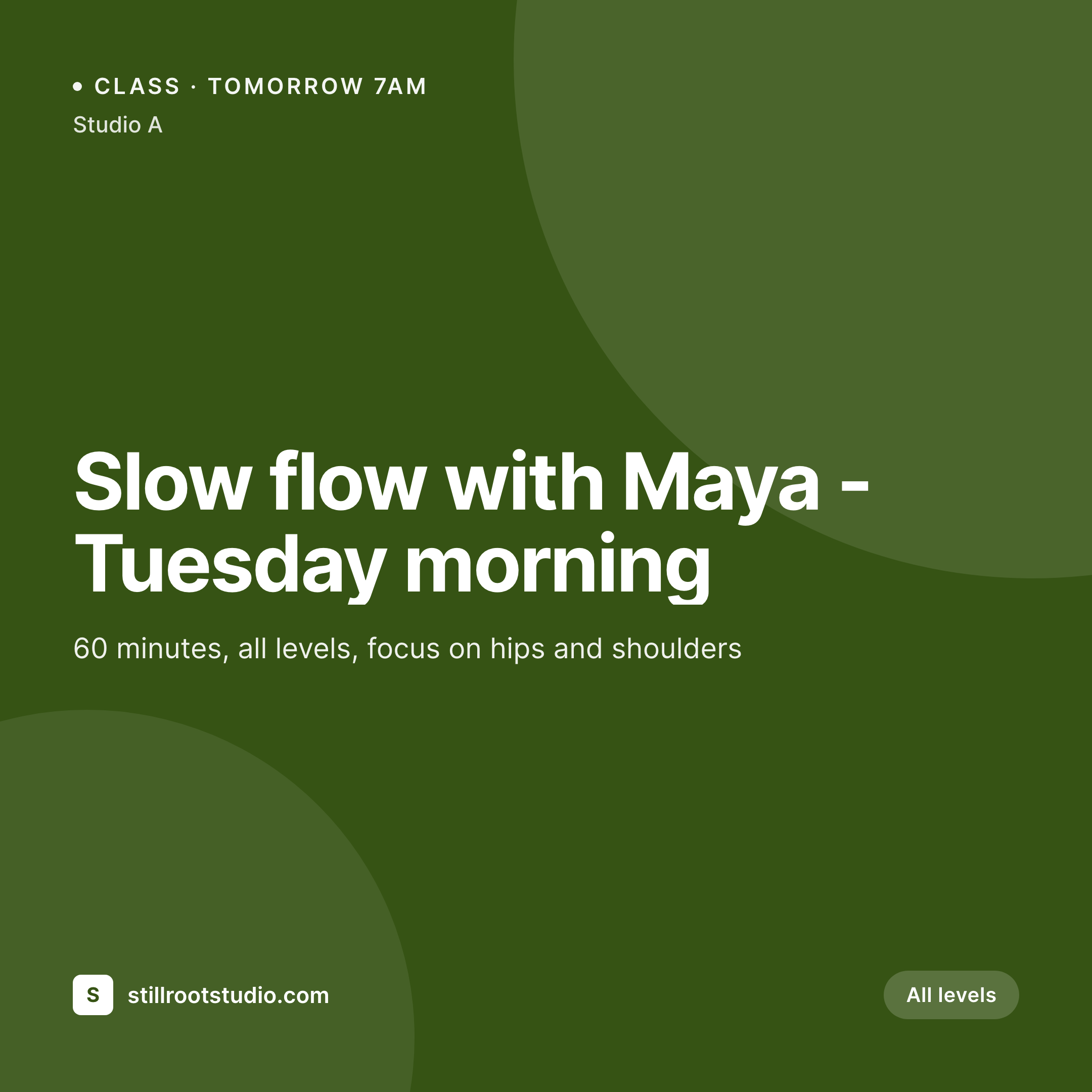
Stop redesigning the class schedule every week
A yoga studio's social presence is essentially its schedule, told one class at a time. Slow flow Tuesday at 7am with Maya, vinyasa Wednesday evening with Jordan, restorative Sunday afternoon. Each one wants its own little post - the studio's brand, the class name, the teacher, the time. The studio manager ends up rebuilding the same layout in Canva every week with slightly different details, and after a few months the grid is a quiet patchwork of templates that almost-but-not-quite match.
SleekPixel collapses that into a single template. You design one square Instagram layout in WordPress with fields like {class_name}, {instructor}, {start_time}, {duration}, and {focus}. Every time the studio publishes a class on the site - whether that's a custom post type, a recurring event, or a regular post - SleekPixel renders the template with that class's data and saves a 1080 x 1080 PNG.
The studio brand stays put across every class card. Edit the template once - new color, new mark, new field for level - and every class refreshes. The Sunday-night design routine quietly disappears.
Workflow
From schedule to grid in one save
Design the template
Connect to the class post type
Save the class
Drop into Instagram
Output
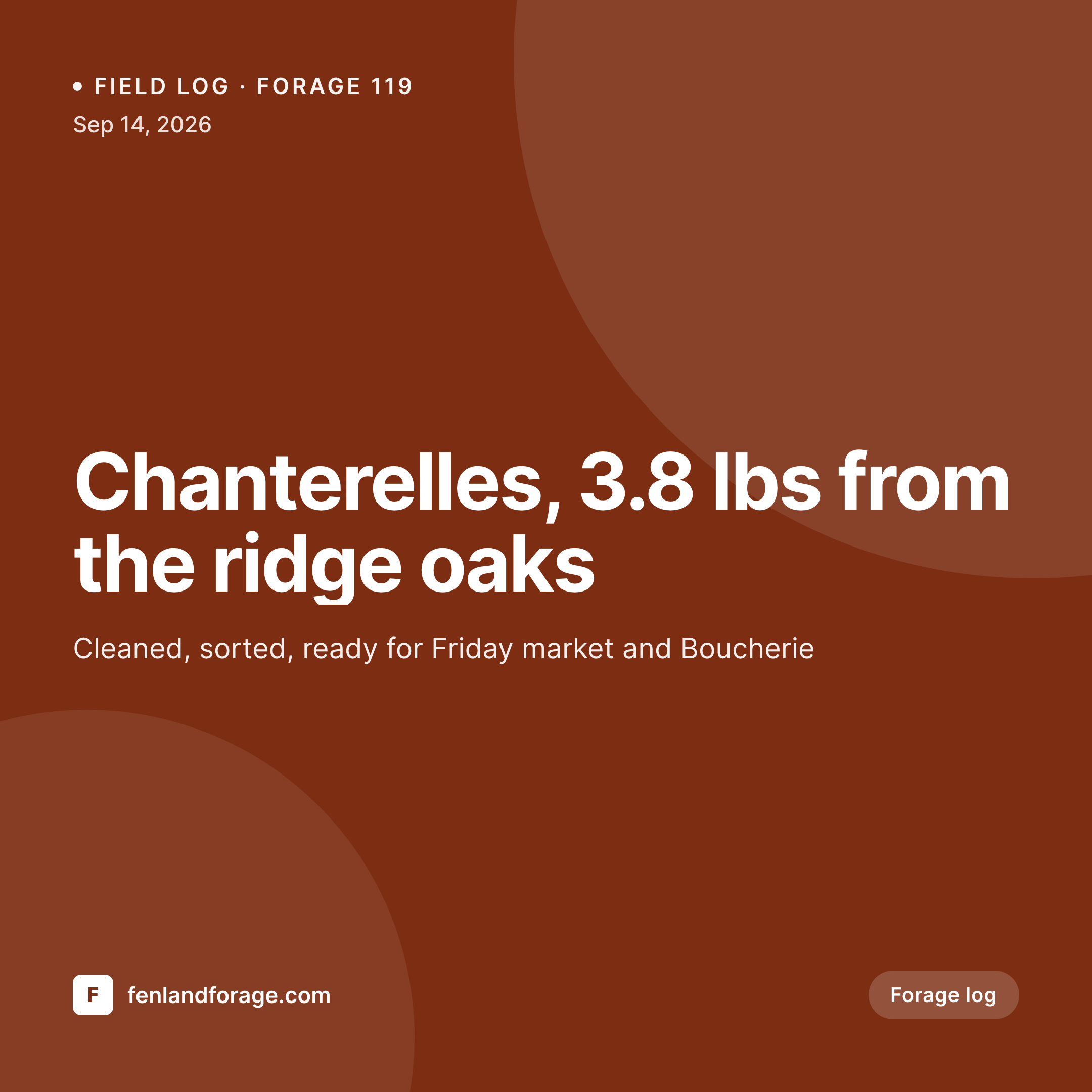
Sample Instagram post from a class
This square card was rendered from a class's name, instructor, time, and focus. Same template, every class.
Comparison
Hand-made class graphics vs SleekPixel
Manual graphic per class
- Every Sunday means another design session for the week's classes
- Class times get retyped from the schedule into the graphic
- Two staff members designing graphics produce two different identities
- Substitute teachers and last-minute changes skip social entirely
- Workshop launches need a separate design pass on top of the weekly schedule
SleekPixel
- Auto-generated Instagram post per class on save
- Per-class variables: name, instructor, time, duration, level, focus
- One template = one coordinated grid across teachers and styles
- Edit the template once and every class's graphic refreshes
- Falls back gracefully when a field like 'props needed' is empty
Features
What SleekPixel gives you for yoga studios
Template-driven
Design the class card once with the studio's palette, type, and dynamic fields. Every new class inherits the layout on save.
Teachers, mapped
Pull instructor name, photo, and bio from custom fields or user profiles. The same person who's teaching is the person on the card.
Regenerate on demand
New season, new palette? Bulk-regenerate every class's image from the admin in one click.
Use cases
Where this fits best
Single-studio schedules
Every class on the calendar gets its own social card automatically, so the weekly schedule becomes a weekly content drop.
Multi-teacher studios
Each teacher's classes feel personal but stay on-brand, because the template holds the studio's identity while pulling in the teacher's details.
Workshops and retreats
Special events get their own template variant so they stand out from the regular schedule without breaking visual continuity.
The bigger picture
Why a consistent class graphic matters
A yoga studio's Instagram grid is the schedule a potential student sees before they ever read a class description. Scrolling through, they get a feel for the studio's tone, who teaches there, and whether the place feels welcoming. When every class card follows the same visual logic, the grid signals that the studio is run with care across all the small operational details.
When the cards drift across templates and tools, that signal weakens. The middle path - a template that adapts to each class automatically - is how busy studios keep up without pulling teachers off the mat to design graphics. SleekPixel brings that to the WordPress site the studio already uses to publish its schedule, so the social card is just another field that gets filled in when a class goes up.
Questions
Common questions about SleekPixel for yoga studios
Yes. SleekPixel applies templates to any post type - including the post types created by The Events Calendar, MEC, EventON, or a custom class CPT. Tell it which post type and the template runs on save.
Yes. SleekPixel can read from WordPress user data, ACF user fields, and Meta Box. Bind {instructor_name} and {instructor_photo} to the teacher assigned to the class.
The template renders without it. Set defaults per field, hide the focus block, or design the layout so missing values collapse cleanly.
Yes. SleekPixel routes by category, tag, or post type. Tag a class 'restorative' and it gets a calmer template; tag a workshop and it gets the workshop variant.
SleekPixel saves the PNG to the uploads folder. Download from the post screen or pull the URL into Later, Buffer, or Meta's scheduler.
Yes. One-click bulk regeneration in the admin re-renders every class's image with the updated template.
Workshop templates can be longer or use a vertical story format. SleekPixel supports multiple template variants per post type.
No. Images are rendered once at save time and stored as static PNGs. The website loads them like any other image.
Pricing
More than 1000+
happy customers
Explore our flexible licensing options tailored to your needs. Upgrade your license anytime to access more features, or opt for a lifetime license for ongoing value, including lifetime updates and lifetime support. Our hassle-free upgrade process ensures that our platform can grow with you, starting from whichever plan you choose.
Lifetime ♾️
Most popular
EUR
once
- Unlimited websites
- Lifetime updates
- Lifetime support
...or get the Bundle Deal
and save €250 🎁
💎 Want everything forever? The All Access Pass is going away on 01.08.2026.
The Bundle (unlimited sites)
Pay once, own it forever
Elevate your WordPress site with our exclusive plugin bundle that includes all of our premium plugins in one package. Enjoy lifetime updates and lifetime support. Save significantly compared to buying plugins individually.
What’s included
-
SleekAI
-
SleekByte
-
SleekMotion
-
SleekPixel
-
SleekRank
-
SleekView
€749
Continue to checkoutBrowse more
- Farcaster cast images
- VSCO cover
- Amazon Storefront banners
- X list banners
- Telegram channel images
- Ghost feature images
- Threads profile banners
- Telegram channel cover images
- Tidal cover art
- Rumble thumbnails
- LinkedIn event banners
- Kick channel banners
- Facebook cover photos
- Threads profile banner
- Twitter/X header