






SleekPixel for CrossFit gyms
SleekPixel reads each WOD's name, scheme, movements, and weights and renders a square Instagram graphic on save. No more remaking the daily WOD card before each class.
♾️ Lifetime License available
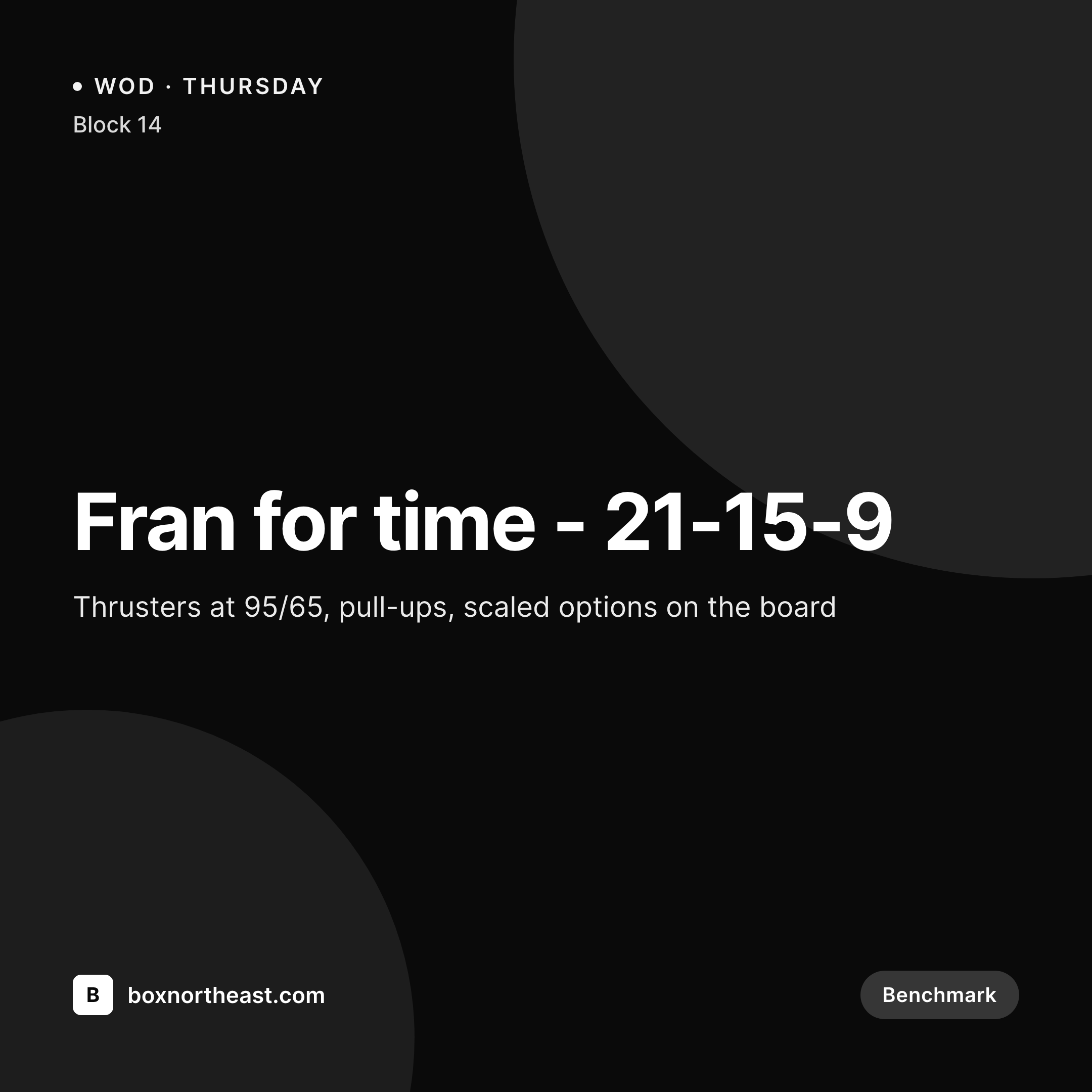
Stop redesigning the WOD card every morning
A CrossFit affiliate posts a workout every single day. The WOD goes up before 6am for the early class, members check it on Instagram during the commute, and the same coach who programs the workout is the one trying to throw together a graphic at 5:45. The result is a stream of slightly different cards - last Tuesday's used a serif font, today's uses sans, the box logo is in three different positions across the week.
SleekPixel handles that with one template. You design one square Instagram layout in WordPress with fields like {wod_name}, {scheme}, {movements}, {time_cap}, and {scaling_notes}. Every time a coach publishes a WOD on the site - usually as a custom post type or a daily post - SleekPixel renders the template with that workout's data and saves a 1080 x 1080 PNG, ready before the first member walks in.
The box's brand sits in the same place every day: same wordmark, same way of showing rep schemes, same color rules for benchmarks vs daily metcons. Edit the template once and every past WOD's graphic refreshes too. Coaches go back to coaching.
Workflow
From whiteboard to grid in one save
Design the template
Connect to the WOD post type
Save the WOD
Post before class
Output
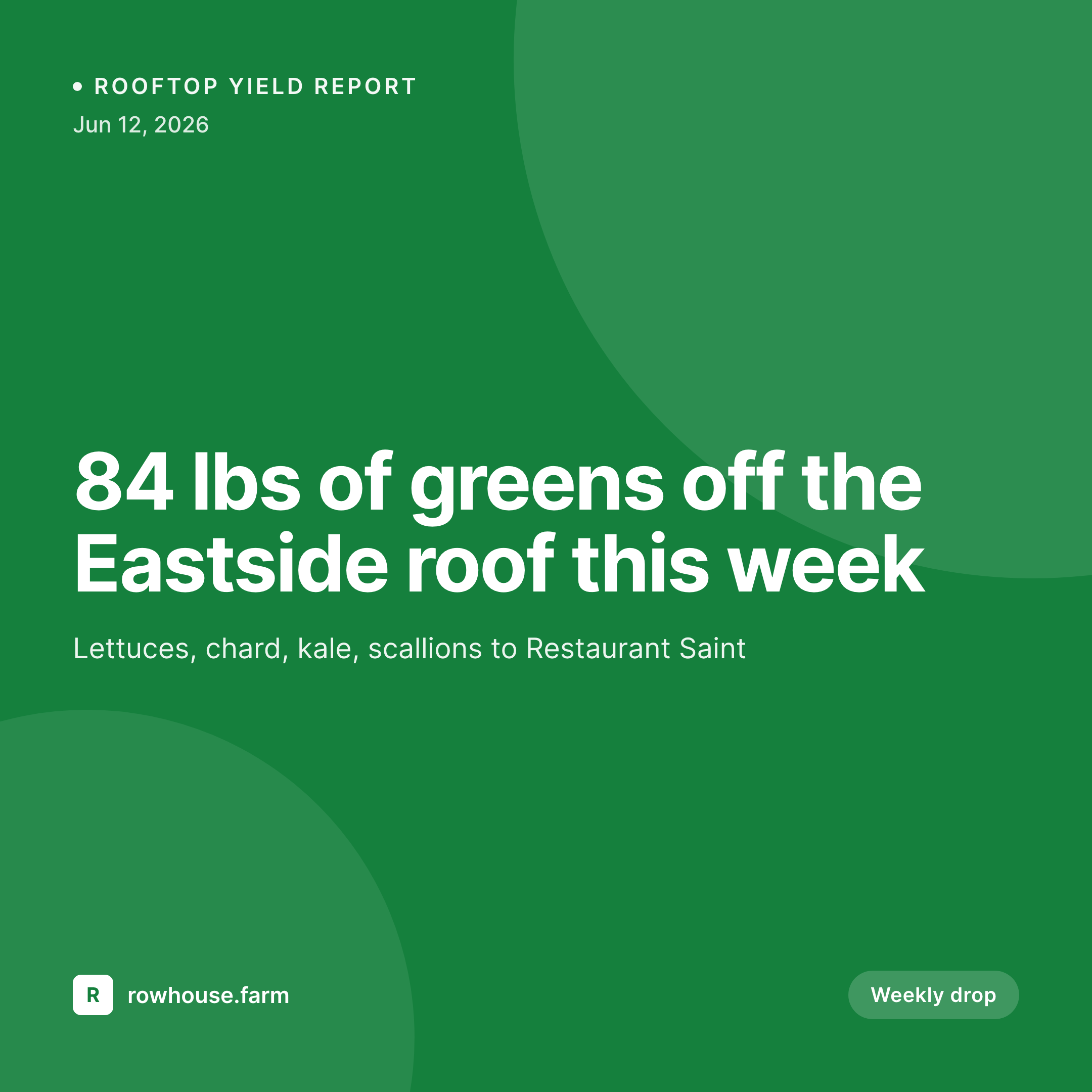
Sample Instagram post from a WOD
This square card was rendered from a workout's name, scheme, and movements. Same template, every day.

Comparison
Hand-made WOD graphics vs SleekPixel
Manual graphic per WOD
- Coaches throw together a WOD graphic before each morning's first class
- Movements and weights get retyped from programming notes into the post
- Benchmark days, hero WODs, and competitions all use different layouts
- Different coaches design differently and the grid drifts
- Members can't tell at a glance whether today is a benchmark or a metcon
SleekPixel
- Auto-generated Instagram post per WOD on save
- Per-WOD variables: name, scheme, movements, time cap, scaling, score type
- One template = one coordinated grid across daily WODs and benchmarks
- Edit the template once and every WOD's graphic refreshes
- Falls back gracefully when a field like 'time cap' is empty
Features
What SleekPixel gives you for CrossFit gyms
Template-driven
Design the WOD card once with the box's wordmark, palette, and dynamic fields. Every workout inherits the layout on save.
Movements, mapped
Pull movements, weights, and rep schemes from custom fields. The programming the coach already wrote becomes the graphic.
Regenerate on demand
Updated the box's wordmark? Bulk-regenerate every WOD's image from the admin in one click.
Use cases
Where this fits best
Daily WOD posting
Every morning's WOD becomes a social post automatically, without coaches reaching for a design tool before class.
Benchmarks and hero WODs
Benchmark days get their own template variant so 'Fran' or 'Murph' look distinct from a daily metcon at a glance.
In-house competitions
Internal throwdowns, partner WODs, and team challenges all get matching graphics from the same template family.
The bigger picture
Why a consistent WOD card matters
A CrossFit box's most engaged audience is its current members, and they check the daily WOD compulsively - on the drive in, between meetings, on the walk to the gym. The post is functional first: tell me what's happening today. But it's also the box's most-repeated piece of marketing.
Prospective members scroll the feed before they ever book a free class, and a year of daily WODs is a year of impressions that either reads as a coordinated, intentional gym or as a stream of mismatched graphics. The middle path - a template that adapts to each WOD automatically - is how serious affiliates project consistency without dedicating coach time to graphic design every morning. SleekPixel runs that template against the WOD data the box already publishes, so the daily post is built the moment the workout is.
Questions
Common questions about SleekPixel for CrossFit gyms
Yes. SleekPixel applies templates to any post type - whether you use a dedicated WOD CPT, a category of daily posts, or a third-party programming plugin like SugarWOD synced into WordPress.
Yes. SleekPixel reads from ACF, Meta Box, native custom fields, and WordPress taxonomies. Drop {movements} or {time_cap} into the template and it renders on save.
Yes. SleekPixel routes by category, tag, or post type. Tag a WOD 'benchmark' and it gets the benchmark template; tag 'hero' and it gets the hero variant.
The template renders without it. Set defaults, hide blocks, or design the layout so missing fields collapse cleanly.
SleekPixel saves the PNG to the uploads folder. Download from the post screen or pull the URL into Later, Buffer, or Meta's scheduler.
Yes. One-click bulk regeneration in the admin re-renders every WOD with the updated template.
Yes. The bulk regenerate runs across the full archive, so backfilling a year of past workouts with the new look is one click.
No. Images render once at save time and are stored as static PNGs. Visitors and Instagram see normal image URLs.
Pricing
More than 1000+
happy customers
Explore our flexible licensing options tailored to your needs. Upgrade your license anytime to access more features, or opt for a lifetime license for ongoing value, including lifetime updates and lifetime support. Our hassle-free upgrade process ensures that our platform can grow with you, starting from whichever plan you choose.
Lifetime ♾️
Most popular
EUR
once
- Unlimited websites
- Lifetime updates
- Lifetime support
...or get the Bundle Deal
and save €250 🎁
💎 Want everything forever? The All Access Pass is going away on 01.08.2026.
The Bundle (unlimited sites)
Pay once, own it forever
Elevate your WordPress site with our exclusive plugin bundle that includes all of our premium plugins in one package. Enjoy lifetime updates and lifetime support. Save significantly compared to buying plugins individually.
What’s included
-
SleekAI
-
SleekByte
-
SleekMotion
-
SleekPixel
-
SleekRank
-
SleekView
€749
Continue to checkoutBrowse more
- KDP paperback cover
- Bluesky feed banner
- Bluesky link cards
- X Space banners
- Instagram feed posts
- Klaviyo email headers
- Twitch alert
- Threads post images
- Instagram collab post images
- YouTube playlist covers
- Rumble thumbnails
- GitHub social preview images
- Instagram grid tiles
- Instagram carousel slides
- Snapchat Discover tiles