






SleekPixel for mortgage brokers
SleekPixel reads each post's title, broker, rate snapshot, and category and renders a custom OG image on save. Compliance-aware fields included, no design step before publishing.
♾️ Lifetime License available
Stop hand-uploading social cards for weekly rate updates
Mortgage content publishes on a tight cadence. The weekly rate update goes out Monday, the loan-program explainer on Wednesday, the first-time-buyer guide whenever a new edition is ready. Each one needs a social card that gets the brand, the broker's name, and a clean rate snapshot in front of LinkedIn and Facebook readers without looking like a generic stock template. The marketing person at most brokerages spends a chunk of every week rebuilding those cards in Canva.
SleekPixel handles that with one template. You design one OG image layout in WordPress with fields like {post_title}, {broker_name}, {category}, {rate_snapshot}, and {published_date}. Every time a post is saved on the brokerage site, SleekPixel renders the template with that post's data and writes the image URL into the og:image and twitter:image meta tags.
The brokerage's brand stays consistent across every share - same wordmark position, same way of showing the broker's name, same handling of compliance footers. Edit the template once and every past post refreshes. The marketing team stops being a design team.
Workflow
From brief to social-ready in one save
Design the template
Connect to post type
Save the post
Share anywhere
Output
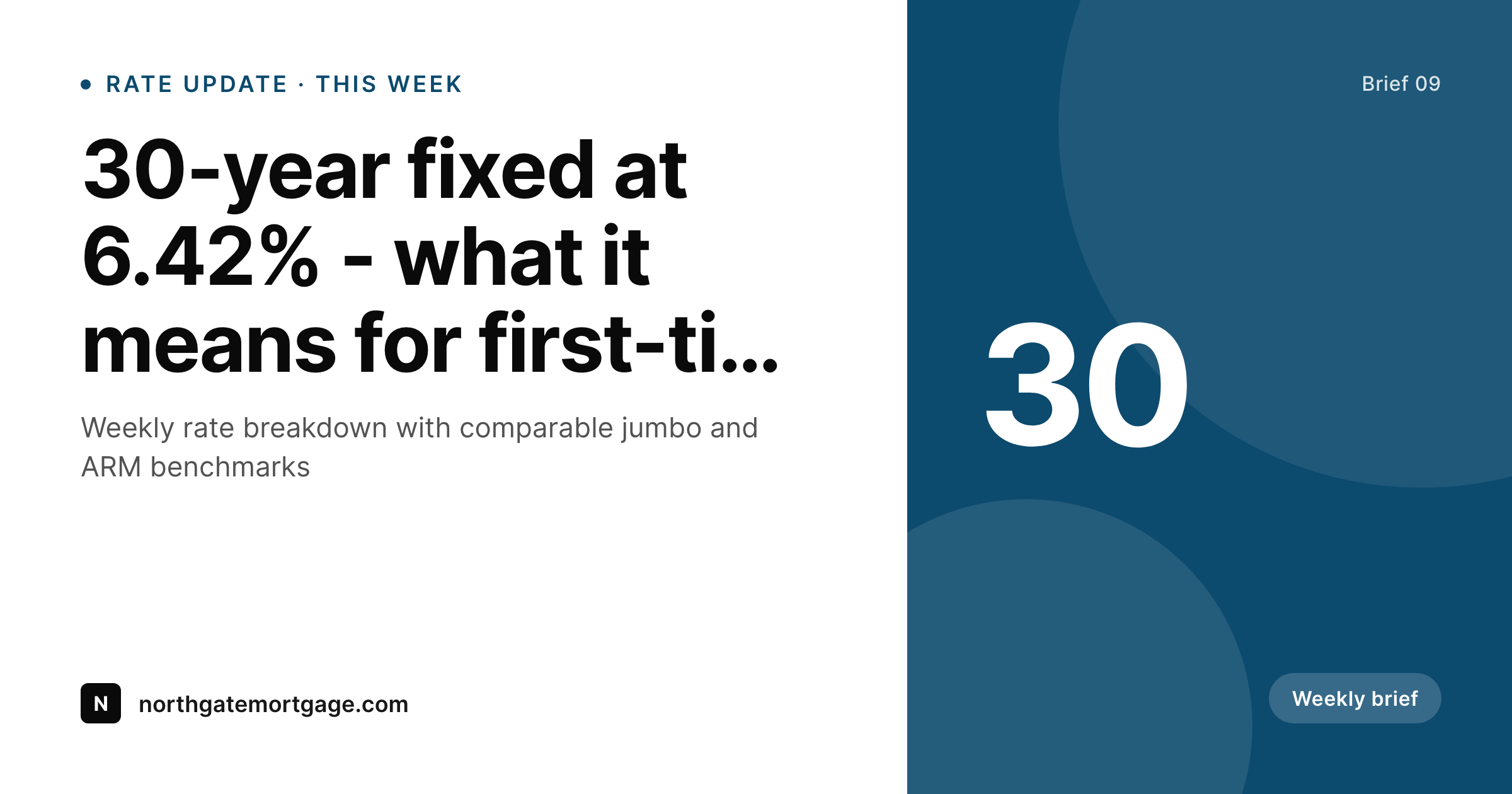
Sample social card from a rate update
This card was rendered from a post's title, category, broker, and rate snapshot. Same template, every brief.
Comparison
Hand-made social cards vs SleekPixel
Manual upload per post
- Each rate update means another design session in Canva
- Compliance footers get retyped every time and occasionally drift
- Broker headshots and titles get pasted from the team page
- Old briefs share with a generic site logo because nobody updated the OG image
- Brand refreshes mean redoing every past post by hand
SleekPixel
- Auto-generated OG image per post on save
- Per-post variables: title, broker, NMLS ID, category, rate snapshot
- Compliance footer renders into the template, not retyped per post
- Edit the template once and every brief's card refreshes
- Falls back gracefully when a field like 'rate snapshot' is irrelevant
Features
What SleekPixel gives you for mortgage brokers
Template-driven
Design the social card once with the brokerage's wordmark, palette, and dynamic fields. Every new post inherits the layout on save.
OG + Twitter meta
SleekPixel writes og:image, twitter:image, and twitter:image:alt directly on each post - no theme code to touch and no plugin conflicts.
Compliance built-in
Render NMLS IDs and the standard compliance line into the template once. Every post inherits it automatically and stays current.
Use cases
Where this fits best
Weekly rate briefings
Rate updates go out on a fixed cadence - the social card is generated as part of publishing, not as a separate task.
Multi-broker firms
Each broker's posts pull their headshot, name, and NMLS ID, while the brokerage brand stays anchored on every card.
Buyer education content
First-time buyer guides, refi calculators, and program explainers each get coordinated cards from the same template family.
The bigger picture
Why a consistent social card matters for brokers
Mortgage marketing runs on trust signals. A potential borrower lands on a brokerage's blog post via a LinkedIn share, and the link preview is the first impression - before the headline, before the body copy. A generic site-logo card looks like a content mill.
A clean, branded card with the broker's name and NMLS ID looks like a compliance-aware professional who pays attention. Bespoke per-post designs are unrealistic past five posts a month. The middle path - a template that adapts to each post automatically - is how the most-organized brokerages keep their content marketing presentable without dedicated designer hours.
SleekPixel runs that template against the post data the brokerage already publishes, so every share looks like the work of one organized firm rather than a stack of mismatched briefs.
Questions
Common questions about SleekPixel for mortgage brokers
Yes. Bind {nmls_id} to a custom field on the broker user profile or post, and the template renders it consistently on every share. Update the template once and the placement is uniform across the archive.
Yes. SleekPixel reads from WordPress user fields, ACF user fields, and Meta Box. Tie {broker_name} and {broker_photo} to the post author and each card pulls in the right person.
Yes. SleekPixel routes by category, tag, or post type. Tag a post 'rate-update' and it gets one template; tag 'buyer-guide' and it gets another.
Yes - they read og:image and twitter:image meta. Both have card debuggers (Twitter Validator, Facebook Sharing Debugger) you can use to clear caches when testing.
Render the standard compliance line into the template itself. Every card inherits it automatically. When the disclosure changes, edit the template and bulk-regenerate.
No. Images render once at save time and are stored as static PNGs. Visitors and link-preview crawlers load a regular image URL.
Yes. One-click bulk regeneration re-renders every past post's social card with the updated template, including any new compliance text.
No. SleekPixel writes og:image meta with priority over default theme and SEO-plugin output, so the rendered card wins cleanly without code changes.
Pricing
More than 1000+
happy customers
Explore our flexible licensing options tailored to your needs. Upgrade your license anytime to access more features, or opt for a lifetime license for ongoing value, including lifetime updates and lifetime support. Our hassle-free upgrade process ensures that our platform can grow with you, starting from whichever plan you choose.
Lifetime ♾️
Most popular
EUR
once
- Unlimited websites
- Lifetime updates
- Lifetime support
...or get the Bundle Deal
and save €250 🎁
💎 Want everything forever? The All Access Pass is going away on 01.08.2026.
The Bundle (unlimited sites)
Pay once, own it forever
Elevate your WordPress site with our exclusive plugin bundle that includes all of our premium plugins in one package. Enjoy lifetime updates and lifetime support. Save significantly compared to buying plugins individually.
What’s included
-
SleekAI
-
SleekByte
-
SleekMotion
-
SleekPixel
-
SleekRank
-
SleekView
€749
Continue to checkoutBrowse more
- Twitch panel images
- Bluesky link cards
- Douyin thumbnails
- Facebook cover photos
- Rednote (Xiaohongshu) post
- LINE official account banners
- X social cards
- Etsy shop banners
- Facebook Shop product images
- Snapchat Discover tiles
- TikTok Now image
- Tumblr header
- YouTube Music cover art
- Amazon Storefront banners
- Etsy cover photos