






SleekPixel for integration launch card
Each new integration ships with a blog post or changelog entry. SleekPixel renders a branded launch card from that post, pairs your logo with the partner logo, and writes the og:image meta tag so the tweet announcing it looks like the announcement.
♾️ Lifetime License available
Integrations launch fast, share previews lag behind
Modern SaaS products ship integrations on a regular cadence. Linear, Slack, Notion, Salesforce, Stripe, HubSpot, the list grows month over month. Each launch deserves its own announcement, but the visual treatment usually does not survive the pace. Marketing builds the first three integration cards by hand in Figma, then the fourth ships with a generic OG image, and by the tenth integration there is no visual continuity left to recognize.
SleekPixel anchors the launch card to the integration post itself. The post has the integration name, the partner logo as an image field, the launch date, and a short description. On save, the plugin renders a 1200x675 Twitter card with the partner logo paired against your logo, the integration name as the headline, and a status badge in the corner. og:image and twitter:image meta tags point at the file.
When the team tweets the launch, the URL preview pulls the rendered card. When a customer shares the docs link in Slack, the unfurl pulls the same card. When the integrations directory page lists the new entry, the same image becomes the thumbnail. The launch reads as one coherent moment instead of three different design treatments.
Workflow
From integration build to launch tweet
Design the integration template
Create the integration post
Save and tag
Tweet the launch
Output
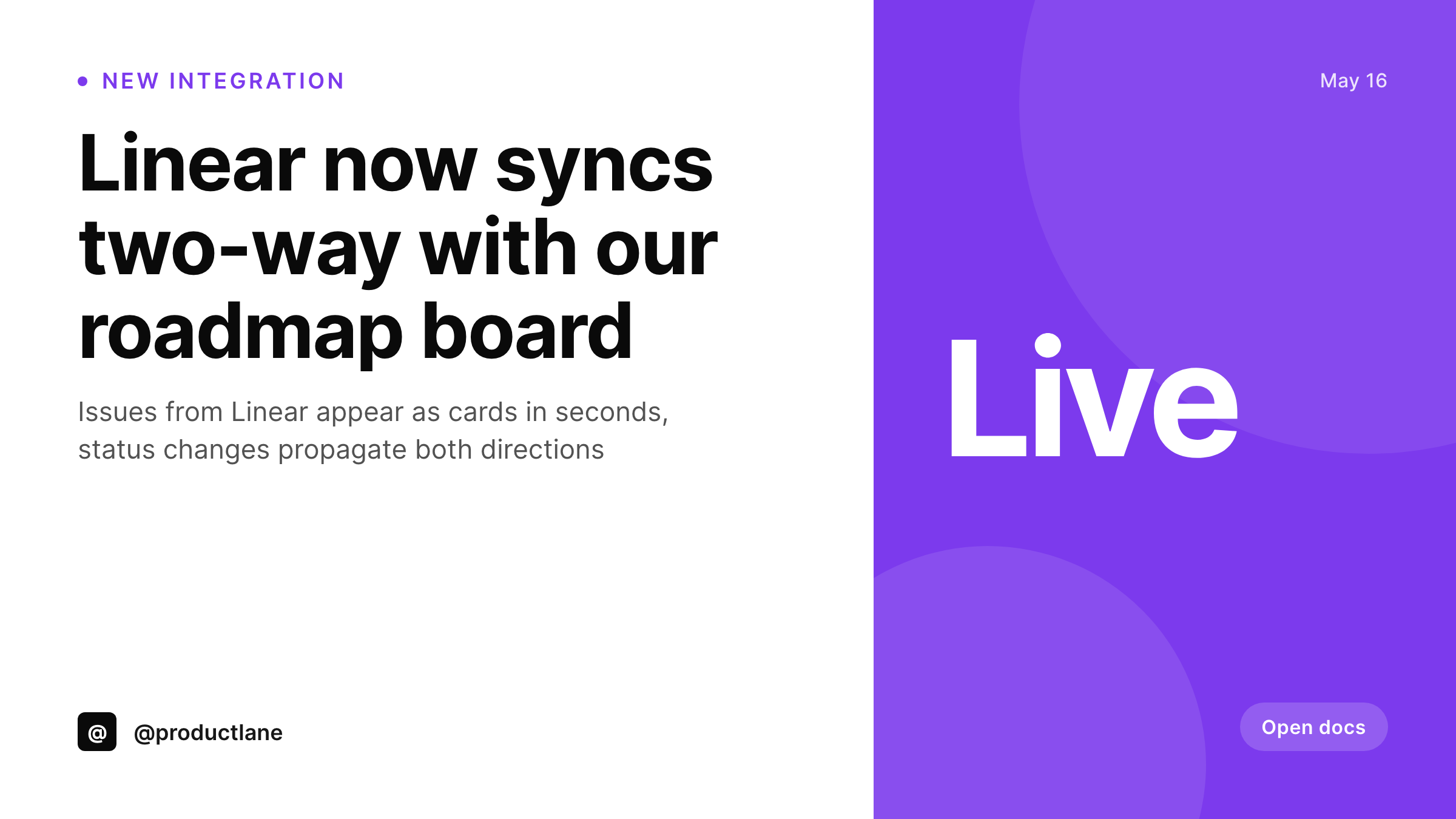
Sample integration launch card
A 1200x675 Twitter-sized card with the partner logo, the integration name, and a status badge, rendered from the changelog post.
Comparison
Per-integration Figma exports vs SleekPixel
Manual design per launch
- First three integrations get bespoke cards, the rest ship with defaults
- Visual identity dissolves as the integration count climbs
- Twitter card and Slack unfurl pull different images for the same URL
- Launching at 5pm Friday means no designer time to build the card
- Integration directory listings drift away from the launch announcement
SleekPixel
- Card renders on save, every integration treated the same
- Partner logo as a field, swapped per integration without editing the template
- og:image and twitter:image meta tags written into the post head
- Status badge (beta, GA, deprecated) bound to a custom field
- Bulk regenerate when the integration directory page redesigns
Features
What SleekPixel gives you for integration launch card
Per-integration logos
Each integration post has a partner-logo field. SleekPixel renders that logo into the template at the right size and position, no template edit per launch.
Status badges
Beta, GA, deprecated, sunset. A custom-field-driven badge renders in the corner of the card so the tweet preview communicates lifecycle stage at a glance.
Twitter and OG meta tags
twitter:image and og:image both point at the rendered PNG. The launch tweet, the LinkedIn share, and the Slack unfurl all pull the same card from the same URL.
Use cases
Integration-launch situations this fits
SaaS with frequent launches
Products that ship a new integration every few weeks need a templated launch card. Manual design does not scale to 12 launches a year without quality drift.
Integration directories
Each entry in the directory pulls the rendered card as its thumbnail. The directory page stays visually consistent as new integrations are added month over month.
Changelog and release notes
Integration launches that also appear in the public changelog get a card for the changelog entry. The card doubles as the tweet preview when the changelog is shared.
The bigger picture
Why integration launches deserve template-level discipline
Integration-heavy SaaS companies live in a strange spot where each integration launch is a small marketing moment, but no single launch is big enough to justify dedicated design time. The result is that the first few integrations get treated with care, the middle ones get generic OG images, and the long tail of integrations end up with no share-card story at all. Customers browsing the integrations directory perceive the product as patchworked together, even when the engineering quality of each integration is uniformly high.
Templated launch cards reverse that perception. The fortieth integration looks as polished as the first one. The directory thumbnail, the launch tweet, and the Slack unfurl all reinforce the same visual story.
The marketing team stops being the bottleneck for engineering's launch cadence, which means integrations actually ship on the day they were planned to ship instead of waiting for design availability. Over the run of a year, that compound effect is the difference between a product that feels like a platform and one that feels like a list of features.
Questions
Common questions about SleekPixel for integration launch card
Yes. A custom field flags the integration tier, and the template engine picks the layout. Major integrations might use a quote-and-screenshot treatment, minor ones use the standard logo-pair card. Both render on the same engine.
SleekPixel supports SVG, PNG, and JPG as image inputs. SVGs render crisp at any size. If the partner only has a PNG, use that, the auto-fit will handle scaling.
Edit the status field on the post and save. The card re-renders with the new badge. The og:image URL stays stable so social platforms pick up the update on next scrape.
Yes. Configure a second template at 1080x1080 or whatever the directory uses. Both render on the same save, the directory pulls the square, social pulls the wide format.
Yes. Any post type with fields works as a SleekPixel source. A custom 'integration' post type is actually the cleanest setup because all the fields (logo, status, tier) are scoped to that type.
Yes. Add an ACF image field for the screenshot, bind a layer to it in the template. The screenshot renders into the card at the size and crop you defined.
The same template can apply to the docs post for that integration. Or use a different template scoped to the docs post type. Either way, the docs page link preview matches the launch announcement.
Each integration post writes its own og:image. The directory landing page is a separate post or archive that gets its own template if you want a directory-level card. Both work independently.
Pricing
More than 1000+
happy customers
Explore our flexible licensing options tailored to your needs. Upgrade your license anytime to access more features, or opt for a lifetime license for ongoing value, including lifetime updates and lifetime support. Our hassle-free upgrade process ensures that our platform can grow with you, starting from whichever plan you choose.
Lifetime ♾️
Most popular
EUR
once
- Unlimited websites
- Lifetime updates
- Lifetime support
...or get the Bundle Deal
and save €250 🎁
💎 Want everything forever? The All Access Pass is going away on 01.08.2026.
The Bundle (unlimited sites)
Pay once, own it forever
Elevate your WordPress site with our exclusive plugin bundle that includes all of our premium plugins in one package. Enjoy lifetime updates and lifetime support. Save significantly compared to buying plugins individually.
What’s included
-
SleekAI
-
SleekByte
-
SleekMotion
-
SleekPixel
-
SleekRank
-
SleekView
€749
Continue to checkoutBrowse more
- founding customer card
- holiday promo card
- certification badges
- rating cards
- newsletter cover cards
- year in review cards
- LinkedIn thread card
- field notes card
- longform article card
- certification announcement cards
- office hours recap card
- song of the day cards
- did-you-know card
- new arrival cards
- milestone celebration cards
- YouTube playlist covers
- Telegram bot avatar
- YouTube community images
- LinkedIn company banners
- Slack channel headers
- Kick channel banners
- Discord event cover
- TikTok Now image
- LINE official account banners
- Instagram collab post images
- YouTube end screens
- Amazon Storefront banners
- Warpcast frame images
- LinkedIn document post covers
- Passes page banner