






SleekPixel for newsletter cover cards
Newsletter publishers post each issue to a web archive on WordPress. SleekPixel turns that archive post into a branded OG image, with issue number, subject line, and date pulled straight from the post fields.
♾️ Lifetime License available
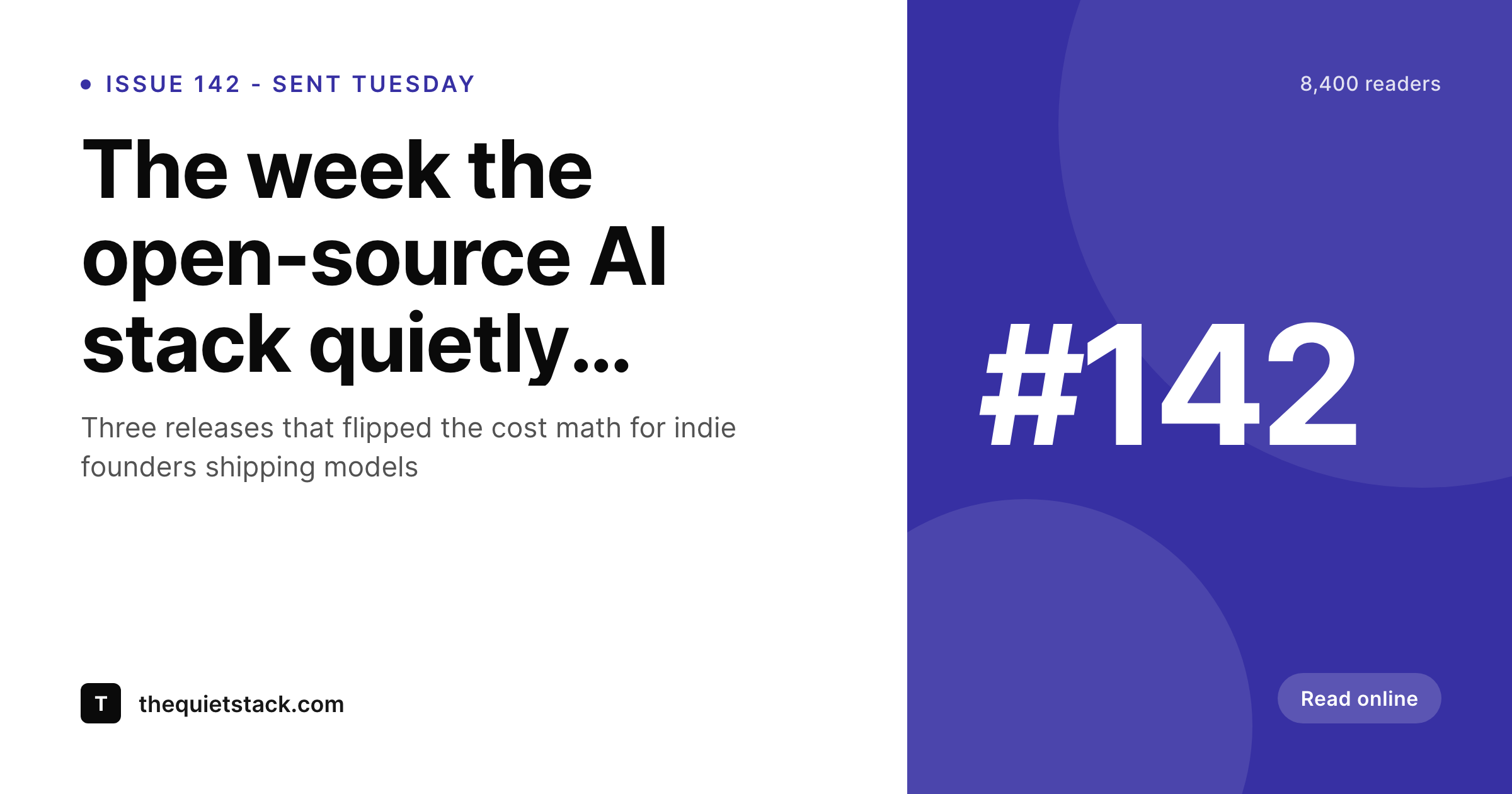
Newsletter archives need cover cards too
Most newsletter publishers keep a web archive of past issues, usually as a custom post type in WordPress. The archive is what gets shared on social, what gets linked from the welcome email, what readers send to friends when they say "you should be reading this." The cover card on that share, the OG image, sets the tone before the link is clicked. A logo on a flat color reads as generic. A real cover with the issue number and the subject line reads as a publication.
The painful part is doing this manually for every issue. A newsletter that ships weekly produces 50 cover cards a year, and a daily newsletter produces 250. No publisher is rebuilding a Canva template every send, and the ones who try end up with drift across the year.
SleekPixel binds the cover template to the archive post fields. Issue number from a custom field, subject line from the post title, send date from the post date, reader count or category from whatever meta you already store. The render runs on save, the og:image tag gets written, and the next share looks like the publication.
Workflow
From sent issue to social-ready archive in one save
Design the cover template
Archive the issue
Share the archive link
Edit and re-render
Output
What a generated newsletter cover looks like
A 1200x630 PNG built from the archive post, with issue number, subject line and date positioned in the locked template.
Comparison
Default newsletter share image vs SleekPixel
Default newsletter cover cards image
- Same generic site logo card on every issue link
- Manual Canva covers drift across the year
- Subject-line edits never update the share card
- Featured image gets cropped wrong on Twitter previews
- No template enforcement, every contributor freestyles
SleekPixel
- Render fires on save for every archive post
- Issue number, subject line and date from post fields
- og:image and twitter:image meta tags written automatically
- Per-section variants for premium, free, or topical series
- Subject-line edits regenerate the cover instantly
Features
What SleekPixel gives you for newsletter cover cards
Archive-post aware
Works against the post type your newsletter archive already uses, native posts, ACF-backed CPT, or whatever the import from Beehiiv or Substack writes to.
Edits regenerate
Tweak the subject line after the email goes out, the archive cover re-renders so social previews always match the live issue title.
Per-series templates
Free issues, paid issues, and limited series can each have their own cover template, picked automatically by category or custom field.
Use cases
Who uses SleekPixel for newsletter cover cards
Solo newsletter operators
One person writing, sending and archiving. SleekPixel removes the per-issue design step so the archive post is the only thing that needs to be filled in.
Multi-author publications
Several writers contributing to a single newsletter brand. Each issue ships with the same locked cover style regardless of who wrote it.
Paid newsletter archives
Subscription publishers with public preview pages. The cover card sells the issue at thumbnail size and links back to the paywalled archive post.
The bigger picture
Why newsletter covers earn the click
A newsletter grows on referrals, and referrals happen through link previews. Subscribers share an archive URL in a group chat, on a feed, in a comment under someone else's post. The link card decides whether two more readers click through.
A generic logo card looks like spam, a real cover with the issue title and number reads like a publication worth subscribing to. Newsletters that ship at any volume cannot maintain that design system manually. The cover step is the first one cut when the publisher is also writing, editing and chasing the next interview.
SleekPixel keeps the cover system anchored in WordPress, locked to the archive post, so every share looks like one publication and the subscribe rate compounds over the year.
Questions
Common questions about SleekPixel for newsletter cover cards
No. SleekPixel renders the cover image for the WordPress archive post. The actual email send still happens in Beehiiv, ConvertKit, Substack, Mailchimp or whichever ESP you use. SleekPixel only handles the visual asset and the og:image meta tag.
Yes. SleekPixel reads native post meta, ACF, Meta Box, and Pods. If the issue number lives as a custom field on the archive post, bind the template layer to that field directly.
Yes. If you mirror your Beehiiv or Substack archive into WordPress (via Zapier, Make, or a manual repost), each archive post fires the SleekPixel render the same way a native post would on save.
Yes. Use a category or custom field to flag premium issues and assign a different template. The plugin picks the right template per issue automatically.
Render times are typically under a second on a normal host. Even publications archiving multiple issues a day will not notice the per-save overhead.
Yes. The admin has a bulk regenerate command that re-renders every archive post against the current template, useful after a masthead or color update.
Yes. SleekPixel writes both meta tags, plus og:image:width and og:image:height. The card validators on X and LinkedIn pick the cover up immediately on first share.
That is a different asset and lives inside the ESP. SleekPixel focuses on the web archive cover, the asset social platforms read from the archive post URL.
Pricing
More than 1000+
happy customers
Explore our flexible licensing options tailored to your needs. Upgrade your license anytime to access more features, or opt for a lifetime license for ongoing value, including lifetime updates and lifetime support. Our hassle-free upgrade process ensures that our platform can grow with you, starting from whichever plan you choose.
Lifetime ♾️
Most popular
EUR
once
- Unlimited websites
- Lifetime updates
- Lifetime support
...or get the Bundle Deal
and save €250 🎁
💎 Want everything forever? The All Access Pass is going away on 01.08.2026.
The Bundle (unlimited sites)
Pay once, own it forever
Elevate your WordPress site with our exclusive plugin bundle that includes all of our premium plugins in one package. Enjoy lifetime updates and lifetime support. Save significantly compared to buying plugins individually.
What’s included
-
SleekAI
-
SleekByte
-
SleekMotion
-
SleekPixel
-
SleekRank
-
SleekView
€749
Continue to checkoutBrowse more
- Lemon Squeezy product covers
- SoundCloud banner
- Twitter header banners
- Threads post images
- Odnoklassniki banners
- Instagram feed posts
- Amazon Storefront banners
- Dailymotion thumbnails
- Discord event cover
- Snapchat snap images
- Etsy listing images
- Snapchat ad images
- Telegram channel cover images
- Kindle book cover
- Facebook Marketplace images