






SleekPixel for Principle prototypes
Principle exports compact prototype files that designers send around for review. SleekPixel reads metadata mirrored into WordPress and renders a per-flow share card, so review links unfurl with the right brand and the right context.
♾️ Lifetime License available
Prototype links rarely look like the work behind them
Principle still earns its keep on Mac design teams. The interaction model maps cleanly to native mobile work, and the exported prototype files are small enough to drop into a Slack thread or a Linear comment. The visual of that share, however, ends with the file name. A reviewer who opens the link in a thread sees a generic file preview, not a card with the product, the flow name and the build version.
For teams running design reviews at scale, the gap between the file and the share matters. A morning of feedback might mean ten prototype links pasted into ten places, and the reviewer's eye has nothing to anchor on except the file name. The team that just spent two days iterating the onboarding flow shares the result with a card that looks like a generic attachment.
SleekPixel closes that gap on the WordPress side. Each Principle prototype that gets shared externally goes through a small public page on the team's WordPress site, mirroring the flow name, build number and reviewer notes. SleekPixel renders the OG card for that page using those fields, with the team's brand color and a flow-specific subtitle. The Slack unfurl says what the prototype is, before the click.
Workflow
From Principle file to share image
Mirror prototype metadata into WordPress
Build the prototype template
Save triggers a render
Share the WordPress URL with the file
Output
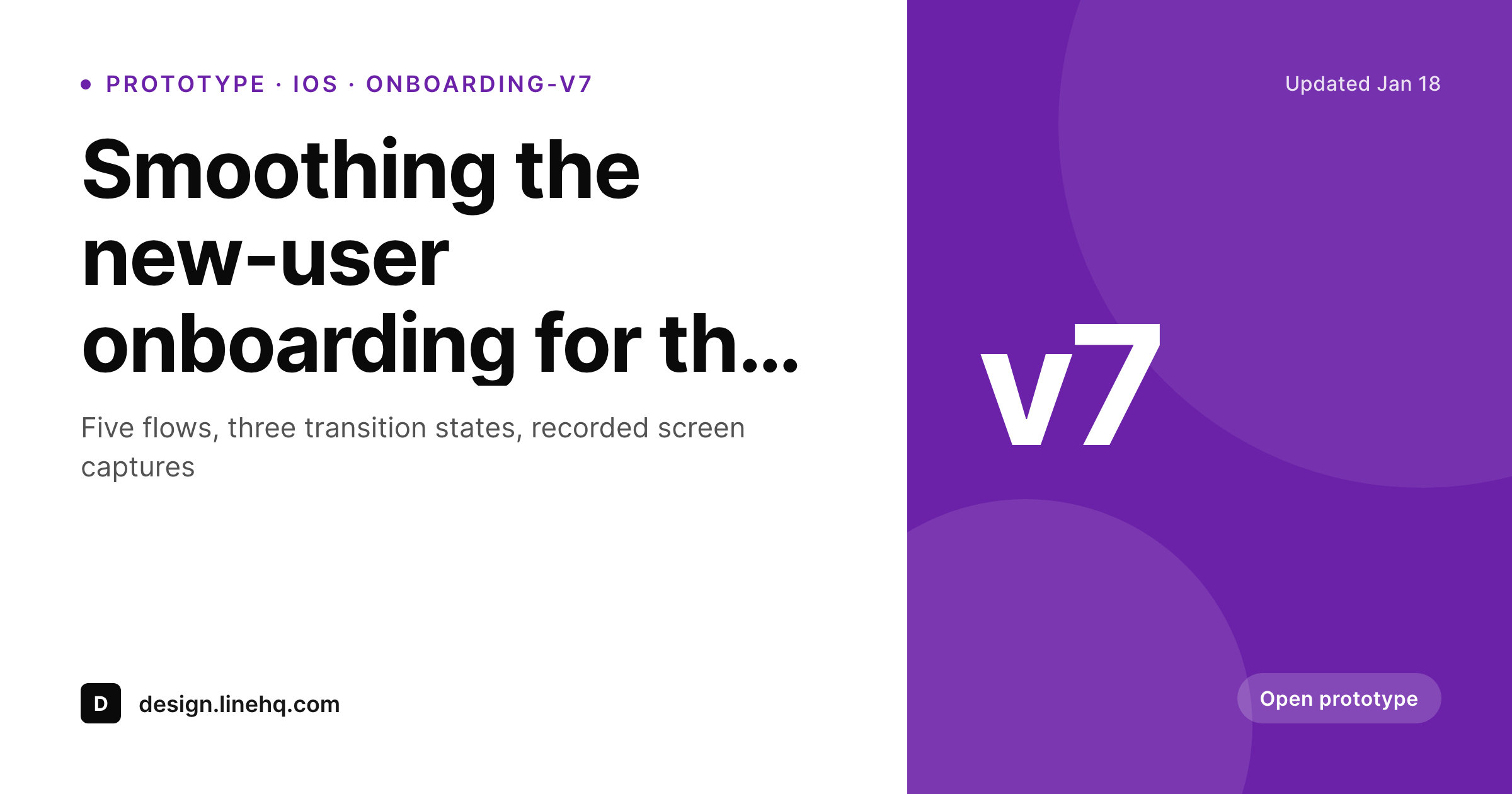
Card for a Principle prototype share
A 1200 by 630 OG and Twitter card with the flow name, build version and brand mark, rendered from the WordPress page that hosts the prototype share.
Comparison
Generic file share vs SleekPixel prototype card
Default file unfurl
- Prototype links unfurl with a generic file icon, not a flow card
- Build version and flow name never reach the share preview
- Brand color and team logo are absent from the unfurl
- Updating the prototype never refreshes the share image
- Per-flow share art is not maintainable across a busy review week
SleekPixel
- Reads WordPress fields describing each Principle prototype share
- Per-flow OG image with name, build, status and brand mark
- Team brand color from the design system drops into the card
- Bulk re-render when the design system or status set changes
- Works for both internal and external review audiences
Features
What SleekPixel gives you for Principle prototypes
Flow-aware slots
Flow name, build version, status and reviewer notes bind to template slots. Each share card stays specific to the prototype on the other side.
Build-version stamps
Card carries the build version and date so reviewers know whether they are looking at the latest iteration or last week's. No more 'is this v6 or v7' questions.
Re-renders on metadata update
When the build number bumps or the status changes from draft to review, the post saves and the card re-renders to match.
Use cases
Where Principle teams benefit most
Native mobile design teams
iOS and Android teams running Principle for interaction prototypes get review-friendly share cards for every flow they ship for feedback.
Distributed design reviews
Remote design reviews across timezones share prototype links in async threads. Cards give context before the click, saving questions.
Design system documentation
Documentation pages that reference key interaction prototypes carry a per-flow share card alongside the static asset previews.
The bigger picture
Why prototype shares deserve a real card
Design review is a coordination problem dressed up as a craft problem. The work in the Principle file is fine, the issue is the surrounding context: which build, which flow, which round of feedback. A share card that names those three things solves more review confusion than another iteration of the prototype itself.
SleekPixel does not change Principle, does not add a panel to the editor and does not require the design team to learn a new tool. It only catches the share layer, on the WordPress side, where the team probably already maintains documentation. The result is that every prototype link the team sends out arrives with the same metadata the team itself would have given verbally in a stand-up.
Reviewers spend their attention on the work, not on the version-control around it.
Questions
Common questions about SleekPixel for Principle prototypes
No. Principle's file format is proprietary and Mac-app-local. SleekPixel reads WordPress post fields that mirror the prototype metadata, entered by the designer at share time.
Yes, with an export step. Designers can export a single frame from Principle as a PNG, attach it to the WordPress post, and let the SleekPixel template composite it into the card. The team's design system can standardize which frame to export.
Both setups work. Internal-only review hubs use private WordPress installs with HTTP auth, public design system sites use a normal public install. SleekPixel renders the same way either way.
Yes. Status is a field on the prototype post. The template can show different status badges and even tint the accent color based on status.
Principle's share-link feature exports a static HTML version of the prototype. SleekPixel sits alongside that, providing the share-card layer for the URL where you host the export. The two are complementary.
Each designer maintains their own posts under their author. Templates are shared at the team level so every prototype share looks consistent. Permissions and review states stay inside WordPress.
Yes. The pattern is generic. Any prototype tool that produces a shareable URL or file can use the same WordPress page plus SleekPixel card combo. ProtoPie, Origami Studio and Figma prototype links all fit the pattern.
No. Entering prototype metadata once at share time takes a minute. The benefit is repeated across every reviewer who sees the link, plus any later reference back to the same prototype.
Pricing
More than 1000+
happy customers
Explore our flexible licensing options tailored to your needs. Upgrade your license anytime to access more features, or opt for a lifetime license for ongoing value, including lifetime updates and lifetime support. Our hassle-free upgrade process ensures that our platform can grow with you, starting from whichever plan you choose.
Lifetime ♾️
Most popular
EUR
once
- Unlimited websites
- Lifetime updates
- Lifetime support
...or get the Bundle Deal
and save €250 🎁
💎 Want everything forever? The All Access Pass is going away on 01.08.2026.
The Bundle (unlimited sites)
Pay once, own it forever
Elevate your WordPress site with our exclusive plugin bundle that includes all of our premium plugins in one package. Enjoy lifetime updates and lifetime support. Save significantly compared to buying plugins individually.
What’s included
-
SleekAI
-
SleekByte
-
SleekMotion
-
SleekPixel
-
SleekRank
-
SleekView
€749
Continue to checkoutBrowse more
- TikTok shop images
- Bluesky link cards
- LinkedIn event banners
- Threads profile banner
- Instagram stories
- VSCO cover
- Douyin thumbnails
- Facebook Marketplace images
- Threads post images
- Threads post cover
- Kick stream thumbnails
- SoundCloud track art
- Spotify Canvas
- Twitch offline banners
- Threads social images