






SleekPixel for Autoptimize
Autoptimize concatenates and minifies CSS, JS, and HTML. SleekPixel generates 1200x630 PNGs sized for Open Graph at save time. The two plugins stay in their own lanes and don't overlap.
♾️ Lifetime License available
Two plugins, two scopes, no overlap
Autoptimize is one of the most-installed performance plugins on WordPress because it does one job well: it concatenates and minifies CSS, JavaScript, and HTML, and optionally lazy-loads images and removes emojis from the head. It does not generate Open Graph images. It does not touch the meta tag layer. Its scope is delivery optimization for assets that already exist on the site.
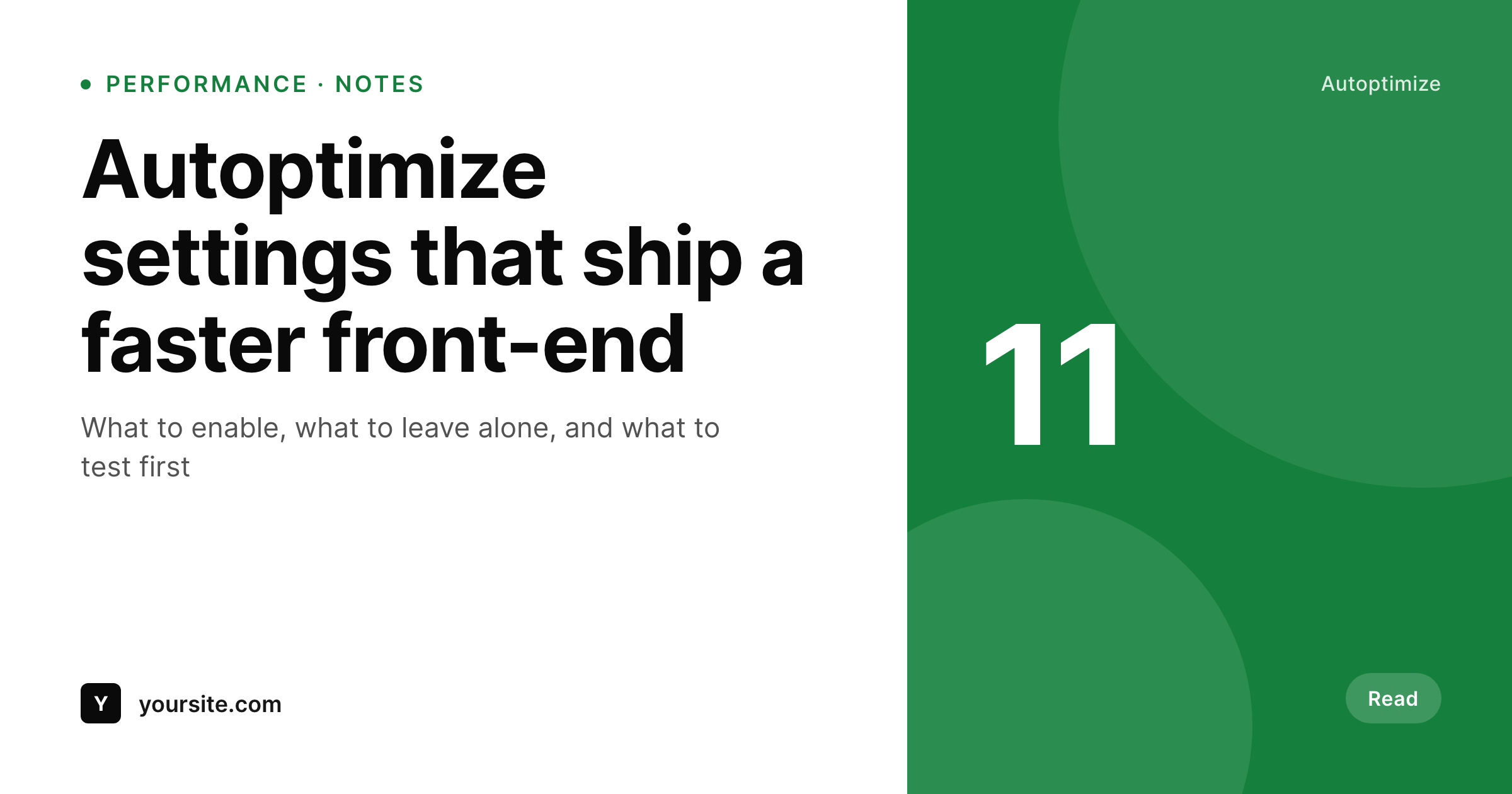
SleekPixel sits in a completely separate scope. We render the OG images themselves: a 1200x630 PNG per post, generated from a template at save time using the post's title, category, and custom fields. The PNG lands in the uploads folder, the URL gets written into the og:image meta tag (or into your SEO plugin's social field), and visitors load it as a static asset.
The two plugins coexist without any configuration. Autoptimize doesn't touch images by default beyond optional lazy-loading, and SleekPixel-rendered PNGs are static files in uploads, so they get treated like any other media. The integration is honest: Autoptimize speeds up the site, SleekPixel ensures every URL has a proper share card, and neither plugin needs the other to function.
Workflow
How both plugins coexist on one site
Autoptimize keeps optimizing
SleekPixel renders at save
URL gets written to og:image
Visitors load a static asset
Output
Sample share card from a SleekPixel-rendered post
1200x630 PNG, sized correctly for Open Graph, rendered once and served as a static asset alongside everything Autoptimize already optimizes.
Comparison
Autoptimize alone vs Autoptimize plus SleekPixel
Autoptimize without OG image rendering
- Autoptimize doesn't generate OG images - it speeds up delivery only
- Posts still need a manually uploaded image per article, or fall back to a default
- Backlog posts share with whatever happened to be the feature image
- Editors have to design and export 1200x630 PNGs as a separate workflow
- Site loads fast but link previews still look generic on social
Autoptimize + SleekPixel
- Autoptimize and SleekPixel run in separate scopes - no settings to reconcile
- OG images are rendered once at save and served as static PNGs
- Image dimensions are correct out of the box - no aspect-ratio cropping
- Works alongside any caching, minification, or CDN setup
- Honest framing - SleekPixel renders, Autoptimize delivers
Features
What SleekPixel gives you for Autoptimize
Pre-sized PNGs
SleekPixel outputs 1200x630 PNGs sized for Open Graph and Twitter cards. No cropping, no resizing, no runtime image processing.
Static delivery
Rendered images are static files in the uploads folder. Autoptimize, caching, and CDNs treat them like any other asset.
No reconciliation
Both plugins run with default settings. Autoptimize handles CSS, JS, and HTML. SleekPixel handles the OG image. No overlapping options.
Use cases
Where this combination fits
Performance-tuned blogs
Sites that already run Autoptimize for delivery get auto-generated share cards without compromising load times or asset count.
High-volume editorial
Newsrooms publishing dozens of articles a day get branded social cards on every URL without burdening the design team.
Lean WordPress stacks
Sites running a minimal plugin set keep that posture - SleekPixel adds save-time rendering only, no runtime overhead.
The bigger picture
Why this matters for performance-minded sites
Performance-focused sites optimize delivery aggressively but often skip the OG image production entirely because it's not a delivery problem - it's a content problem. The result is a fast site whose link shares still look generic on X, LinkedIn, and Slack. SleekPixel adds the image rendering step at save time, not at request time, so the performance posture Autoptimize protects stays intact.
The PNG is a static asset like any other, served through whatever CDN or cache the site already uses. Both plugins keep doing what they do best, and the site ends up fast on load and branded on share.
Questions
Common questions about SleekPixel for Autoptimize
No. Autoptimize concatenates and minifies HTML, CSS, and JS. SleekPixel renders a PNG at save time and writes a URL into the og:image meta tag. The two scopes don't overlap and there are no settings to reconcile.
No. OG images are read by social crawlers from the og:image meta tag, not from the visible page. Autoptimize's lazy-load only affects images embedded in post content.
No. Rendering happens once at save time. Visitors and crawlers load a static PNG from the uploads folder, which is exactly the kind of asset Autoptimize is designed to deliver efficiently.
PNGs are written at the correct 1200x630 dimensions for Open Graph and Twitter cards. If you run an image-optimization service like Autoptimize's image-optimization addon or a third-party tool, those run on the static PNG like any other upload.
Yes. SleekPixel outputs static PNGs in the uploads folder. Autoptimize Pro and any CDN that serves uploads handle the image automatically.
OG images are not in the visible page by default. If you embed the SleekPixel-generated image in post content as well, it loads like any other media and Autoptimize's Critical CSS continues to work as configured.
Yes. The two plugins are independent. SleekPixel works with any caching or optimization setup, or none at all.
Already-generated PNGs remain in uploads. The og:image meta tag continues to point at them. New posts won't get auto-rendered cards until the plugin is reactivated.
Pricing
More than 1000+
happy customers
Explore our flexible licensing options tailored to your needs. Upgrade your license anytime to access more features, or opt for a lifetime license for ongoing value, including lifetime updates and lifetime support. Our hassle-free upgrade process ensures that our platform can grow with you, starting from whichever plan you choose.
Lifetime ♾️
Most popular
EUR
once
- Unlimited websites
- Lifetime updates
- Lifetime support
...or get the Bundle Deal
and save €250 🎁
💎 Want everything forever? The All Access Pass is going away on 01.08.2026.
The Bundle (unlimited sites)
Pay once, own it forever
Elevate your WordPress site with our exclusive plugin bundle that includes all of our premium plugins in one package. Enjoy lifetime updates and lifetime support. Save significantly compared to buying plugins individually.
What’s included
-
SleekAI
-
SleekByte
-
SleekMotion
-
SleekPixel
-
SleekRank
-
SleekView
€749
Continue to checkoutBrowse more
- this not that cards
- support update cards
- waitlist closing card
- infographic card snippets
- stat callout cards
- tech stack card
- ship log cards
- session recap cards
- product launch cards
- expectation vs reality cards
- deprecation cards
- SOC 2 announcement card
- LinkedIn update cards
- book quote cards
- weekly ship cards
- Medium article headers
- YouTube community images
- Tumblr header
- Twitch panel images
- YouTube end screens
- Dailymotion thumbnails
- Mastodon profile banners
- Mastodon post images
- Pinterest board covers
- Apple Music cover art
- KDP paperback cover
- Douyin thumbnails
- Facebook group banners
- kbin post images
- Threads post cover