






SleekPixel for Automatic.css
SleekPixel renders a 1200 by 630 OG image on save for any post on an ACSS-powered site. Match the framework's color and spacing system, pull from any custom field, render server-side without a third-party service.
♾️ Lifetime License available
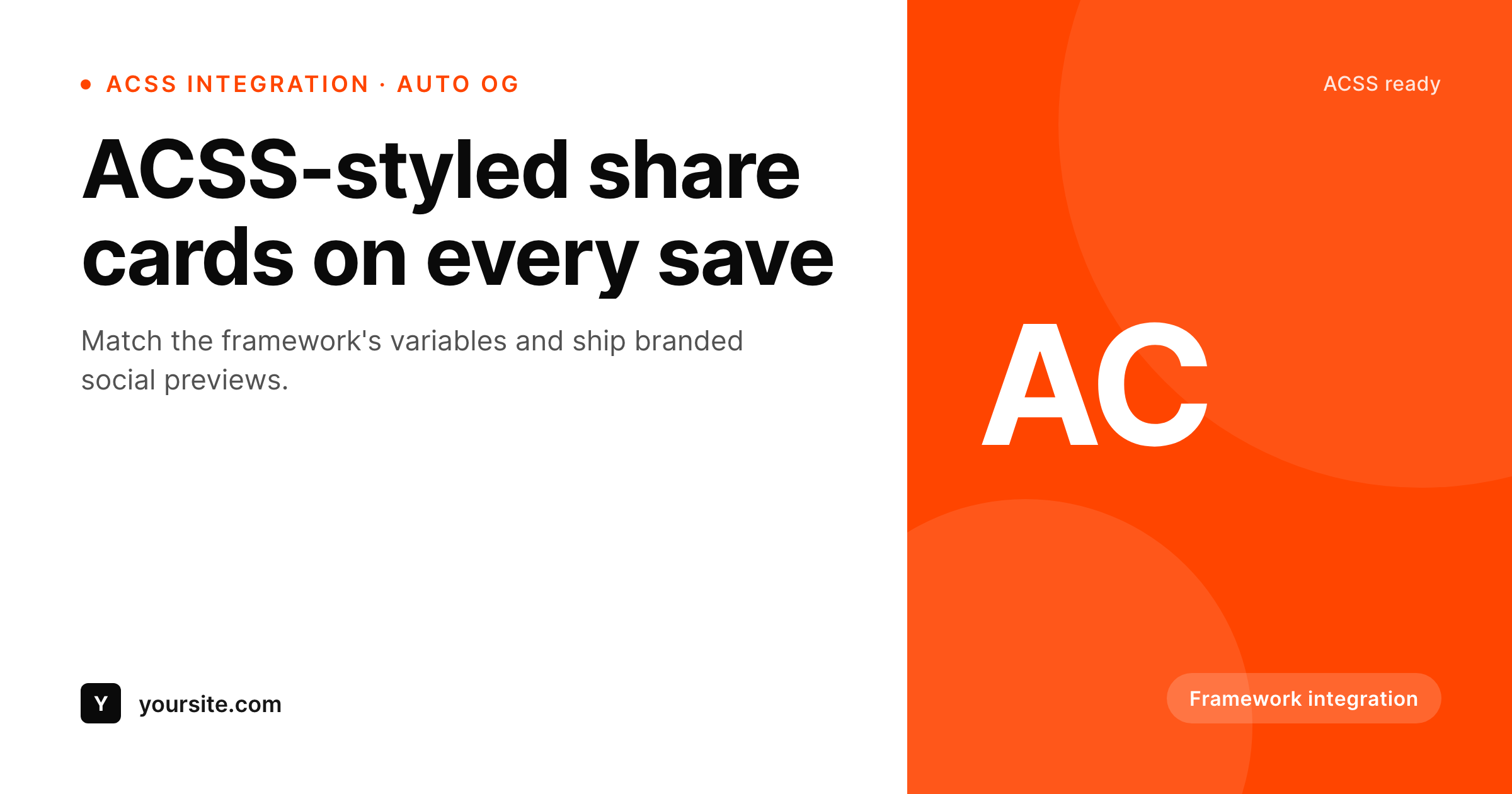
ACSS standardizes the page, the share layer needs its own consistency
Automatic.css standardizes design tokens on WordPress sites built with Bricks, Oxygen, Cwicly, or Breakdance. One palette, one type scale, one spacing system, applied across the whole site. The result is the consistency a custom utility framework would give a hand-coded site, available inside the builder of choice. The piece ACSS does not control is the share layer, which still typically falls back to the SEO plugin's global OG image.
SleekPixel covers that gap. The share-card template uses the same hex values you set as ACSS variables, so the card matches the framework instead of fighting it. The render hooks save_post on any post type, reads native plus ACF or Meta Box fields, and writes a 1200 by 630 PNG to uploads. ACSS keeps governing the visible page styles, SleekPixel keeps the share preview aligned to the same palette without sharing any code path.
For agencies using ACSS as a portfolio-wide standard, the SleekPixel template export carries a single share-card design across every ACSS site. Logo and brand color swap per client, the layout itself stays the same. Bulk regenerate covers an entire site after a palette change without touching the builder.
Workflow
From ACSS site save to share image
Match palette variables
Map fields
Save the post
Meta tags update
Output
Sample card matching ACSS variables
The card uses the same primary, base, and neutral hex values as the ACSS palette on your site. Every post inherits the same composition.
Comparison
Manual exports versus SleekPixel
SEO plugin fallback
- Every post falls back to the SEO plugin's global OG image
- ACSS variables governing the page never reach the share preview
- Custom fields used in builder dynamic data stay invisible to the OG image
- Palette refresh in ACSS leaves last year's share cards in place
- Per-post Canva exports do not scale to a full ACSS site
SleekPixel
- Match ACSS palette variables in the SleekPixel template
- Hooks save_post on any post type, regardless of which builder ACSS supports
- Reads ACF, Meta Box, and native fields used in builder dynamic data
- Self-hosted render with no per-image fees
- Bulk regenerate covers a full ACSS site after a palette change
Features
What SleekPixel gives you for Automatic.css
Variable aligned
Drop the same hex values you use in ACSS variables into the SleekPixel template. Share cards inherit the framework palette without manual upkeep.
Builder agnostic
Works on save_post regardless of the ACSS builder pairing: Bricks, Oxygen, Cwicly, Breakdance. The render path is the same on all of them.
Portfolio portable
Export a SleekPixel template once, import on every ACSS client site. Logo and primary color swap per project, layout stays consistent.
Use cases
Where ACSS sites benefit most
Agencies standardized on ACSS
One ACSS palette per client, one SleekPixel template per client. The share card carries the framework's design tokens across every URL.
CPT-heavy marketing sites
Service detail, case study, portfolio CPTs each get share cards built from the same fields the builder reads.
Blogs styled with ACSS
Per-post share cards using the same palette as the site, no Canva detour after every publish.
The bigger picture
Why ACSS sites need an aligned share layer
Automatic.css solves a real problem on WordPress sites: design token chaos across a builder ecosystem. Bricks, Oxygen, Cwicly, and Breakdance all let any user pick any color anywhere, which on a multi-page site collapses into a palette of forty different blues. ACSS replaces that with a strict variable system, so the visible page is consistent across templates and across years of edits.
The share preview is the layer ACSS does not reach. None of the builders ACSS supports generate OG images natively, and the SEO plugin fallback is a single global image regardless of post type or category. SleekPixel addresses that with the same posture ACSS uses on the page: define the system once, apply automatically, refresh in one place.
The SleekPixel template uses raw hex values rather than CSS variables, so an ACSS palette refresh requires updating the template colors as well, but the bulk regenerate command covers all past posts in one pass. The share preview stays aligned to the framework instead of drifting from it.
Questions
Common questions about SleekPixel for Automatic.css
Not as live CSS variables. The SleekPixel template uses raw hex values. To match your ACSS palette, copy the hex values from the ACSS variable settings into the template.
Yes. SleekPixel hooks save_post regardless of which builder produced the page. Bricks, Oxygen, Cwicly, and Breakdance all save through standard WordPress, so the integration is the same.
No. SleekPixel renders an image server-side and writes a meta tag. It does not output HTML or CSS into the page body, so ACSS class generation is unaffected.
Manually for now. After an ACSS palette refresh, update the matching hex values in the SleekPixel template and bulk regenerate. The two systems do not share a config file.
No. SleekPixel is independent of ACSS. The two pair well because both produce consistent visual systems, but the plugin works the same on any WordPress site.
Yes. Update the SleekPixel template, run bulk regenerate, and every past post in enabled post types renders a fresh share card.
No. Image generation runs once per save and stores a static PNG. Nothing extra fires at view time.
Yes. SleekPixel supports per-post-type and per-category templates, which lines up well with the structured approach ACSS encourages.
Pricing
More than 1000+
happy customers
Explore our flexible licensing options tailored to your needs. Upgrade your license anytime to access more features, or opt for a lifetime license for ongoing value, including lifetime updates and lifetime support. Our hassle-free upgrade process ensures that our platform can grow with you, starting from whichever plan you choose.
Lifetime ♾️
Most popular
EUR
once
- Unlimited websites
- Lifetime updates
- Lifetime support
...or get the Bundle Deal
and save €250 🎁
💎 Want everything forever? The All Access Pass is going away on 01.08.2026.
The Bundle (unlimited sites)
Pay once, own it forever
Elevate your WordPress site with our exclusive plugin bundle that includes all of our premium plugins in one package. Enjoy lifetime updates and lifetime support. Save significantly compared to buying plugins individually.
What’s included
-
SleekAI
-
SleekByte
-
SleekMotion
-
SleekPixel
-
SleekRank
-
SleekView
€749
Continue to checkoutBrowse more
- Twitch profile banner
- YouTube Shorts cover
- Pinterest video pin covers
- Instagram Reels covers
- Apple Music cover art
- Threads story-style images
- LINE official account banners
- Behance banner
- Fansly banner
- Telegram channel cover images
- Bluesky feed banner
- Rednote (Xiaohongshu) post
- YouTube Shorts covers
- Nostr note images
- YouTube Music cover art