






SleekPixel for Pods framework
SleekPixel renders a 1200 by 630 OG image on save for any post type Pods registers. Reads title, taxonomy, and any Pods field. Lives alongside Pods without modifying it.
♾️ Lifetime License available
Pods structures the data, the share layer needs its own template
Pods is one of the longest-running custom-content frameworks on WordPress, used to register CPTs, custom taxonomies, and custom fields with a UI that does not require code. Sites built around Pods tend to be data-heavy: directories, course catalogues, listings, structured archives. The share preview rarely keeps up because Pods does not generate OG images, and the SEO plugin's global fallback is the only thing the share preview can reach for.
SleekPixel covers the share layer with its own template engine. It hooks save_post for any post type Pods registers, reads Pods fields alongside native and ACF or Meta Box fields, and renders a 1200 by 630 PNG. Pods keeps owning the data model and the front-end templating, SleekPixel writes the og:image meta tag in the document head. The two systems do not share code paths.
For directory and listing sites, the share-card payoff is large: each detail post (a property, a course, a member) gets a card with the title and one or two key fields surfaced. Visitors sharing a listing in DM unfurls see what they are sharing, instead of a generic site logo.
Workflow
From Pods save to share image
Enable Pods CPTs
Map Pods fields
Save the post
Meta tags update
Output
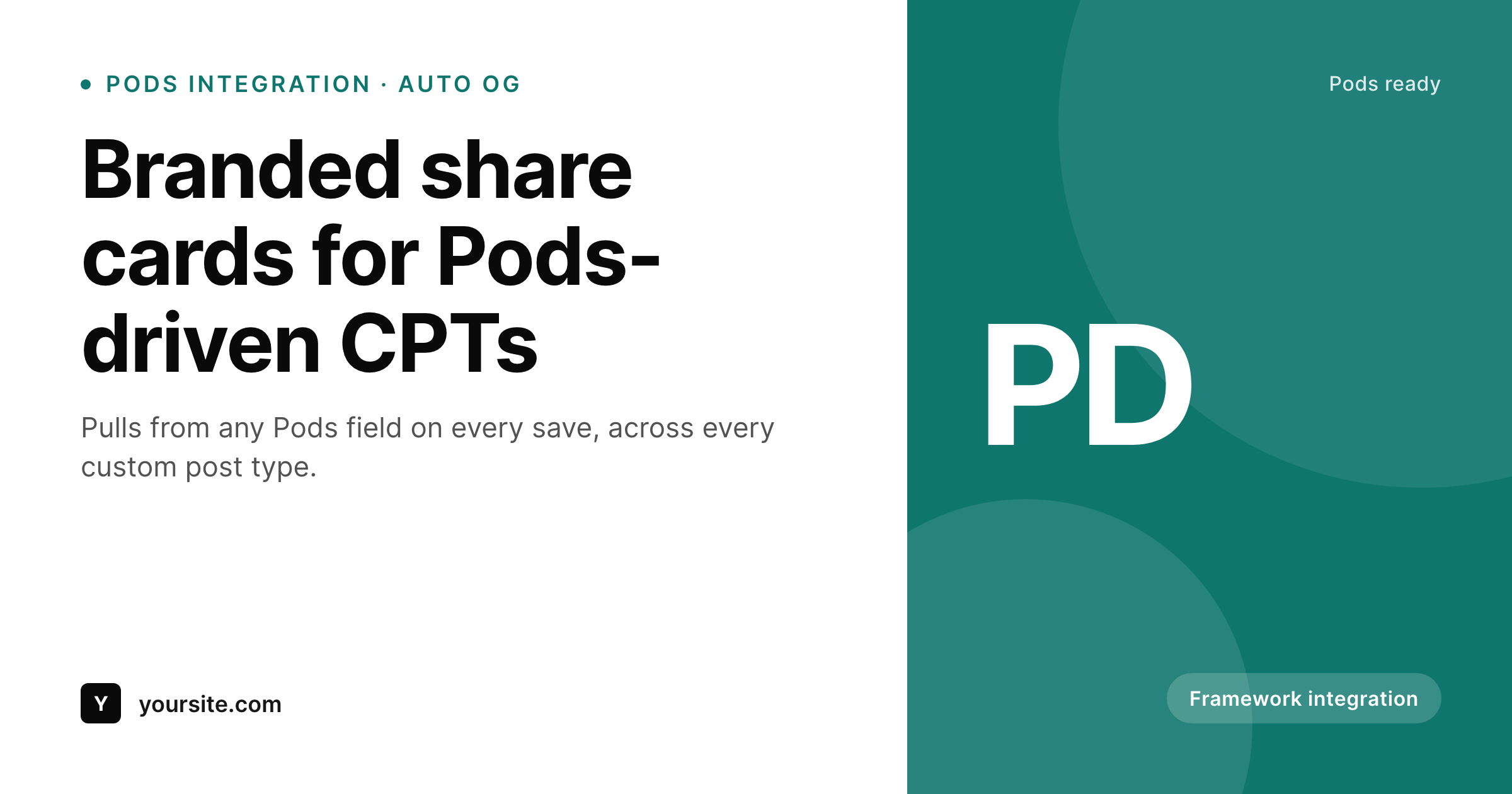
Sample card for a Pods CPT post
Rendered from the post's title, taxonomy, and a Pods field. Same template, every CPT detail page.
Comparison
Pods default versus SleekPixel
SEO plugin fallback
- Every Pods CPT post falls back to the SEO plugin's global OG image
- Pods fields driving the front-end never reach the share preview
- Custom taxonomies stay invisible to the OG image
- Brand refresh leaves all past share cards in place
- Per-post Canva exports collapse on a directory or catalogue
SleekPixel
- Hooks save_post for every CPT Pods registers
- Reads Pods fields alongside ACF, Meta Box, and native fields
- Self-hosted render with no per-image fees
- Template export moves between Pods-driven sites
- Bulk regenerate covers a full directory or catalogue
Features
What SleekPixel gives you for Pods framework
Pods field aware
Pods stores fields as standard post meta. SleekPixel reads them in the template alongside native fields, so any Pods data drives the share card.
Per-CPT templates
Properties, courses, and members can each have their own card design pulled from their own Pods fields, without rebuilding the front-end template.
Portable across sites
Export a SleekPixel template once and import on the next Pods-driven site. The same OG design system follows the brand across builds.
Use cases
Where Pods sites benefit most
Directories and listings
Each directory entry gets a card with title and one or two Pods fields. Listings shared in DM unfurls show the actual entry.
Course catalogues
Course detail posts get cards with title, instructor, and duration pulled from Pods fields.
Resource archives
Resource CPTs (guides, ebooks, templates) each get cards with topic name and category.
The bigger picture
Why Pods sites need automated share cards
Pods earned its place by giving WordPress sites a custom-content framework with a UI that hides most of the implementation work. Directories, catalogues, listings, and structured archives all run on Pods, and the data model can scale to thousands of detail pages. The share preview becomes a real problem at that scale because none of those pages get a per-post OG image automatically.
The default behavior is the SEO plugin's global fallback, which means every property listing, every course detail, every directory entry shares with the site logo. SleekPixel covers that gap by treating the share image as a data-driven template, the same way Pods treats the front-end. Define one card layout per CPT with dynamic fields, render automatically on save, refresh as data changes.
Pods stores fields as standard post meta, so SleekPixel reads them with the same picker that surfaces native fields. The result is a directory where every entry shares cleanly, a catalogue where every course unfurls with title and instructor, and a brand that holds together across the share layer.
Questions
Common questions about SleekPixel for Pods framework
Yes. Pods registers standard WordPress CPTs, which appear in the SleekPixel post type selector alongside built-in types.
Yes. Pods fields are stored as standard post meta. SleekPixel reads them in the template picker alongside ACF, Meta Box, and native fields.
Yes. The current value of a relationship field is stored as post meta. The SleekPixel template can render the related post's title or another resolvable value.
No. SleekPixel writes meta tags to the document head and stores PNGs in uploads. Pods front-end templates are unaffected.
Pods Pages are a non-standard post type used for routing. SleekPixel typically targets the post types that hold the actual content (CPTs and pages), not the routing definitions themselves.
Yes. Bulk regenerate walks every post in enabled post types and renders fresh share cards. Sites with thousands of detail posts can run the regeneration in batches.
No. SleekPixel reads post meta through the standard WordPress API, which Pods uses for storage. Pods updates do not affect the meta interface.
Yes. SleekPixel supports per-post-type templates so each Pods CPT can have its own card design pulled from its own fields.
Pricing
More than 1000+
happy customers
Explore our flexible licensing options tailored to your needs. Upgrade your license anytime to access more features, or opt for a lifetime license for ongoing value, including lifetime updates and lifetime support. Our hassle-free upgrade process ensures that our platform can grow with you, starting from whichever plan you choose.
Lifetime ♾️
Most popular
EUR
once
- Unlimited websites
- Lifetime updates
- Lifetime support
...or get the Bundle Deal
and save €250 🎁
💎 Want everything forever? The All Access Pass is going away on 01.08.2026.
The Bundle (unlimited sites)
Pay once, own it forever
Elevate your WordPress site with our exclusive plugin bundle that includes all of our premium plugins in one package. Enjoy lifetime updates and lifetime support. Save significantly compared to buying plugins individually.
What’s included
-
SleekAI
-
SleekByte
-
SleekMotion
-
SleekPixel
-
SleekRank
-
SleekView
€749
Continue to checkoutBrowse more
- Apple Music cover art
- VSCO cover
- Etsy listing images
- Rednote (Xiaohongshu) post
- LinkedIn event banners
- Etsy cover photos
- Douyin thumbnails
- Ghost feature images
- Snapchat Spotlight covers
- KDP paperback cover
- Instagram feed posts
- Medium article headers
- YouTube end screens
- LinkedIn newsletter headers
- Twitter header banners