






SleekPixel for Blocksy theme
SleekPixel renders a 1200 by 630 share card on save for any post built with Blocksy. Pulls title, category, and any custom field. Lives next to the theme without modifying it.
♾️ Lifetime License available
Blocksy ships clean defaults, the share layer needs its own
Blocksy is one of the lightest WordPress themes around, and it leans on the Customizer plus a small extra-options plugin to cover most layout decisions. Sites built on Blocksy load fast and edit cleanly. The default share preview is typically whatever the SEO plugin chose, which is usually the site logo or a featured image not designed for 1200 by 630.
SleekPixel covers the share layer without touching Blocksy. It hooks save_post for any post type you enable, reads the title, category, author, and any custom field, and renders the OG image. Blocksy keeps owning the page chrome (header, footer, archives), SleekPixel writes the meta tag in the document head. Both systems are independent and version updates on either side leave the other untouched.
Because Blocksy is often paired with Stackable, GreenShift, or Kadence Blocks for the body, SleekPixel's data-driven approach is a clean fit. The card always renders from post data, regardless of which block ecosystem composed the body. Swap block plugins later, the share image stays consistent.
Workflow
From Blocksy save to share image
Enable post types
Map fields
Save in the editor
Meta tags update
Output
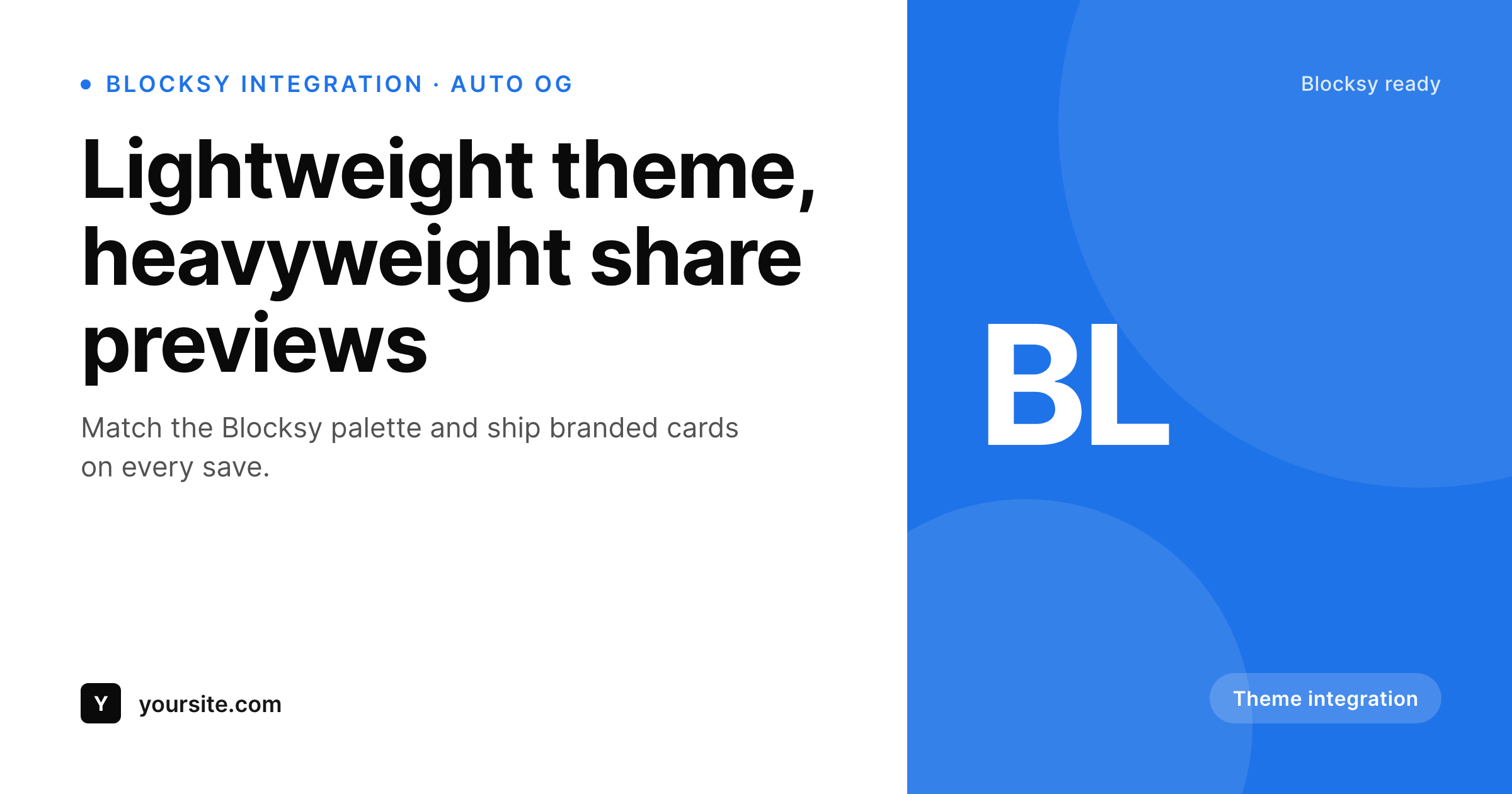
Sample share card for a Blocksy post
Rendered from the post's title, category, and theme accent color. Same template, every post on the site.
Comparison
Theme defaults versus SleekPixel
SEO plugin fallback
- Every Blocksy post shares with the same global SEO plugin fallback image
- Featured images framed for the in-page hero crop poorly at 1200 by 630
- Custom fields surfaced via Blocksy Pro extra options never reach the OG image
- Brand refresh in Customizer leaves last year's share cards untouched
- Per-post Canva exports do not scale beyond a small site
SleekPixel
- Hooks save_post on any post type Blocksy displays
- Reads ACF, Meta Box, and native fields including Blocksy Pro extras
- Self-hosted render with no per-image fees
- Template export moves between Blocksy sites cleanly
- Bulk regenerate covers an entire Blocksy site after a brand refresh
Features
What SleekPixel gives you for Blocksy theme
Theme palette match
Pick the same accent and background colors you set in the Blocksy Customizer. The share card stays visually aligned with the rest of the site.
Field aware
Reads ACF, Meta Box, and any field surfaced via Blocksy Pro extra options, alongside native post fields.
Lightweight
Image generation runs once per save and stores a static PNG. Nothing renders at view time, so Blocksy's speed is preserved.
Use cases
Where Blocksy sites benefit most
Blogs and magazines
Per-post share cards with title, author, and category. Every article unfurls cleanly on Twitter and LinkedIn.
Product marketing sites
Landing pages get cards pulled from page title and a campaign tag. Refreshing the brand updates every page in one bulk pass.
Documentation and resources
Doc pages and resource posts each get their own share card with the topic name surfaced, instead of a generic site logo.
The bigger picture
Why Blocksy sites need automated share cards
Blocksy was built around two ideas: keep the theme small, and keep the configuration friendly. Sites that pick Blocksy tend to value performance and clarity over feature surface. The share preview is one of the few areas where that posture leaves a gap: there is no theme-level OG image generator, and the SEO plugin's fallback is a global image, not per-post.
SleekPixel fills that gap without breaking the lightweight feel. The render runs once at save time, the output is a static PNG, and nothing extra fires when a visitor hits the page. The Blocksy front-end stays as fast as it was.
For sites pairing Blocksy with Blocksy Pro extra options, the SleekPixel template can read those fields directly, which is the closest thing to a Blocksy native integration without modifying the theme. Editors stay inside their normal workflow, the OG layer keeps up on its own.
Questions
Common questions about SleekPixel for Blocksy theme
No. SleekPixel writes meta tags to the document head and stores PNGs in uploads. The Blocksy theme files are untouched, and theme updates do not affect SleekPixel.
Yes. Blocksy Pro extra options are stored as post meta, and SleekPixel reads post meta directly. Drop the field name into the SleekPixel template and it renders.
Content Blocks are a Blocksy CPT for header, footer, and hooks. SleekPixel typically does not target them since they are not public URLs, but they appear in the post type selector if you ever need them.
SleekPixel writes only og:image and twitter:image. Title and description tags stay with your SEO plugin. Decide which layer owns the image (typically SleekPixel) and the two stack cleanly.
No. The render runs once at save time. Visitors load a regular PNG, the same as any uploaded image.
Yes. Bulk regenerate walks every post in enabled post types and renders fresh images using the current template settings.
Yes. Blocksy Companion adds the Customizer extras and CPTs. SleekPixel sees the CPTs in the post type selector and reads any meta they expose.
Yes. SleekPixel supports per-post-type and per-category templates. Posts, pages, and CPTs can each have their own card design.
Pricing
More than 1000+
happy customers
Explore our flexible licensing options tailored to your needs. Upgrade your license anytime to access more features, or opt for a lifetime license for ongoing value, including lifetime updates and lifetime support. Our hassle-free upgrade process ensures that our platform can grow with you, starting from whichever plan you choose.
Lifetime ♾️
Most popular
EUR
once
- Unlimited websites
- Lifetime updates
- Lifetime support
...or get the Bundle Deal
and save €250 🎁
💎 Want everything forever? The All Access Pass is going away on 01.08.2026.
The Bundle (unlimited sites)
Pay once, own it forever
Elevate your WordPress site with our exclusive plugin bundle that includes all of our premium plugins in one package. Enjoy lifetime updates and lifetime support. Save significantly compared to buying plugins individually.
What’s included
-
SleekAI
-
SleekByte
-
SleekMotion
-
SleekPixel
-
SleekRank
-
SleekView
€749
Continue to checkoutBrowse more
- YouTube Music cover art
- Signal sticker pack
- Behance project covers
- YouTube playlist covers
- Linktree banner image
- Spotify playlist cover
- Douyin thumbnails
- Discord stage banner
- SoundCloud track art
- KDP paperback cover
- Dribbble shot covers
- Facebook cover photos
- LinkedIn company banners
- Twitter header banners
- Twitch overlay