






SleekPixel for OceanWP theme
SleekPixel reads each post's title, category, and any custom field surfaced by OceanWP or its companion plugins, then renders a branded OG image on save. No theme edits, no SEO plugin glue.
♾️ Lifetime License available
OceanWP gives you the design system, share cards still need their own
OceanWP is one of the broadest free WordPress themes, paired with a Customizer-driven design system and a long list of optional companion features. The theme covers most of what a marketing or business site needs out of the box. The share preview is the gap: OceanWP does not ship per-post OG image generation, and most sites end up with whatever the SEO plugin assigned globally.
SleekPixel adds the missing layer. It hooks save_post for any post type, reads native post fields plus ACF, Meta Box, or any other meta source, and renders a 1200 by 630 PNG. The OceanWP front-end keeps doing what it does, the share card lives next to it in meta tags. The two layers are independent and survive each other's updates.
For sites running OceanWP with WooCommerce, SleekPixel covers product post types alongside pages and posts. Each product gets a card with title, price, and any meta you want to surface. Buyers sharing products in DM unfurls show actual product info instead of a generic site logo.
Workflow
From OceanWP save to share image
Enable post types
Map fields
Save the post
Meta tags update
Output
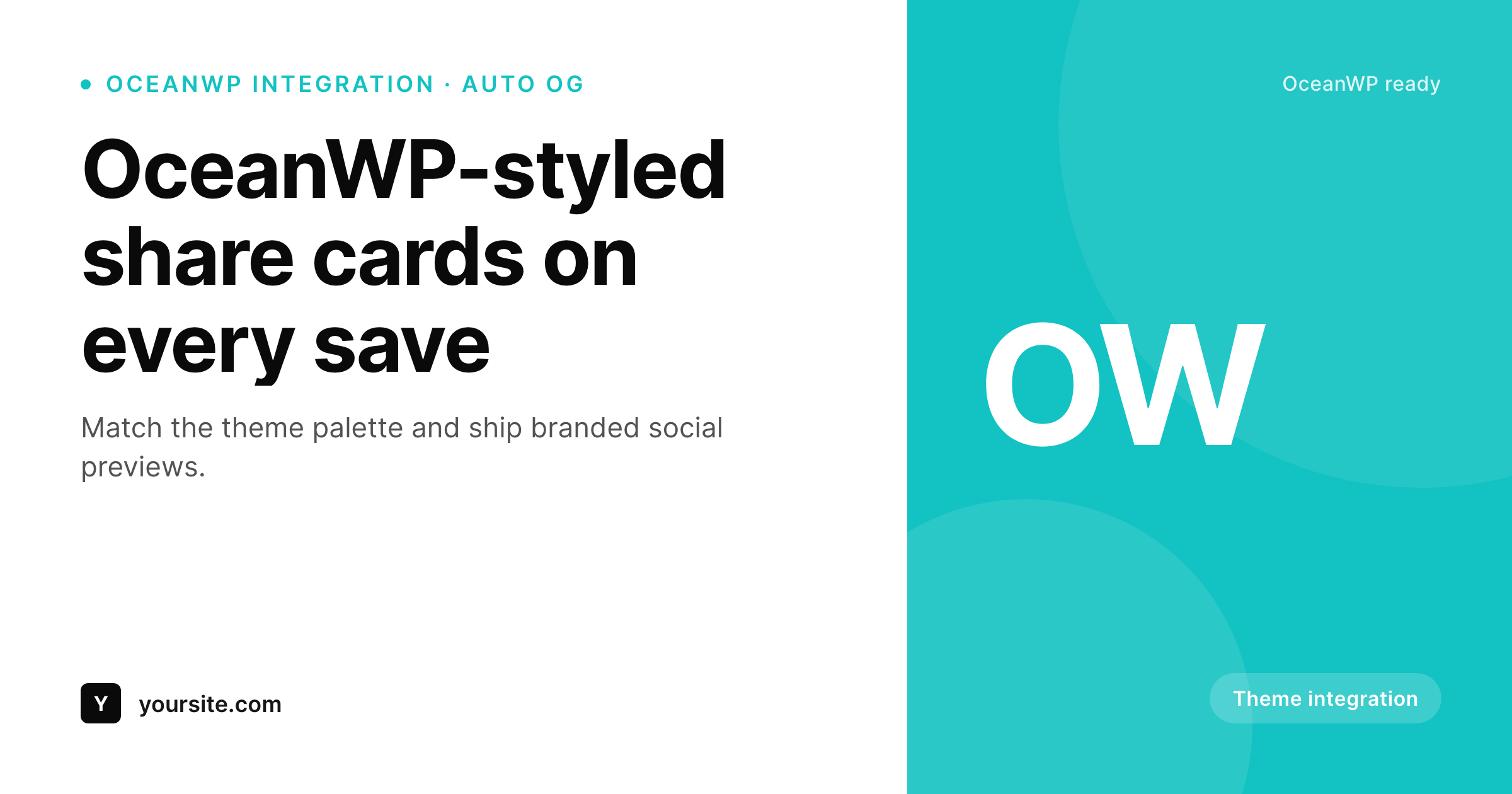
Sample card for an OceanWP post
Rendered from the post's title, category, and theme accent color. The same template covers every post.
Comparison
OceanWP default versus SleekPixel
SEO plugin fallback
- Every OceanWP post falls back to the same global OG image
- Featured images cropped from the hero look poor at share dimensions
- ACF and OceanWP companion fields never reach the share preview
- Brand refresh in Customizer leaves old share cards in place
- Per-post Canva exports do not scale to a full site
SleekPixel
- Hooks save_post for any OceanWP post type
- Reads ACF, Meta Box, and OceanWP companion meta
- Template export moves between OceanWP sites
- Self-hosted render with no per-image fees
- Bulk regenerate covers a full OceanWP site
Features
What SleekPixel gives you for OceanWP theme
Theme palette match
Pick the same accent and background colors you set in OceanWP Customizer. The share card stays consistent with the site's design.
Companion field aware
Reads any post meta, including custom fields added by OceanWP companion plugins, alongside ACF and Meta Box.
Portable across sites
Export a SleekPixel template from one OceanWP site and import on the next. The same OG design system follows the brand.
Use cases
Where OceanWP sites benefit most
Blogs on OceanWP
Per-post share cards with title, author, and category. Editors stop hunting for a featured image that works at OG dimensions.
WooCommerce on OceanWP
Product cards with title and price unfurl in DMs. Shoppers see what they are sharing, not a site logo.
Business sites
Service pages each get a card pulled from page title and a service tag. Brand refreshes update every page in one pass.
The bigger picture
Why OceanWP sites need automated share cards
OceanWP became one of the most-installed free themes by giving solo site owners and small agencies a design system without lock-in. Customizer covers fonts, colors, layout widths, and a long list of companion plugins extends the theme into specific niches: WooCommerce, photography portfolios, business sites. The default OceanWP install does not include per-post OG image generation, which means even the most polished OceanWP site shares its URLs with whatever the SEO plugin set globally.
The mismatch shows: a careful homepage with a careful Customizer palette, paired with a generic share preview that never carries the brand. SleekPixel covers that gap by reading post fields and rendering one PNG per post on save. The output sits in uploads as a regular file, the meta tag points at it, the OceanWP front-end is untouched.
For OceanWP sites paired with WooCommerce, the same system covers product URLs without extra setup. The theme keeps owning the page, the share image keeps up automatically.
Questions
Common questions about SleekPixel for OceanWP theme
Both. SleekPixel reads post meta directly, which works regardless of whether you are running OceanWP free or with the Core Extensions bundle.
Yes. Pick the same hex colors you set in Customizer and the SleekPixel template will use them. The card stays visually aligned with the rest of the site.
Yes. Enable the product post type and SleekPixel renders cards using product title, price, SKU, and any custom field.
OceanWP does not own OG meta tags, your SEO plugin does. SleekPixel writes only og:image and twitter:image, leaving title and description to the SEO plugin.
No. SleekPixel writes meta tags to the document head and stores PNGs in uploads. The theme is untouched, and theme updates do not affect SleekPixel.
Yes. Bulk regenerate walks every post in the enabled post types and re-renders the share card with the current template.
No. The image renders once at save time and stores as a static PNG. Nothing additional runs at view time.
Yes. SleekPixel supports per-post-type and per-category templates, so each section of an OceanWP site can have its own card design.
Pricing
More than 1000+
happy customers
Explore our flexible licensing options tailored to your needs. Upgrade your license anytime to access more features, or opt for a lifetime license for ongoing value, including lifetime updates and lifetime support. Our hassle-free upgrade process ensures that our platform can grow with you, starting from whichever plan you choose.
Lifetime ♾️
Most popular
EUR
once
- Unlimited websites
- Lifetime updates
- Lifetime support
...or get the Bundle Deal
and save €250 🎁
💎 Want everything forever? The All Access Pass is going away on 01.08.2026.
The Bundle (unlimited sites)
Pay once, own it forever
Elevate your WordPress site with our exclusive plugin bundle that includes all of our premium plugins in one package. Enjoy lifetime updates and lifetime support. Save significantly compared to buying plugins individually.
What’s included
-
SleekAI
-
SleekByte
-
SleekMotion
-
SleekPixel
-
SleekRank
-
SleekView
€749
Continue to checkoutBrowse more
- Twitch stream overlay images
- LinkedIn carousel slides
- Instagram Shop product images
- Kick channel banners
- Kindle book cover
- YouTube ad thumbnails
- Telegram channel cover images
- Behance banner
- Bluesky link cards
- Pinterest pins
- Amazon Storefront banners
- Threads post images
- Substack post thumbnail
- Patreon tier images
- WeChat Moments images