






SleekPixel for Divi Builder
SleekPixel renders a 1200 by 630 OG image on save for any Divi-built post, including Theme Builder templates. Reads title, category, and any custom field. No third-party render service.
♾️ Lifetime License available
Divi covers the page, the share preview needs its own layer
Divi is among the most-installed page builders on WordPress and Elegant Themes shipped Theme Builder a few releases back to cover headers, footers, and CPT layouts. A typical Divi site is rich with custom layouts: feature pages, case studies, products, team bios. The share preview is the layer Divi does not generate per-page, and the result is usually whatever the SEO plugin chose globally.
SleekPixel sits beside Divi at the post-meta layer. It hooks save_post on any post type, reads native fields plus ACF, Meta Box, and any other meta, and renders a 1200 by 630 PNG. Divi keeps owning the rendered page, SleekPixel writes the og:image meta tag for the share preview. The two systems do not share code or templates, so future Divi updates do not break the share card and SleekPixel template changes do not touch the page body.
For agencies running multiple Divi client sites, the SleekPixel template export means one share-card design system travels across the portfolio. Logo and brand color swap per client, the layout stays consistent. The bulk regenerate command repaints every page after a brand refresh, which previously meant a designer queue measured in weeks of Photoshop work.
Workflow
From Divi save to share image
Enable post types
Map fields
Save in Divi
Meta tags update
Output
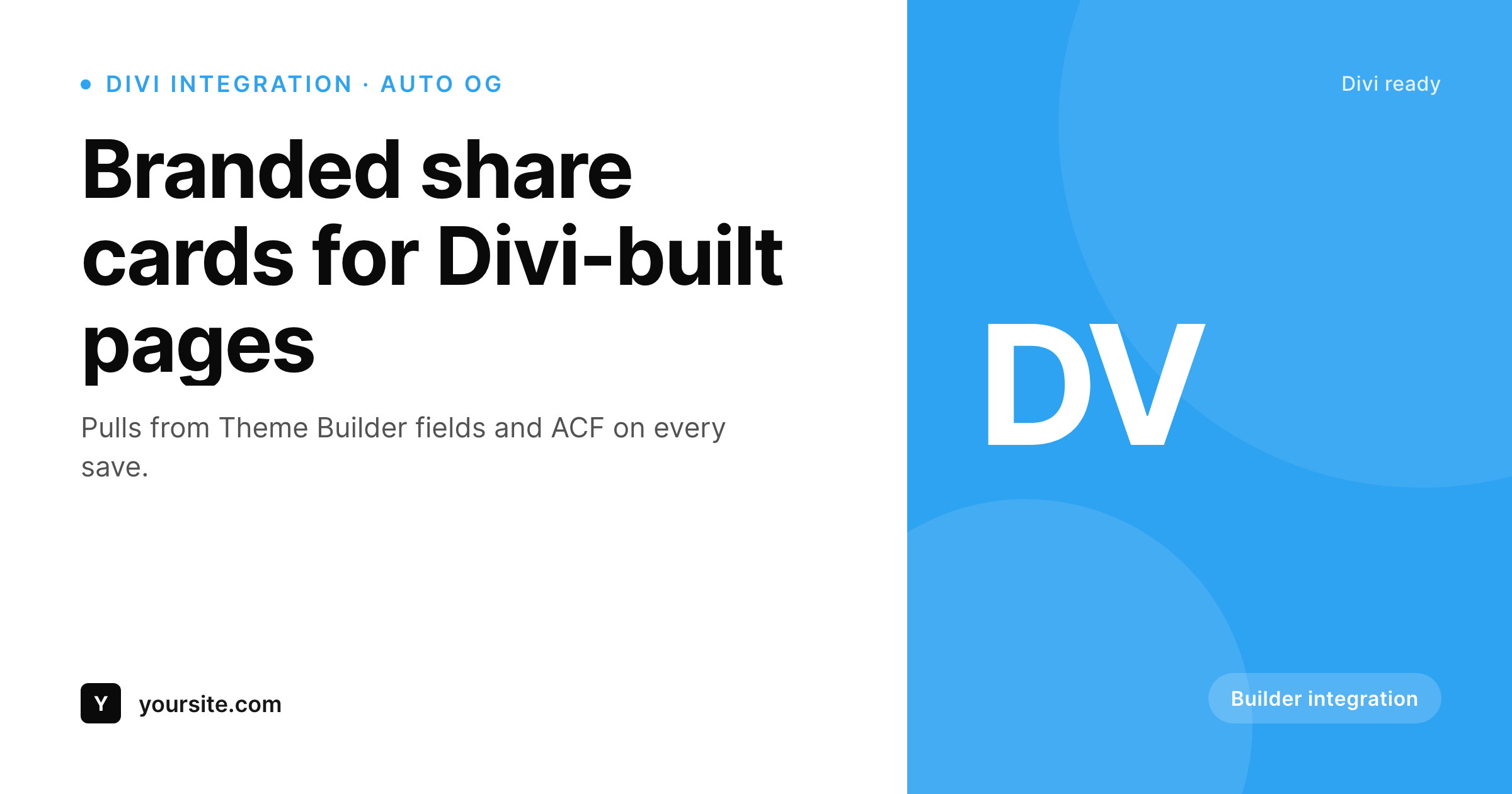
Sample card for a Divi-built page
Rendered from the page's title, category, and brand color. Same template, every page Divi builds.
Comparison
Manual exports versus SleekPixel
SEO plugin fallback or Photoshop
- Every Divi page falls back to the SEO plugin's global OG image
- Featured images framed for the in-page hero crop poorly at 1200 by 630
- ACF fields used in Divi dynamic content never reach the OG image
- Brand refresh means re-exporting share images for hundreds of pages by hand
- External render services charge per image and add a third-party dependency
SleekPixel
- Hooks save_post for any CPT, including Divi Theme Builder layouts
- Reads ACF, Meta Box, and native fields used in Divi dynamic content
- Template export moves cleanly between agency Divi projects
- Self-hosted render with no per-image fees
- Bulk regenerate covers an entire Divi site after a rebrand
Features
What SleekPixel gives you for Divi Builder
Builder independent
Runs on save_post for any post type, regardless of whether the page was built in the Divi Builder or Gutenberg fallback.
Field aware
Reads ACF, Meta Box, and native custom fields, the same data Divi dynamic content uses, available inside the SleekPixel template.
Portfolio portable
Export a template from one Divi site, import on the next. The same OG system runs across every client without rebuilding.
Use cases
Where Divi sites benefit most
Agency client sites
Bulk-generate share cards across dozens of Divi sites under one design system. New project, import the template, swap the logo.
Service catalogues
Service detail pages built in Divi each get a share card with title and category. Newsletter promos unfurl correctly in Slack.
Blogs styled in Divi
Per-post share cards on Divi-built blogs while Theme Builder handles the article layout itself.
The bigger picture
Why Divi sites need automated share cards
Divi has the largest install base of any commercial page builder on WordPress, and Theme Builder pushes that further by letting one layout cover an entire CPT. A site with a few hundred case studies might use one Theme Builder template, edited once, applied to all of them. The share preview is the layer Theme Builder does not cover.
Each individual case study still needs its own share card, and Divi does not generate one. The default behavior is the SEO plugin's global fallback, which makes every URL share with the same image. SleekPixel covers that gap with its own data-driven template engine.
Define one share-card layout with dynamic fields, render automatically on save, refresh as data changes. The two layers operate at different levels (Divi at the page render, SleekPixel at the document head) and survive each other's updates without manual intervention. For agencies, the template export turns share-card design into a one-time project, applied across every Divi client site without rebuilding.
Questions
Common questions about SleekPixel for Divi Builder
It runs on save_post, after the Divi Builder saves a draft or publishes. There is no Divi module to drop on the canvas. The image generates server-side from saved post data.
Yes. Theme Builder covers the visible page layout, SleekPixel covers the share preview. They sit in different layers and do not conflict.
Divi dynamic content references the same post meta SleekPixel reads. Drop the ACF or Meta Box field name into the SleekPixel template picker and it renders.
Divi does not write OG meta tags directly, your SEO plugin does. SleekPixel writes only og:image and twitter:image, so the two layers stack cleanly.
Enable the product post type and SleekPixel renders share cards for every product, with title, price, and SKU available in the template.
Yes. The bulk regenerate command walks every post in enabled post types and re-renders share cards with the current template.
No. SleekPixel reads post meta and writes meta tags, neither of which depends on Divi internals. Divi updates and SleekPixel updates ship independently.
Image generation runs once per save, typically completing in a few hundred milliseconds. For higher-volume sites, queue mode pushes renders to a background process so the editor returns immediately.
Pricing
More than 1000+
happy customers
Explore our flexible licensing options tailored to your needs. Upgrade your license anytime to access more features, or opt for a lifetime license for ongoing value, including lifetime updates and lifetime support. Our hassle-free upgrade process ensures that our platform can grow with you, starting from whichever plan you choose.
Lifetime ♾️
Most popular
EUR
once
- Unlimited websites
- Lifetime updates
- Lifetime support
...or get the Bundle Deal
and save €250 🎁
💎 Want everything forever? The All Access Pass is going away on 01.08.2026.
The Bundle (unlimited sites)
Pay once, own it forever
Elevate your WordPress site with our exclusive plugin bundle that includes all of our premium plugins in one package. Enjoy lifetime updates and lifetime support. Save significantly compared to buying plugins individually.
What’s included
-
SleekAI
-
SleekByte
-
SleekMotion
-
SleekPixel
-
SleekRank
-
SleekView
€749
Continue to checkoutBrowse more
- Notion page covers
- Etsy listing images
- Instagram stories
- X Space banners
- YouTube channel banners
- Telegram bot avatar
- Threads social images
- Lemon8 post
- Mailchimp email headers
- Snapchat snap images
- Kindle book cover
- VK community cover photos
- Bluesky profile banners
- SoundCloud banner
- Ghost feature images