






SleekPixel for Bricks Builder
SleekPixel renders an OG image on save for any post type Bricks builds - pages, templates, custom CPTs - using the title and any field you map. No external service, no Canva queue between draft and publish.
♾️ Lifetime License available
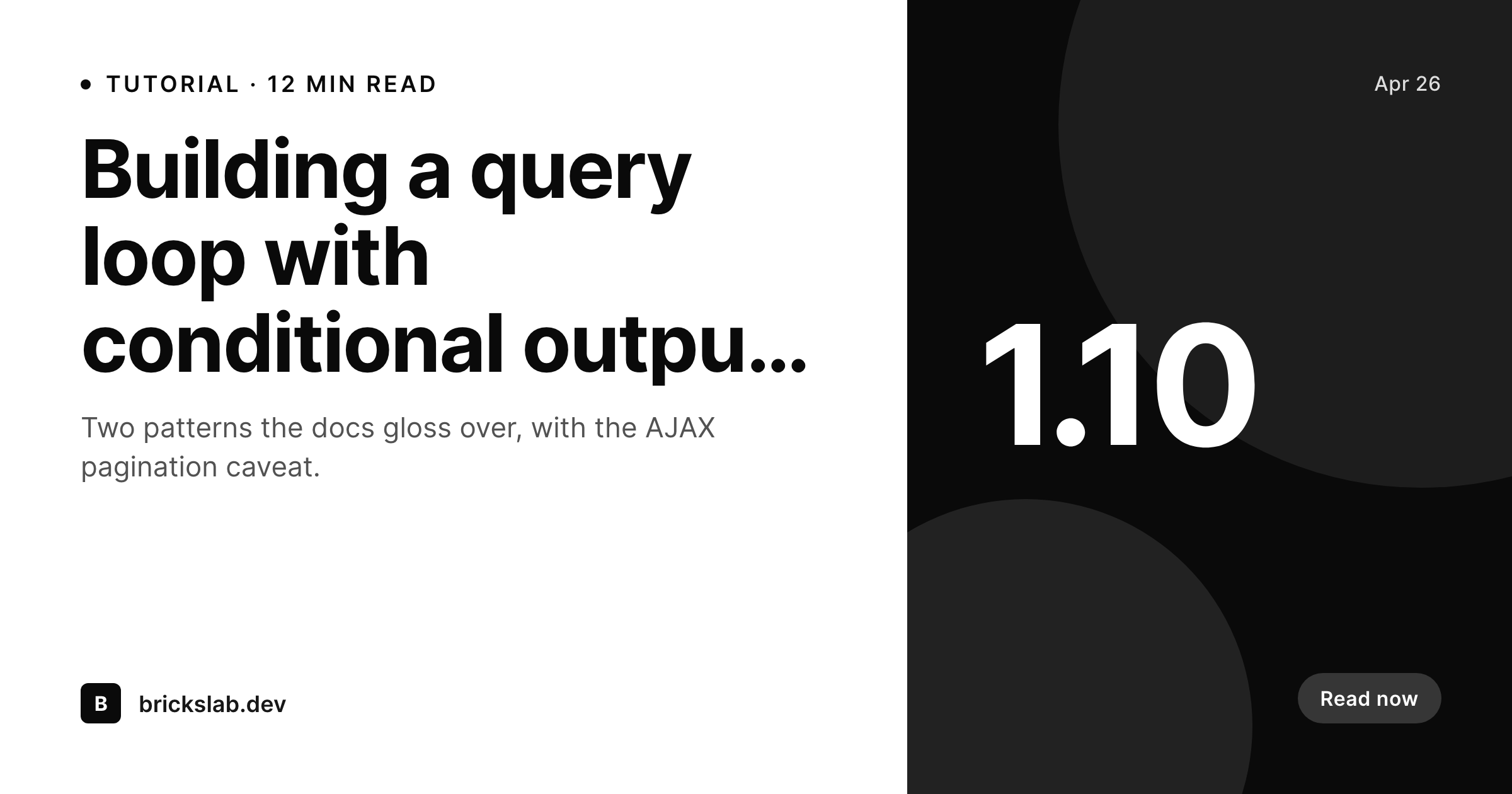
Bricks projects ship faster than the design queue
Bricks Builder hands developers and freelancers a workflow where a marketing page comes together in an afternoon. Custom CPTs, ACF fields, query loops, and conditional rendering all bake into the same canvas. The bottleneck shifts: the page is built, the copy is in, and now the share image is missing because nobody owns it. Either the freelancer fires up Canva for ten minutes per page, or the client's team forgets entirely and the launch share goes out with a broken card.
SleekPixel slots into that gap with the same data-driven approach Bricks already uses. The template references post title, post type, and any custom field - ACF, Meta Box, or native - and renders a 1200 by 630 PNG on save. Custom post types built in Bricks Inception or via the standard CPT UI integration all work, because SleekPixel hooks save_post for every post type you enable. There is no special Bricks adapter to install. The plugin is independent of the builder layer.
For agencies running multiple Bricks sites under a single brand, the SleekPixel template export means one design system file moves cleanly between projects. Each new client site gets the same OG layout, drops a logo, and is shipping branded share images without revisiting Canva or paying per-render to a third-party API. The Bricks dynamic data tags syntax stays in Bricks - SleekPixel uses its own field mapper, so there is no conflict between the two.
Workflow
From Bricks save to OG image
Enable the post types
Map dynamic fields
Save in Bricks
Meta tags update
Output
What gets generated per page
A 1200 by 630 OG and Twitter card with title, post type label, and brand mark - rendered on save and saved to uploads as a real PNG.
Comparison
Manual exports versus SleekPixel
Canva or Figma per page
- Designer or freelancer exports a share image manually for every Bricks page they ship
- Custom post types built with Bricks rarely get share images - too much hand work
- ACF and Meta Box fields used in Bricks layouts never reach the OG image
- Site rebuilds in Bricks 2.x mean re-exporting every share graphic by hand
- External render services charge per image and add a third-party dependency to the build
SleekPixel
- Hooks save_post for every CPT including Bricks-registered types
- Reads ACF, Meta Box, and native custom fields the same way Bricks dynamic data does
- Template export moves cleanly between agency projects
- Self-hosted render - no per-image fees or third-party queue
- Bulk regenerate covers a full Bricks site after a rebuild or rebrand
Features
What SleekPixel gives you for Bricks Builder
Builder agnostic
Works with any post type, including the CPTs you build in Bricks. Hooks save_post directly, so no special integration with the builder layer is needed.
Dynamic field mapping
Reads ACF, Meta Box, JetEngine, and native custom fields. Whatever Bricks dynamic data tags expose, the SleekPixel template can render.
Agency portable
Export a template from one Bricks site and import it on the next. The same OG system runs across every client without rebuilding designs each time.
Use cases
Where Bricks freelancers and agencies benefit
Client site launches
Bricks sites ship fast, and OG images shouldn't be the bottleneck. SleekPixel ensures every page goes live with a matching share card from day one.
Custom post type heavy builds
Property listings, case studies, team members - any CPT you build in Bricks gets share images automatically. No per-CPT design work required.
Multi-site agency portfolios
Agencies running 20 Bricks builds use the same SleekPixel template family across all of them. New project, import the template, swap the logo, ship.
The bigger picture
Why builder-driven sites need automated cards
Bricks made building marketing sites fast enough that the design-to-launch ratio shifted. Where a 30-page corporate site once took a designer two weeks for the layout alone, a Bricks freelancer can have the same site styled and content-loaded in a few days. The work that used to fit in the gaps - share images, social cards, OG meta - now needs its own automation, otherwise it is the only thing standing between draft and launch.
SleekPixel addresses that mismatch by handling the share-image layer with the same data-driven philosophy Bricks uses for the page itself. Custom post types are the second reason this matters in the Bricks ecosystem. Property sites, case-study sites, course catalogues - all of them lean on CPTs, and all of them have hundreds of detail pages where someone has to decide whether each one gets a custom share graphic.
With SleekPixel the answer is yes by default, generated automatically, with the page title and key field surfaced. The freelancer keeps building. The client gets a site where every URL shares cleanly.
Questions
Common questions about SleekPixel for Bricks Builder
SleekPixel is not a Bricks element - it runs at save_post, after the editor closes. So you do not see it inside the Bricks canvas, but every save from the Bricks editor (or from the standard WordPress admin) triggers an image render. The Gutenberg sidebar download button works in the WordPress editor as a fallback.
Bricks dynamic data tags belong to the Bricks render layer. SleekPixel has its own template engine, but it reads the same underlying meta fields, so anything you reference with {acf:title} or {meta:cf_price} in Bricks can be referenced by SleekPixel using its field picker.
Bricks does not write OG meta tags by default - that job typically falls to Yoast, Rank Math, or SEOPress. SleekPixel writes only og:image and twitter:image. If your SEO plugin already writes those tags, SleekPixel can be configured to override them or to skip them and let you set the image manually.
Templates in Bricks are a custom post type and can be enabled in SleekPixel like any other CPT. Whether you actually want OG images for templates is a separate question - most agencies skip them since templates are reusable layout blocks, not public URLs.
Both JetEngine and Toolset register normal WordPress CPTs, so SleekPixel sees them in the post type selector. Custom fields from either system flow into the template the same way ACF or Meta Box fields do.
AJAX query loops affect the front-end rendering of listing pages. The OG image of each detail post is unrelated - it is generated when the detail post saves, not when a list renders. So AJAX loops have no impact on SleekPixel.
Yes. Use the bulk regenerate command after a major rebuild. SleekPixel walks every post in the enabled post types and renders a fresh image. A full Bricks site with a few hundred pages typically rebuilds in a couple of minutes.
SleekPixel ships with general-purpose templates. There is nothing Bricks-specific because the integration is data-driven, not builder-driven. Many agencies build a single house template once and reuse it across every Bricks client site.
Pricing
More than 1000+
happy customers
Explore our flexible licensing options tailored to your needs. Upgrade your license anytime to access more features, or opt for a lifetime license for ongoing value, including lifetime updates and lifetime support. Our hassle-free upgrade process ensures that our platform can grow with you, starting from whichever plan you choose.
Lifetime ♾️
Most popular
EUR
once
- Unlimited websites
- Lifetime updates
- Lifetime support
...or get the Bundle Deal
and save €250 🎁
💎 Want everything forever? The All Access Pass is going away on 01.08.2026.
The Bundle (unlimited sites)
Pay once, own it forever
Elevate your WordPress site with our exclusive plugin bundle that includes all of our premium plugins in one package. Enjoy lifetime updates and lifetime support. Save significantly compared to buying plugins individually.
What’s included
-
SleekAI
-
SleekByte
-
SleekMotion
-
SleekPixel
-
SleekRank
-
SleekView
€749
Continue to checkoutBrowse more
- Bandcamp release cover
- Snapchat snap images
- Fansly banner
- Pinterest board covers
- Buy Me a Coffee banners
- Discord event cover
- Behance banner
- Pinterest Idea Pins
- Bluesky link cards
- Audible audiobook cover
- YouTube Music cover art
- Kick stream thumbnails
- Discord server icon
- Facebook cover photos
- YouTube banner art