






SleekPixel for compensation report cards
Every compensation report in WordPress renders a card with the role band, the region, and the component breakdown baked in. Total compensation travels with its components visible so the figure does not get misread as base salary alone.
♾️ Lifetime License available
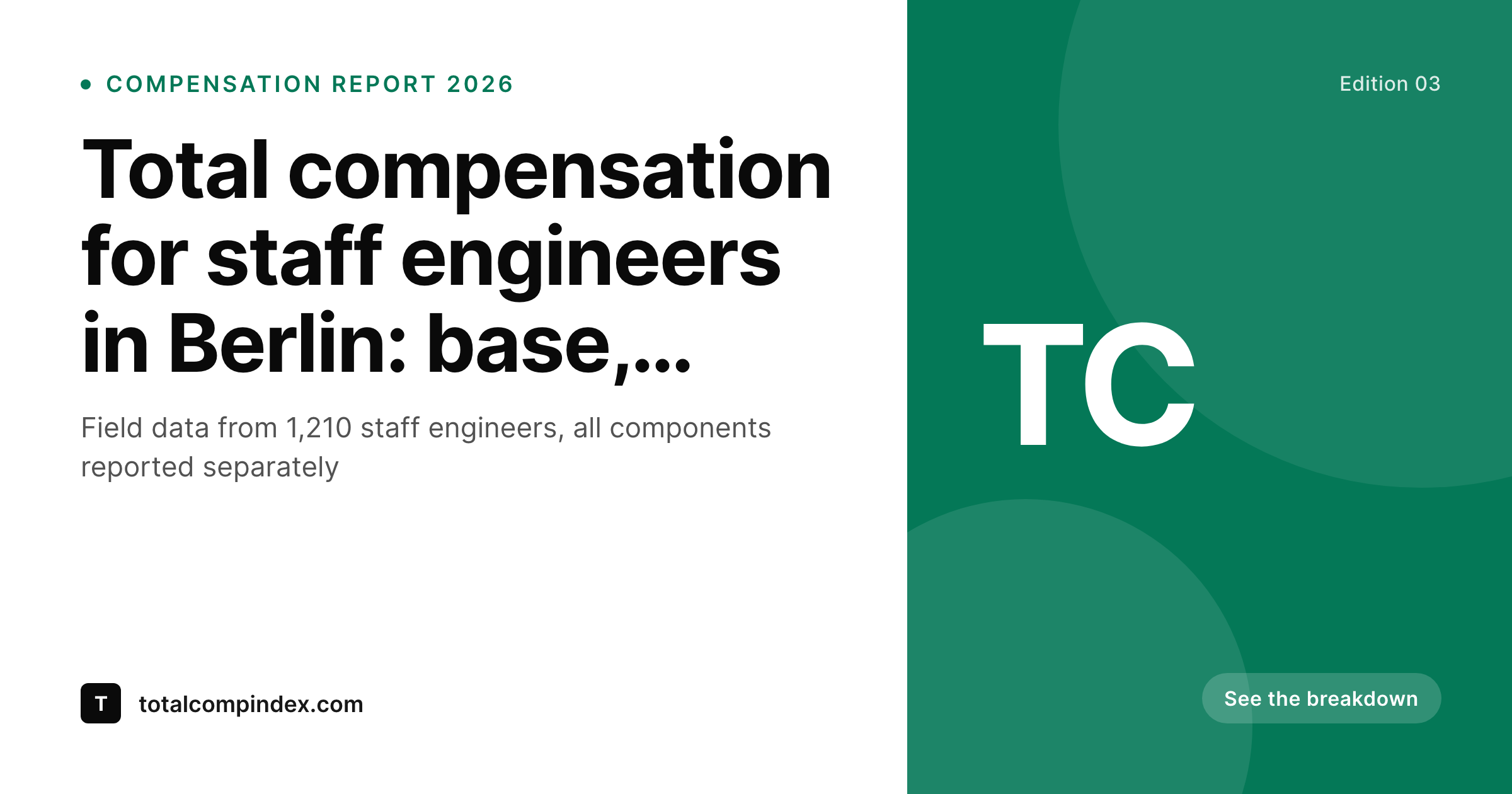
Compensation differs from salary, the card has to say so
Compensation reports are more nuanced than salary reports. Base, bonus, equity, and benefits all roll into a total compensation figure, and that total is what readers care about. The problem is that the total only makes sense when the components are visible. A 280k total compensation figure for a staff engineer reads very differently if it is 220k base plus a 60k bonus versus 160k base plus 120k equity. Readers who only see the total figure on a card draw the wrong conclusion.
SleekPixel ties the card to the compensation record. The report post type holds the base, bonus, equity, and benefits fields, along with the region, the role band, and the sample size. The template encodes the brand layout with slots for the total figure and a compact component breakdown. Every edition renders with the components visible, so the card travels honestly into Slack, recruiter outreach, and hiring threads.
The methodology badge sits beside the chip with a link to the breakdown page, so readers who want the full receipts reach them in one click. The card becomes a portable summary, not a misleading top-line.
Workflow
From the compensation data to a card that travels honestly
Encode the card layout
Register the fields
Publish the report
Generate per-cut cards
Output
How a compensation card composes
An OG card with the total compensation, a compact component breakdown, the region, and the role band, all drawn from the report fields.
Comparison
Default compensation report cards image vs SleekPixel
Default compensation report cards image
- Card shows only the total, components are invisible to the reader
- Region and role band are not on the image, the figure has no anchor
- Equity portion is hidden, readers misread the figure as base salary
- Methodology link is buried in the post body
- Brand refresh forces a manual rebuild of every edition
SleekPixel
- Component breakdown surfaces base, bonus, equity on the card
- Region and role band carry the figure's context
- Methodology badge sits beside the figure, one click away
- Auto-fit type keeps long totals and short totals both readable
- Bulk regenerate refreshes the archive after a brand update
Features
What SleekPixel gives you for compensation report cards
Component breakdown
Base, bonus, equity, and benefits render as a compact strip beside the total. Readers see the structure of the figure without opening the post.
Role band chip
Senior, staff, principal bands render with per-band colors. The card communicates the seniority alongside the compensation.
Methodology badge
A small badge linking to the methodology page sits beside the chip. Readers reach the receipts in one click without leaving the surface.
Use cases
Compensation report formats this card supports
Total compensation studies
Annual studies that report base, bonus, equity, and benefits across roles and regions. The card carries the full structure for each cut.
Role-specific deep-dives
A compensation report focused on one role (e.g. principal engineer, head of design). The role chip leads, the component strip carries the breakdown.
Regional comparisons
A study comparing total compensation across regions for the same role. Each region renders a card, all sharing the same template and edition stamp.
The bigger picture
Why compensation cards need component visibility
Compensation data is among the highest-stakes data a publication can ship. Readers use it to negotiate, recruiters use it to anchor offers, founders use it to set bands. A misread compensation figure causes real harm.
Someone walks into a salary negotiation citing a total compensation number they thought was base, and the conversation collapses. Someone declines an offer because they thought the equity portion was worth less than it is. The publication that ships the report carries the responsibility for clarity, and clarity starts on the card because the card is the artifact most readers encounter.
A card with the total figure alone invites misreading. A card with the total figure plus a compact component breakdown invites accurate reading. The difference is whether the publication is being honest about the structure of the data or hiding behind a top-line headline.
SleekPixel encodes the structure into the template once, so every edition ships with the components visible. The reputation of the program rests on this one design choice repeated across every wave.
Questions
Common questions about SleekPixel for compensation report cards
As a compact horizontal strip with labelled segments (base, bonus, equity, benefits). The strip sits beside or below the total figure so the structure is visible without crowding the headline.
Either. The template handles both modes. A percentage strip shows the share of total compensation per component, an absolute strip shows the figure per component. Pick whichever reads cleanest for the program.
The component strip collapses gracefully. If equity is zero or empty, the strip renders with only the present components and adjusts spacing automatically.
Yes. Register additional template variants for each cut. The report ships with one cover card plus one card per region or role, all rendered automatically.
Yes. The badge can carry a small icon and a destination tied to a methodology post. The card itself shows the badge, the click reaches the methodology page.
Yes. Add a currency field and the template renders the symbol or code in the right position. The format stays consistent across regions and editions.
Yes. The admin has a one-click bulk regenerate that re-renders every card in the post type. Older editions inherit the current layout in one pass.
The PNG renders at high resolution, so the component strip and the figure remain legible after a screenshot. The card was designed to survive the journey into Slack and outreach.
Pricing
More than 1000+
happy customers
Explore our flexible licensing options tailored to your needs. Upgrade your license anytime to access more features, or opt for a lifetime license for ongoing value, including lifetime updates and lifetime support. Our hassle-free upgrade process ensures that our platform can grow with you, starting from whichever plan you choose.
Lifetime ♾️
Most popular
EUR
once
- Unlimited websites
- Lifetime updates
- Lifetime support
...or get the Bundle Deal
and save €250 🎁
💎 Want everything forever? The All Access Pass is going away on 01.08.2026.
The Bundle (unlimited sites)
Pay once, own it forever
Elevate your WordPress site with our exclusive plugin bundle that includes all of our premium plugins in one package. Enjoy lifetime updates and lifetime support. Save significantly compared to buying plugins individually.
What’s included
-
SleekAI
-
SleekByte
-
SleekMotion
-
SleekPixel
-
SleekRank
-
SleekView
€749
Continue to checkoutBrowse more
- Instagram grid tiles
- Shopify product images
- Telegram channel banner
- YouTube playlist covers
- VK community cover photos
- Threads story-style images
- Reddit subreddit banners
- Substack post thumbnail
- Instagram stories
- LinkedIn company banners
- Linktree banner image
- Substack podcast cover
- Twitch starting soon screen
- Vimeo thumbnails
- Bluesky profile banner