






SleekPixel for supper club
Fourteen seats around a long table, a regional theme, a Sunday night. Each supper club event has a date, a seat count, a theme, and a host. SleekPixel renders the card the moment the event post is saved.
♾️ Lifetime License available

Supper clubs run on rhythm
A supper club is built on a calendar. One dinner a month, sometimes two, often at a private loft or borrowed restaurant on a closed night. The list of regulars is held together by a feed of Instagram posts that show what the next theme is and when the booking opens. Burgundy, Sicilian seafood, Vietnamese summer, late-fall game.
The event data lives on the supper club's WordPress site. The theme is the post title, the seats are an ACF field, the date is on the event, the host venue address is on a related location post, the cost or contribution is on the booking. The marketing problem is moving that data into a square graphic without losing the visual identity that makes the club feel like a club.
SleekPixel handles the move. Saving the dinner post renders the 1080x1080 card with the theme, the seat count, the date, the host venue, and the cost. The OG image wires to the booking URL. The regulars open the post, see the theme, tap the link, claim their seat.
Workflow
From booking calendar to social card
Map event fields
Design one square template
Publish the dinner
Post and let the regulars book
Output
What gets generated per dinner
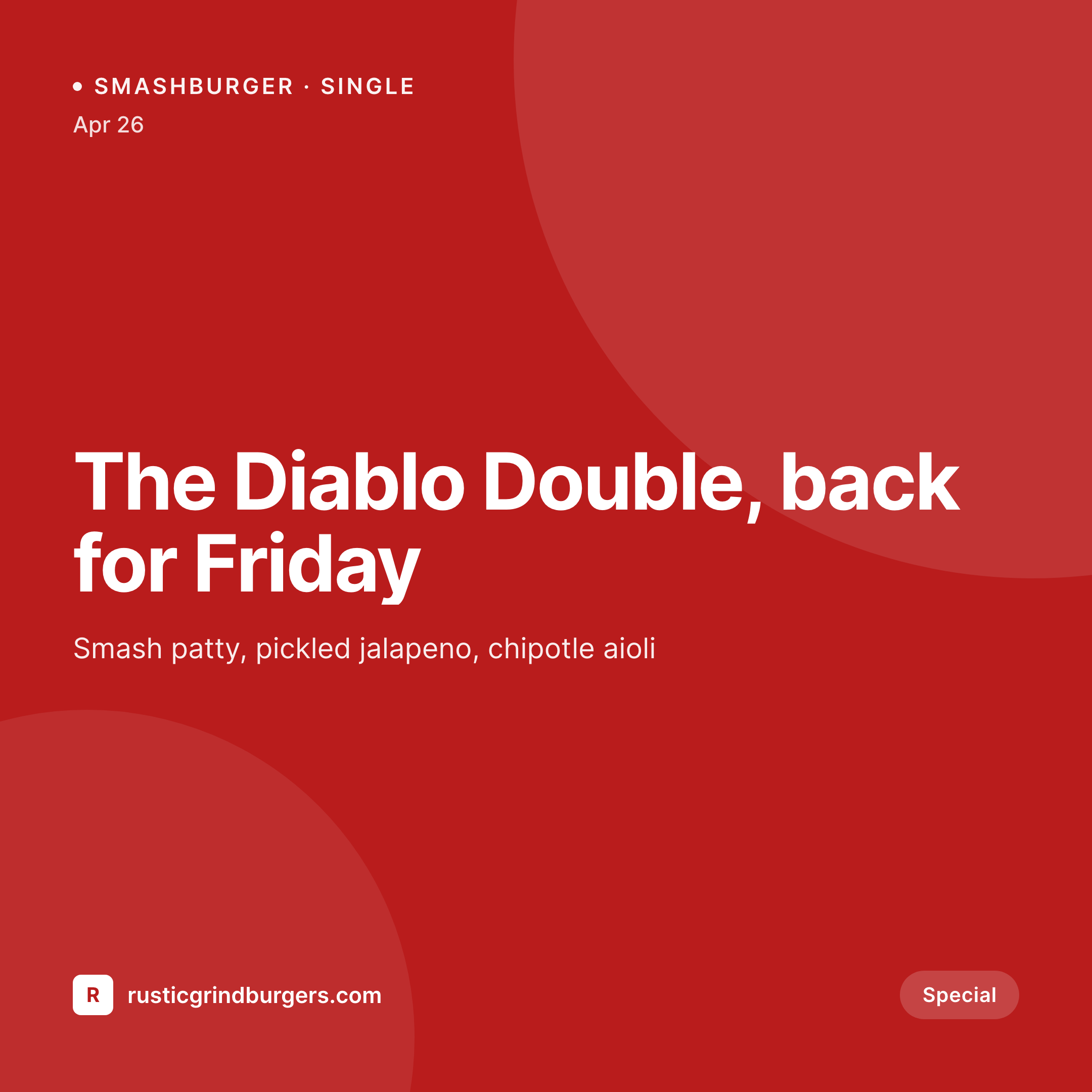
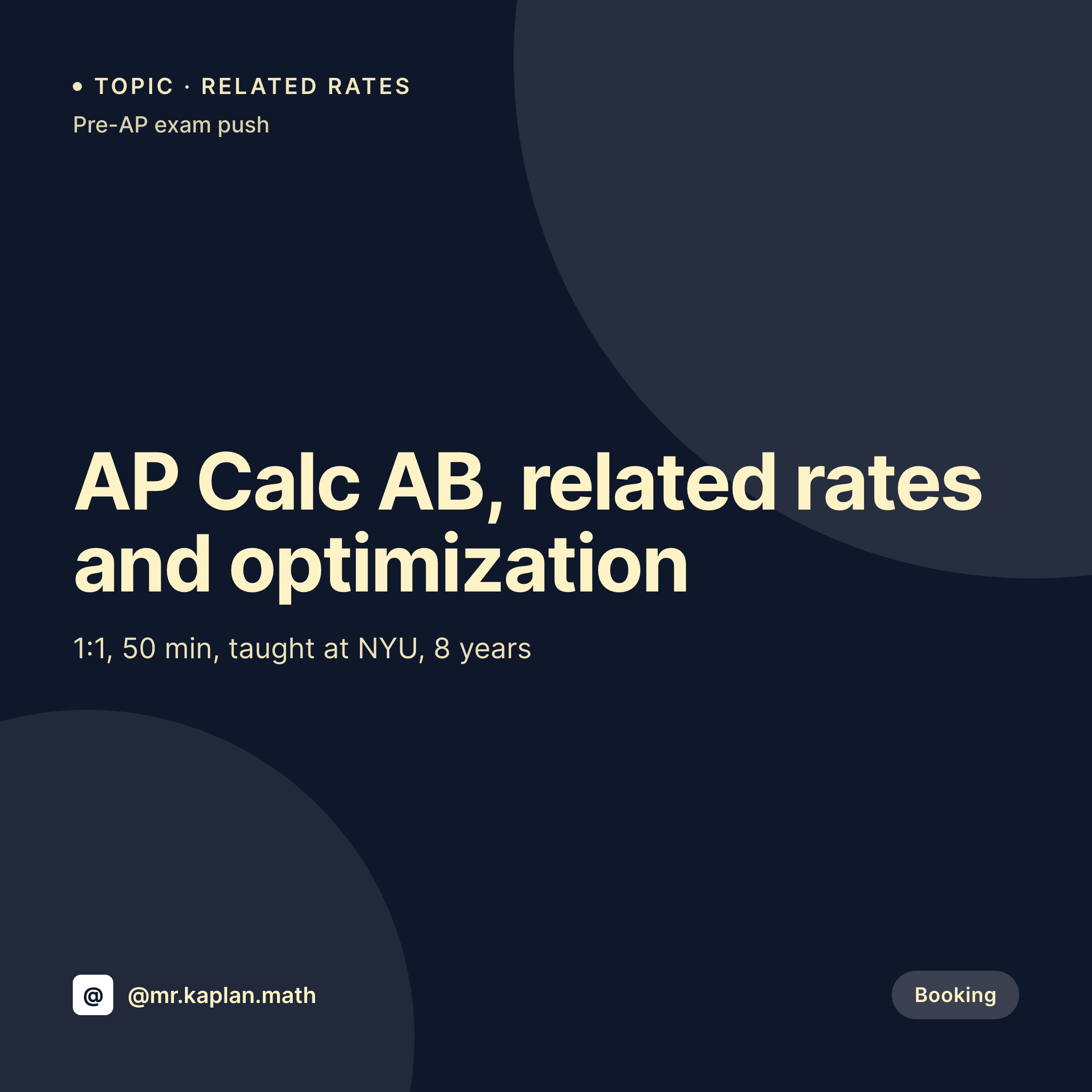
A 1080x1080 square card with the dinner theme, seat count, date, host venue, and contribution amount, pulled from the event post.
Comparison
Default supper club image vs SleekPixel
Default supper club image
- Host rebuilds a Canva card every month before the booking opens
- Seat count on the card lags behind the actual booking list
- Theme typography drifts each month so the grid loses cohesion
- Host venue address is typed differently each post
- Multi-host clubs end up with off-brand cards per cohost
SleekPixel
- Save the dinner post, the 1080x1080 card lands in uploads
- Theme, seat count, date, and venue pulled from event fields
- Sold-out and waitlist variants render from one template
- OG image wires to the booking URL for clean share previews
- One template across hosts keeps the club visually consistent
Features
What SleekPixel gives you for supper club
Theme front and center
Burgundy, Sicilian, Oaxacan. The theme renders as the headline on the card and ties the month's menu, wine, and music together.
Seats and waitlist
Fourteen seats, four left, sold out, waitlist open. Each state is a variant rendered from the seat field on the event.
Host venue clear
A loft, a rented restaurant, a backyard. The host venue and neighborhood render so regulars know where to go without checking DMs.
Use cases
Who uses SleekPixel for supper clubs
Monthly host clubs
A monthly dinner club with one host and a roving venue renders a card per month with that month's theme and venue.
Rotating-host collectives
A collective with three or four rotating hosts renders cards per host. Each card holds the host's bio, theme, and venue.
Themed regional series
A series exploring a region per dinner (Provence, Sichuan, Andalusia) renders cards that share the series mark and rotate the region.
The bigger picture
Why supper clubs need a consistent grid
A supper club's grid is its membership card. Someone scrolling back two years should be able to see the same visual language across every dinner, because that consistency is what makes a $90 seat at a long table feel like a club and not a transaction. The clubs that keep their seats full are the ones that show up every month with a card that looks like every other card the club has ever posted.
The trap is that the host is usually the cook, the dishwasher, and the social media manager, so the card sometimes gets built late or gets skipped. The fix is to type the dinner into the event post and let the template do the graphic. The grid reads as one club across two years, the regulars trust the booking link, and the club outlasts the energy of the host on any given Sunday.
Questions
Common questions about SleekPixel for supper club
Yes. When the seat count hits zero or a waitlist checkbox is set, the card re-renders with the matching variant. Both states share one template.
Yes. SleekPixel reads any post type and any field, so The Events Calendar, EventOn, or a Supper Club CPT all map onto the card.
The card on the public post can show the neighborhood or city only, while a booking confirmation email carries the full address. The template renders the field you map.
Yes. One save renders a 1080x1080 grid card, a 1080x1920 story, and a 1200x630 OG image. All three carry the same theme and seat count.
Yes. Each dinner can carry the host's name, photo, and bio fields. The card renders the host details for that dinner.
No. SleekPixel saves the image to uploads. Posting stays a manual step or runs through a third-party scheduler.
The card embeds the booking URL. The actual ticketing stays with Tock, Eventbrite, Resy, or a WooCommerce booking plugin.
Edit the template once and bulk regenerate. Every past dinner post produces a new card in the new identity, so the back catalog stays consistent.
Pricing
More than 1000+
happy customers
Explore our flexible licensing options tailored to your needs. Upgrade your license anytime to access more features, or opt for a lifetime license for ongoing value, including lifetime updates and lifetime support. Our hassle-free upgrade process ensures that our platform can grow with you, starting from whichever plan you choose.
Lifetime ♾️
Most popular
EUR
once
- Unlimited websites
- Lifetime updates
- Lifetime support
...or get the Bundle Deal
and save €250 🎁
💎 Want everything forever? The All Access Pass is going away on 01.08.2026.
The Bundle (unlimited sites)
Pay once, own it forever
Elevate your WordPress site with our exclusive plugin bundle that includes all of our premium plugins in one package. Enjoy lifetime updates and lifetime support. Save significantly compared to buying plugins individually.
What’s included
-
SleekAI
-
SleekByte
-
SleekMotion
-
SleekPixel
-
SleekRank
-
SleekView
€749
Continue to checkoutBrowse more
- Kindle book cover
- Lens Protocol posts
- YouTube ad thumbnails
- YouTube end screens
- Klaviyo email headers
- TikTok profile banners
- Odnoklassniki banners
- YouTube community images
- LinkedIn document post covers
- Mastodon link previews
- YouTube Shorts thumbnails
- X social cards
- SoundCloud track art
- podcast cover art
- Threads post images