






SleekPixel for kids gym
Class name, age range, coach, day, and term length already live on the program post. SleekPixel renders a 1080x1080 tile on save so the front desk is taking enrollments, not opening Canva.
♾️ Lifetime License available
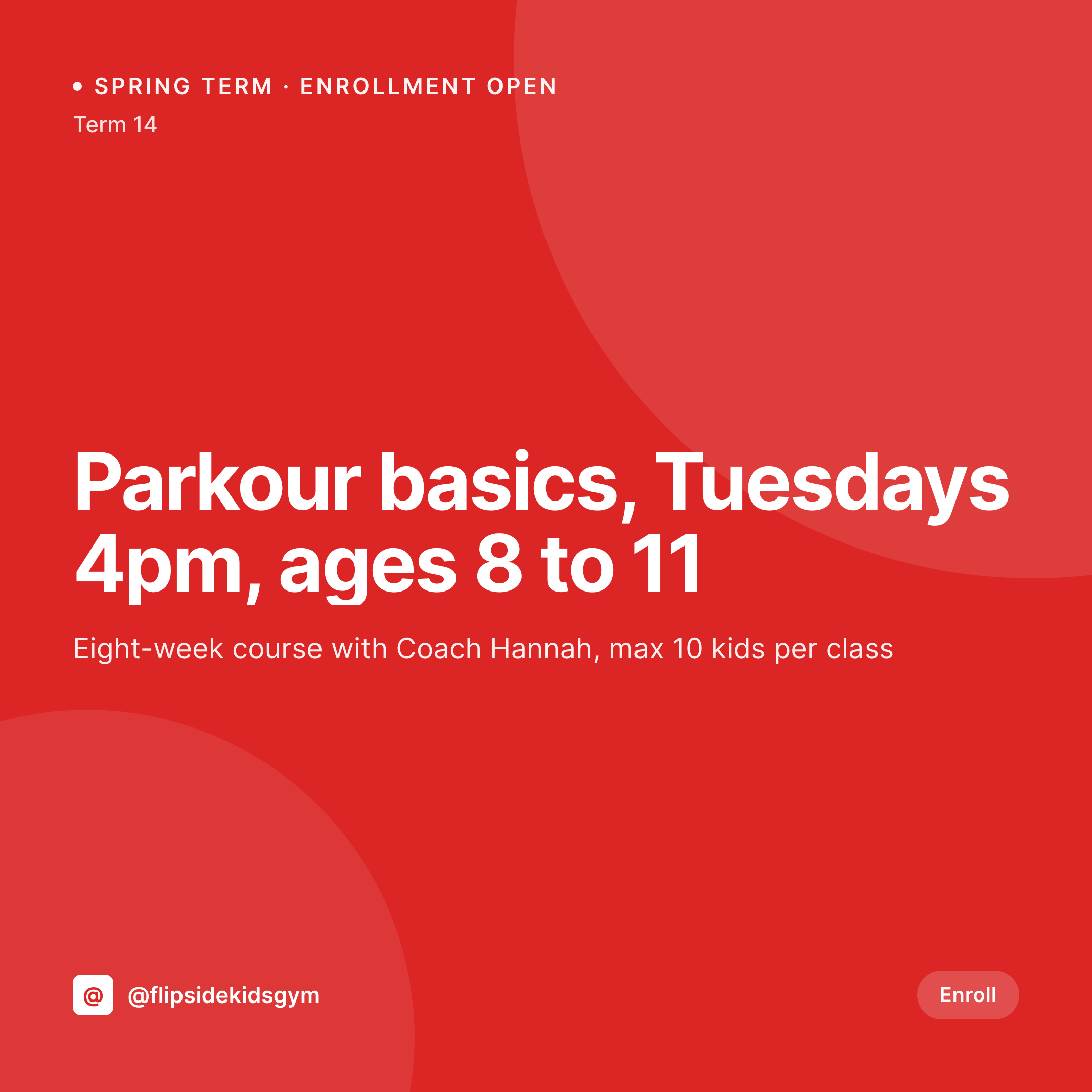
The term-start tile problem at a kids gym
A kids gym's revenue runs in eight-week terms, and the enrollment window is two weeks. Families look at the class list in the second week of August for fall, the second week of December for winter, and the second week of April for spring. Miss the Instagram tiles in that window and a class with ten spots ends up with four kids and a coach standing around.
The class schedule already lives on the site. Most gyms run a program CPT, a class taxonomy, or a booking plugin with fields for age range, coach, day, time, and term price. Everything an Instagram tile needs (class name, age, coach, time, price) is already typed once. What gets repeated termly is the design work in Canva, by an owner between drop-off and pickup.
The fix is to render the tile the same moment the class goes into the system. Open parkour basics for Tuesday 4pm, the 1080x1080 PNG saves to uploads when the post publishes. No Canva file per class, no coach name typo, no font drift between the toddler tiles and the team tiles.
Workflow
From class schedule to posted tile
Map the class fields
Design one tile template
Open enrollment
Post on enrollment day
Output
What gets generated per class
A 1080x1080 square Instagram tile with the class name, age range, coach, day, time, and term price pulled live from the program post.

Comparison
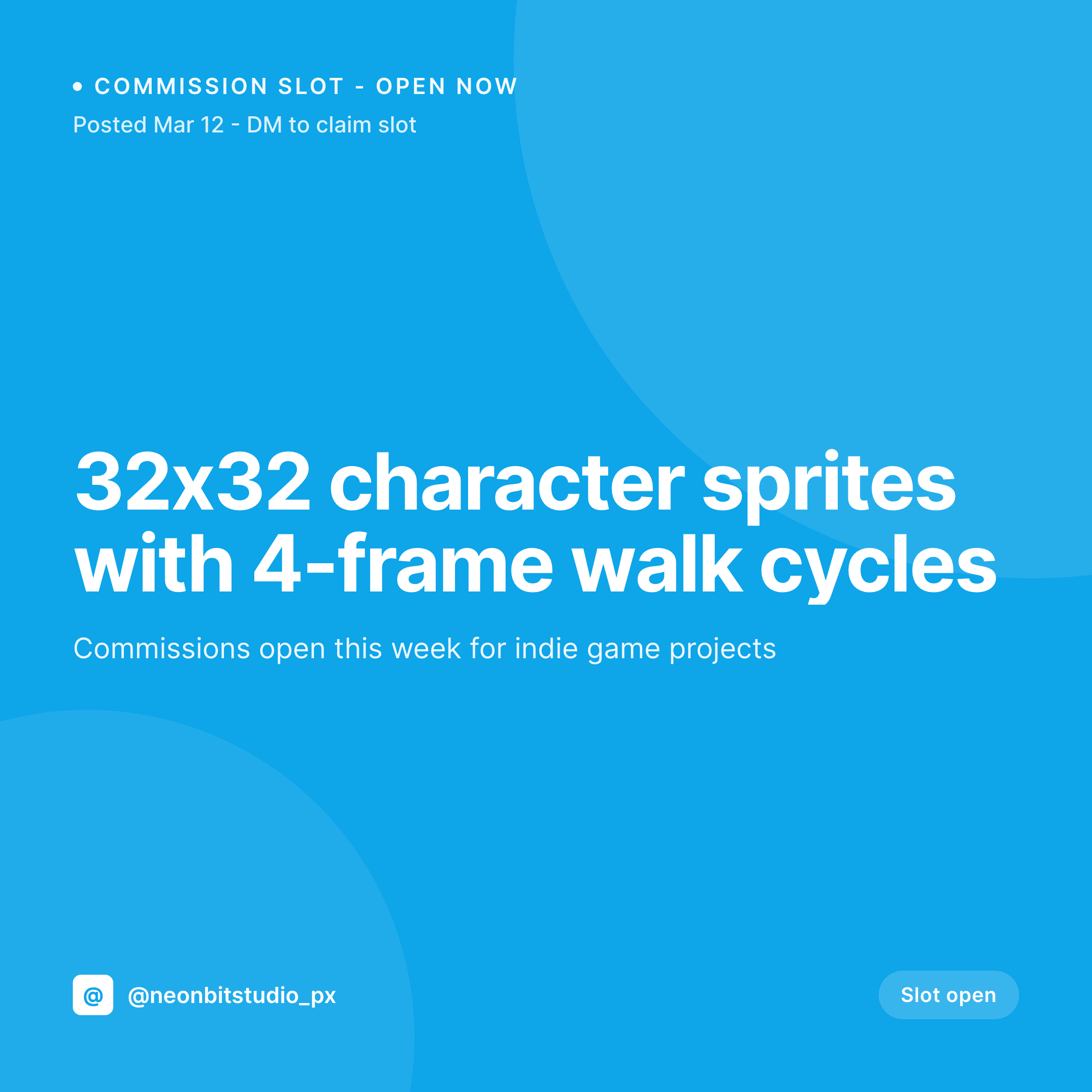
Canva tile in August vs auto-rendered class
Manual / Canva / phone
- Owners design tiles on a phone between drop-off and pickup
- A coach changes between terms and the tile still shows the old name
- Term price goes up $20 and the tile shows the old number
- Brand drift between toddler class tiles and competitive team tiles
- Half-full classes because the post did not go up in the enrollment window
SleekPixel
- Every class saves with a 1080x1080 tile rendered from the program post
- Class name, age, coach, day, time, term price all pulled live from fields
- Stories and OG images render alongside the square tile in one save
- Manual download from Gutenberg so the front desk posts on enrollment day
- Bulk regenerate when the gym rebrands or rotates coaches between terms
Features
What SleekPixel gives you for kids gym
Tile per class
Each tumbling, parkour, or competitive team class saves with a 1080x1080 Instagram tile. Coach and price come from the program post, not a Canva file.
Term-ready
Tiles are in uploads the day enrollment opens. Front desk downloads from the Gutenberg sidebar between calls, no design tools needed.
Age-band flexibility
Toddler tumble, kinder gym, school-age parkour, competitive team all render with the same template, so the feed reads as one gym across every age band.
Use cases
Where kids gym tiles get used
Termly Instagram grid
Each class gets a tile, so the grid mirrors the live class list rather than a generic photo from the gym's opening day.
Competition team announcements
Team tryouts, meet results, and travel squad placements each get a tile generated from the team post.
Trial sessions and open gyms
Trial class slots and open gym sessions render with the right age cap and price, so the booking page and the Instagram tile match.
The bigger picture
Why kids gym marketing breaks at term-start without automation
A kids gym's economics live in the enrollment window. A class with ten spots is profitable, a class with four is a coach hour at a loss, and the difference is often a single Instagram tile that ran or did not run in the right week. Most gyms do not have a marketer on staff.
They have an owner who coaches, a head coach who schedules, and a front desk lead who handles Instagram between calls. That setup works for a grand-opening shoot, but it breaks on a Sunday in August when twelve classes need fresh tiles and the owner is already past closing. The work that gets cut first is the visual brand: fonts drift, coach names get typed wrong, last term's color palette quietly turns into a Canva default.
Parents do not notice the first term, but they notice across a year, and the feed stops looking like a gym worth signing a kid up for. Treating the tile as derived from the program post means the brand survives the term-start scramble.
Questions
Common questions about SleekPixel for kids gym
If class data is exposed to WordPress (through an API sync, a CPT, or an embed shortcode), templates can pull from those fields. Most gyms keep a parallel program CPT in WordPress for marketing, with the booking system handling enrollment. SleekPixel reads whatever sits in WP fields.
Yes. Templates can be conditional on category or taxonomy, so toddler tumble can use one layout, parkour another, and competitive team a third. All pull from the same program fields, just styled differently.
Team posts use the same template engine. Tryouts, meet placements, and travel announcements all get tiles generated from the team post. Coach name, meet date, and division render as dynamic fields on the image.
Yes. The coach edits the class (day, time, term price, age range) and saves. SleekPixel re-renders the tile with the new info. The front desk downloads the updated image from the Gutenberg sidebar before enrollment opens.
No. SleekPixel renders the image and saves it to uploads with og:image meta tags. Posting to Instagram, Facebook, or TikTok is a manual step. Auto-posting requires a separate scheduling tool that can pick up the saved PNG.
A single class post can render multiple formats at once: a 1080x1080 grid tile, a 1080x1920 story for last-spot warnings, and a 1200x630 OG image. Configure once, every save produces all of them, each downloadable from the sidebar.
No. Generation runs on save in the admin. Parents reading the class list on the front end never trigger image rendering, they see the cached PNG. The og:image meta tag points at a static file, so social link previews are instant.
No. SleekPixel renders static PNG and JPG only. Video clips, reels, and motion graphics are out of scope. The focus is on still images that match the brand and stay current with class data.
Pricing
More than 1000+
happy customers
Explore our flexible licensing options tailored to your needs. Upgrade your license anytime to access more features, or opt for a lifetime license for ongoing value, including lifetime updates and lifetime support. Our hassle-free upgrade process ensures that our platform can grow with you, starting from whichever plan you choose.
Lifetime ♾️
Most popular
EUR
once
- Unlimited websites
- Lifetime updates
- Lifetime support
...or get the Bundle Deal
and save €250 🎁
💎 Want everything forever? The All Access Pass is going away on 01.08.2026.
The Bundle (unlimited sites)
Pay once, own it forever
Elevate your WordPress site with our exclusive plugin bundle that includes all of our premium plugins in one package. Enjoy lifetime updates and lifetime support. Save significantly compared to buying plugins individually.
What’s included
-
SleekAI
-
SleekByte
-
SleekMotion
-
SleekPixel
-
SleekRank
-
SleekView
€749
Continue to checkoutBrowse more
- Snapchat Spotlight covers
- Telegram channel banner
- Klaviyo email headers
- LinkedIn event banners
- Pinterest pins
- SoundCloud banner
- GitHub social preview images
- X ad images
- Facebook cover photos
- Threads social images
- Twitch camera frame
- Rumble thumbnails
- Twitch overlay
- Kick stream thumbnails
- Pinterest Idea Pins