






SleekPixel for LinkedIn event banners
Templated 1776x444 LinkedIn event banners generated from your event post data, downloadable from the editor sidebar. Speakers, dates, and series branding stay consistent without redrawing each banner in Figma.
♾️ Lifetime License available
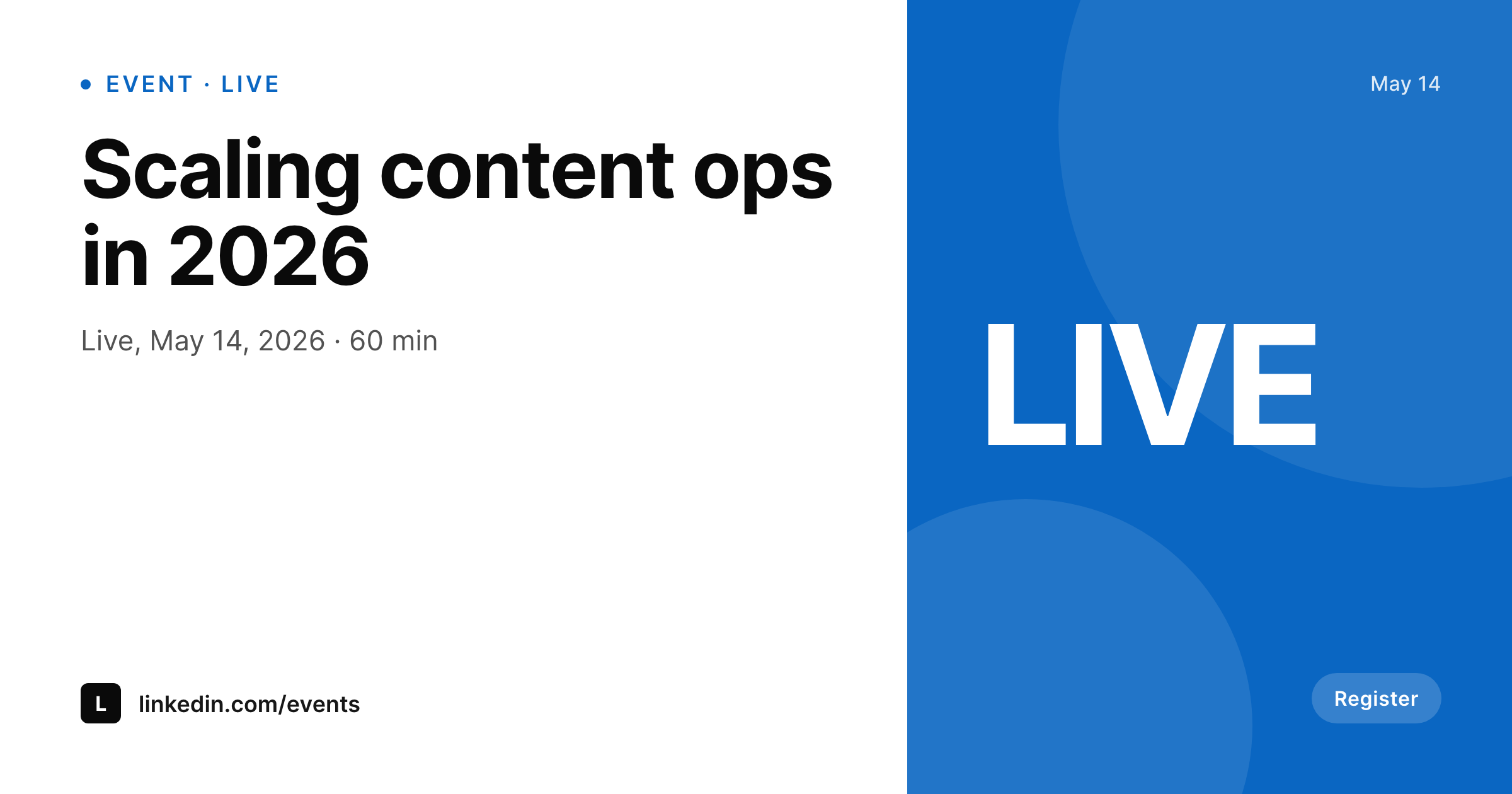
LinkedIn event banners drift the moment a speaker changes
LinkedIn events are the workhorse of B2B webinar promotion, and the event banner is the visual that lives at the top of the event page, on every share, and inside every reminder email LinkedIn sends. Built manually, the banner is a Figma frame that one person owns and updates whenever a speaker swap, time change, or sponsor addition arrives. The result is a queue of small fixes that pile up the week before the event, and a banner that often goes live with last week's title still on it. SleekPixel turns the banner into a render of the event post.
The template is 1776 by 444, the LinkedIn-recommended event banner size. It is HTML and CSS, so the brand fonts, colors, and series mark match the rest of the marketing surface. Speaker names, photos, the date, the duration, and the sponsor row all bind to the event post, so a speaker swap or a date shift updates the banner the second the post saves. A series like a quarterly virtual summit shares the template across every event, so visual identity carries from event one to event twenty without rebuilding the file each time.
LinkedIn does not allow third-party uploads to event banners, so SleekPixel exposes a download button in the WordPress editor sidebar. The PNG is named correctly, sits in uploads, and is ready for the LinkedIn event dialog.
Workflow
From event post to LinkedIn-ready banner
Design the template
Bind the event fields
Save the event
Download and upload
Output
What gets generated per event
A 1776x444 PNG sized for the LinkedIn event banner dialog, with the event title, date, speakers, and any field mapped from the event post.
Comparison
Manual event banners versus SleekPixel
Manual / Figma / Canva
- Speaker changes the day before the event leave the banner with last week's lineup
- A series of twelve events ends up with twelve slightly different banner styles
- Date and time edits in the event post never propagate to the banner
- Sponsor additions require a designer to redraw the row from scratch
- The 1776 by 444 ratio is so wide that Canva templates rarely match it cleanly
SleekPixel
- 1776x444 PNG rendered from event post data on every save
- Speaker, date, sponsor, and title fields bind directly into the template
- Downloadable from the WordPress editor sidebar for the LinkedIn dialog
- Series branding shared across every event in the calendar
- Real PNGs in uploads, available for re-download anytime
Features
What SleekPixel gives you for LinkedIn event banners
Per-event render
Each event post produces its own 1776 by 444 banner. Speaker swaps, time changes, and sponsor additions update the banner on save.
Series consistency
A quarterly summit or weekly fireside shares the template across the calendar, so every event in the series reads as one brand.
Sidebar download
The PNG is one click away from the WordPress editor sidebar, ready to drop into the LinkedIn event dialog.
Use cases
Where event banners decide registration
Webinar series
Render a banner per webinar in a series with the speaker row and date pulled from the event post.
Speaker swaps
Last-minute speaker changes update the event post once and the banner regenerates without a Figma round trip.
B2B summits
Multi-day summits with twenty sessions ship one template and twenty banners in a single render pass.
The bigger picture
Why LinkedIn event banners decide if registration happens
Most LinkedIn event registrations come from the event banner appearing in the feed, the reminder email, or a colleague's share. The banner is doing the work of an ad without an ad budget. When the banner is wrong (a swapped speaker still appearing, last week's date still on it, a sponsor missing), registration leaks because the prospect is not sure if the event is actually happening as advertised.
Manual event banners are fragile because the marketer is the bottleneck for every change and the changes keep coming until the event starts. SleekPixel makes the banner a function of the event post, so any update propagates instantly. A speaker swap on Tuesday updates the banner on Tuesday.
A series of twelve weekly events ships with twelve banners that read as one brand. Multi-day summits ship twenty session banners in a single render pass. The marketing team stops being the bottleneck, the banner stays current, and registration does not leak because of a stale visual.
Questions
Common questions about SleekPixel for LinkedIn event banners
No. LinkedIn does not allow third-party uploads to event banners via API. SleekPixel renders the PNG and exposes a download button in the editor sidebar for the LinkedIn event dialog.
1776 by 444, the LinkedIn-recommended event banner size. The dimension is configurable in the template if a brand standard differs.
Yes. If event posts include speaker fields with photos, the template can render a portrait row. The same template handles one-speaker, four-speaker, and panel layouts.
Update the event post and the banner regenerates on save. Download the new PNG and replace the banner in the LinkedIn event settings.
Yes. The template is shared across every event in the series, so the visual identity stays consistent from event one to event twelve.
Yes, including self-hosted custom fonts. The template is HTML and CSS, so any font you can serve works.
In the WordPress uploads directory as real PNGs, available in the media library and included in normal backups.
No. Rendering happens on save. There is no per-view API call, no usage cap, and no third-party billing dependency.
Pricing
More than 1000+
happy customers
Explore our flexible licensing options tailored to your needs. Upgrade your license anytime to access more features, or opt for a lifetime license for ongoing value, including lifetime updates and lifetime support. Our hassle-free upgrade process ensures that our platform can grow with you, starting from whichever plan you choose.
Lifetime ♾️
Most popular
EUR
once
- Unlimited websites
- Lifetime updates
- Lifetime support
...or get the Bundle Deal
and save €250 🎁
💎 Want everything forever? The All Access Pass is going away on 01.08.2026.
The Bundle (unlimited sites)
Pay once, own it forever
Elevate your WordPress site with our exclusive plugin bundle that includes all of our premium plugins in one package. Enjoy lifetime updates and lifetime support. Save significantly compared to buying plugins individually.
What’s included
-
SleekAI
-
SleekByte
-
SleekMotion
-
SleekPixel
-
SleekRank
-
SleekView
€749
Continue to checkoutBrowse more
- Facebook group banners
- YouTube ad thumbnails
- Etsy shop banners
- Gumroad product covers
- Instagram grid tiles
- Klaviyo email headers
- Instagram Reels covers
- Vimeo thumbnails
- VSCO cover
- Depop listing images
- Twitter/X header
- Fanvue page banner
- Discord server banners
- Pinterest Idea Pins
- LinkedIn company banners