






SleekPixel for Facebook group banners
Templated 1640x856 Facebook group banners rendered from group post data, downloadable from the editor sidebar. Group identity, theme lines, and seasonal updates stay consistent without redrawing each banner.
♾️ Lifetime License available
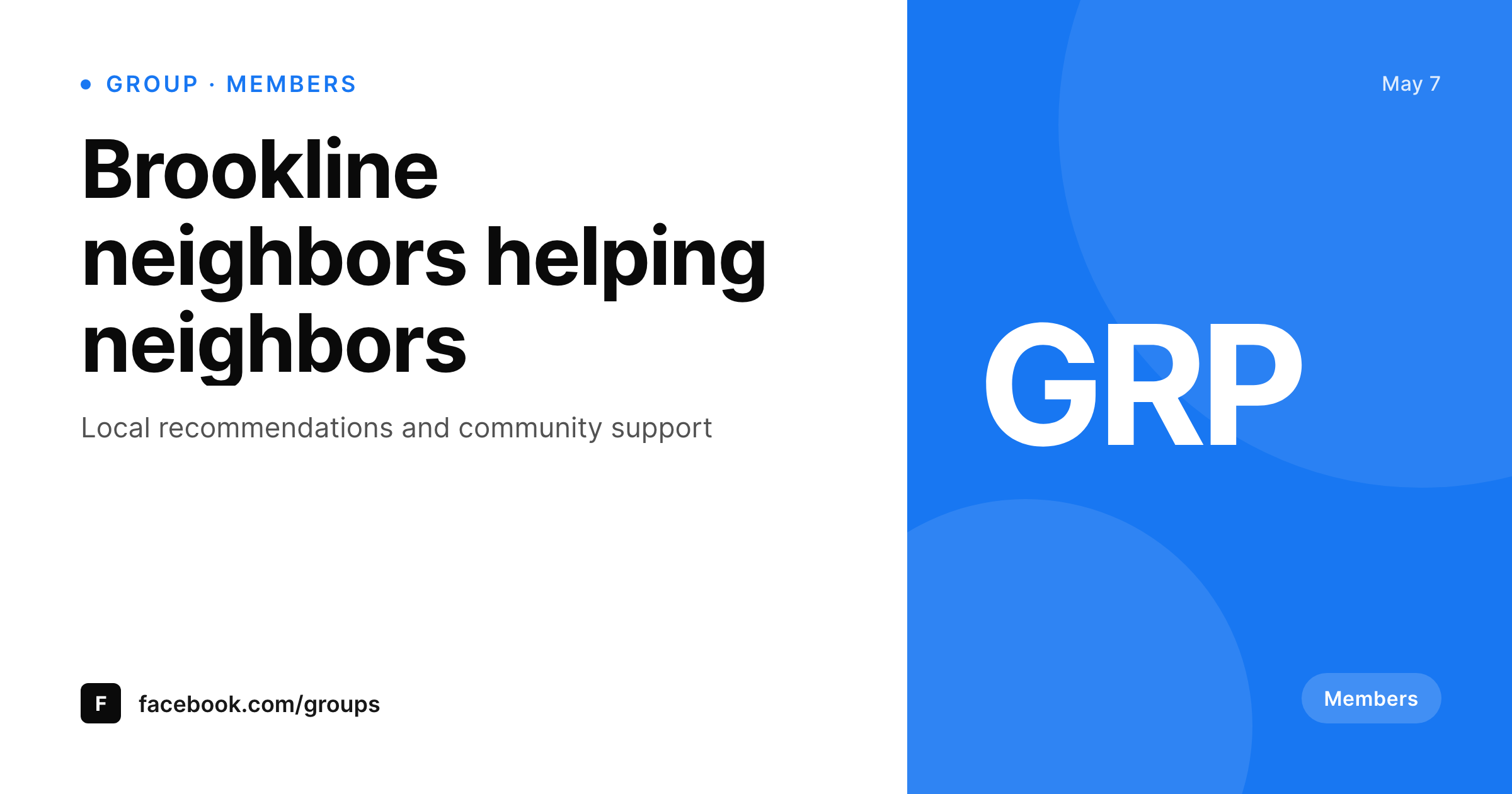
Facebook groups still need a real banner identity
Facebook groups remain the main organizing surface for local communities, niche interest networks, and customer support communities. The group banner is the visual that sits at the top of the group page, on every member invite, and inside the search result preview. A group with a strong banner reads as actively curated. A group with a stretched logo reads as abandoned. Done manually, the banner is a one-off Canva file that the admin updates rarely, so it ages poorly and never reflects what the group actually focuses on this season.
SleekPixel renders the banner from a WordPress post. The template is 1640 by 856, the Facebook-recommended group banner size, in HTML and CSS with slots for the group name, the theme line, member counts, and any custom field. Multi-group operators (a network of regional groups, or a brand running customer-segment groups) share the template across every group, so visual identity carries without each group reinventing its own banner.
Facebook does not allow third-party uploads to group banners, so SleekPixel exposes a download button in the WordPress editor sidebar. The PNG sits in uploads named after the group, ready for the Facebook group cover dialog.
Workflow
From group post to Facebook-ready banner
Design the template
Bind the group fields
Save the group
Download and upload
Output
What gets generated per group
A 1640x856 PNG sized for the Facebook group cover dialog, with the group name, theme line, and any field mapped from the post.
Comparison
Manual group banners versus SleekPixel
Manual / Canva / stretched logo
- The group banner is the same logo upload from three years ago
- Twelve regional groups have twelve different banner styles
- Seasonal themes never make it onto the banner because nobody opens Canva
- 1640 by 856 with mobile crop guides is hard to nail in stock templates
- Banner refresh requires DM-ing files between admin and designer
SleekPixel
- 1640x856 PNG rendered per group post on save
- Group name, theme, and member count fields bind into the template
- Downloadable from the editor sidebar for the Facebook group dialog
- Network identity shared across every regional or segment group
- Real PNGs in uploads, available for re-download anytime
Features
What SleekPixel gives you for Facebook group banners
Per-group render
Each group post produces its own 1640 by 856 banner with the right name, theme, and accent.
Network consistency
A network of regional or segment groups shares the template, so every group banner reads as one community.
Sidebar download
The PNG is one click from the editor sidebar, ready for the Facebook group cover dialog.
Use cases
Where group banners shape membership
Regional networks
A national brand with regional groups renders a banner per region with the city or chapter name and shared accent.
Seasonal themes
Quarterly theme refreshes update every group banner in one batch instead of admin-by-admin.
Customer communities
Product brands running customer support groups ship a banner per group from the same template family.
The bigger picture
Why group banners signal whether a group is alive
A prospective member glancing at a group banner is reading a status signal: is this group active, is the admin paying attention, does the visual identity match what the group claims to be about. Stale banners fail that signal even when the group is active under the surface. Multi-group networks lose membership to regional inconsistency, where each chapter looks like a different community because each chapter's admin made their own banner.
Doing this manually does not scale because every admin is the bottleneck for every refresh, and the refreshes never happen. SleekPixel makes the banner a render of the group post, so a network of fifty chapters refreshes its visual identity in one batch. Seasonal themes propagate.
New chapters get a banner the day they launch. The signal that the group is active and curated reads on every banner because every banner came out of the same template family.
Questions
Common questions about SleekPixel for Facebook group banners
No. Facebook does not allow third-party uploads to group covers via API. SleekPixel renders the PNG and exposes a download button in the editor sidebar.
1640 by 856, the Facebook-recommended group cover size. The dimension is configurable in the template.
Yes. Bind a region or chapter field on the group post and the template renders the right city or segment.
Yes. The template is shared, and each group post binds its own fields. The visual identity stays consistent across every chapter.
Yes. Run batch regenerate from the SleekPixel admin and every group banner is rebuilt on the current template.
Yes, including self-hosted custom fonts. The template is HTML and CSS, so any font you can serve works.
In the WordPress uploads directory as real PNGs, available in the media library and included in normal backups.
No. Rendering happens on save. There is no per-view API call and no usage cap.
Pricing
More than 1000+
happy customers
Explore our flexible licensing options tailored to your needs. Upgrade your license anytime to access more features, or opt for a lifetime license for ongoing value, including lifetime updates and lifetime support. Our hassle-free upgrade process ensures that our platform can grow with you, starting from whichever plan you choose.
Lifetime ♾️
Most popular
EUR
once
- Unlimited websites
- Lifetime updates
- Lifetime support
...or get the Bundle Deal
and save €250 🎁
💎 Want everything forever? The All Access Pass is going away on 01.08.2026.
The Bundle (unlimited sites)
Pay once, own it forever
Elevate your WordPress site with our exclusive plugin bundle that includes all of our premium plugins in one package. Enjoy lifetime updates and lifetime support. Save significantly compared to buying plugins individually.
What’s included
-
SleekAI
-
SleekByte
-
SleekMotion
-
SleekPixel
-
SleekRank
-
SleekView
€749
Continue to checkoutBrowse more
- Lemmy post images
- LinkedIn carousel slides
- Twitch panel images
- YouTube banner art
- Open Graph images
- Patreon cover images
- Telegram bot avatar
- YouTube podcast thumbnails
- Ghost feature images
- Pinterest product pin covers
- Poshmark listing images
- kbin post images
- Etsy cover photos
- Reddit subreddit banners
- X list banners