






SleekPixel for Twitter header banners
Templated 1500x500 X / Twitter header banners rendered from your team posts, downloadable from the editor sidebar. Title and campaign fields stay consistent across the team without redrawing each banner in Figma.
♾️ Lifetime License available
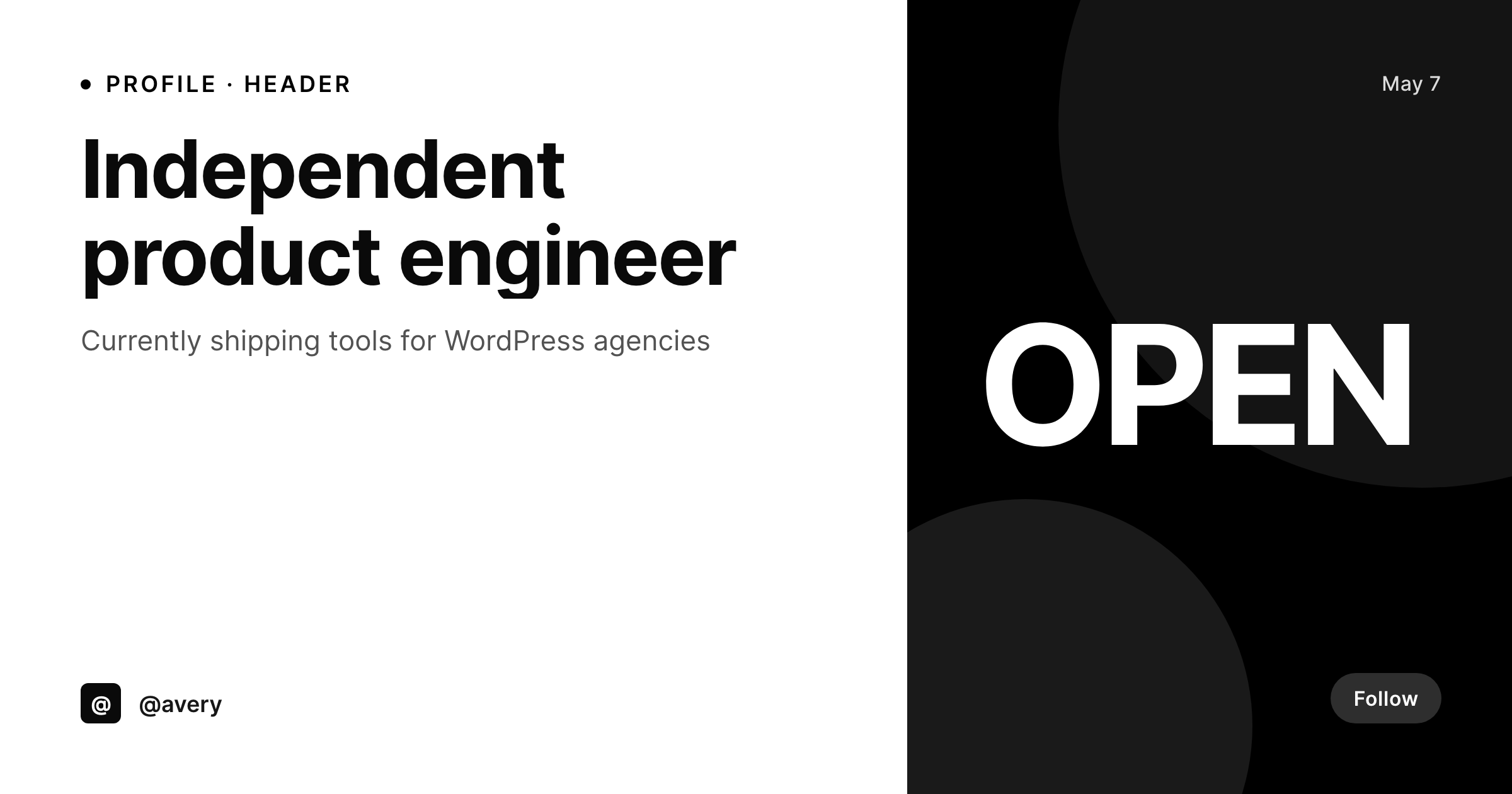
Twitter headers are the brand surface nobody updates
X / Twitter still uses the 1500 by 500 profile header as the visual at the top of every profile page, in every share, and inside hover cards on desktop. Personal profiles for sales teams, executive leadership, and creator brands all use the header as a brand surface, and the header almost never gets updated past the day the profile was set up. The reasons are familiar: a designer made one Figma frame, exported a PNG, the team member uploaded it once, and nobody has reopened the file since. SleekPixel turns the header into a render of a team list.
The template is 1500 by 500, in HTML and CSS, with slots for the team member's name, title, current campaign, and any field. The mobile crop guides are baked into the template safe area so the header reads cleanly on phones. Branding changes propagate across the whole team by re-rendering. Personal profile updates (a job title change, a new campaign mark) update on save without a Figma round trip.
X does not allow third-party uploads to profile headers, so SleekPixel exposes a download button in the WordPress editor sidebar. The PNG sits in uploads named after the team member, ready to drop into the X profile header dialog.
Workflow
From team list to X-ready headers
Design the template
Set up team posts
Render the team
Download and upload
Output
What gets generated per profile
A 1500x500 PNG sized for the X profile header dialog, with the team member's name, title, and campaign mark.
Comparison
Manual headers versus SleekPixel
Manual / Figma / Canva
- Headers go up the day the profile is set up and never get refreshed
- Twenty team members end up with twenty different header styles
- Job title changes never propagate to the header
- Mobile crop guides cut off the title on phones
- Designers refuse to do twenty Figma exports for every campaign
SleekPixel
- 1500x500 PNG rendered per team member on save
- Title, campaign, and brand fields bind into the template
- Mobile crop safe area baked into the template
- Downloadable from the editor sidebar for the X header dialog
- Real PNGs in uploads, available for re-download anytime
Features
What SleekPixel gives you for Twitter header banners
Per-profile render
Each team member's header renders with their own name, title, and the current campaign mark.
Mobile-safe area
The template keeps the title and brand mark inside the safe zone so the header reads cleanly on phones.
Sidebar download
The PNG is one click from the editor sidebar, ready for the X profile header dialog.
Use cases
Where Twitter headers carry the team brand
Sales teams
Sales teams render a header per rep with the right title and campaign, so every prospect's hover card looks like one team.
Executive presence
Executive headers refresh on each campaign without a designer touching the file, keeping leadership profiles current.
Campaign refresh
Quarterly campaigns refresh the team's headers in one batch render instead of one DM thread per person.
The bigger picture
Why X headers signal whether a team is paying attention
Sales prospects, recruits, and reporters look at X profiles more than the team admits, and the header is the part of the profile that signals whether the brand has its act together. A messy fleet of personal headers reads as a team that does not coordinate, which translates downstream as a brand that does not coordinate. Doing this manually means a designer is the bottleneck for every refresh, and the refresh never happens.
SleekPixel makes it a one-template, one-team-list job. Quarterly campaigns refresh the team's headers in a single render. Onboarding produces a header the day the team member joins.
Branding refreshes propagate across the team because every header rendered from the same template family. The brand reads the same on every profile, on every campaign, on every device.
Questions
Common questions about SleekPixel for Twitter header banners
No. X does not allow third-party uploads to profile headers via API. SleekPixel renders the PNG and exposes a download button in the editor sidebar.
1500 by 500, the X-recommended profile header size. The dimension is configurable in the template.
Yes. The template keeps the title and brand mark inside the mobile-safe area, so the header reads cleanly on phones.
Yes. If team posts include a featured image or ACF photo field, the template can use it as a portrait element. The same template handles photo or no-photo variants.
Update the campaign field on the parent template or the campaign post, then run batch regenerate from the SleekPixel admin.
Yes, including self-hosted custom fonts. The template is HTML and CSS, so any font you can serve works.
In the WordPress uploads directory as real PNGs, available in the media library and included in normal backups.
No. Rendering happens on save. There is no per-view API call and no usage cap.
Pricing
More than 1000+
happy customers
Explore our flexible licensing options tailored to your needs. Upgrade your license anytime to access more features, or opt for a lifetime license for ongoing value, including lifetime updates and lifetime support. Our hassle-free upgrade process ensures that our platform can grow with you, starting from whichever plan you choose.
Lifetime ♾️
Most popular
EUR
once
- Unlimited websites
- Lifetime updates
- Lifetime support
...or get the Bundle Deal
and save €250 🎁
💎 Want everything forever? The All Access Pass is going away on 01.08.2026.
The Bundle (unlimited sites)
Pay once, own it forever
Elevate your WordPress site with our exclusive plugin bundle that includes all of our premium plugins in one package. Enjoy lifetime updates and lifetime support. Save significantly compared to buying plugins individually.
What’s included
-
SleekAI
-
SleekByte
-
SleekMotion
-
SleekPixel
-
SleekRank
-
SleekView
€749
Continue to checkoutBrowse more
- Bandcamp release cover
- YouTube community images
- Instagram ad images
- Spotify Canvas
- LinkedIn ad images
- Bluesky feed banner
- Vimeo channel banners
- WhatsApp status images
- Instagram carousel slides
- LinkedIn event banners
- SoundCloud banner
- Mastodon link previews
- YouTube end screens
- Twitter/X header
- GitHub README banners