






SleekPixel for squash club
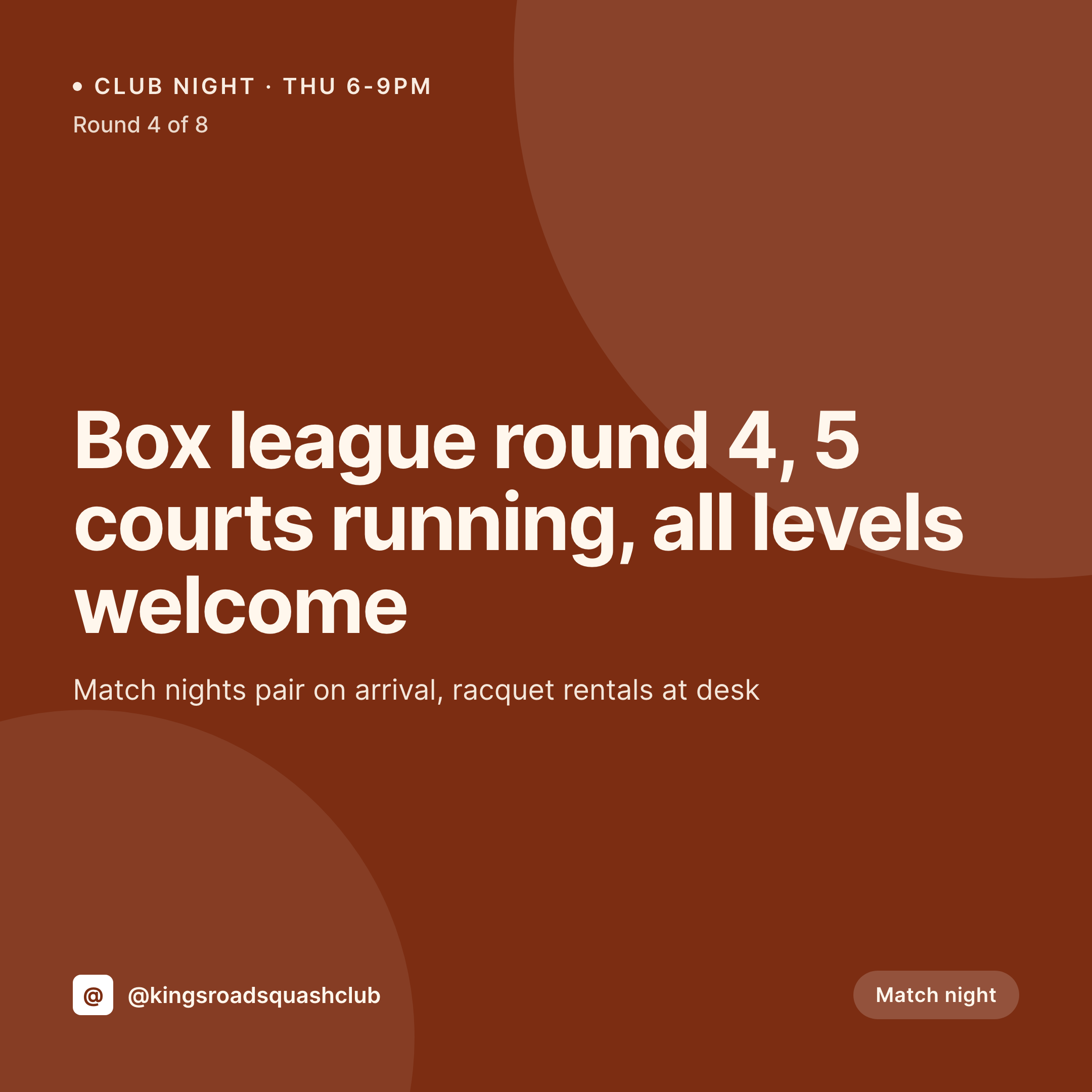
Thursday box league rounds, Saturday round-robins, junior coaching blocks, the annual club championship. Each event on the club CPT renders into a 1080x1080 card members see between matches.
♾️ Lifetime License available
Box leagues, club nights, and the membership calendar
A squash club's calendar is mostly a box league grid and a handful of one-off events. Each round of the league wants a card with the round number, the court count, the time, and a reminder of the pairings format. Each club championship, junior block, or visiting coach session wants its own card with the right level cap and price.
The data is already on the WordPress site. The event CPT carries the round, the dates, the court list, the level cap, and the pairings policy. The league post carries the standings link, the format, and the round count. The work of typing has been done by the league secretary at the top of the season. The gap is the 1080x1080 PNG the club office would otherwise rebuild in Canva each round.
SleekPixel renders that PNG on save. The event post is published, the card lands in uploads with the round, court count, and pairings format already locked in. The office posts before the next match night. The grid reads as one club across a year of league rounds and championships.
Workflow
From league sheet to round card
Map event and league fields
Design one square template
Publish the round
Post from the office
Output
What gets generated per event
A 1080x1080 card with the round, court count, time, level, and format pulled from the event CPT.
Comparison
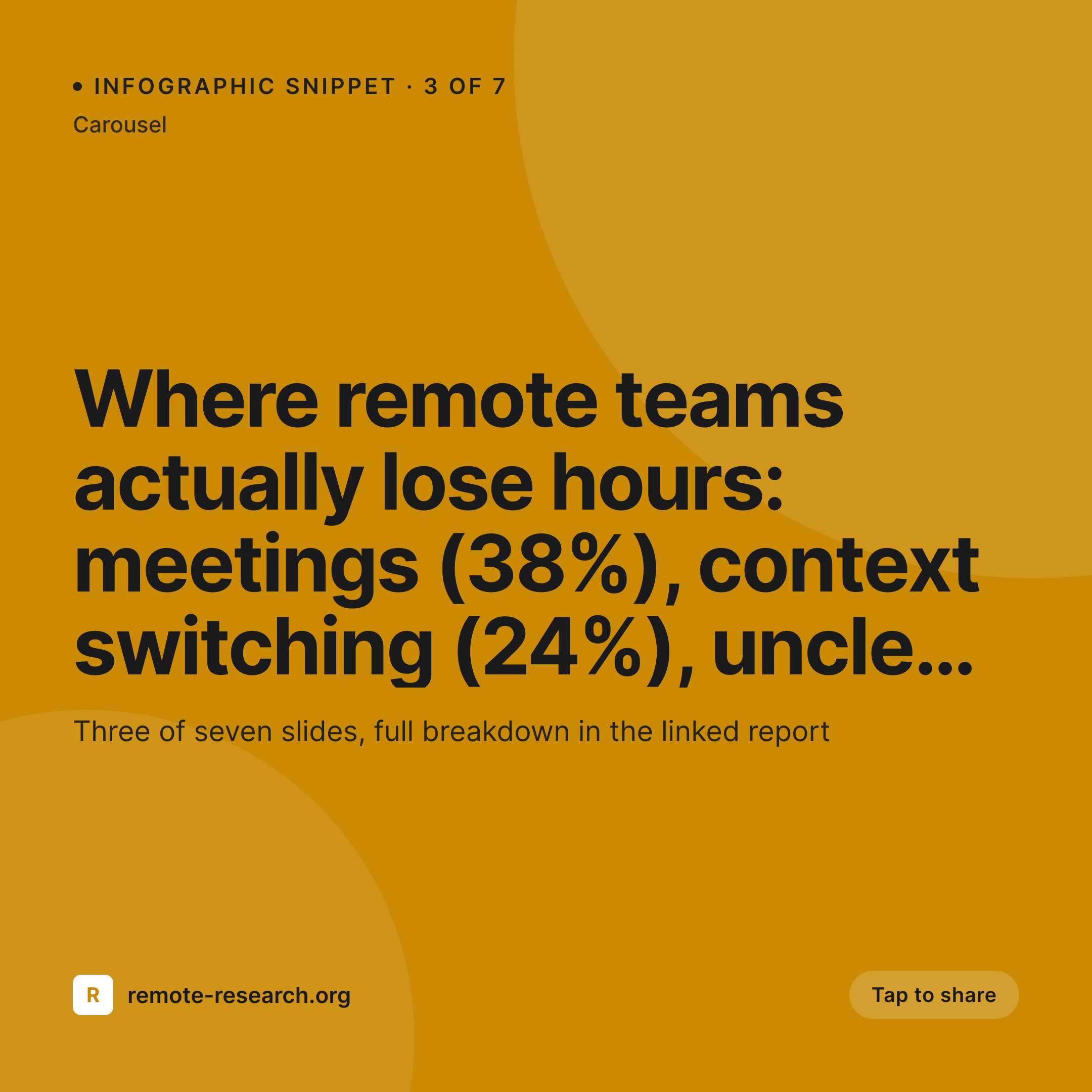
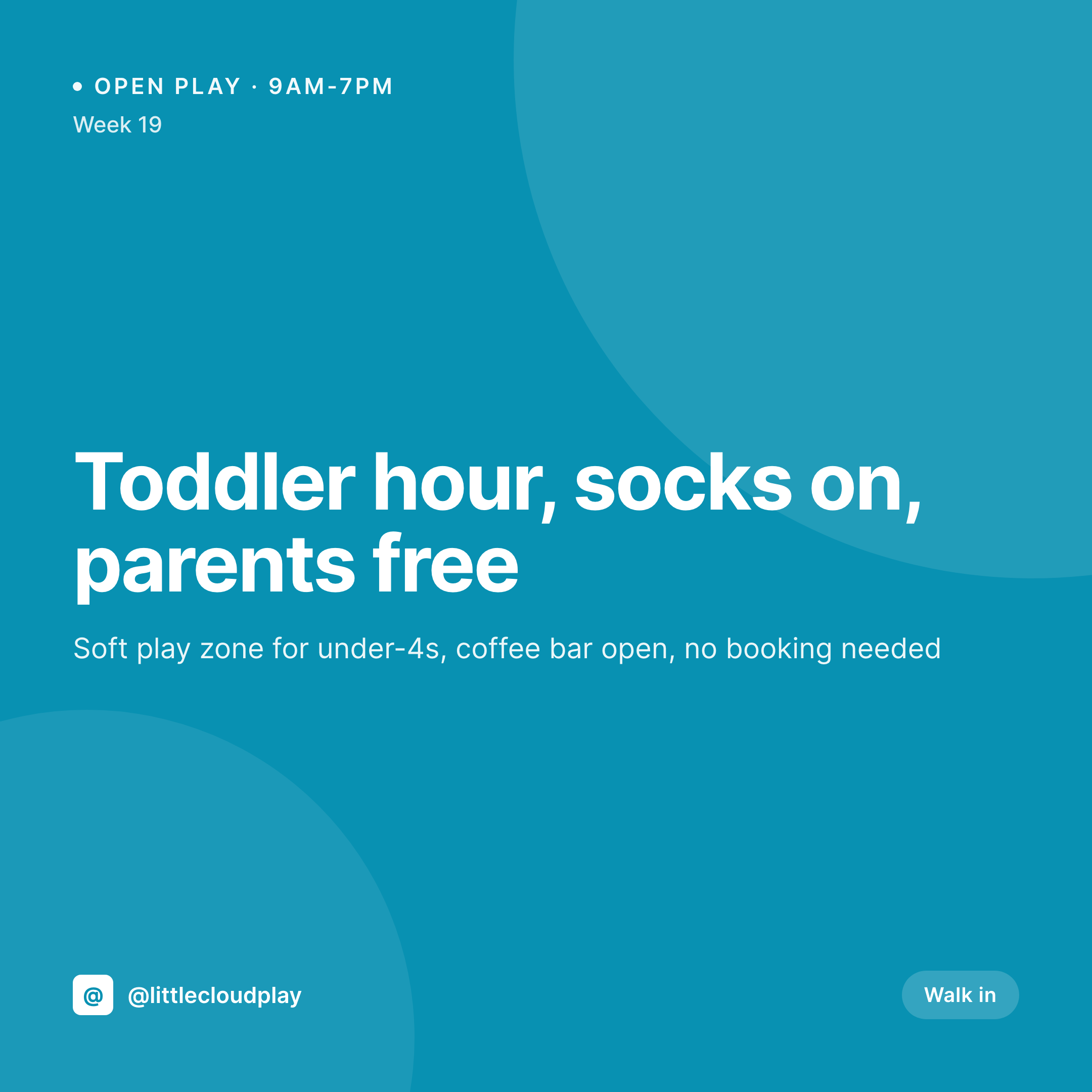
Default squash club image vs SleekPixel
Default squash club image
- Club office rebuilds the league card in Canva every round through the season
- Round numbers and pairings format get retyped wrong between the secretary's sheet and the post
- Each year's championship graphic uses a slightly different layout from the prior year
- Box league, junior block, and championship posts drift visually from one another
- A coaching satellite site posts off-brand versions of the same junior block announcement
SleekPixel
- Save the event post, the 1080x1080 card lands in uploads
- Round, court count, level, time, and pairings format pulled live from the event CPT
- Square format sized for the Instagram and Facebook grids
- Sidebar download from Gutenberg so the office can post in seconds
- One template across leagues, junior blocks, and championships keeps every card on-brand
Features
What SleekPixel gives you for squash club
Card per league round
Every round of the box league saves with a square card. The round number, court count, and pairings format come from the event post.
Championship and coaching cards
Annual championship, junior coaching blocks, and visiting coach sessions render from their own CPT. Level and price sit on the card.
Office fast lane
League secretary publishes the round, the card is already in uploads. The office downloads from the sidebar and posts.
Use cases
Who uses SleekPixel for squash clubs
Single-site member clubs
Member clubs running a box league and a championship a year get a coordinated event grid without a designer on staff.
Multi-site club groups
Each site runs its own league. Cards render per location with the right court count, brand stamp, and round number.
Junior coaching programs
Junior blocks, summer camps, and visiting coach sessions render from a coaching CPT with consistent type and palette.
The bigger picture
Why a squash club grid keeps the league nights honest
A squash club's box league lives or dies on participation. The third round of an eight-round league is where engagement softens, and the club office leans on the Instagram feed to nudge it back. A round card that lands the day before match night with the round number, the court count, and the pairings format keeps the league visible.
Members see the card, remember the night, book the court. A scattered feed where each round looks different makes the league feel like an afterthought and participation slips. Templated cards rendered from the event CPT keep the league night in front of members as a real fixture, not a side project, and that visibility is the difference between a league that closes strong and one that quietly fades into the season's last weeks.
Questions
Common questions about SleekPixel for squash club
Yes. Templates can be conditional on event type. Box league rounds render with one accent, championships with another, all from the same event CPT or a separate championship CPT.
Yes. SleekPixel reads any post type and any field, so the round, court count, time, and level already on the event CPT feed the card.
Standings render from a separate standings CPT and a small list block on the card. For full standings, the card links back to the standings page on the site.
Junior coaching blocks render from a coaching CPT with block dates, age group, and lead coach fields. The same brand frame applies.
Yes. Editing the date field re-renders the card with the new schedule. The image attached to the event post is always current.
Yes. The OG image on the event page is wired to the same render, so a member pasting the link into a group chat sees the round and time in the preview.
No. SleekPixel renders the image and saves it to uploads. Posting is a manual step from the platform app or a scheduling tool the club already uses.
No. SleekPixel renders static PNG and JPG only. Match clips and rally videos stay in Reels or stories and are out of scope for the rendered card.
Pricing
More than 1000+
happy customers
Explore our flexible licensing options tailored to your needs. Upgrade your license anytime to access more features, or opt for a lifetime license for ongoing value, including lifetime updates and lifetime support. Our hassle-free upgrade process ensures that our platform can grow with you, starting from whichever plan you choose.
Lifetime ♾️
Most popular
EUR
once
- Unlimited websites
- Lifetime updates
- Lifetime support
...or get the Bundle Deal
and save €250 🎁
💎 Want everything forever? The All Access Pass is going away on 01.08.2026.
The Bundle (unlimited sites)
Pay once, own it forever
Elevate your WordPress site with our exclusive plugin bundle that includes all of our premium plugins in one package. Enjoy lifetime updates and lifetime support. Save significantly compared to buying plugins individually.
What’s included
-
SleekAI
-
SleekByte
-
SleekMotion
-
SleekPixel
-
SleekRank
-
SleekView
€749
Continue to checkoutBrowse more
- dashboard screenshot cards
- prediction cards
- SDK release card
- infographic card snippets
- tutorial thumbnails
- discount code cards
- checklist cards
- early access card
- compensation report cards
- benchmark report cards
- lesson thumbnail cards
- monthly roundup cards
- incident report cards
- hackathon cards
- reading list cards
- Patreon post thumbnails
- Twitch overlay
- Xiaohongshu cover images
- LinkedIn carousel slides
- Spotify Canvas
- SoundCloud track art
- X ad images
- LinkedIn newsletter headers
- Buy Me a Coffee banners
- Etsy shop banners
- Passes page banner
- Substack post headers
- Threads story-style images
- Instagram Reels covers
- Pinterest product pin covers