






SleekPixel for Moosend emails
Moosend handles the send; WordPress handles the public archive. SleekPixel sits between them and renders a real cover image for every campaign post, pulling subject line, date and segment from the data the archive already carries.
♾️ Lifetime License available
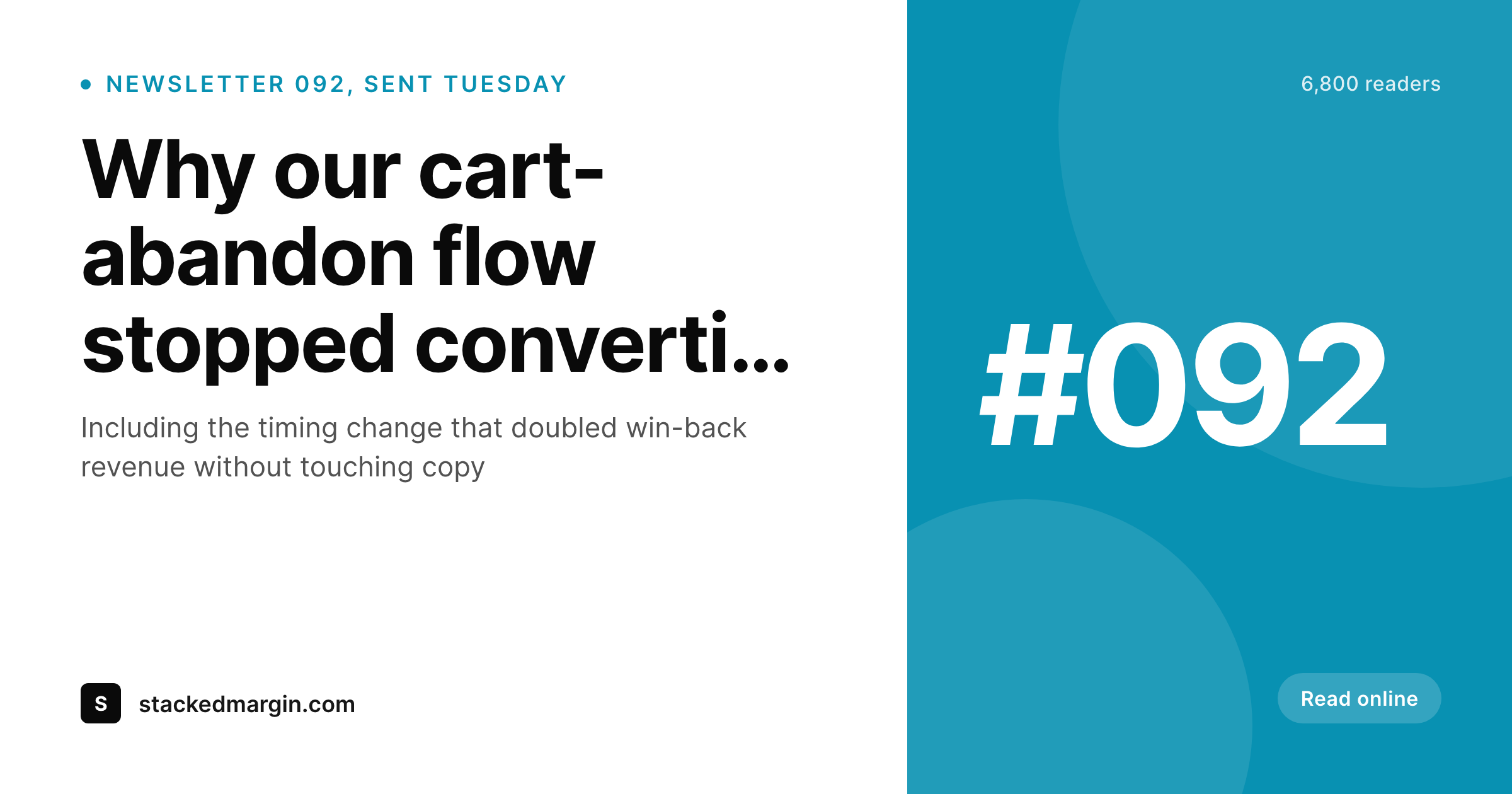
Moosend campaigns need archive covers that match the email
Moosend is a popular ESP for small ecommerce, SaaS marketing and lifecycle teams because the automation builder is friendly and the pricing scales well. The send side is solid. What sits outside Moosend is the public archive of past campaigns, which most teams mirror into a WordPress post type so the campaign has a permanent URL that can be linked from social and referral pages. That archive post is where the next layer of value lives, and where the share preview matters.
The default share preview is whatever the WordPress theme falls back to. A stretched company logo is the most common outcome, followed by a featured image that was cropped at the wrong aspect ratio for the social platform reading it. The Moosend campaign that landed in the inbox with real design lands on Twitter and Slack with a generic preview, and the team that worked on the subject line never sees the social-card version of it.
SleekPixel reads the archive post fields and renders a cover image on save. Campaign number sits in the version slot, subject line stretches across the headline, send date and segment render small. The og:image tag updates, the next share carries the branded card and the archive starts to feel like a real publication instead of a passive log. Edits to the subject line propagate to the cover on the next save without a manual step.
Workflow
From Moosend campaign to social-ready archive
Build the archive cover template
Mirror the campaign
Share the archive URL
Edit and re-render
Output
What a Moosend archive cover ships with
A 1200 by 630 PNG: campaign number, subject line, send date and segment, rendered from the archive post fields on save.
Comparison
Default Moosend archive share vs SleekPixel
Default Moosend archive image
- Theme default OG falls back to the homepage banner on every archived campaign
- Featured image crops badly for Twitter, LinkedIn and Slack previews
- Manual covers drift in typography across the year of campaigns
- Promo segments and lifecycle drips share with the same generic card
- Subject-line edits never reach the archive's social preview
SleekPixel
- Render fires on save for every archived Moosend campaign post
- Subject, campaign number and date pull from the post fields
- og:image and twitter:image meta tags written automatically
- Per-segment template variants for promo, lifecycle and educational sends
- Bulk re-render the catalog when the brand evolves
Features
What SleekPixel gives you for Moosend emails
Archive-post aware
Reads whichever post type the archive uses, native posts, ACF-backed CPT or imported Zapier records. The campaign data is the source of truth.
Segment-aware templates
Promo blasts, lifecycle flows and educational sequences can each have their own template. The right one picks itself from a custom field.
Edits regenerate
Tweak the subject line after the send and the archive cover re-renders on next save. The shared link always reflects the live wording.
Use cases
Who uses SleekPixel for Moosend emails
Small ecommerce brands
Moosend-powered ecommerce teams mirror promotional campaigns into a WordPress archive. SleekPixel ensures every shared sale link opens with a real preview.
SaaS marketing teams
Product update emails and feature announcements get a permanent archive home. Forwarded links and social shares carry the same branded card as the inbox version.
Education and course operators
Course welcome sequences, lesson drips and cohort updates each render with the right template. Public preview posts share like a publication.
The bigger picture
Why archive covers matter for Moosend-powered brands
Moosend's strength is the lifecycle and promotional side of email, which means a typical account ships several campaign types per week: promo, drip, educational, transactional summary. Each of those has different design and tone in the inbox, and each of those gets a separate archive post in WordPress for permanence. When archive URLs get shared, which they constantly do in support replies, social referrals and team Slack channels, the OG image is the first impression a recipient sees.
A generic homepage banner there flattens the entire campaign system into one bland surface, and the time spent designing the email itself stops paying compounding marketing dividends the moment it leaves the inbox. The second reason is operational. Hand-making per-campaign covers takes design time that does not exist at most small marketing teams, so the realistic alternative is no archive covers at all.
SleekPixel makes the archive cover a byproduct of the campaign post being saved, which means every campaign gets one with no extra effort. Across a year of weekly sends that is fifty branded share previews that did not previously exist, and across a year of daily lifecycle automations that number is in the hundreds. The accumulation is what changes the perception of the brand from one good email to a coherent publication.
Questions
Common questions about SleekPixel for Moosend emails
Yes, with the same caveat as any ESP integration: SleekPixel runs on the WordPress side and reads whatever post fields the archive uses. If your automation triggers Zapier or a webhook that creates a WordPress post per send, every automation step can land as its own archived campaign with its own cover.
Three common patterns: Zapier from Moosend's campaign-sent trigger to a WordPress post, a custom webhook from Moosend's API to wp-json, or a manual copy and paste after each send. SleekPixel works with all three because it only reads the resulting post fields.
Yes, if the segment is captured as a custom field on the archived post. Most Zapier and webhook flows include the segment ID or name in the payload; store that on the post and bind a template slot to it. The cover then renders the segment in a small caption or badge.
Transactional emails are usually private (per-recipient receipts, password resets) and do not have a public archive equivalent. SleekPixel applies to public archived campaigns, not to transactional sends. If you keep a public 'release receipt' page summarizing a transactional template, that page can have a cover image of its own.
SleekPixel does not render the email body itself; it renders the cover image that represents the email on the web archive. The email body is whatever Moosend's builder produces and ships to the inbox. The cover is a separate visual representation of the campaign for sharing purposes.
Yes. If you run separate Moosend campaigns per language and mirror each into a localized WordPress post (Polylang, WPML, or duplicate CPT entries), each language's archive cover renders with that language's subject line. Templates can also localize layout direction for right-to-left languages.
Both. New campaigns render on save automatically. Existing archived campaigns get covers when you run the bulk re-render command, which iterates through the archive post type and renders each entry. A typical two-year archive completes in a few minutes.
No. SleekPixel touches only the OG image and Twitter card meta on the WordPress archive page. Moosend's open tracking, click tracking and automation analytics stay intact because they run entirely inside the ESP's send and click-redirect infrastructure.
Pricing
More than 1000+
happy customers
Explore our flexible licensing options tailored to your needs. Upgrade your license anytime to access more features, or opt for a lifetime license for ongoing value, including lifetime updates and lifetime support. Our hassle-free upgrade process ensures that our platform can grow with you, starting from whichever plan you choose.
Lifetime ♾️
Most popular
EUR
once
- Unlimited websites
- Lifetime updates
- Lifetime support
...or get the Bundle Deal
and save €250 🎁
💎 Want everything forever? The All Access Pass is going away on 01.08.2026.
The Bundle (unlimited sites)
Pay once, own it forever
Elevate your WordPress site with our exclusive plugin bundle that includes all of our premium plugins in one package. Enjoy lifetime updates and lifetime support. Save significantly compared to buying plugins individually.
What’s included
-
SleekAI
-
SleekByte
-
SleekMotion
-
SleekPixel
-
SleekRank
-
SleekView
€749
Continue to checkoutBrowse more
- Ko-fi shop images
- Klaviyo email headers
- Facebook post images
- LinkedIn carousel slides
- LinkedIn banner images
- Telegram bot avatar
- LinkedIn company banners
- Mastodon post images
- TikTok profile banners
- Facebook ad images
- X community banners
- Spotify playlist cover
- Apple Podcasts covers
- Douyin thumbnails
- Etsy shop banners