






SleekPixel for NextGEN Gallery
NextGEN Gallery renders the album on the page. SleekPixel renders the share preview for the page itself, reading title, category and any custom field on save so album links unfurl with a real card.
♾️ Lifetime License available
NextGEN albums need a share layer that matches the work
NextGEN Gallery is one of the longest-running gallery plugins on WordPress, with a feature surface that covers galleries, albums, slideshows, image protection and ecommerce add-ons for prints. Photographers running serious WordPress sites tend to have dozens of NextGEN albums spanning years of work - editorial sessions, weddings, commercial shoots, travel projects. Each album lives on a public page, and each page is a candidate for sharing in newsletters, on social and in client emails.
The share preview on those pages is usually whatever the SEO plugin chose, which is a site-wide fallback image. The share card that travels with an album link looks identical to the share card for the studio's about page. Album titles, client names and shoot dates - all already on the post or in custom fields - never reach the preview. The work goes unrepresented in the link, and click-through suffers in small invisible amounts on every share.
SleekPixel reads the post that hosts the NextGEN album and renders the OG image from its fields. NextGEN keeps doing what it does on the page (rendering the gallery, handling the lightbox, integrating with print products), and SleekPixel writes the meta tag in the document head. Saving the post regenerates the card, so updating an album title or rotating its featured shot updates the share preview without any extra step.
Workflow
From NextGEN album to share-ready
Pick the post types
Map fields into the template
Save the page
Share anywhere
Output
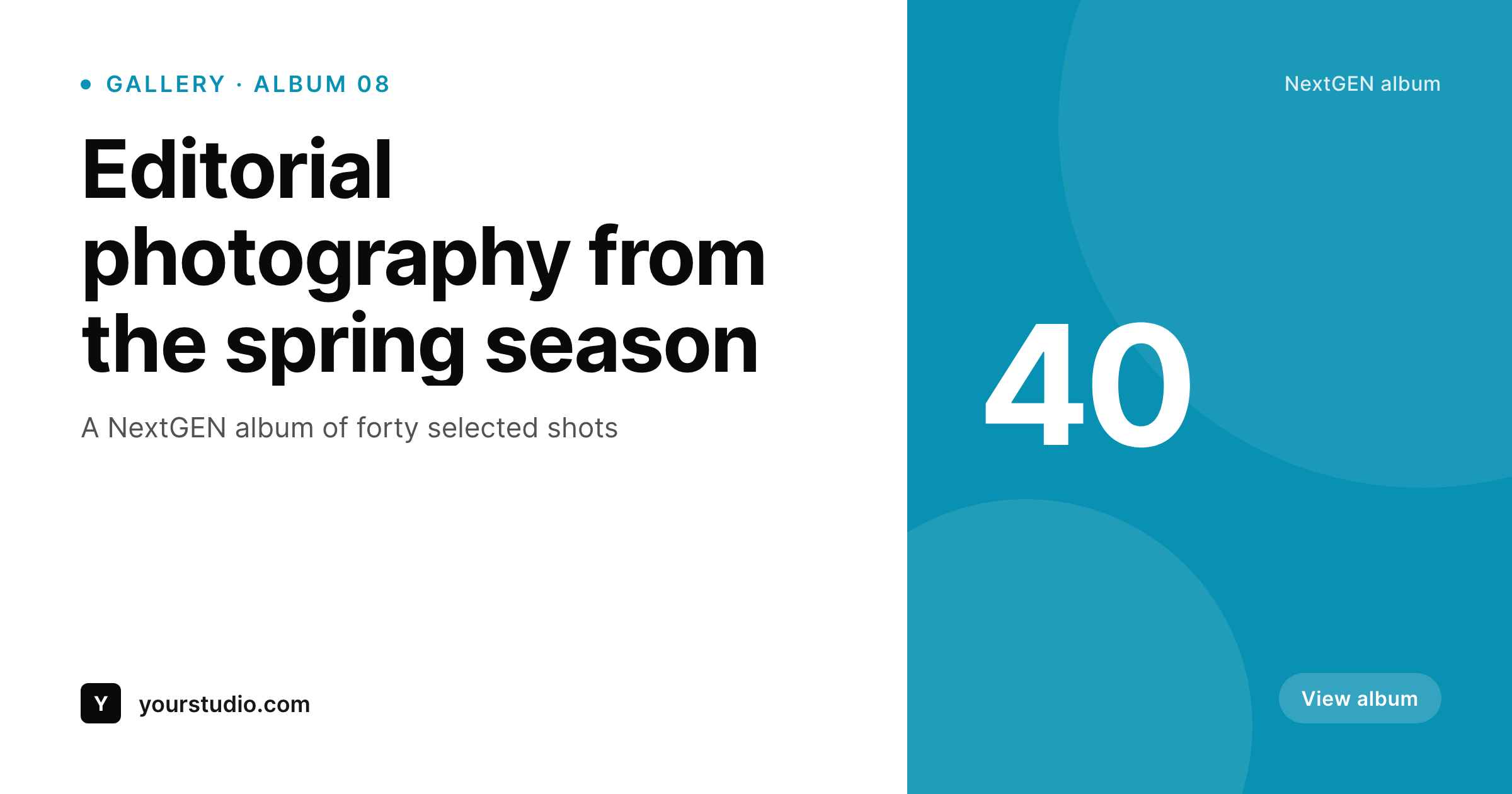
Sample share card for a NextGEN album
A 1200 by 630 PNG rendered from the post's title, album category and brand wordmark. Same template across the entire portfolio.
Comparison
SEO plugin fallback vs SleekPixel
SEO plugin global fallback
- Every NextGEN album page shares with the same global fallback image
- Album titles and shoot dates never appear on the social preview
- Featured-image fallback crops poorly at 1200 by 630 for portrait shots
- Refreshing the studio brand leaves years of album shares looking dated
- Manual Canva exports do not scale across an archive of dozens of albums
SleekPixel
- Hooks save_post on the page that hosts the NextGEN album
- Pulls album title, shoot date and category from custom fields
- Self-hosted render with no per-image fees or external services
- Bulk regenerate the entire archive after a template or brand change
- Lives next to NextGEN without modifying any of its gallery code
Features
What SleekPixel gives you for NextGEN Gallery
Page-level rendering
NextGEN composes the album on the page, SleekPixel composes the share card for the document head. Two layers, no overlap.
Field aware
Reads ACF, Meta Box and native fields - shoot date, location, client, category - alongside the post title.
Bulk regenerate
Walked through a brand refresh? Re-render every album share card from current post data in one pass.
Use cases
Where NextGEN albums benefit most
Editorial photographers
Per-session albums share with title and date. Newsletters and tweets carry the right preview for the right session.
Studio portfolios
Portfolio albums grouped by client share with client name and project visible on the card.
Travel and journalism
Travel albums and journalistic galleries share with location and series name from the post fields.
The bigger picture
Why album share cards matter for photographers
Photographers running NextGEN-powered sites depend disproportionately on social and direct sharing for work discovery. A wedding photographer's sample gallery shared with a prospective couple, a commercial photographer's editorial album shared in a portfolio review, a travel photographer's series posted on social - each share is a chance for the work to do its own selling. The OG image is the first frame of that pitch.
When it carries an actual album card, the share announces what is being looked at; when it carries a global site logo, the share falls back to whatever curiosity the recipient already has. Across an archive that grows year over year, the difference between branded album shares and generic fallbacks is meaningful for booking inquiries. The second reason is internal cohesion.
NextGEN photographers often run dozens of public albums spanning years and styles, and the studio brand evolves over time. SleekPixel keeps the share layer current automatically, so old albums look as cared-for as new ones, which signals that the studio takes its archive seriously. Inquiries that arrive from old links land on a presentation that is consistent with everything the studio is currently shipping.
Questions
Common questions about SleekPixel for NextGEN Gallery
Yes. NextGEN albums and galleries are both surfaced via shortcode or block on a regular WordPress post or page. SleekPixel works at the post level, so any page that hosts a NextGEN element gets the share card treatment.
Not directly - SleekPixel reads post fields, not the gallery markup. If you want one of the album shots on the card, set it as the post's featured image or store it in a custom field that the template references.
Yes. NextGEN Pro features run in the page body. SleekPixel reads post-level fields and writes the OG meta tag. Pro features do not change the share card.
NextGEN's image SEO covers per-image alt text and titles inside the gallery. SleekPixel covers the page-level OG image, which is a different layer. Both can run together without conflict.
Yes. Per-category and per-tag templates are standard. Tag albums by genre (editorial, wedding, commercial) and route each tag to its own template variant.
No. SleekPixel never touches the NextGEN shortcode, block or rendering. It writes meta tags to the head and stores PNGs in uploads.
Yes. The bulk regenerate command walks every post in the enabled post types and renders fresh share images. An archive with hundreds of albums rebuilds in a few minutes.
No. The render runs once at save time, and visitors hit a static PNG. The NextGEN front-end stays as fast as it was.
Pricing
More than 1000+
happy customers
Explore our flexible licensing options tailored to your needs. Upgrade your license anytime to access more features, or opt for a lifetime license for ongoing value, including lifetime updates and lifetime support. Our hassle-free upgrade process ensures that our platform can grow with you, starting from whichever plan you choose.
Lifetime ♾️
Most popular
EUR
once
- Unlimited websites
- Lifetime updates
- Lifetime support
...or get the Bundle Deal
and save €250 🎁
💎 Want everything forever? The All Access Pass is going away on 01.08.2026.
The Bundle (unlimited sites)
Pay once, own it forever
Elevate your WordPress site with our exclusive plugin bundle that includes all of our premium plugins in one package. Enjoy lifetime updates and lifetime support. Save significantly compared to buying plugins individually.
What’s included
-
SleekAI
-
SleekByte
-
SleekMotion
-
SleekPixel
-
SleekRank
-
SleekView
€749
Continue to checkoutBrowse more
- waitlist closing card
- Hacker News launch card
- Stripe Atlas card
- chart of the week cards
- developer tool card
- book recommendation cards
- webinar replay card
- tech stack card
- AppSumo launch card
- lecture cards
- ISO certification card
- year in numbers cards
- valuation card
- longform article card
- monthly roundup cards
- Telegram channel images
- Discord server icon
- Nostr note images
- YouTube thumbnails
- Substack post thumbnail
- Pinterest video pin covers
- Twitter/X header
- Pinterest shop banners
- Bluesky profile banner
- Mailchimp email banner
- TikTok cover images
- YouTube banner art
- Reddit subreddit banners
- Fansly banner
- Kindle book cover