






SleekPixel for Slider Revolution
Slider Revolution composes the slider on the page. SleekPixel composes the share preview for the page itself, reading title, category and any custom field on save so the link unfurls with a real card.
♾️ Lifetime License available
Slider Revolution pages still need a share-layer plan
Slider Revolution (often called Revolution Slider) is the WordPress slider plugin most commonly bundled with premium themes. It powers homepage hero sliders, product showcases, full-page presentations and parallax landing pages. The pages it ships on - typically the marketing front pages of a site - are some of the most-shared URLs the site has, because they carry the brand's primary message and are the canonical link for press, newsletters and partners.
The share preview on a Slider Revolution page is rarely the slider itself. The slider runs on the front-end with image sequences, transitions, animation timelines and parallax. None of that survives a 1200 by 630 OG image, and most theme-default OG handling falls back to a global site logo or a featured image cropped at the wrong aspect ratio. The result is that the most polished page on a site shares with the most generic preview the site produces.
SleekPixel covers the share layer at the post level. It reads the page that hosts the Slider Revolution embed, pulls title, headline, campaign and any custom field, and renders an OG image on save. The slider keeps doing its work in the page body - that is what visitors see when they arrive. SleekPixel handles what recipients see before they click. The two systems share no code and no dependencies, which keeps both stable across plugin updates.
Workflow
From Slider Revolution page to share-ready
Pick the post types
Map fields into the template
Save the page
Share anywhere
Output
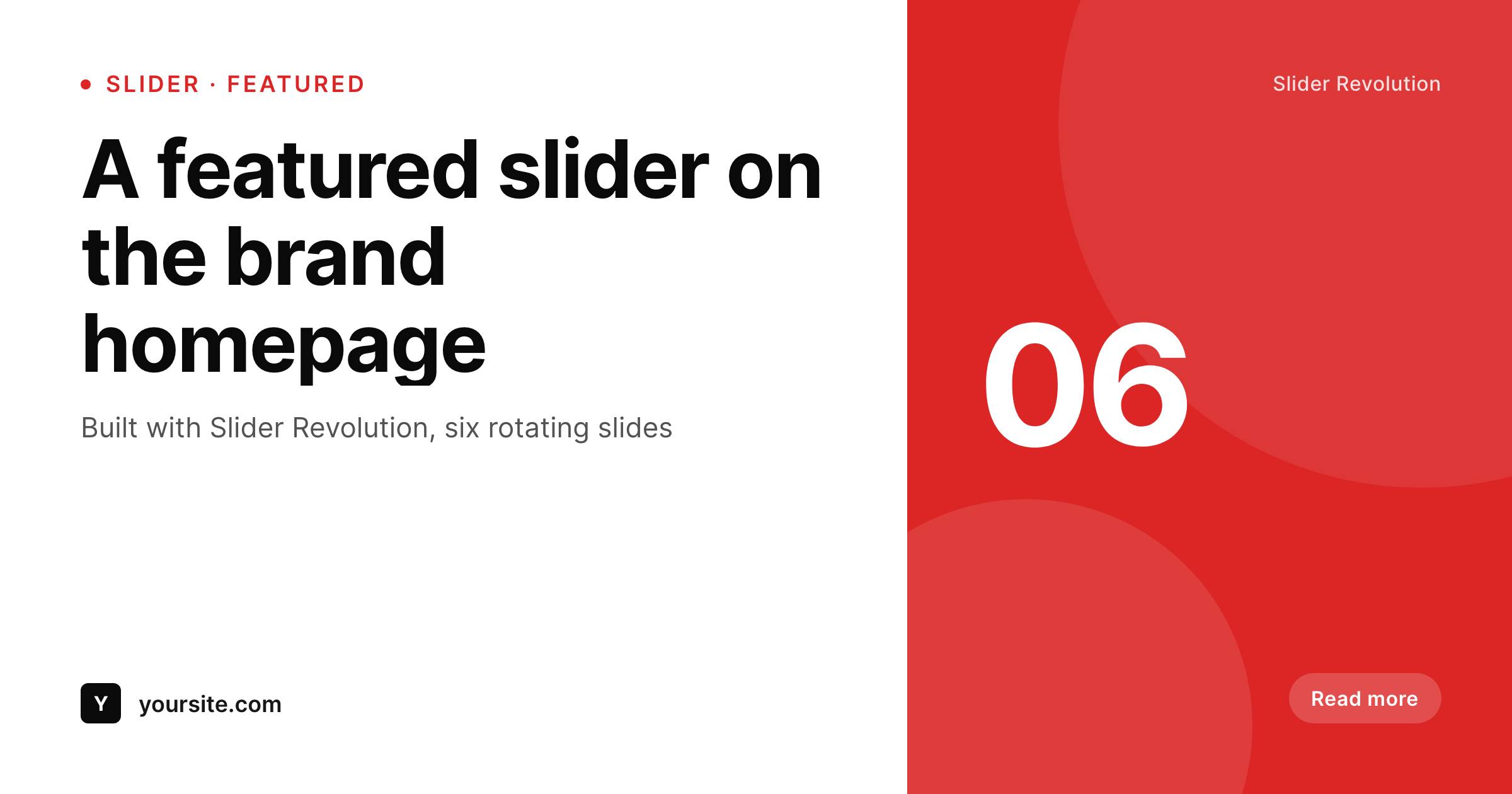
Sample share card for a Slider Revolution page
A 1200 by 630 PNG rendered from the page title, campaign and brand wordmark. The slider runs in the page body, the card runs in the head.
Comparison
SEO plugin fallback vs SleekPixel
SEO plugin global fallback
- Every Slider Revolution page shares with the same global fallback image
- Slider headlines and campaign names never reach the share preview
- Featured-image fallback crops poorly at 1200 by 630
- Brand refreshes leave slider-page share cards untouched for months
- Per-campaign Canva exports do not scale across launches
SleekPixel
- Hooks save_post on the page that hosts the Slider Revolution embed
- Pulls campaign, headline and any custom field used on the page
- Self-hosted render with no per-image fees
- Bulk regenerate covers every slider page after a campaign change
- Lives next to Slider Revolution without modifying any of its slider code
Features
What SleekPixel gives you for Slider Revolution
Page-level rendering
Slider Revolution composes the slider on the page, SleekPixel composes the share card for the document head. No overlap, no shared code.
Field aware
Reads ACF, Meta Box and native custom fields. Campaign, headline and category render onto the card alongside the post title.
Bulk regenerate
Refreshed the brand or rotated campaigns? Re-render every slider-page share card from current post data in one pass.
Use cases
Where Slider Revolution pages benefit most
Brand homepages
Front-page sliders ship with branded share cards instead of stretched logos when the homepage URL is shared.
Campaign landing pages
Per-campaign sliders share with the campaign name and call-to-action visible on the preview card.
Press and announcement pages
Major announcement pages that lead with a slider share with title and date, useful for press kits and partner emails.
The bigger picture
Why slider-page share cards matter for marketing pages
Slider Revolution is most often deployed on a site's primary marketing surface - the front page or a flagship campaign page. Those URLs are the most-shared on the site by an order of magnitude: in press kits, in partner emails, in newsletter introductions, in pitch decks linking to a public landing page. The share image on those URLs is the first impression a recipient gets before clicking, and a generic site-logo card underrepresents the work the slider is doing on the page.
A real share card pulled from the page's title and campaign announces what is on the other side, which materially affects click-through. Across the volume of shares a flagship page receives over a campaign window, the difference is meaningful traffic. The second reason is the mismatch between in-page presentation and share preview.
A page with a Slider Revolution hero is by definition presenting the brand at full strength on the page itself; the share preview should match. SleekPixel keeps the two layers consistent without modifying the slider, so the page can keep iterating on its in-page experience while the share layer stays current automatically.
Questions
Common questions about SleekPixel for Slider Revolution
No. The slider keeps running on the page exactly as configured. SleekPixel writes the og:image and twitter:image meta tags for the post that hosts the slider, and stores a static PNG in uploads.
Not directly. SleekPixel reads post fields, not the slider markup. If you want a representative image on the card, set the first slide's hero image as the post's featured image or store its URL in a custom field the template references.
Yes. Slider Revolution's animation timelines, parallax and add-ons all run inside the slider markup. SleekPixel reads post-level fields and writes the meta tag, so the slider's feature surface does not affect the share card.
Yes. SleekPixel supports per-category and per-tag templates. Tag pages by campaign and route each tag to its own template variant.
No. SleekPixel never touches the Slider Revolution shortcode, block or rendering. The slider markup is untouched, so plugin updates on either side leave the other working.
Yes. The bulk regenerate command walks every post in the enabled post types and renders fresh share cards using the current template.
Many premium themes ship Slider Revolution as a bundled plugin. SleekPixel does not care how Slider Revolution arrived on the site - it works at the post level regardless of bundling.
No. The render runs once at save time and stores a static PNG. Visitors load a regular image URL, and the slider's front-end performance is unaffected.
Pricing
More than 1000+
happy customers
Explore our flexible licensing options tailored to your needs. Upgrade your license anytime to access more features, or opt for a lifetime license for ongoing value, including lifetime updates and lifetime support. Our hassle-free upgrade process ensures that our platform can grow with you, starting from whichever plan you choose.
Lifetime ♾️
Most popular
EUR
once
- Unlimited websites
- Lifetime updates
- Lifetime support
...or get the Bundle Deal
and save €250 🎁
💎 Want everything forever? The All Access Pass is going away on 01.08.2026.
The Bundle (unlimited sites)
Pay once, own it forever
Elevate your WordPress site with our exclusive plugin bundle that includes all of our premium plugins in one package. Enjoy lifetime updates and lifetime support. Save significantly compared to buying plugins individually.
What’s included
-
SleekAI
-
SleekByte
-
SleekMotion
-
SleekPixel
-
SleekRank
-
SleekView
€749
Continue to checkoutBrowse more
- Twitch offline banners
- Facebook ad images
- TikTok cover images
- Facebook Shop product images
- Snapchat ad images
- Beacons.ai banner
- Audible audiobook cover
- Apple Podcasts covers
- Xiaohongshu cover images
- Threads social images
- Threads story-style images
- Threads post cover
- Notion page covers
- Threads post images
- X community banners