






SleekPixel for tattoo artist
A fresh piece off the table, a flash sheet release, books open for the next month. Each portfolio or flash post renders into a 1080x1080 card with the style, placement, and session details already typeset.
♾️ Lifetime License available

Healed photos, flash drops, and a feed that decides bookings
Tattoo work lives or dies on Instagram. Clients pick artists by scrolling the grid for an hour, comparing how a line weight holds up six weeks out, how a black-and-grey reads under apartment light, how a flash set hangs together as a body of work. The artists who book out months in advance are the ones whose grid reads as one practice, not a folder of half-edited phone shots.
Most studio websites already track the data. Portfolio posts hold the piece title, the style, the placement, the session count, the machine used, and the photo. Flash sheets live as their own posts with a price range and an availability date. Booking windows are scheduled events with a date and a region. What is missing is the square card per post, with the artist's brand mark and the work details rendered as a single image that posts cleanly to feed.
SleekPixel reads the portfolio post on save and renders that card to uploads. Healed shots get a card with the style and placement under the photo. Flash drops get a card with the sheet name and the booking link. Books-open posts get a card with the dates and the city. The artist's grid becomes a coherent archive of their work and the studio's calendar, without any Canva files.
Workflow
From healed shot to feed-ready card
Map portfolio and event fields
Design one square template
Publish the portfolio post
Post and route bookings
Output
What gets generated per portfolio post
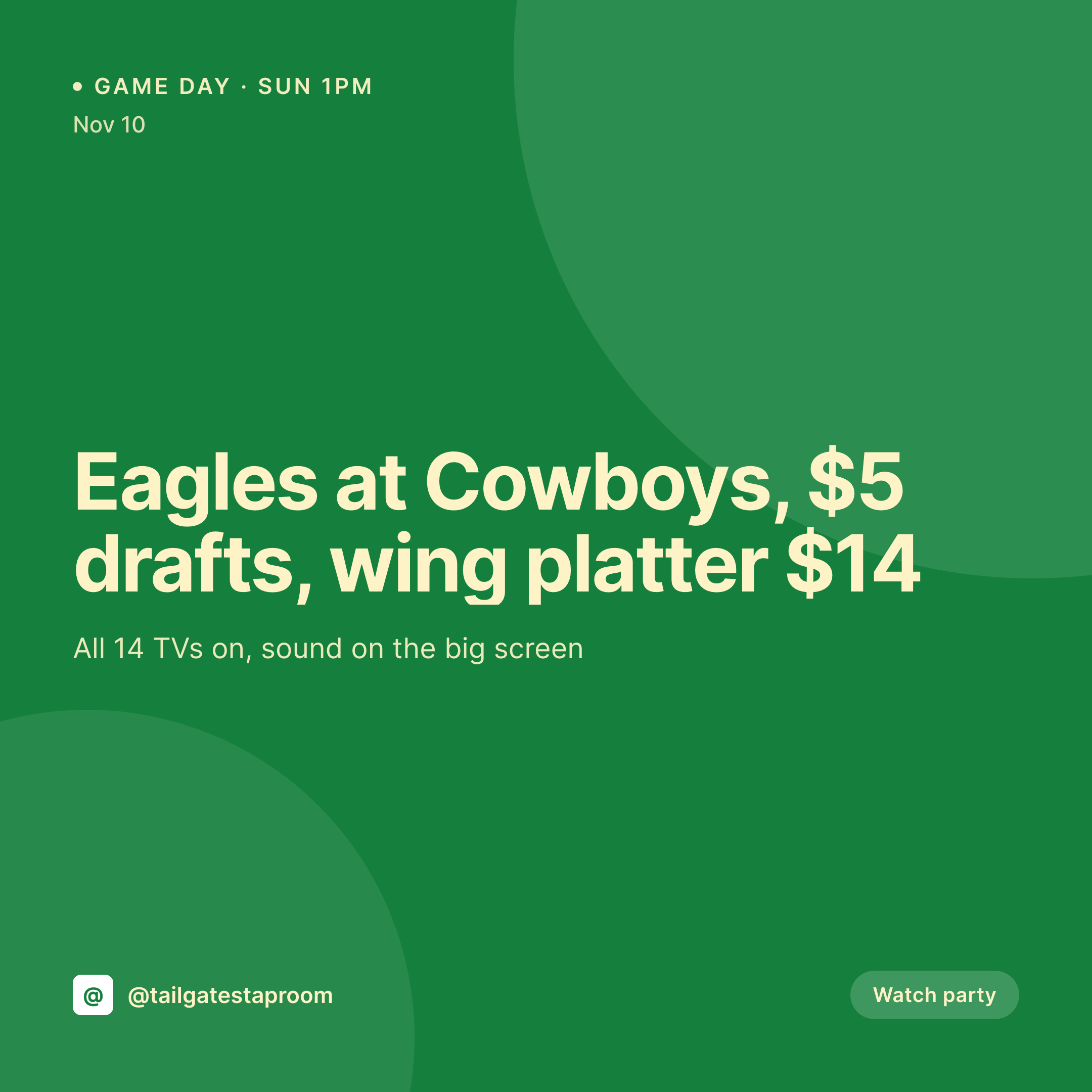
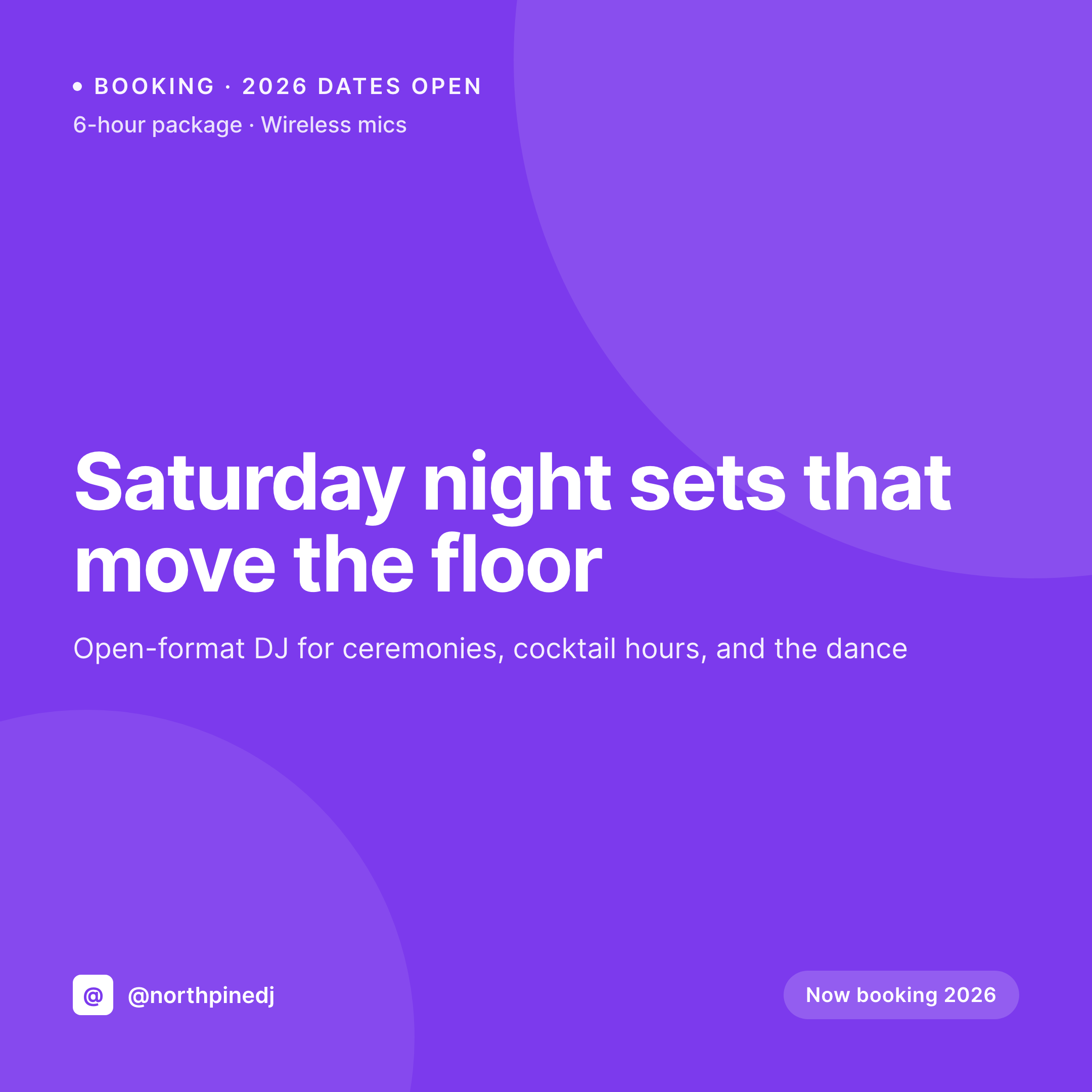
A 1080x1080 square card with the piece style, the placement, the session length, the artist mark, and the studio handle. Pulled from the portfolio post fields.
Comparison
Default tattoo artist image vs SleekPixel
Default tattoo artist image
- Healed photos posted without a style tag or placement, the grid loses its searchability
- Flash drop announcements built in Canva every release, fonts drift between sets
- Books-open posts get retyped each month and miss the actual booking window
- Multi-artist studios end up with inconsistent cards per artist on the shared feed
- Portfolio link previews share without OG images, DMs and texts go bare
SleekPixel
- Save the portfolio post, the 1080x1080 card lands in uploads with style and placement
- Flash drops render with sheet name, price band, and the booking link
- Books-open events render with the date range, the city, and the deposit terms
- Square format sized for Instagram and Threads
- One template across artists in a shared studio keeps every grid on-brand
Features
What SleekPixel gives you for tattoo artist
Healed shot cards
Every portfolio post saves with a square image. Style, placement, session count, and machine pull from the post fields.
Flash sheet cards
Flash drops get a card with the sheet name, the price band, and the booking link, rendered the moment the post publishes.
Books-open cards
A scheduled event with the dates and the city renders into a feed and story card so clients know exactly when to message.
Use cases
Who uses SleekPixel for tattoo artists
Single-artist studios
Solo artists running their own site get a portfolio card per piece with style, placement, and session info pre-typed.
Multi-artist shops
Resident-artist studios run one template per artist so each grid keeps its identity while the shop feed stays unified.
Guest-spot programs
Visiting artist weeks render as event cards with the city, the dates, and the booking deposit terms baked into the image.
The bigger picture
Why tattoo feeds drive bookings or kill them
A tattoo artist's grid is the booking pipeline, not a portfolio in the abstract. A potential client comparing three artists is reading the grid as a single tell. Does the line work hold up healed, does the style range stay coherent, does the flash drop look thought-out, does the books-open post tell me when to message.
A grid built one phone snap at a time fails all four reads, and the artist loses the booking to someone whose feed is tighter. The fix is to keep the studio's website as the source of truth and let the grid be a render of it. The portfolio post is where the artist is already typing the style, placement, and session count.
SleekPixel takes that data and turns it into the card that posts to feed, healed photos and flash and books-open included. The grid becomes the consequence of doing the studio's normal admin instead of a separate marketing pass.
Questions
Common questions about SleekPixel for tattoo artist
Yes. If those fields are on the portfolio post, the template can render them. Most artists keep that as an internal field and hide it on the public card, but the option is there.
SleekPixel reads any post type and any field, so booking plugins that store deposit links or session length as post meta map cleanly into the card.
Yes. Templates can switch by post author, so each resident artist's portfolio cards render with their own mark, palette, and font choices while the layout stays consistent.
A price band field can render on the card as a range, like '180 to 320 small to medium'. The template handles the formatting and the artist updates the range in the flash post.
Yes. A 1080x1920 vertical template can target flash posts so each drop renders a feed card and a story-sized version at the same time.
Yes. The OG image meta is wired to the same render, so a client pasting a portfolio link into a DM or text sees the card in the preview.
No. SleekPixel renders the image and saves it to uploads. Posting happens manually or through whatever scheduler the studio already uses.
No. The photo uploaded to the post is the photo the card uses. SleekPixel composes the typography and brand mark around it without retouching or altering the work.
Pricing
More than 1000+
happy customers
Explore our flexible licensing options tailored to your needs. Upgrade your license anytime to access more features, or opt for a lifetime license for ongoing value, including lifetime updates and lifetime support. Our hassle-free upgrade process ensures that our platform can grow with you, starting from whichever plan you choose.
Lifetime ♾️
Most popular
EUR
once
- Unlimited websites
- Lifetime updates
- Lifetime support
...or get the Bundle Deal
and save €250 🎁
💎 Want everything forever? The All Access Pass is going away on 01.08.2026.
The Bundle (unlimited sites)
Pay once, own it forever
Elevate your WordPress site with our exclusive plugin bundle that includes all of our premium plugins in one package. Enjoy lifetime updates and lifetime support. Save significantly compared to buying plugins individually.
What’s included
-
SleekAI
-
SleekByte
-
SleekMotion
-
SleekPixel
-
SleekRank
-
SleekView
€749
Continue to checkoutBrowse more
- Snapchat ad images
- Twitch schedule banners
- Facebook Marketplace images
- Patreon tier images
- Etsy shop banners
- Discord event cover
- Snapchat Discover tiles
- Etsy listing images
- Flickr cover photo
- LINE official account banners
- Telegram channel cover images
- YouTube channel banners
- LinkedIn article covers
- Substack post headers
- Instagram bio link banners