






SleekPixel for lash extension studio
Classic, hybrid, volume, wet-look. Each appointment or styling post on the studio site renders into a 1080x1080 card with the curl, diameter, length range, and refill window already in place.
♾️ Lifetime License available
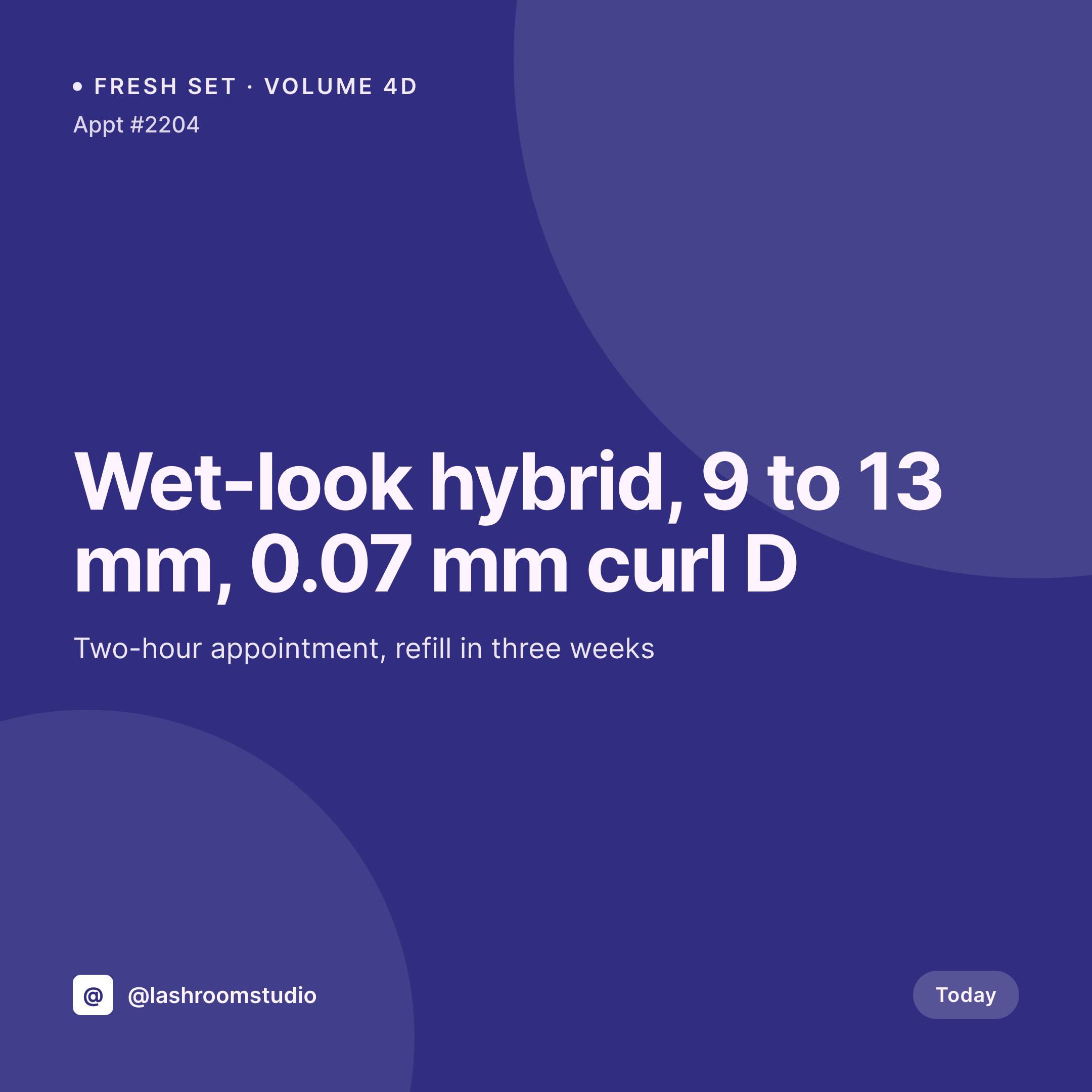
Fresh sets, refills, and a grid that books out without a designer
A lash studio's grid sells the look. Prospective clients scroll for the eye shape and style they want, then compare studios on how clean the work looks at the line, how natural the volume map reads, and whether the refill schedule is being honored. The studio that posts a fresh set most days, labeled with the curl, diameter, and length, reads as serious. The studio whose feed is mostly stock photos and unrelated reposts reads as a hobbyist.
The studio's WordPress site already knows the appointment. A booking post or appointment CPT holds the style (classic, hybrid, volume, mega volume, wet-look), the curl letter, the diameter in millimeters, the length range, the refill interval, and an after-shoot photo from the lash artist's phone. Booking openings live as events with a date and a deposit policy. The card per appointment that ties the photo and metadata into one image is the asset that never quite gets built on time.
SleekPixel renders that card on save. Style, curl, diameter, length range, and refill window land on the image in the studio's typography. The artist posts the card from the Gutenberg sidebar the moment the client walks out, and the next appointment is already on the way in.
Workflow
From fresh set to feed-ready card
Map appointment fields
Design one square template
Save the appointment
Post and route refills
Output
What gets generated per appointment
A 1080x1080 square card with the style, the curl, the diameter, the length range, the refill interval, and the studio mark. Pulled live from the appointment post.
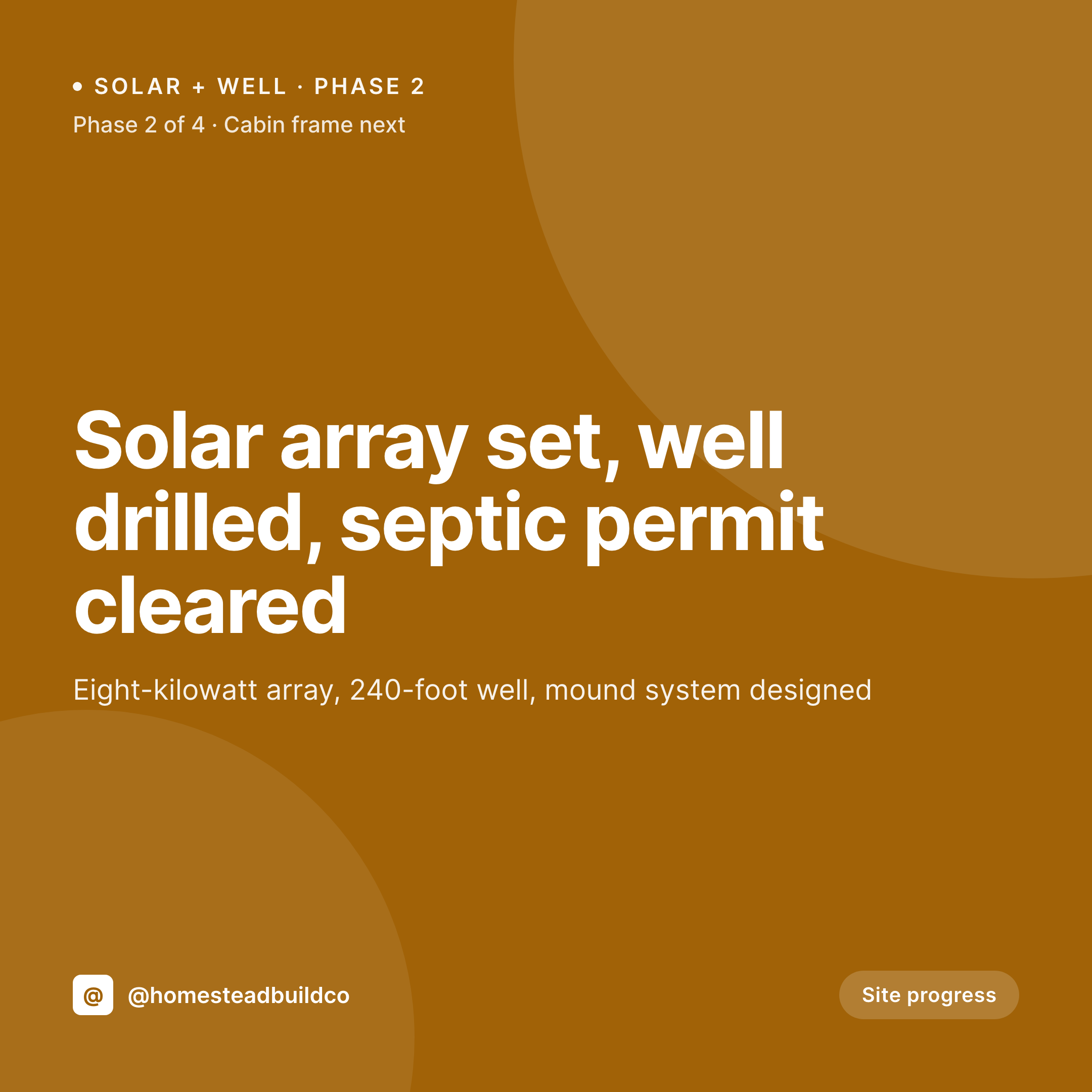
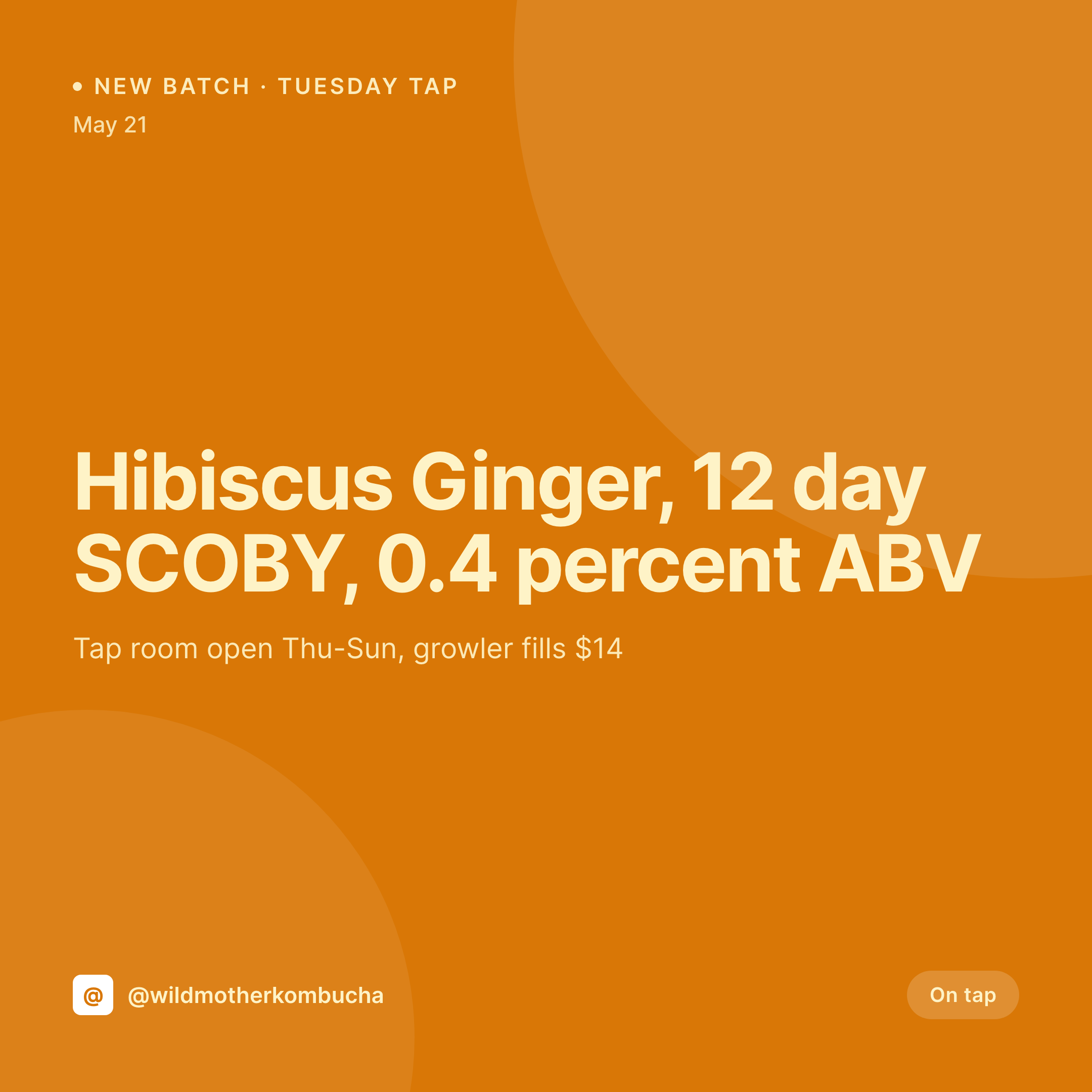
Comparison
Default lash extension studio image vs SleekPixel
Default lash studio image
- Fresh-set photos posted with no style or curl, prospective clients cannot tell hybrid from volume
- Refill reminder posts built in Canva each week drift in typography
- Style guide posts get retyped and contradict the actual service menu
- Booking-open posts share with no preview image and miss DMs
- Multi-artist studios end up with inconsistent grids per artist
SleekPixel
- Save the appointment post, the 1080x1080 card lands in uploads with the style and curl
- Refill cards render with the next refill window and the booking link
- Style-specific variants for classic, hybrid, volume, and wet-look
- Square format sized for Instagram, Threads, and Facebook studio pages
- One template across artists in a shared studio keeps every grid on-brand
Features
What SleekPixel gives you for lash extension studio
Set-aware cards
Each appointment post renders with the style, curl, diameter, and length range. The eye-shape recommendation can render too if the field is set.
Style variants
Classic, hybrid, volume, mega volume, and wet-look each get a template variant so the grid stays scannable while the layout stays consistent.
Refill timing
A refill event renders with the booking window, the deposit notes, and the after-care reminders the studio already publishes.
Use cases
Who uses SleekPixel for lash extension studios
Solo lash artists
A solo artist running a single bed gets a fresh-set card per appointment and a refill card per follow-up, posted from the sidebar in seconds.
Multi-bed lash studios
Studios with several artists run one template family with per-artist marks, so each grid stays personal and the studio feed stays unified.
Lash academies
Studios that also train new artists get a separate template for graduate work and certification posts, distinct from regular service cards.
The bigger picture
Why lash feeds decide which studio gets the booking
Lash extensions are a high-frequency repeat service, and the studio that captures the new client is the one that holds the recurring revenue for the next year. Prospective clients pick based on the feed, and the feed has to do two things at once. It has to show the variety of styles the studio handles, and it has to show that the work holds up at the line, day after day.
A grid built on hand-made Canva cards usually drifts in one direction or the other. The fix is to derive the card from the appointment post the studio is already creating. Style, curl, diameter, and length range live in the booking, the artist photographs the finished set, the post saves, and the card lands in uploads with everything already typeset.
The studio's grid becomes a steady archive of real work in every style on the menu, refill windows included, and the booking calendar fills on the strength of that grid.
Questions
Common questions about SleekPixel for lash extension studio
Yes. Curl letter (B, C, CC, D, DD, L, M), diameter in millimeters, and length range are stored as ACF fields on the appointment post and render on the card.
By default, client names and identifying fields stay off the rendered card. Only the style, curl, diameter, and length range render unless the template is changed.
Yes. A style taxonomy on the appointment post can switch the template variant, so each style renders with a layout tuned to that look.
SleekPixel reads WordPress post fields. Booking plugins like Amelia, LatePoint, and BookingPress that store appointment data as post meta map into the card cleanly.
Yes. A 1080x1920 vertical template can target refill events so each reminder renders a feed card and a story-sized version at the same time.
Yes. The OG image meta is wired to the same render, so a client pasting a service link into a DM or text sees the card in the preview.
No. SleekPixel renders the image and saves it to uploads. Posting is a manual step from the platform app or a scheduler the studio already uses.
No. The after-shoot photo uploaded to the post is the photo the card uses. SleekPixel composes typography and brand mark around it without altering the work.
Pricing
More than 1000+
happy customers
Explore our flexible licensing options tailored to your needs. Upgrade your license anytime to access more features, or opt for a lifetime license for ongoing value, including lifetime updates and lifetime support. Our hassle-free upgrade process ensures that our platform can grow with you, starting from whichever plan you choose.
Lifetime ♾️
Most popular
EUR
once
- Unlimited websites
- Lifetime updates
- Lifetime support
...or get the Bundle Deal
and save €250 🎁
💎 Want everything forever? The All Access Pass is going away on 01.08.2026.
The Bundle (unlimited sites)
Pay once, own it forever
Elevate your WordPress site with our exclusive plugin bundle that includes all of our premium plugins in one package. Enjoy lifetime updates and lifetime support. Save significantly compared to buying plugins individually.
What’s included
-
SleekAI
-
SleekByte
-
SleekMotion
-
SleekPixel
-
SleekRank
-
SleekView
€749
Continue to checkoutBrowse more
- LINE official account banners
- Threads social images
- Douyin cover
- Telegram channel cover images
- podcast cover art
- Discord event cover
- Twitter header banners
- X list banners
- Threads story-style images
- YouTube end screens
- GitHub README banners
- Mastodon link previews
- Discord server icon
- Ghost feature images
- Nostr note images