






SleekPixel for lash lift studio
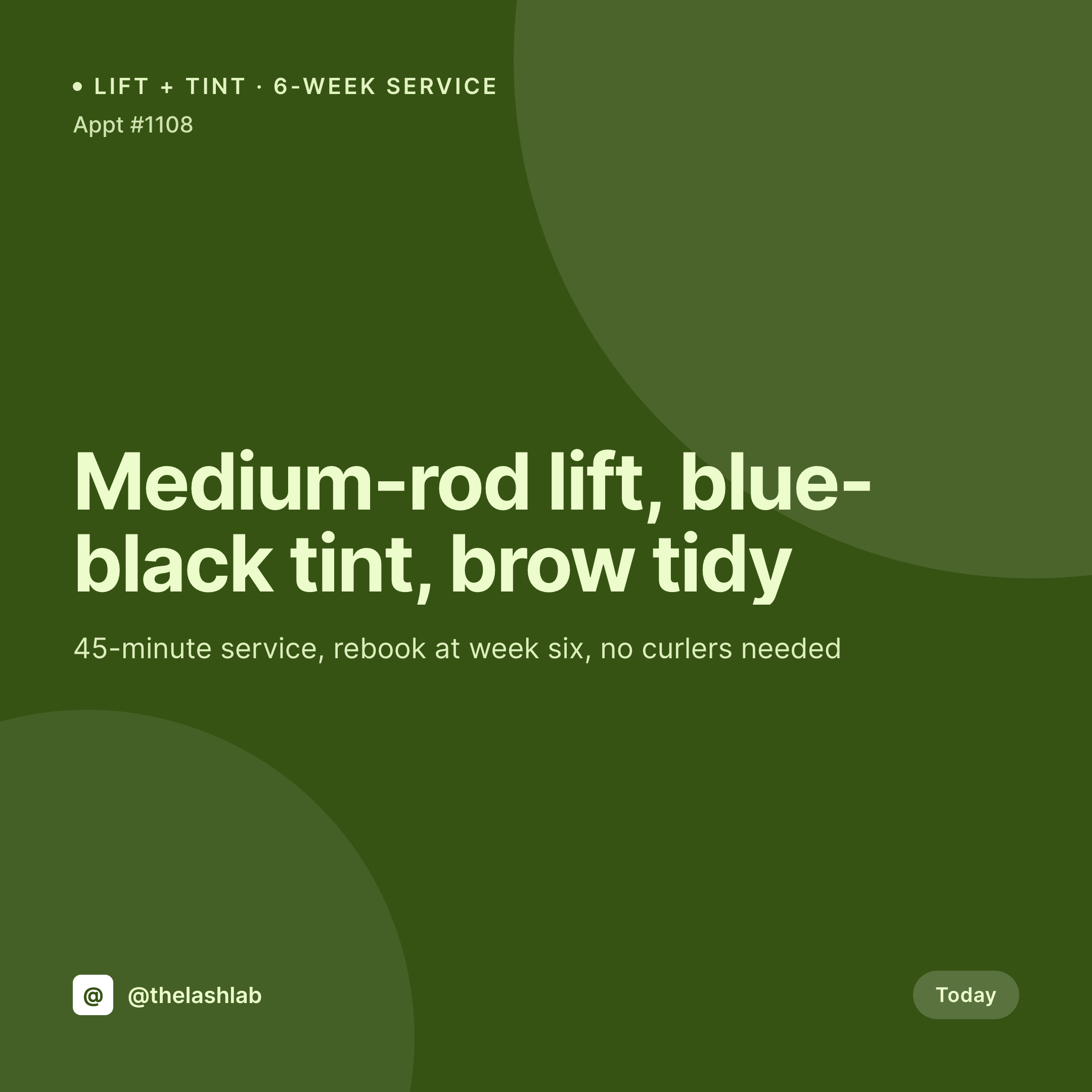
Small, medium, large rods, blue-black tint, brow tidy combos. Each appointment or styling post on the studio site renders into a 1080x1080 card with the rod, tint, and rebook window already in place.
♾️ Lifetime License available
Lifts, tints, and a feed that books out the next six-week cycle
Lash lift is the low-maintenance cousin of extensions. Clients book it for a six-week look with no daily upkeep, and the studio that wins the booking is the one whose feed clearly shows what a real lift looks like on different eye shapes. The grid sells the service, and a feed that mostly posts stock visuals tells the prospective client that the studio is not confident enough to show its own work.
The studio's WordPress site holds the appointment data. The booking post records the rod size, the tint shade, whether a brow tidy was added, and the rebook interval. Booking openings live as events. What is missing is the square card that combines the after-shoot photo and the appointment metadata into one image, sized for Instagram, ready to publish before the next client arrives.
SleekPixel reads the appointment post on save and renders the card to uploads. Rod size, tint shade, and rebook window land on the image with the studio's mark. The artist posts the card from Gutenberg as the room is reset, and the grid becomes an accurate record of real lifts on real clients across the studio's week.
Workflow
From appointment to feed-ready card
Map appointment fields
Design one square template
Save the appointment
Post and schedule rebook
Output
What gets generated per appointment
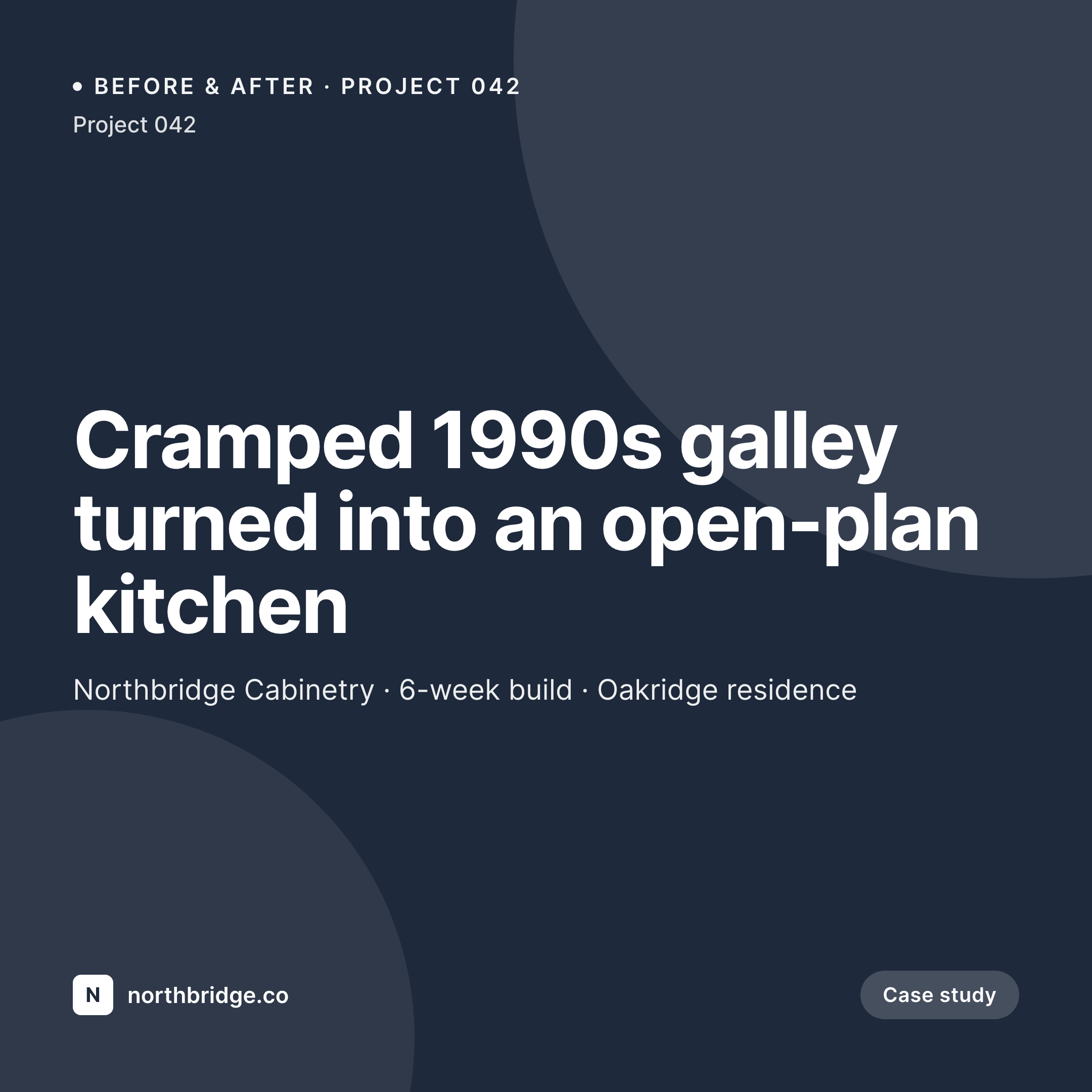
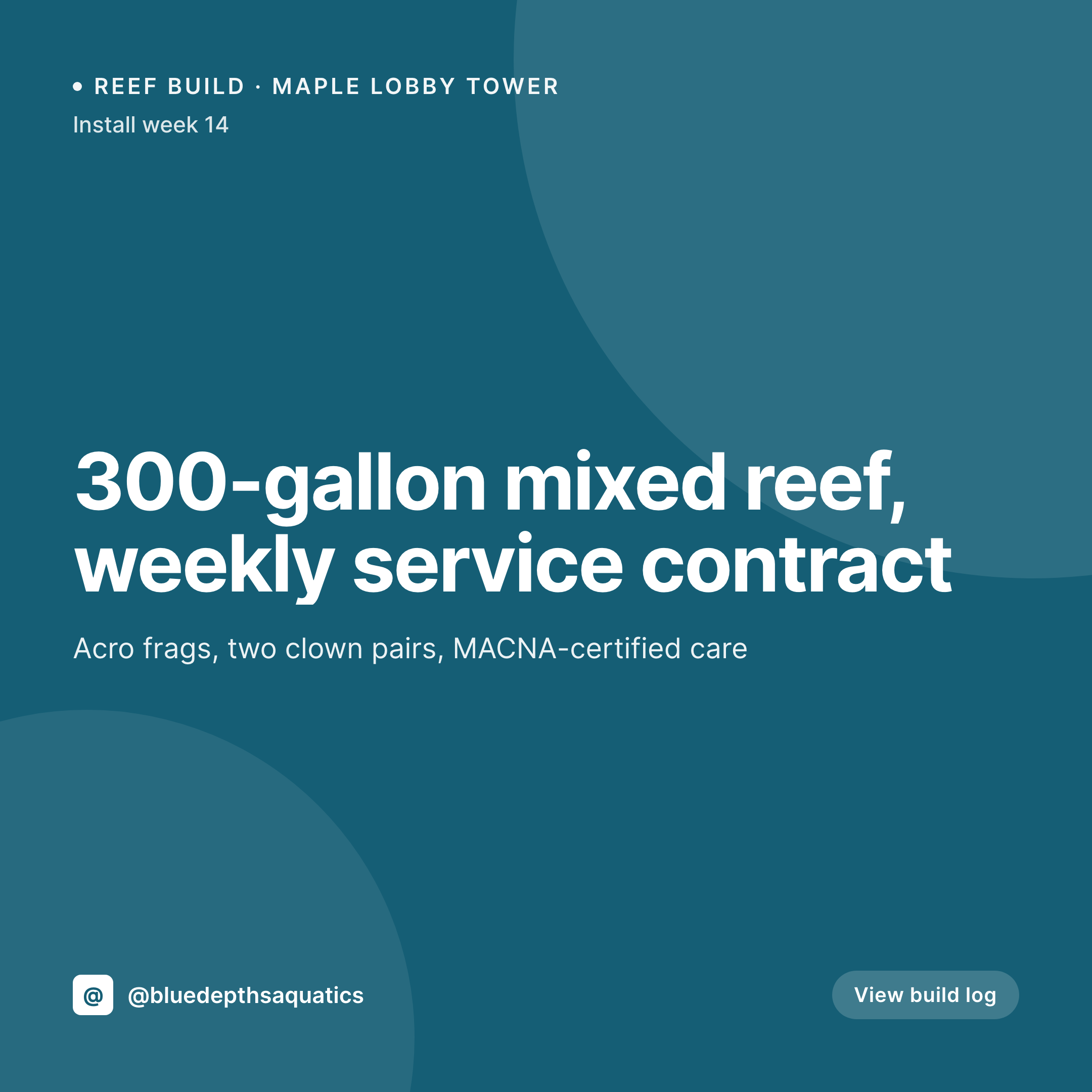
A 1080x1080 square card with the rod size, the tint shade, the service type (lift, lift + tint, lift + brow tidy), the rebook window, and the studio mark. Pulled live from the appointment post.
Comparison
Default lash lift studio image vs SleekPixel
Default lash lift image
- Lifted-lash photos posted without rod size, prospective clients cannot compare looks
- Tint shade gets retyped between the appointment and the post and ends up wrong
- Rebook reminders built in Canva drift in typography and look unprofessional
- Booking-open posts share with no preview image and miss client DMs
- Studios offering lifts alongside extensions end up with mismatched feeds across services
SleekPixel
- Save the appointment post, the 1080x1080 card lands in uploads with rod and tint
- Rebook cards render with the next service window and the booking link
- Service variants for lift, lift + tint, lift + brow tidy
- Square format sized for Instagram, Threads, and Facebook studio pages
- One template across artists keeps the studio feed consistent
Features
What SleekPixel gives you for lash lift studio
Lift-aware cards
Each appointment renders with the rod size, the tint shade, and the service combo. Updating the appointment re-renders the card.
Service variants
Lift alone, lift with tint, lift with brow tidy each get a template variant so the grid stays scannable.
Rebook timing
The rebook window renders on the card and as a separate reminder post six weeks out, with the booking link already attached.
Use cases
Who uses SleekPixel for lash lift studios
Solo lift technicians
A solo technician working a single room gets a service card per appointment and a rebook card six weeks later.
Multi-service beauty studios
Studios that offer lifts alongside extensions, brows, and waxing run one template family that keeps each service distinct on the feed.
Mobile and home-studio lifters
Independent technicians working from home or as mobile services get cards that emphasize the booking link since DMs are the booking surface.
The bigger picture
Why lift feeds quietly decide which studio gets the rebook
Lash lift clients rebook on a six-week clock, and most studios lose them somewhere in that window because the rebook reminder never goes out or because the feed stops showing fresh lifts and the client forgets the studio exists. The studios that win the long-term client are the ones that show real lifts on a steady cadence and trigger the rebook on time. Both things require the studio's WordPress site to be the operating layer, not a separate Canva folder.
Auto-rendered cards make the feed inevitable rather than aspirational. Saving the appointment renders the card, the artist posts it the moment the room is reset, and the rebook reminder renders six weeks out from the same post data. The studio shows up to feed even on the weeks where nothing else has time to happen.
Questions
Common questions about SleekPixel for lash lift studio
Yes. Rod size (S, M, L, XL) and tint shade (blue-black, black, brown, blonde) are stored as ACF fields on the appointment post and render on the card.
By default, client names and identifying fields stay off the rendered card. Only the service, rod, tint, and rebook window render unless the template is changed.
Yes. A service taxonomy on the appointment post can switch the template variant, so each combo renders with a layout tuned to it.
SleekPixel reads WordPress post fields. Booking plugins like Amelia, LatePoint, and BookingPress that store appointment info as post meta map into the card cleanly.
The card image is rendered automatically; the actual scheduling of the reminder post is handled by the studio's editorial calendar or a scheduling tool. The image asset is ready when the post is.
Yes. The OG image meta is wired to the same render, so a client pasting a service link into a DM or text sees the card in the preview.
No. SleekPixel renders the image and saves it to uploads. Posting happens manually from Instagram or a scheduler.
No. The after-shoot photo uploaded to the post is what the card uses. SleekPixel composes typography and brand mark around it without altering the work.
Pricing
More than 1000+
happy customers
Explore our flexible licensing options tailored to your needs. Upgrade your license anytime to access more features, or opt for a lifetime license for ongoing value, including lifetime updates and lifetime support. Our hassle-free upgrade process ensures that our platform can grow with you, starting from whichever plan you choose.
Lifetime ♾️
Most popular
EUR
once
- Unlimited websites
- Lifetime updates
- Lifetime support
...or get the Bundle Deal
and save €250 🎁
💎 Want everything forever? The All Access Pass is going away on 01.08.2026.
The Bundle (unlimited sites)
Pay once, own it forever
Elevate your WordPress site with our exclusive plugin bundle that includes all of our premium plugins in one package. Enjoy lifetime updates and lifetime support. Save significantly compared to buying plugins individually.
What’s included
-
SleekAI
-
SleekByte
-
SleekMotion
-
SleekPixel
-
SleekRank
-
SleekView
€749
Continue to checkoutBrowse more
- Instagram Reels covers
- YouTube Music cover art
- Ko-fi shop images
- SoundCloud banner
- Shopify product images
- YouTube Shorts cover
- Snapchat snap images
- Twitch profile banner
- X social cards
- Patreon post thumbnails
- Kindle book cover
- Bluesky profile banners
- Etsy cover photos
- YouTube podcast thumbnails
- Bluesky feed banner