






SleekPixel for microblading artist
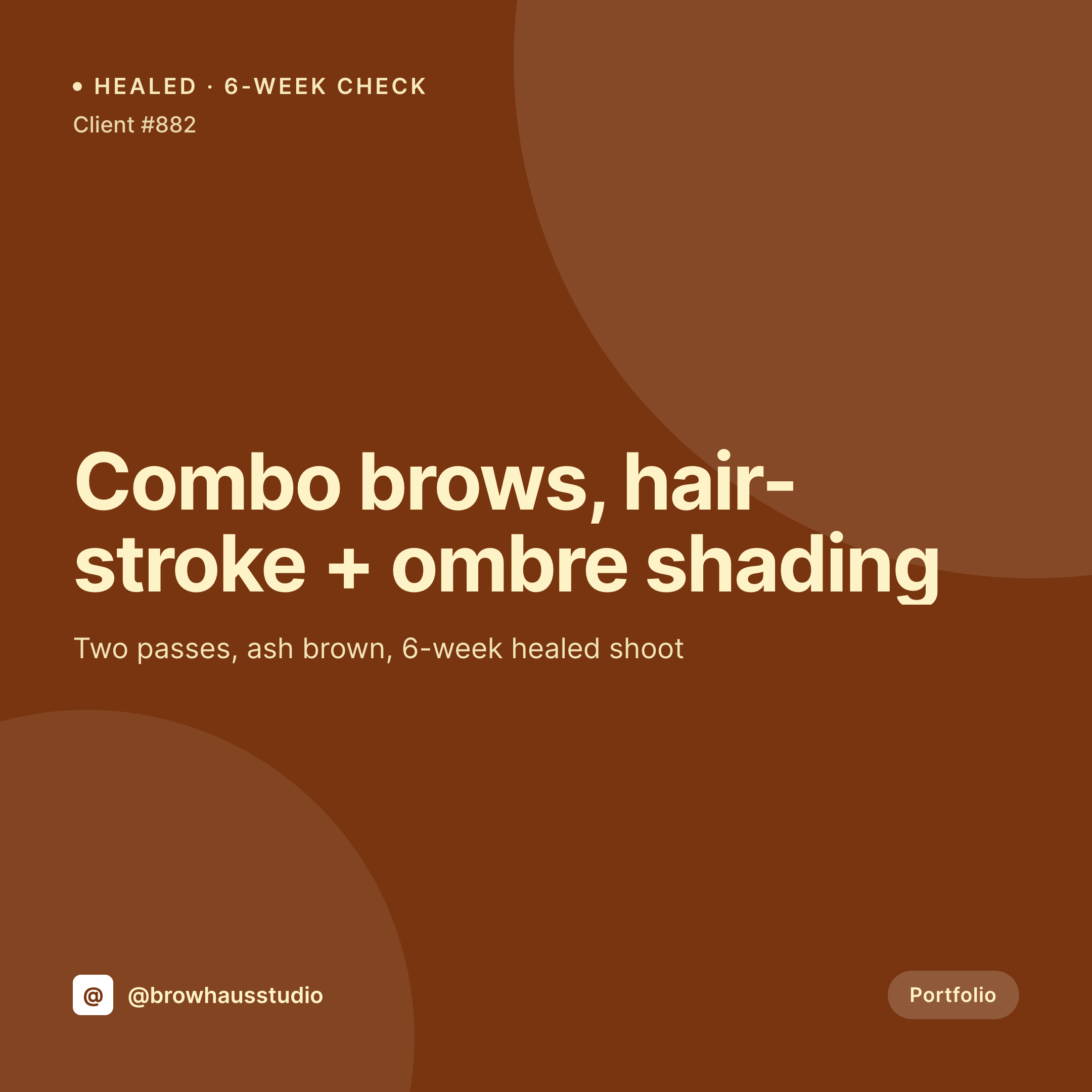
Hair-stroke, combo, ombre, nano. Each brow service post on the studio site renders into a 1080x1080 card with the technique, pigment, and healing window already typeset.
♾️ Lifetime License available
Healed brows, touch-up timing, and a calendar that stays full
Microblading clients pick an artist by browsing healed brows on Instagram. A six-week healed shot tells the prospective client what the work actually looks like after the initial scabbing settles, and the studio that posts those shots on a steady cadence with the technique and pigment clearly labeled is the one that stays booked out months in advance.
Most microblading studios already track the service. A portfolio post per appointment holds the technique used, the pigment line and shade, the number of passes, the touch-up date, the client's natural brow color, and the healed photo. Booking openings live as events with a date and deposit policy. The square card that combines the healed shot and the metadata into a single Instagram-ready image is the asset that never quite gets built on time.
SleekPixel renders that card from the portfolio post on save. The technique name, the pigment shade family, and the healing week sit on the image where the artist chose, with the studio mark in the corner. The grid reads as a real archive of healed brow work across every variant the studio offers, instead of a folder of phone shots taken between clients.
Workflow
From healed shoot to feed-ready card
Map portfolio and touch-up fields
Design one square template
Publish the portfolio post
Post and route bookings
Output
What gets generated per portfolio post
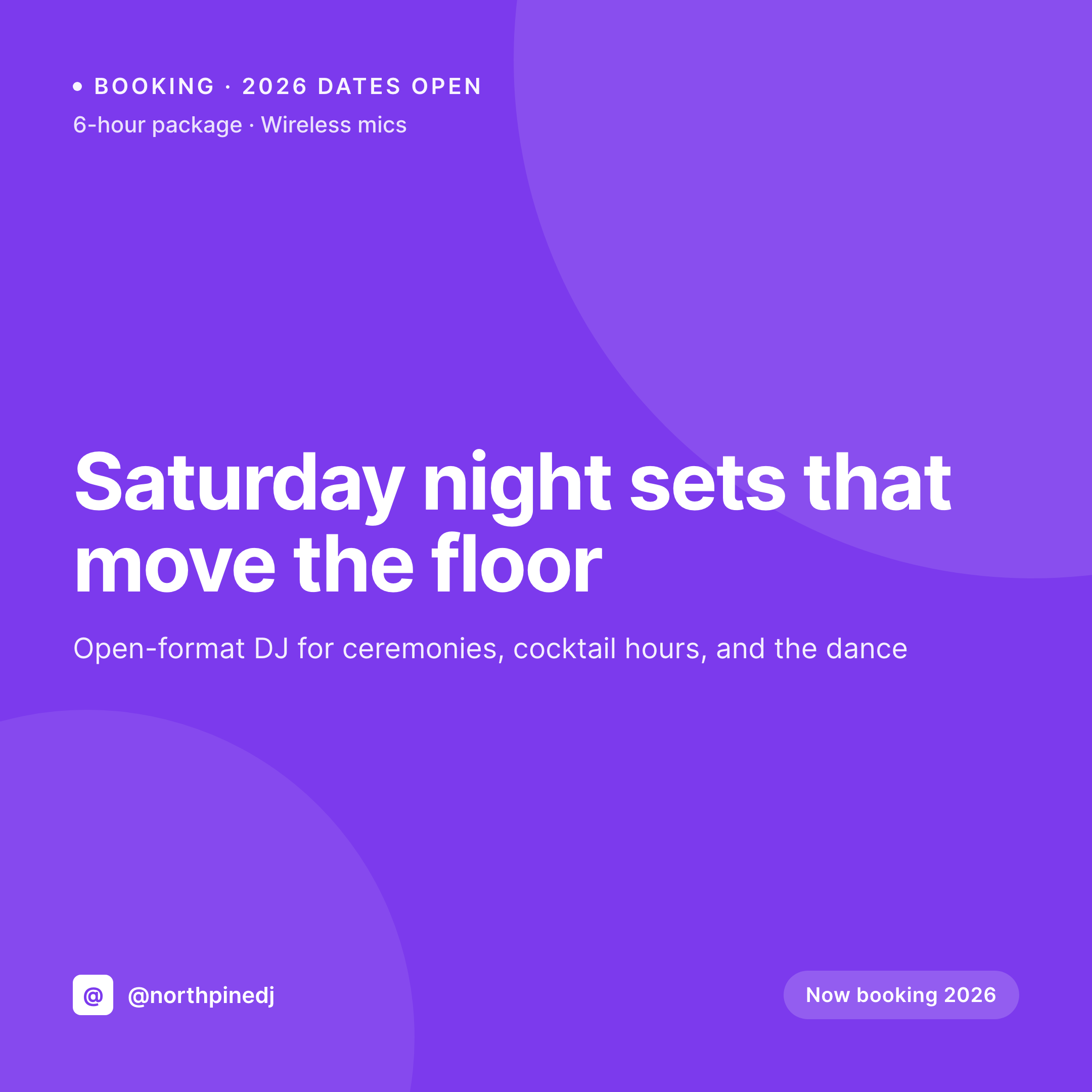
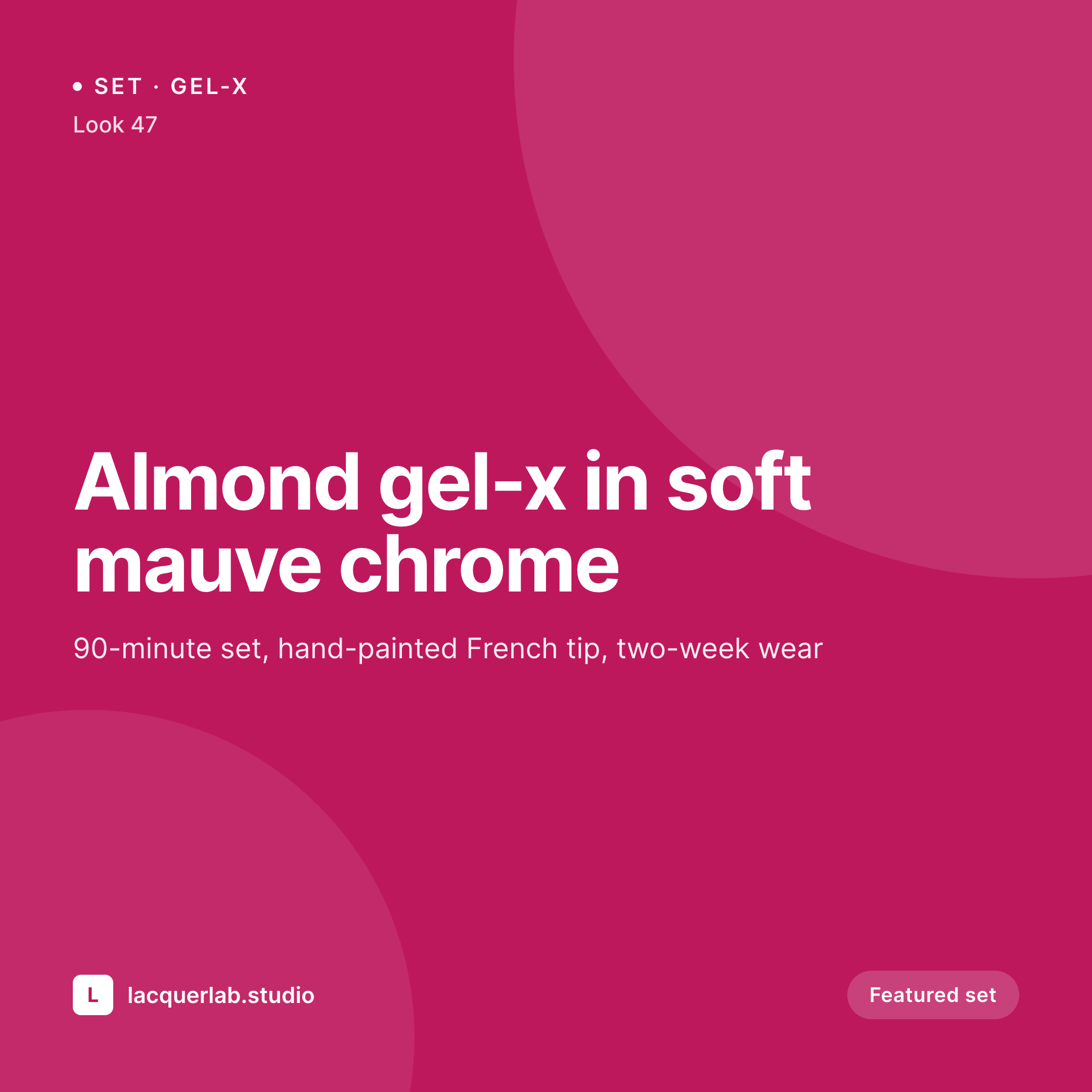
A 1080x1080 square card with the brow technique, the pigment shade family, the healing week, and the studio mark. Pulled live from the portfolio post.
Comparison
Default microblading artist image vs SleekPixel
Default microblading image
- Healed brow photos posted without the technique, prospective clients cannot tell hair-stroke from ombre
- Combo brow and nano cards built in Canva look different week to week
- Touch-up posts get retyped each Monday and contradict the actual six-week intervals
- Booking-open posts share without preview images so clients miss them in DMs
- Multi-artist studios end up with mismatched cards per artist on the shared feed
SleekPixel
- Save the portfolio post, the 1080x1080 card lands in uploads with technique and pigment
- Touch-up cards render with the healing week and the studio booking link
- Technique-specific variants for hair-stroke, combo, ombre, and nano
- Square format sized for Instagram and Threads
- One template across artists in a shared studio keeps every grid on-brand
Features
What SleekPixel gives you for microblading artist
Healed-brow cards
Each portfolio post renders with the technique, pigment shade family, and healing week. Photo and metadata locked in by the post fields.
Technique variants
Hair-stroke, combo, ombre, and nano each get a template variant so the grid stays scannable while the layout stays consistent.
Touch-up reminders
A touch-up event renders with the healing week, the booking link, and the after-care reminders already on the studio site.
Use cases
Who uses SleekPixel for microblading artists
Solo microblading artists
A solo artist with a steady book gets a healed card per portfolio post and a touch-up card per follow-up appointment.
Multi-artist brow studios
Studios with several artists run one template family with per-artist marks, so each grid stays personal and the studio feed stays unified.
PMU studios offering brows alongside lips and liner
Hybrid studios get a brow-specific card style that stays distinct from other PMU services on the same feed.
The bigger picture
Why healed-brow feeds drive microblading bookings
Microblading is a service where the difference between a fresh result and a healed result is dramatic, and the prospective client is reading the feed to learn the difference. An artist who shows healed brows on a steady cadence, with the technique and pigment clearly labeled, signals that the work holds up. An artist whose feed is mostly fresh-work photos signals the opposite, even if the underlying technique is the same.
The hard part is the post-appointment time. The artist is finishing one client and prepping the next, and the healed shoot from a returning client never gets posted because there is no time to build the card. Auto-rendered cards close that gap by tying the card render to the portfolio post the studio already updates.
The card lands in uploads, the artist posts it from Gutenberg, and the feed becomes an accurate record of the work the studio is doing.
Questions
Common questions about SleekPixel for microblading artist
Yes. Pigment line, shade, and number of passes are stored as ACF fields on the portfolio post and render on the card. Tina Davies, Permablend, and Brow Daddy all work as text values.
By default, client names and identifying fields stay off the rendered card. Only the technique, pigment, and healing window render unless the template is changed.
Yes. A technique taxonomy on the portfolio post can switch the template variant, so each brow technique renders with a layout tuned to it.
SleekPixel reads WordPress post fields. Booking plugins that store deposit links or service info as post meta map into the card cleanly.
Yes. A separate template can target touch-up events with the healing week and the booking link, so the reminder posts the day before the touch-up window opens.
Yes. The OG image meta is wired to the same render, so a client pasting a portfolio link into a DM or text sees the card in the preview.
No. SleekPixel renders the image and saves it to uploads. Posting happens manually or through a scheduler the studio already uses.
No. The healed shot uploaded to the post is the photo the card uses. SleekPixel composes typography and brand mark around the image without altering the work.
Pricing
More than 1000+
happy customers
Explore our flexible licensing options tailored to your needs. Upgrade your license anytime to access more features, or opt for a lifetime license for ongoing value, including lifetime updates and lifetime support. Our hassle-free upgrade process ensures that our platform can grow with you, starting from whichever plan you choose.
Lifetime ♾️
Most popular
EUR
once
- Unlimited websites
- Lifetime updates
- Lifetime support
...or get the Bundle Deal
and save €250 🎁
💎 Want everything forever? The All Access Pass is going away on 01.08.2026.
The Bundle (unlimited sites)
Pay once, own it forever
Elevate your WordPress site with our exclusive plugin bundle that includes all of our premium plugins in one package. Enjoy lifetime updates and lifetime support. Save significantly compared to buying plugins individually.
What’s included
-
SleekAI
-
SleekByte
-
SleekMotion
-
SleekPixel
-
SleekRank
-
SleekView
€749
Continue to checkoutBrowse more
- LinkedIn showcase page banners
- GitHub social preview images
- Pinterest pins
- Ghost feature images
- YouTube channel banners
- Spotify playlist cover
- Amazon A+ content images
- Signal sticker pack
- Vimeo channel banners
- Discord event cover
- Lemon Squeezy product covers
- YouTube Music cover art
- X community banners
- Tidal cover art
- LinkedIn event banners