






SleekPixel for tattoo removal clinic
A fresh six-week recheck, a finished sleeve clearance, a Saturday consult window. Each case or consult post on the clinic site renders into a 1080x1080 card with the laser, wavelength, and session details already in place.
♾️ Lifetime License available
Before-and-after photography that finally posts on schedule
Tattoo removal is a long game. A single sleeve can take eight to twelve sessions across two years, and the clinic's marketing depends almost entirely on showing what those sessions actually do. The before-and-after photo set is the asset that converts a curious DM into a booked consult, and the clinic that consistently shows real progress is the one that fills the calendar. The clinic that posts a phone snap once a quarter is the one that watches its calendar drift.
Most clinic sites already track each case. A case post holds the patient code, the tattoo location, the laser model, the wavelength used per session, the fluence settings, and the photo set per session. Consult openings live as scheduled events with a date and a deposit policy. What is missing is the social card that turns that case data into a square image with the session count, the laser, and the progress story typeset over the photo.
SleekPixel reads the case post and renders the square card to uploads on save. The card carries the case label, the session number, the laser type, and the interval since the previous session. Patient identifiers stay off the card by default; only the public-safe metadata renders. The clinic's grid becomes a credible record of real outcomes instead of a folder of stock images.
Workflow
From case file to progress card
Map case and consult fields
Design one square template
Update the case after each session
Post and route consult inquiries
Output
What gets generated per case session
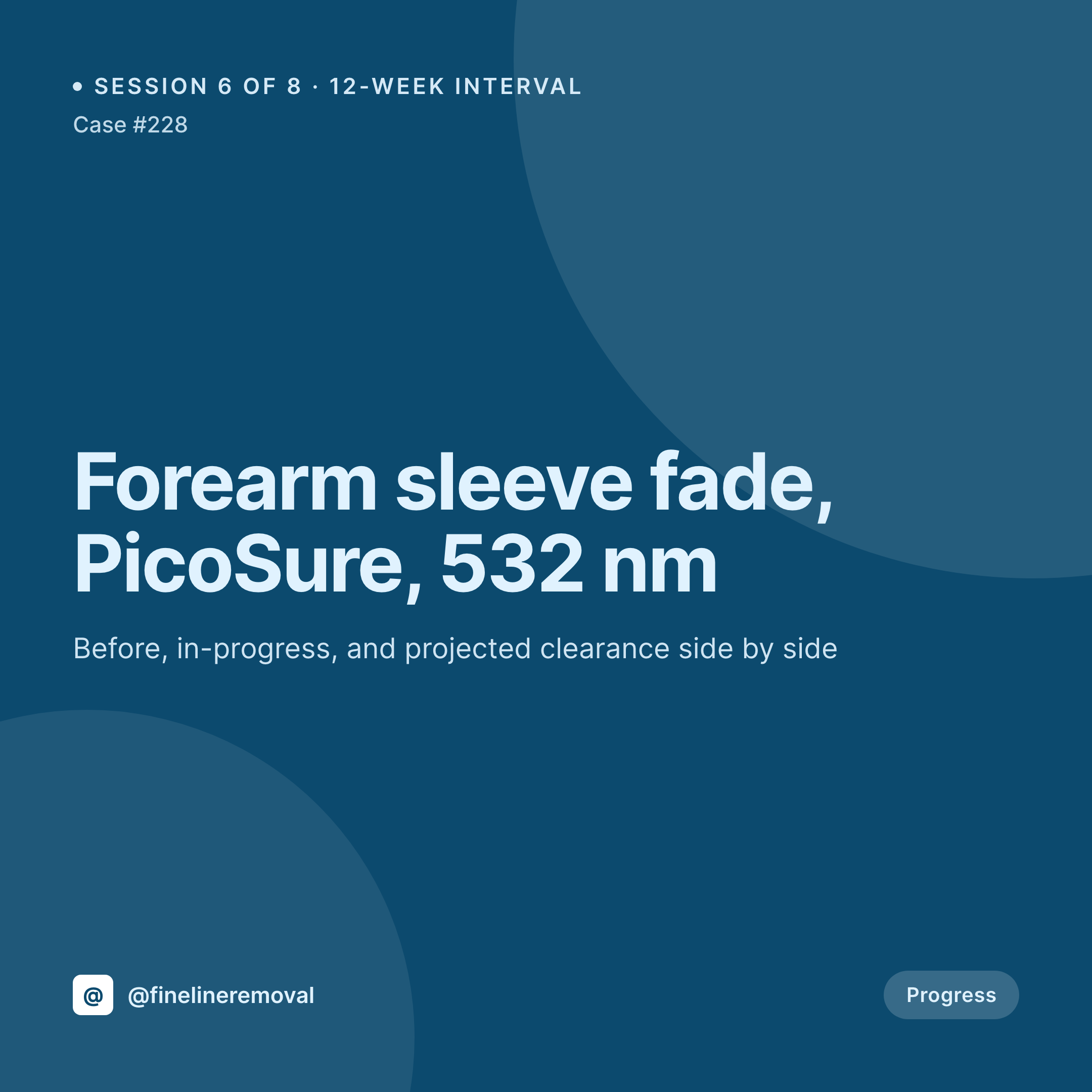
A 1080x1080 square card with the case label, session number, laser model, wavelength, and interval since last session. Pulled live from the case post.


Comparison
Default tattoo removal clinic image vs SleekPixel
Default tattoo removal clinic image
- Before-and-after photos posted with no session number or interval, prospective clients cannot read the progress
- Laser type and wavelength get retyped in captions and contradict the case file
- Consult opening posts are rebuilt in Canva each month and drift off-brand
- Patient identifiers slip into the post because the card was built on a phone
- Multi-location clinics share inconsistent feeds because each site builds its own cards
SleekPixel
- Save the case post, the 1080x1080 progress card lands in uploads
- Laser, wavelength, session number, and interval pulled live from the case file
- Patient identifiers excluded by default; only public-safe metadata renders
- Square format sized for Instagram and Facebook clinic pages
- One template across multi-location clinics keeps every feed consistent
Features
What SleekPixel gives you for tattoo removal clinic
Case-aware cards
Each case post renders with the session number, the interval, and the laser model. Updating the case post re-renders the card with the new state.
Privacy-safe by default
Patient names and identifying fields stay off the rendered card unless the template explicitly maps them. Public-safe metadata only.
Consult openings
Scheduled consult events render with the date, the location, and the deposit policy so prospective clients see the next available window.
Use cases
Who uses SleekPixel for tattoo removal clinics
Single-location laser clinics
A small clinic with one operator gets progress cards per case and consult cards per week with no manual design work.
Multi-location chains
A chain with locations across regions renders consistent cards from a shared template while keeping each location's address and provider data accurate.
Med-spa removal programs
Med-spas adding laser removal alongside other services get a dedicated card style for removal that stays distinct from the spa's other content.
The bigger picture
Why removal clinics live and die on real progress photography
Tattoo removal is the rare medical aesthetic service where the result is provable and the timeline is long. A clinic that consistently shows real sessions, with the right laser model and the right interval, earns trust that price comparison and slick branding cannot buy. A clinic that posts occasional stock-feeling photos or unlabeled before-and-after collages reads as unserious even when the clinical work is excellent.
The constraint is time. The clinician is treating patients, the case file is being updated, and the social card never gets built. Auto-rendered cards collapse the marketing step into the clinical workflow.
Updating the case post after a session is already part of the protocol. SleekPixel turns that update into the social asset, with the session count, laser, and interval correct because they come from the case data. The grid becomes a credible record of what the clinic actually does, and the consult calendar fills on the strength of real outcomes.
Questions
Common questions about SleekPixel for tattoo removal clinic
Yes. Laser model and wavelength are typed into ACF fields on the case post and render on the card. Picosecond and nanosecond systems, 532 nm, 755 nm, and 1064 nm are all supported as text values.
By default, patient names and identifying fields are excluded from the rendered card. Only the case label, session number, and clinical settings render unless the template is changed to include more.
SleekPixel reads WordPress post fields, not EHR data directly. If the clinic mirrors session info into a WordPress case post, those fields are available to the template. Direct EHR integration is out of scope.
If the case post stores multiple session photos, the template can place them side by side as a comparison strip. The exact layout depends on how many photos are exposed and at what aspect ratio.
Consult events render with the date, location, and any deposit or pre-treatment notes. A separate template can target consult posts so they look distinct from progress cards.
Yes. Each location's address and provider data lives on the location taxonomy or post meta, and the template renders the right values per post.
No. SleekPixel renders the image and saves it to uploads. Posting is a manual step from Instagram or a scheduler the clinic already uses.
No. The session photographs are used as is. SleekPixel composes the card typography and brand mark around the image without altering the clinical photo.
Pricing
More than 1000+
happy customers
Explore our flexible licensing options tailored to your needs. Upgrade your license anytime to access more features, or opt for a lifetime license for ongoing value, including lifetime updates and lifetime support. Our hassle-free upgrade process ensures that our platform can grow with you, starting from whichever plan you choose.
Lifetime ♾️
Most popular
EUR
once
- Unlimited websites
- Lifetime updates
- Lifetime support
...or get the Bundle Deal
and save €250 🎁
💎 Want everything forever? The All Access Pass is going away on 01.08.2026.
The Bundle (unlimited sites)
Pay once, own it forever
Elevate your WordPress site with our exclusive plugin bundle that includes all of our premium plugins in one package. Enjoy lifetime updates and lifetime support. Save significantly compared to buying plugins individually.
What’s included
-
SleekAI
-
SleekByte
-
SleekMotion
-
SleekPixel
-
SleekRank
-
SleekView
€749
Continue to checkoutBrowse more
- Etsy cover photos
- Beacons.ai banner
- Mailchimp email headers
- YouTube Music cover art
- Amazon Storefront banners
- Instagram collab post images
- Twitch alert
- LINE official account banners
- Notion page covers
- Warpcast frame images
- GitHub social preview images
- TikTok cover images
- TikTok profile banners
- LinkedIn newsletter headers
- Threads story-style images