






SleekPixel for Google Docs
Editorial teams that draft in Google Docs and publish to WordPress through copy-paste or an import plugin get a clean OG card per post automatically on save, no designer in the publish path.
♾️ Lifetime License available
Google Docs is where the editorial team lives
Editorial teams who work asynchronously across timezones, agencies, freelance contributors, in-house comms, almost always converge on Google Docs as the drafting surface. Comments, suggesting mode, real-time co-editing, and link-share permissions make Docs the lowest-friction collaboration tool available, and the cost of switching the team off Docs is rarely worth paying. The handoff into WordPress is where most teams have built some flavour of import workflow, whether that is copy-paste, a Docs-to-WordPress plugin, or a small internal script.
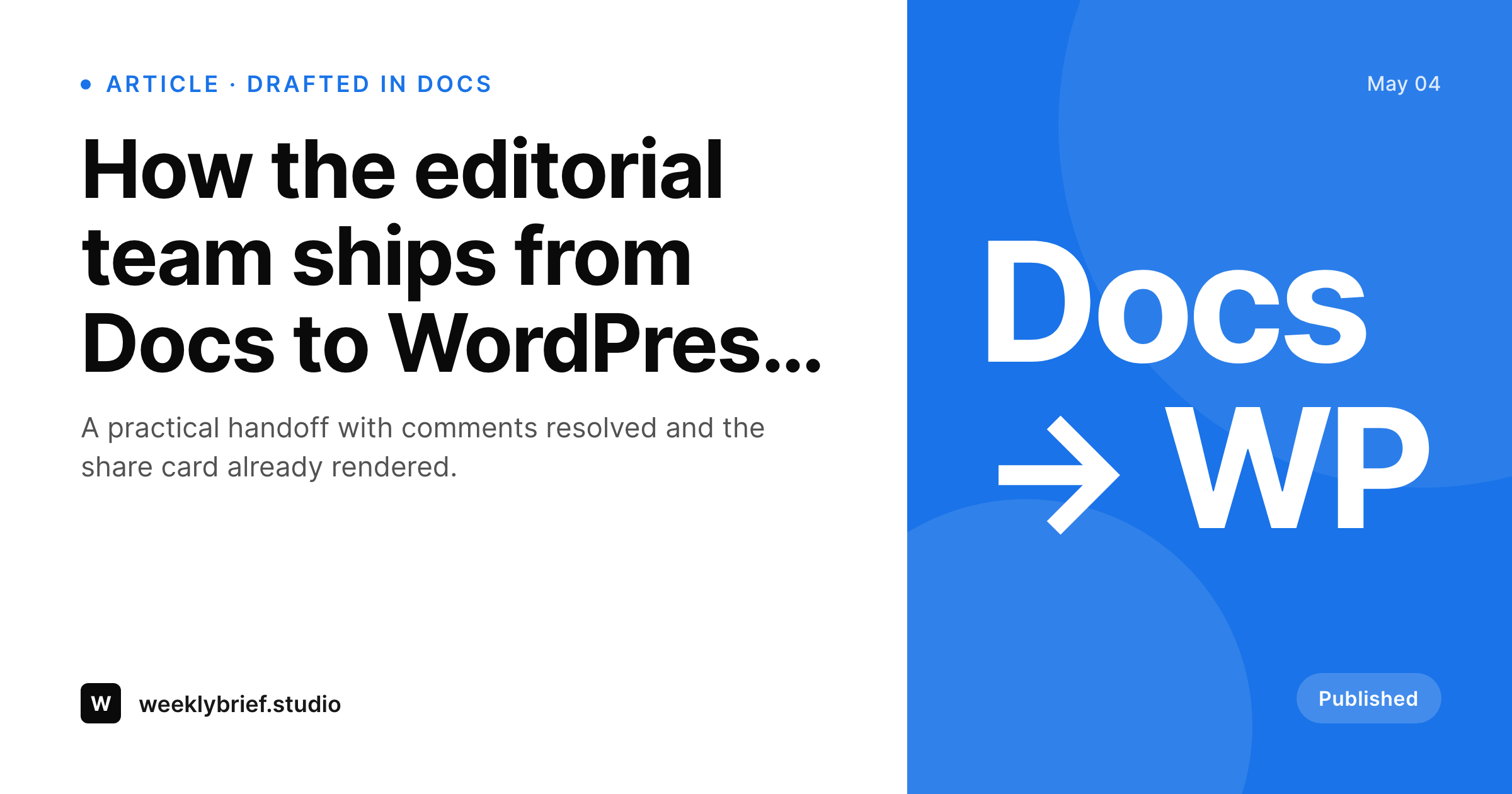
The share image is the part of the handoff that nobody owns. The Docs side cannot render anything that becomes a PNG on the WordPress side. The import handles body content but rarely touches social meta. So either the editor adds a Canva trip to the publish checklist, or the post ships with whatever the SEO plugin defaults to, which on a busy editorial site means a thousand posts with identical or generic share previews. SleekPixel resolves this gap on the WordPress side. On save, the post title, byline, category, and reading time render into a 1200 by 630 PNG that the og:image tag points at.
For teams with style guides, the template gets configured once to match brand. After that, every post imported from Docs ships with a card that respects the guide automatically, without any contributor having to remember or run Canva. Author photos, byline strings, and category badges all flow in from WordPress post fields populated during import, so a Docs-drafted post about marketing strategy ends up with the right author, the right category, and the right brand mark on the unfurl. The Docs side stays exactly as the team uses it.
Workflow
From Docs draft to share-ready post
Draft in Docs
Import to WordPress
Save the WordPress post
Share with the right preview
Output
What gets generated per Docs-imported post
A 1200 by 630 OG and Twitter card with the post title, author byline, category badge, and reading time, rendered on save and pointed at by the og:image meta tag.
Comparison
Docs import alone versus SleekPixel
Docs to WordPress default
- Docs-to-WordPress import handles body content but never renders share imagery
- Editors detour into Canva for every post or accept a generic share preview
- Author byline and category from the Docs frontmatter do not appear on the unfurled card
- Style-guide consistency drifts across an archive of hundreds of imported posts
- Rebrands force a manual rework of every share card on past Docs-authored posts
SleekPixel
- Renders on save inside WordPress, no Docs plugin or script change required
- Author byline, category badge, reading time, all flow in from post fields
- Brand template configured once enforces style-guide consistency forever
- Bulk regenerate command covers a back catalogue of Docs-imported posts in minutes
- Featured image stays in-article, the share card uses a layout tuned for unfurls
Features
What SleekPixel gives you for Google Docs
Byline aware
Author name and avatar flow into the share card from the WordPress user assigned to the post. Multi-author editorial teams keep their attribution visible on every unfurl.
Category badge
The post category appears as a small badge on the card so readers see the topic at a glance. Helpful for editorial sites with strong vertical structure.
Style-guide locked
Configure the template once to match brand, and every Docs-imported post obeys the guide forever. No contributor has to remember the rules.
Use cases
Where Docs-driven editorial teams benefit
Editorial newsrooms
Multi-author newsrooms drafting in Docs and shipping to WordPress get a consistent share card per post with no extra step in the publish checklist.
Agency content teams
Agencies producing client posts in Docs and publishing to client WordPress sites get a per-client template that locks brand on every share card automatically.
University comms
University communications teams drafting news posts in Docs and publishing to a WordPress newsroom get attribution and category lock-in across hundreds of posts a year.
The bigger picture
Why editorial teams need automated share artwork
Editorial teams ship hundreds of posts a year, and every step that adds time per post compounds across the volume. A Canva trip per post is two or three minutes that gets paid out a thousand times a year, which becomes real headcount cost. The first reason automated share artwork matters is the elimination of that compounding cost.
The second is consistency. Style-guide drift across hundreds of contributors is the silent killer of brand identity, and a share card is the first thing every reader sees before they ever reach a post body. Manual designer-touched share cards drift fast.
Template-rendered share cards do not drift, because the template is the source of truth and every post obeys it on save. The third reason is bench depth. Editorial teams cycle contributors constantly, and onboarding a new contributor without a designer babysitter is much easier when the share-card system is invisible.
The contributor drafts in Docs as everyone else does, ships the post, and the card renders. The team scales without losing visual coherence.
Questions
Common questions about SleekPixel for Google Docs
No. SleekPixel works with any import path, copy-paste, the Wordable plugin, custom internal scripts, the WordPress block editor's paste-from-Docs handling. The card renders when the WordPress post saves, regardless of how the post got there.
The card shows the WordPress post author, which usually matches the Docs author after import. If multiple Docs contributors collaborated, the post author in WordPress is the one who shipped the post, and that name appears.
Docs import handles inline images and saves them to the WordPress media library. Those images appear in the post body. The share card is composed separately from post-level fields and is unaffected by body images.
Yes, if a co-author plugin like Co-Authors Plus is installed. SleekPixel can read the byline string and show two or more author names on the share card.
Yes. The template is configured once with the right typography, colour, and badge positions. Contributors cannot override it, which is exactly what an editor running a 30-author team wants.
If the post lands without a category, the template falls back to a brand-coloured background and no badge. Fix the category in WordPress and re-save, and the card rebuilds with the badge in place.
No. The card renders server-side in a fraction of a second on save. Editors do not see any pause. The save completes as it always did, the card just exists afterwards.
Yes. The bulk regenerate WP-CLI command walks every post and renders a fresh card with the current template. Editorial teams typically run this after a style-guide refresh to bring the archive in line.
Pricing
More than 1000+
happy customers
Explore our flexible licensing options tailored to your needs. Upgrade your license anytime to access more features, or opt for a lifetime license for ongoing value, including lifetime updates and lifetime support. Our hassle-free upgrade process ensures that our platform can grow with you, starting from whichever plan you choose.
Lifetime ♾️
Most popular
EUR
once
- Unlimited websites
- Lifetime updates
- Lifetime support
...or get the Bundle Deal
and save €250 🎁
💎 Want everything forever? The All Access Pass is going away on 01.08.2026.
The Bundle (unlimited sites)
Pay once, own it forever
Elevate your WordPress site with our exclusive plugin bundle that includes all of our premium plugins in one package. Enjoy lifetime updates and lifetime support. Save significantly compared to buying plugins individually.
What’s included
-
SleekAI
-
SleekByte
-
SleekMotion
-
SleekPixel
-
SleekRank
-
SleekView
€749
Continue to checkoutBrowse more
- Amazon Storefront banners
- Snapchat snap images
- Patreon cover images
- Fansly banner
- LinkedIn document post covers
- Etsy listing images
- Twitter header banners
- Fanvue page banner
- Instagram collab post images
- LinkedIn banner images
- Discord stage banner
- Twitch alert
- YouTube Shorts covers
- Behance banner
- X community banners