






SleekPixel for how-to guide cards
SleekPixel turns each how-to guide into a branded card on save. Title, step count, difficulty, and topic all come from real fields, so the OG card, the guide index thumbnail, and any in-article embed share one consistent layout.
♾️ Lifetime License available
How-to guides win on the preview, not the page
How-to content is the most-shared format on technical and lifestyle blogs. The guide gets bookmarked, sent in Slack, posted on Twitter, and pinned to Pinterest. The OG card on the guide URL is the entire impression for everyone who encounters the guide secondhand. Generic site cards on every guide mean the same impression for a 4-step weeknight recipe and a 40-step server migration. The reader cannot tell which is which from the preview, and the share gets fewer clicks than the content deserves.
SleekPixel turns the card into a window into the guide. The how-to post type already holds the title, the step count, the difficulty level, and the topic. The template encodes the layout once, with rules for short and long titles and with difficulty-driven accents. Save the guide and the renderer writes the OG card, the guide index thumbnail, and any in-article embed in one pass. The step count gives readers an immediate sense of scope. Difficulty color signals whether the guide is for them.
For sites that publish guides at scale, this changes the economics of how-to content. Every guide ships with the same treatment because the same template renders the same primitives. The guide index becomes a destination instead of a list. And readers learn to recognize the brand from the card alone, even when they encounter it through a third-party share.
Workflow
From a draft guide to a ready-to-ship card
Encode the guide layout
Connect the difficulty palette
Publish the guide
Refresh the archive
Output
How a guide card composes
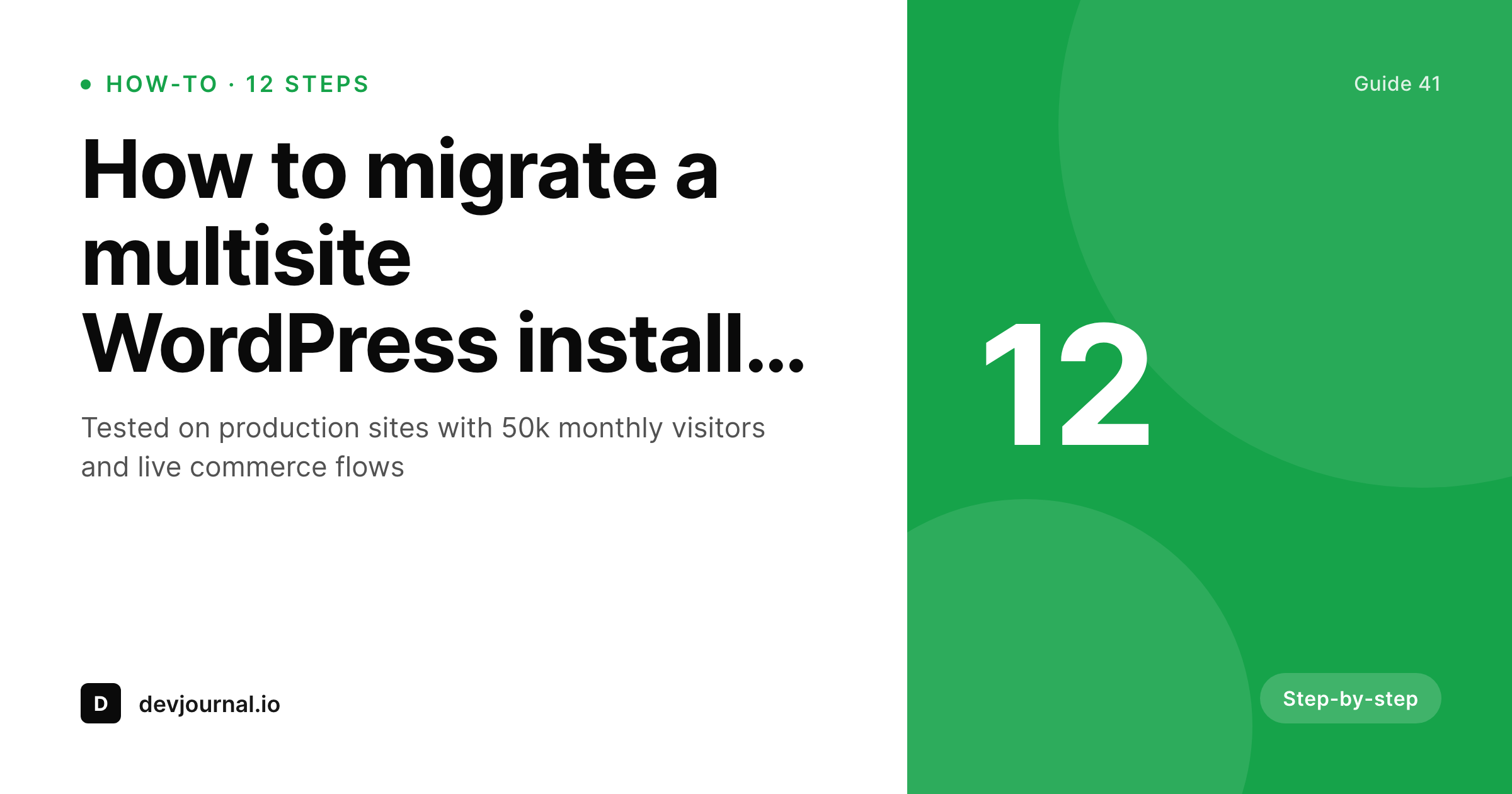
An OG card with the title, step count, difficulty, and brand mark, all assembled from real guide fields.
Comparison
Default guide cards vs rendered ones
Default site card on every guide
- A 4-step guide and a 40-step guide share the same generic preview
- Difficulty is invisible until the reader clicks through
- Long titles get truncated on social and the topic disappears
- Guide index thumbnails are a placeholder grid
- Brand refresh skips the guide archive because the volume is too high
SleekPixel
- Guide cards render from real post fields the moment you save
- Step count and difficulty render directly from data
- Difficulty color signals scope at a glance, no clicking needed
- OG card and guide index thumbnail share one template
- Bulk regenerate brings the whole guide archive in line
Features
What SleekPixel gives you for how-to guide cards
Step-aware
Step count renders from a field. Readers see scope at a glance, and the layout adapts to short and long step totals without overflow.
Difficulty-colored
Difficulty taxonomy drives the accent palette. Beginner, intermediate, and advanced guides all read as distinct without separate templates.
Card and index together
Register an OG size and an index thumbnail size against the same template. Guide index page and social card stay coherent.
Use cases
Guide formats this template covers
Technical tutorials
Code-heavy tutorials with a clear difficulty level. Difficulty color and step count make scope visible from the card.
Lifestyle how-tos
Recipe, DIY, and lifestyle guides. Topic line carries the category and the step count signals time investment.
Process documentation
Internal or customer-facing process guides. The card focuses on title and step count, with difficulty as a secondary cue.
The bigger picture
Why how-to cards earn the share
How-to content is shared more than any other long-form format on the internet. A reader finishes a guide, finds it useful, and forwards the URL to a colleague or pins it for later. The forward and the pin both lead with the OG card.
If the card is generic, the recipient sees a generic preview and treats the link like spam. If the card carries the title, the step count, and the difficulty, the recipient knows immediately whether the guide is worth their time. The click-through rate on shared how-to content is dominated by the OG card, not by the title alone, because the title is already truncated in most preview surfaces.
SleekPixel makes the card a real preview. Every guide gets the same treatment, the same primitives, the same brand mark, because the same template renders from real post fields. Over a year of compounding shares, this is the difference between a guide archive that quietly drives traffic and one that builds a brand around a recognizable visual identity.
Questions
Common questions about SleekPixel for how-to guide cards
Yes. Step count is a number field on the guide post, difficulty is a taxonomy term. The template references both directly, so a new guide inherits the right markers without anyone touching the design.
Yes. Map the accent color in the template to a difficulty taxonomy term. Beginner, intermediate, and advanced resolve to different brand colors so guides feel organized at a glance.
The template renders without it. Set defaults per field or design the layout so the step slot collapses gracefully. Editorial how-tos without a step structure still render cleanly through the same primitives.
Yes. Register OG, the guide index thumbnail, and any in-article embed size against the same template. SleekPixel renders all of them on save and they stay coherent.
Yes. SleekPixel attaches templates to whichever post types you choose. Your existing guide post type, with its step counts and difficulty taxonomy, becomes the data source.
Yes. The admin has a one-click bulk regeneration that re-renders all guide cards using the template. The whole archive refreshes in one pass after a brand update.
Pinterest, LinkedIn, Twitter, Facebook, and Slack all read the og:image meta tag. SleekPixel writes that tag automatically, so the rendered card is the one that travels through every share surface.
No. The image is rendered once at save time and stored as a static PNG/JPG. Visitors load a regular image URL, no rendering happens at view time.
Pricing
More than 1000+
happy customers
Explore our flexible licensing options tailored to your needs. Upgrade your license anytime to access more features, or opt for a lifetime license for ongoing value, including lifetime updates and lifetime support. Our hassle-free upgrade process ensures that our platform can grow with you, starting from whichever plan you choose.
Lifetime ♾️
Most popular
EUR
once
- Unlimited websites
- Lifetime updates
- Lifetime support
...or get the Bundle Deal
and save €250 🎁
💎 Want everything forever? The All Access Pass is going away on 01.08.2026.
The Bundle (unlimited sites)
Pay once, own it forever
Elevate your WordPress site with our exclusive plugin bundle that includes all of our premium plugins in one package. Enjoy lifetime updates and lifetime support. Save significantly compared to buying plugins individually.
What’s included
-
SleekAI
-
SleekByte
-
SleekMotion
-
SleekPixel
-
SleekRank
-
SleekView
€749
Continue to checkoutBrowse more
- Flickr cover photo
- Mastodon post images
- LinkedIn document post covers
- WhatsApp status images
- TikTok profile banners
- Odnoklassniki banners
- Weibo post images
- Substack post thumbnail
- TikTok Now image
- Kick stream thumbnails
- Etsy listing images
- Twitch panel images
- Douyin cover
- Facebook Marketplace images
- Twitter header banners