






SleekPixel for roofing company
Storm restoration, full replacements, gutter work, and inspection pages on a roofing company's site already carry headlines and completed-roof photos. SleekPixel renders branded share cards on save so neighborhood-thread referrals after a hail event arrive on brand.
♾️ Lifetime License available
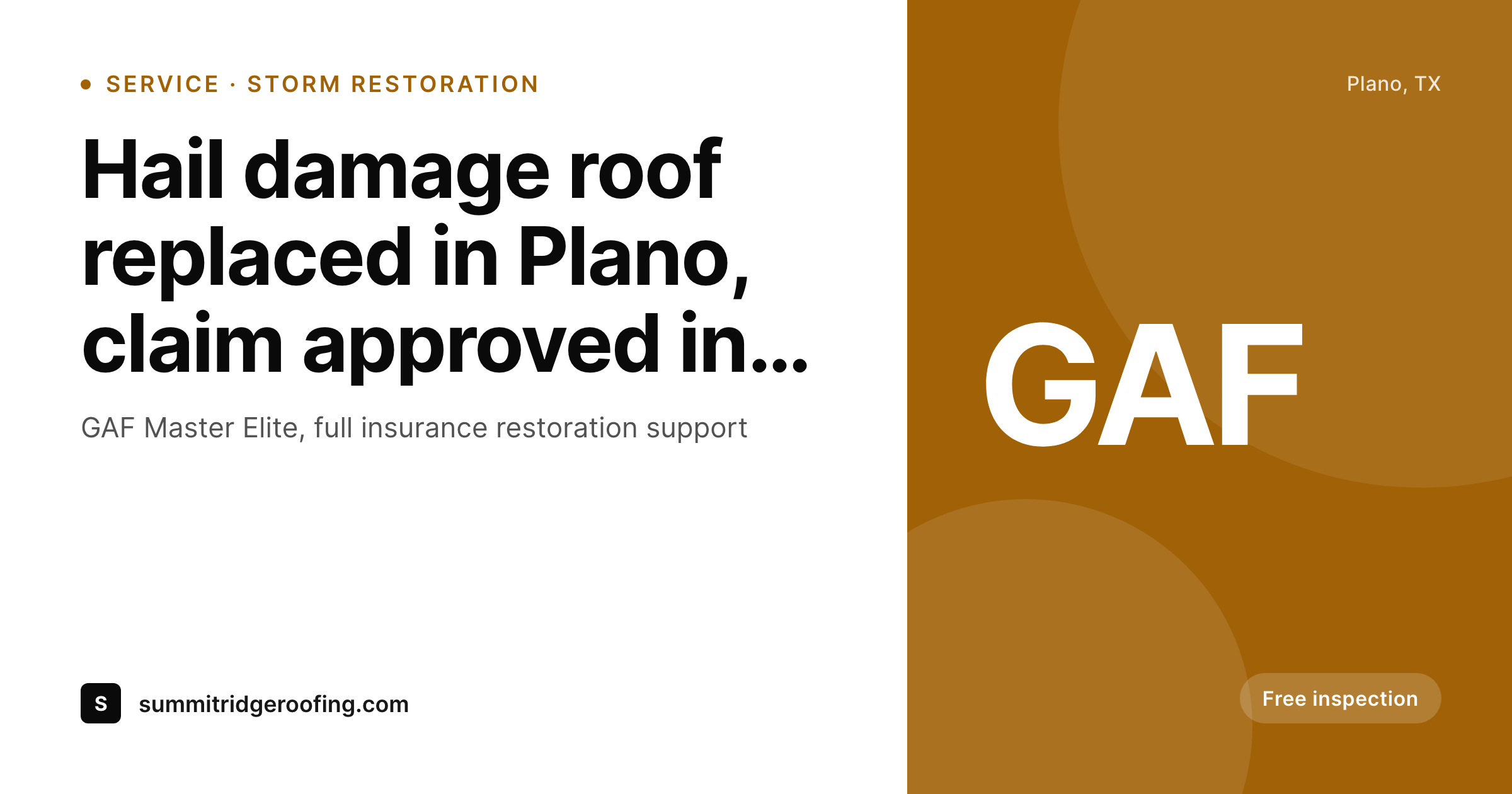
After a storm, the marketing surface gets tested overnight
Roofing demand is shaped by weather events, and the visual brand of a roofing company gets tested in the days right after a hail storm or a tornado watch. Neighborhood Facebook groups light up with damage photos, and homeowners ask for recommendations. The links that get pasted in those threads land with whatever share preview each company has wired up. Many roofing companies have not wired anything up. The link previews stretch the homepage banner, or fall back to a stock asphalt-shingle photo, or render no preview at all. The neighbor whose link previews cleanly with the company name, GAF or Owens Corning certification, and a real completed roof from a recent job in the same suburb is the one who gets the inspection scheduled.
The standard fix is a marketing director who keeps Canva templates current, exports per-page social cards, and uploads them into the WordPress media library page by page. That works for a single-location company with one full-time marketer. It does not work when the company runs multiple branches across a metro, each with its own service area pages, and a project portfolio that grows by a dozen completed roofs each week during storm season. New pages get the default; the catalog drifts; the moment of peak demand arrives with the brand looking inconsistent.
SleekPixel reads each page on save and renders the share image from the company's template. Service type, suburb served, manufacturer certifications, and the most recent completed roof photo all pull from post fields. The PNG saves to uploads, og:image and twitter:image fire, and the next homeowner who shares the link in a hail-damage thread sees a branded preview that signals real local presence. The recommendation lands looking like the certified contractor the company actually is.
Workflow
From service page to share-ready in one save
Set the brand template
Map service post types
Save the page
Customers share the link
Output
What ships with every service or storm page
A 1200 by 630 share image with the service or storm-event name, suburb, manufacturer certification, and the company wordmark. Ready for Facebook, Nextdoor, and Google Business posts.
Comparison
Stretched homepage banner vs auto-rendered service cards
Theme default / Stock shingle
- Same stock asphalt-shingle photo across most roofing company shares
- Theme default banner stretches over every service or storm page
- Storm-response landing pages share with no storm context in preview
- Manufacturer certifications never appear in the share preview
- Multi-branch operations all share with one bland fallback image
SleekPixel
- Service and storm pages render branded share cards on save
- Suburb served, manufacturer certifications pull from post fields
- Recent completed-roof photo can slot into the share card background
- Storm-response landing pages get an urgency badge in the preview
- Branch-specific templates keep multi-location brand cohesive
Features
What SleekPixel gives you for roofing company
Service-driven cards
Replacements, repairs, inspections, and gutter work each save with a share image that names the service and the company brand.
Storm-response pages
Hail and wind damage landing pages render share cards with an urgency badge and the affected suburb, making the response window obvious in preview.
Manufacturer certifications
GAF Master Elite, Owens Corning Platinum, and CertainTeed badges render in the footer slot, so trust signals arrive in the share itself.
Use cases
What roofing companies generate with SleekPixel
Storm restoration pages
Pages targeting hail and wind events render share cards calling out the storm, the affected suburb, and the company's response timeline.
Suburb landing pages
Pages targeting individual suburbs share with the suburb name in the preview, distinguishing each from the rest of the catalog.
Project galleries
Completed-roof project galleries render share cards with the finished roof photo, the homeowner's neighborhood, and the shingle product used.
The bigger picture
Why share previews matter for storm-driven roofing leads
Roofing demand is event-driven and concentrated. A single hail storm in a metro can produce a year's worth of replacement bookings if a roofing company can capture the share-of-mind in the 48 hours after the storm. That window plays out almost entirely on Facebook neighborhood groups and Nextdoor, where homeowners ask for recommendations and neighbors paste links.
The share preview is the company's actual storefront for those 48 hours. A clean branded preview, the manufacturer certification visible, the affected suburb named, the response window called out, signals a serious operator equipped to handle the surge. A stock shingle photo or a stretched homepage banner signals a generic contractor likely to disappear after collecting a deposit, which is the exact concern homeowners carry into post-storm decisions.
Across thousands of share moments concentrated in a few days, the delta between a strong preview and a default one is measurable in booked inspections. The second reason is the long tail of project portfolio sharing. Completed-roof galleries get shared months and years later by past customers, who paste the link in 'who did your roof' threads after their neighbors note the new shingles.
Without automation those portfolio pages drift out of sync with current branding; with automation the entire catalog stays current. The roofing company spends storm season on inspections and claims work, not on Canva, and the marketing surface keeps doing its job in the background.
Questions
Common questions about SleekPixel for roofing company
Yes. The template includes a slot for an urgency or storm-event tag that renders conditionally on category. Pages tagged 'storm-response' or 'hail-damage' get the badge automatically; standard service pages do not. Marketing tags the page and the share preview reflects the urgency without manual design work.
Yes. Insurance restoration pages explaining the claims process, deductible, and supplements all render share images through the same template. The legal language and claim guidance stays in the page body; the share preview promotes the page itself with the company brand intact.
Yes. GAF Master Elite, Owens Corning Platinum Preferred, CertainTeed Select Shingle Master, and similar certifications can be configured as template constants or per-page fields. The certification badge renders in the footer slot on every page automatically. Trust signals arrive at the moment the link previews.
Each branch can have its own template variant pulling from a branch taxonomy. The corporate brand stays consistent; the local phone number, suburb list, and branch-specific certifications change per variant. Customers in each market see a preview tuned to their area while the company maintains a single brand identity.
Yes. The featured image on a project gallery post becomes the background of the rendered share card. The shingle product, neighborhood, and homeowner's first name overlay on top, so the share preview shows the actual finished roof framed in the company's brand. Real work, not stock art.
Not directly. SleekPixel works at the WordPress level. If field-service software like JobNimbus or AccuLynx publishes job content into WordPress through an API or integration, the resulting pages get share images automatically. The plugin does not require those tools to be in place.
Local Services Ads run their own creative system, so SleekPixel does not directly affect those. It does affect organic local-pack visibility through the entity strength signals that share-driven CTR feeds. The two channels work together: ads handle paid placements, SleekPixel raises the quality of every organic share.
Yes. If testimonial pages have a quote field and a customer-name field, the template can render the testimonial as a quote-style share card. The customer's neighborhood and project type can render as supporting context. Useful for review-driven content distribution where the testimonial itself is the share hook.
Pricing
More than 1000+
happy customers
Explore our flexible licensing options tailored to your needs. Upgrade your license anytime to access more features, or opt for a lifetime license for ongoing value, including lifetime updates and lifetime support. Our hassle-free upgrade process ensures that our platform can grow with you, starting from whichever plan you choose.
Lifetime ♾️
Most popular
EUR
once
- Unlimited websites
- Lifetime updates
- Lifetime support
...or get the Bundle Deal
and save €250 🎁
💎 Want everything forever? The All Access Pass is going away on 01.08.2026.
The Bundle (unlimited sites)
Pay once, own it forever
Elevate your WordPress site with our exclusive plugin bundle that includes all of our premium plugins in one package. Enjoy lifetime updates and lifetime support. Save significantly compared to buying plugins individually.
What’s included
-
SleekAI
-
SleekByte
-
SleekMotion
-
SleekPixel
-
SleekRank
-
SleekView
€749
Continue to checkoutBrowse more
- TikTok Now image
- Substack post headers
- LinkedIn carousel slides
- Apple Music cover art
- Signal sticker pack
- Passes page banner
- Substack podcast cover
- Pinterest pins
- Threads post images
- Instagram stories
- Threads story-style images
- Spotify Canvas
- Beacons.ai banner
- Twitter/X header
- Discord server banners