






SleekPixel for nightclub
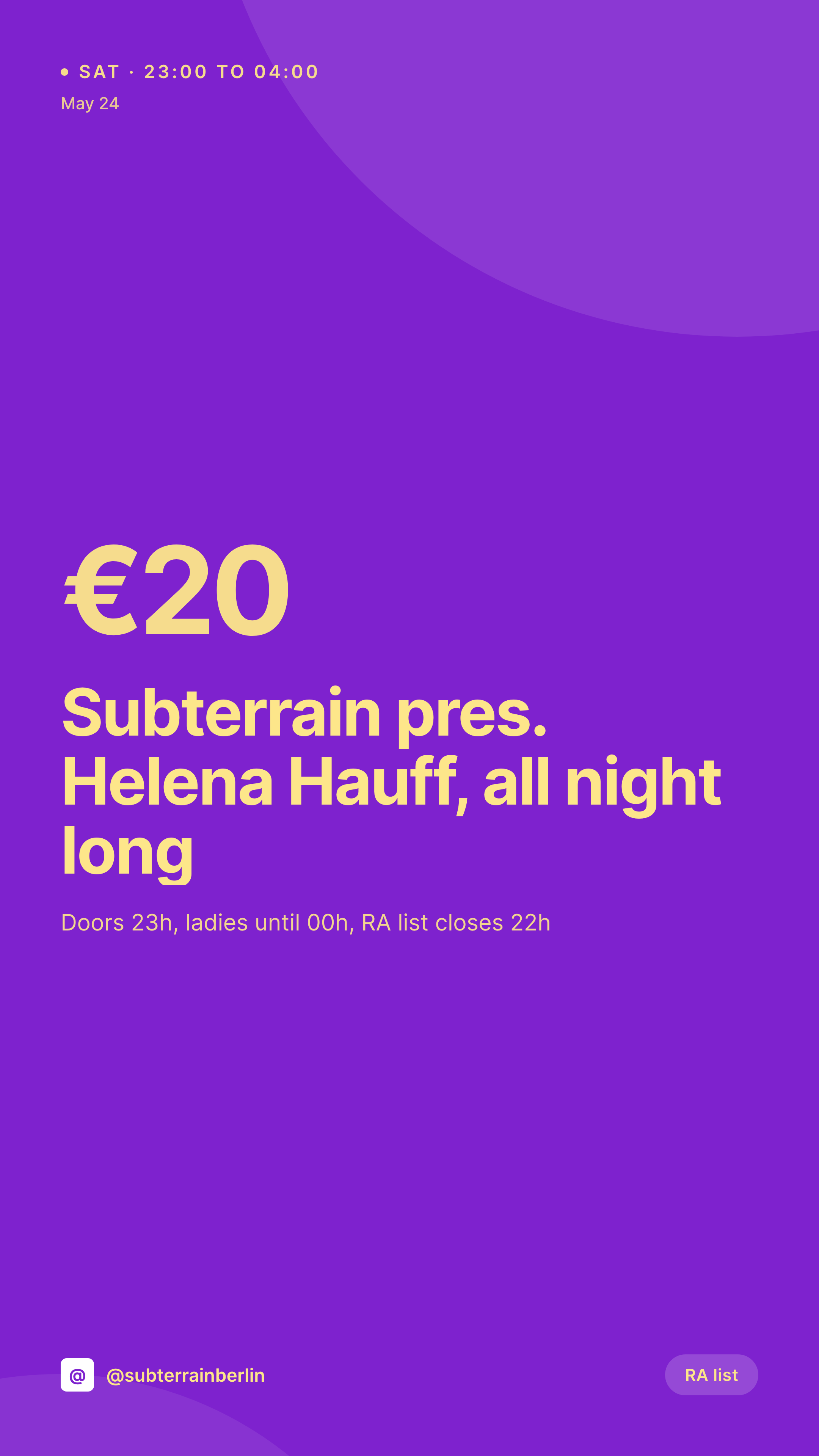
Friday techno, Saturday house, Sunday after-hours. Each lineup post already lists the DJs, rooms, door price, and set times. SleekPixel renders the 1080x1920 Story card the moment the booking is saved.
♾️ Lifetime License available
Lineup announcements run on a tight clock
A club's promo week is short. Bookings get locked four to six weeks out, the lineup post goes live, ticket links open, and the social rollout has to keep pace. Each booking needs a square for the feed, a Story for the announcement, and an OG image that resolves on Resident Advisor, Dice, and shared DMs. Most clubs run that rollout out of Canva, with the door manager retyping the DJ name, the room, the start time, and the door price into a template that drifted three bookings ago.
The data already lives on the website. Event CPT or The Events Calendar holds the artist names, the room (main floor, basement, terrace), the start and end time, the door price, the RA listing URL, and the resident name. The work of typing it has been done. What keeps happening over and over is the work of getting that information into an image at 1080x1920, with the right type and the right palette, before the team starts pushing on Stories.
SleekPixel reads the lineup post and renders the Story card on save. The DJ name, the room, the set times, and the price land in the template. The PNG saves to uploads, the og:image wires up, the booker downloads the file from the Gutenberg sidebar and pushes it to the venue's Story stack. Friday's lineup is on Instagram before the door staff arrive.
Workflow
From booking confirmation to Story-ready card
Map the event and lineup fields
Design one Story template
Publish the lineup post
Push from a phone
Output
What gets generated per booking
A 1080x1920 vertical Story card with the headlining DJ, room, set time, door price, and the venue's brand frame, pulled from the lineup post.
Comparison
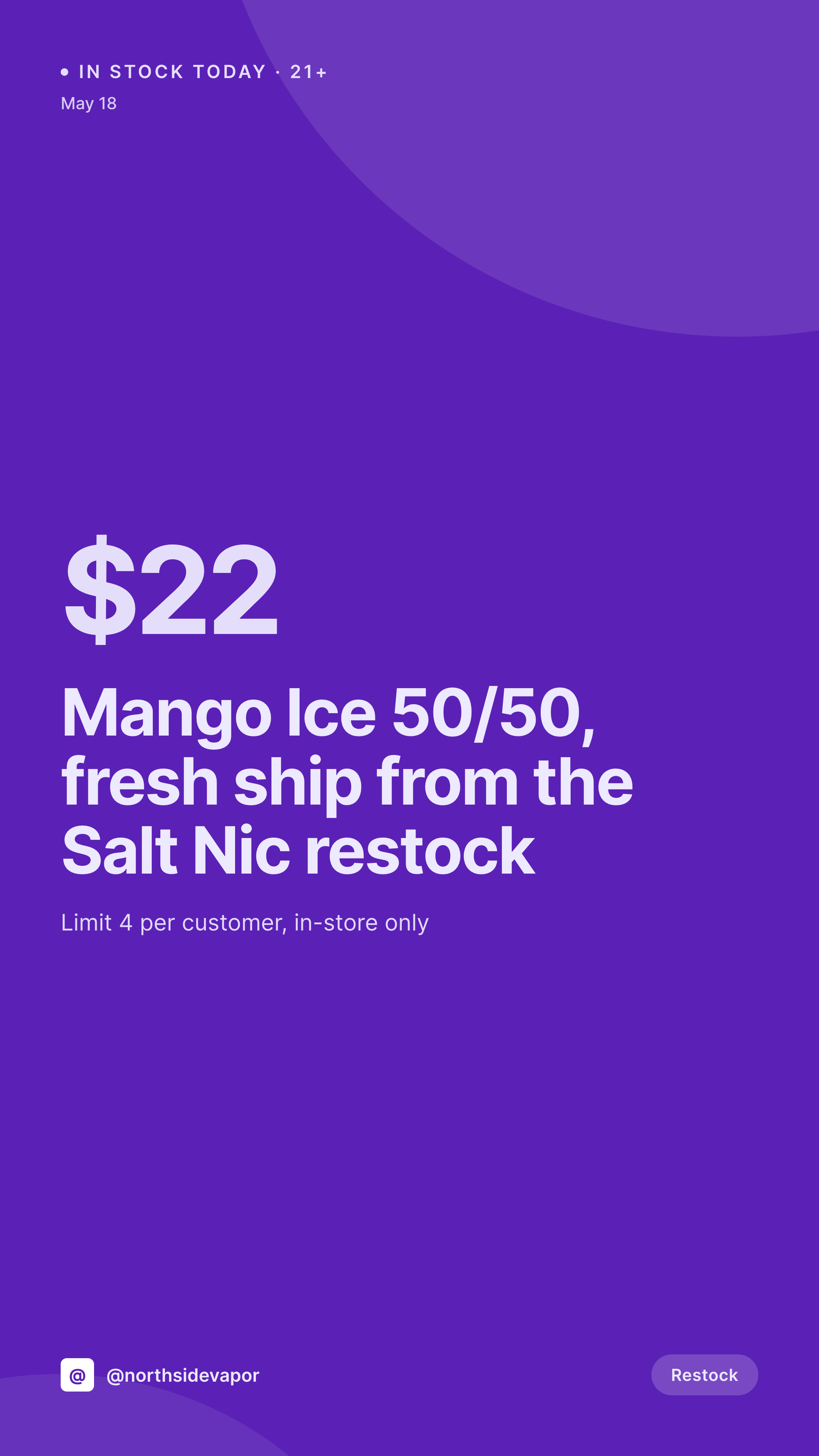
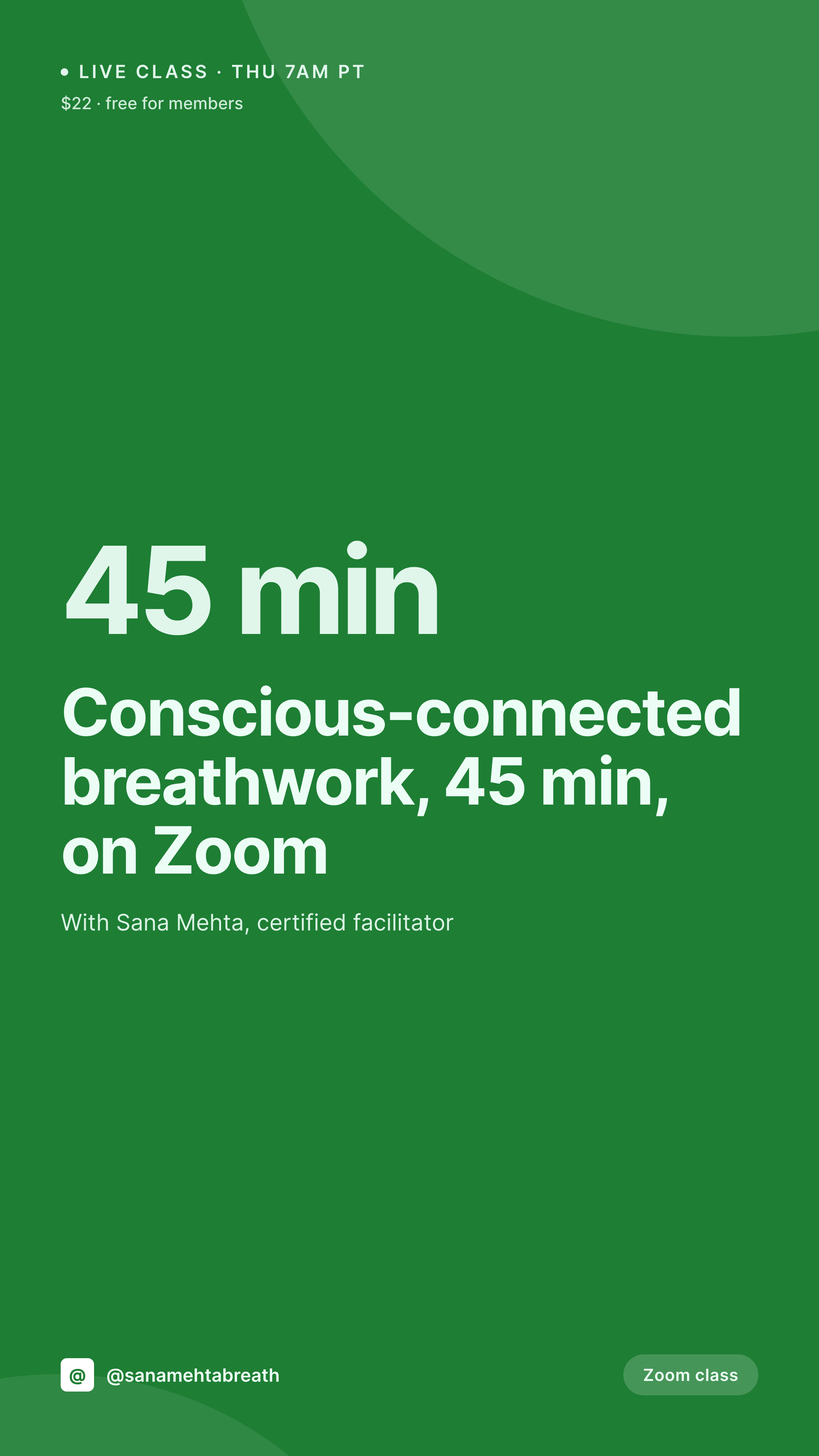
Default nightclub image vs SleekPixel
Default nightclub image
- Booker rebuilds a Canva Story for every weekend lineup
- DJ names misspelled because they get retyped per post
- Door price on the Story drifts from what the door is charging
- Main floor and basement bookings use slightly different templates
- Multi-venue groups have each club posting an off-brand version
SleekPixel
- Save the lineup post, the 1080x1920 Story card lands in uploads
- DJ names, rooms, set times, and door price pulled from event fields
- Story format with safe zones for stickers, RA link, and the Buy Tickets sticker
- Sidebar download so the booker pushes Stories from a phone
- Single template across rooms and residencies keeps the brand consistent
Features
What SleekPixel gives you for nightclub
Card per booking
Every headliner, support set, and resident slot saves with its own Story card. The DJ name, room, and time come from the event post, not a Canva file.
Lineup-aware
Each event post holds the full weekend timetable. The card renders the headliner and the support roster in the same hierarchy, every time.
RA and Dice ready
The og:image wires into the event URL, so shares to Resident Advisor, Dice, and group DMs unfurl with the right card instead of the venue logo.
Use cases
Who uses SleekPixel for nightclubs
Resident clubs
Weekly techno and house residencies all render as Story cards from the lineup CPT. The booker pushes the announcement before doors.
Promoter brands
Touring promoters running parties at different venues keep the same template, with the venue and address swapping per booking.
After-hours and queer nights
Sunday morning after-hours, Friday queer parties, midweek residencies. Each gets a card from the same template without redesigning.
The bigger picture
Why a club's Story stack needs to look like one room
A club is sold on a feeling, and a feeling does not survive a Story stack that looks like four different designers worked on it. The headliner Story uses one set of type, the support Story uses another, the door reminder uses a third, and the after-hours announcement uses a Canva template the resident DJ built in 2022. Crowds notice that drift before they can name it, and they swipe past.
The fix is to treat each card as a derived asset of the lineup post. The booking is typed once into the system that already runs the website, and the Story falls out of it with the same type, the same palette, and the same room hierarchy as every other booking that month. The card renders the moment the booker confirms the lineup, which is the same moment the team is ready to push on Instagram.
The Story stack reads as one room across a year, even when the bookings, the staff, and the genre rotate.
Questions
Common questions about SleekPixel for nightclub
Yes. The template can prioritize the headliner at large size, then render support sets in a stacked list. Fonts auto-fit so a long bill still reads cleanly inside the safe zone.
Yes. If main floor, basement, and terrace are stored as repeater rows or separate posts, each renders as its own Story card with the right room label and timetable.
SleekPixel only renders the image. The og:image wires into the event URL on the venue's site, so shares to RA, Dice, or Shotgun unfurl with the right card.
Yes. SleekPixel reads any post type and any field, so The Events Calendar, EventPrime, EventOn, or a plain custom post type all map onto the Story template.
Yes. With a venue taxonomy or multisite, each booking renders with the right venue name, address, and door details on the same brand frame.
No. SleekPixel renders the PNG and saves it to uploads. Posting to Stories is a manual step from Instagram or a scheduling tool like Later or Buffer.
Yes. One save can output a 1080x1920 Story, a 1080x1080 feed card, and a 1200x630 OG image. Each format is configured once and renders together.
No. SleekPixel renders static PNG and JPG only. Animated Stories and video reels are out of scope, the focus is on still cards that match the event post.
Pricing
More than 1000+
happy customers
Explore our flexible licensing options tailored to your needs. Upgrade your license anytime to access more features, or opt for a lifetime license for ongoing value, including lifetime updates and lifetime support. Our hassle-free upgrade process ensures that our platform can grow with you, starting from whichever plan you choose.
Lifetime ♾️
Most popular
EUR
once
- Unlimited websites
- Lifetime updates
- Lifetime support
...or get the Bundle Deal
and save €250 🎁
💎 Want everything forever? The All Access Pass is going away on 01.08.2026.
The Bundle (unlimited sites)
Pay once, own it forever
Elevate your WordPress site with our exclusive plugin bundle that includes all of our premium plugins in one package. Enjoy lifetime updates and lifetime support. Save significantly compared to buying plugins individually.
What’s included
-
SleekAI
-
SleekByte
-
SleekMotion
-
SleekPixel
-
SleekRank
-
SleekView
€749
Continue to checkoutBrowse more
- Dribbble shot covers
- Ko-fi shop images
- Substack podcast cover
- Telegram channel banner
- Mastodon profile banners
- YouTube ad thumbnails
- Patreon post thumbnails
- Telegram channel cover images
- GitHub social preview images
- Etsy listing images
- Flickr cover photo
- eBay listing images
- Facebook event covers
- LinkedIn showcase page banners
- Twitch camera frame