






SleekPixel for third-wave coffee shop
Today's manual brew is a Sudan Rume from Cauca, tomorrow's is a washed Gesha. Each daily-bar update on the website saves with a 1080x1920 Story card the barista team can post before opening.
♾️ Lifetime License available
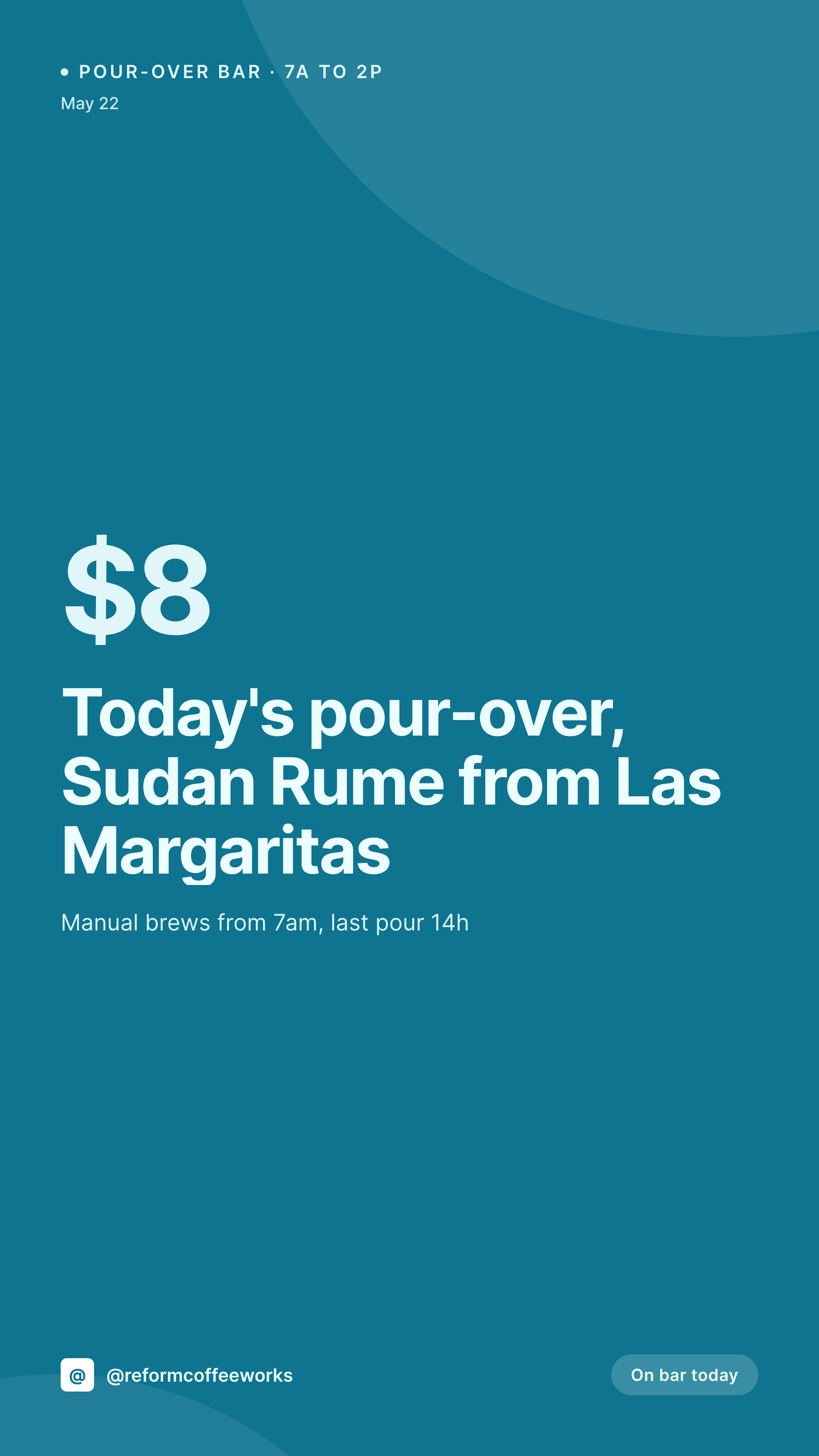
The pour-over bar rotates daily, the Story has to keep up
A third-wave cafe's pour-over bar moves fast. Today it's a Sudan Rume from a single farm in Cauca, tomorrow it's a washed Gesha, the day after it's an experimental anaerobic the head roaster picked up at a tasting. Each daily bar wants a Story card with the origin, the producer, the varietal, the process, and the brew price, and that Story needs to be live before the cafe opens at seven.
The data is already on the cafe's WordPress site. The cafe runs a daily-bar post or a menu CPT, and the head barista types tomorrow's pour-over the night before. Origin, farm, varietal, process, roast date, brew method (V60, Kalita, Origami), brew price, hero shot of the cup. The fields are full when the cafe locks the doors at six.
SleekPixel renders the Story card on save. The pour-over post saves at six, the 1080x1920 Story renders with the origin, the farm, the varietal, the process, and the brew price. The PNG is in uploads, the Gutenberg sidebar has the download. The opening barista pushes the Story at six fifty before unlocking the door. The Story stack reads as one cafe across an entire harvest cycle, even when the bar rotates every twelve hours.
Workflow
From tomorrow's pour-over to a Story-ready card
Map the daily-bar fields
Design one Story template
Publish tomorrow's bar
Post before opening
Output
What gets generated per daily pour-over
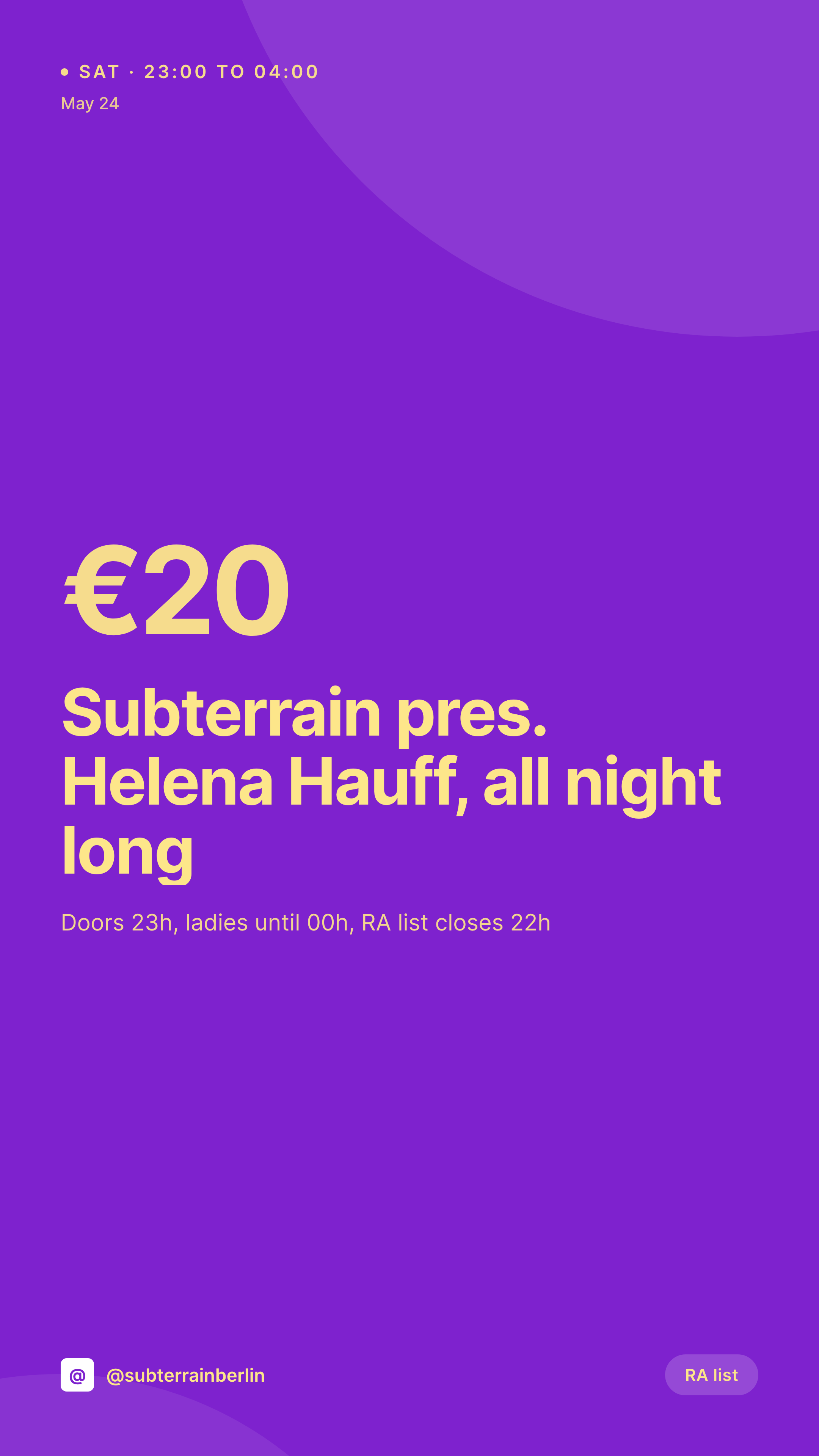
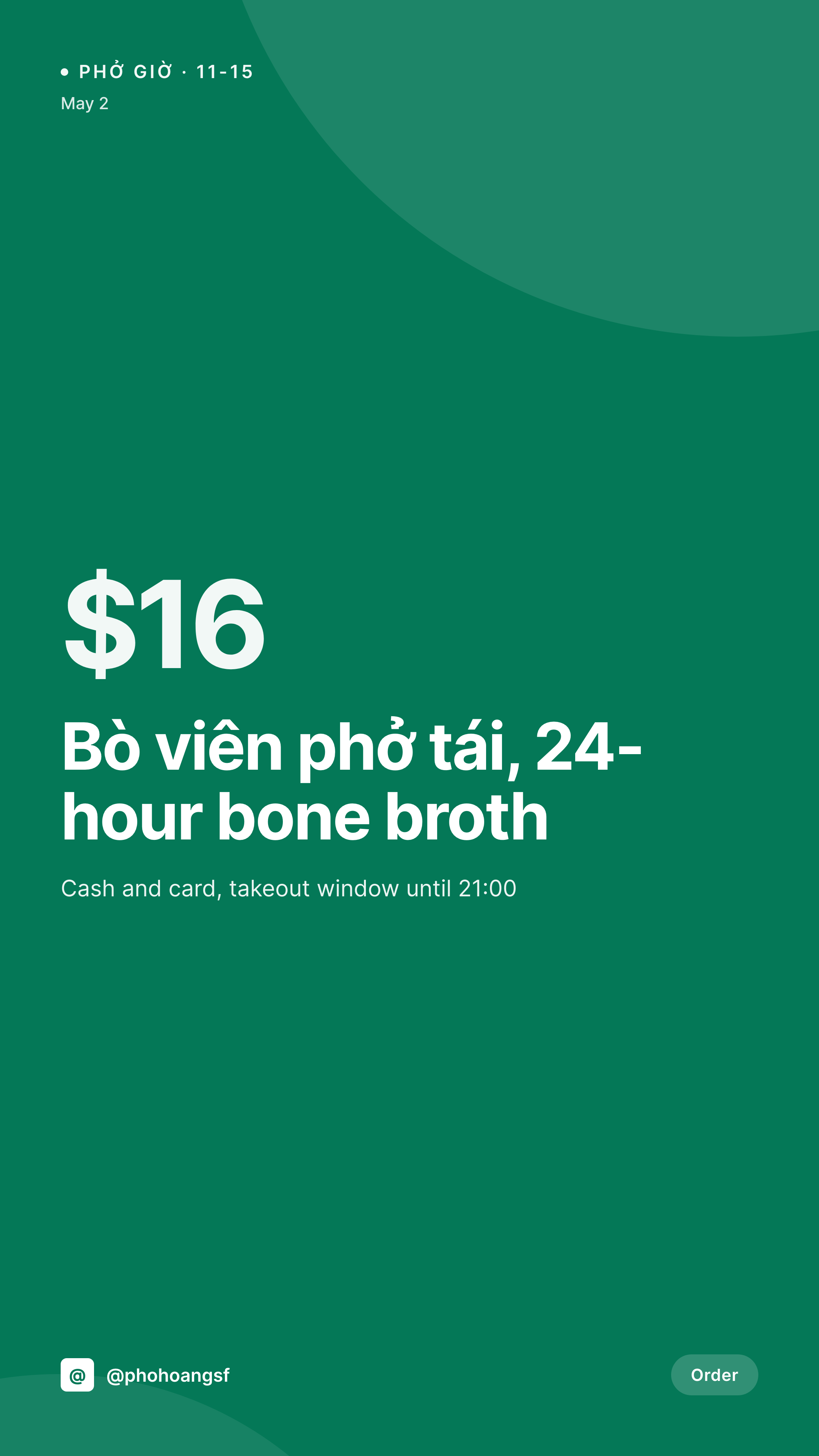
A 1080x1920 vertical Story card with the origin, producer, varietal, process, and brew price, pulled from the daily-bar post.
Comparison
Phone-typed Story vs SleekPixel for third-wave coffee shops
Phone-typed Story
- Barista types over a phone photo of the cup at six in the morning
- Producer names misspelled in transit (Aguilera, Lemus, Mierisch)
- Brew price on the Story drifts from what the till is charging
- Espresso, batch, and pour-over Stories all use slightly different templates
- Multi-cafe groups have each shop posting a different Story look
SleekPixel
- Save the daily-bar post, the 1080x1920 Story card lands in uploads
- Origin, producer, varietal, process, and brew price pulled from the post
- Story format with safe zones for stickers and the swipe-up cue
- Brew-method badge (V60, Kalita, Origami) renders consistently
- Single template across cafes keeps the Story stack on-brand
Features
What SleekPixel gives you for third-wave coffee shop
Story per day
Every daily pour-over, batch brew, and seasonal espresso saves with its own Story. Origin and price come from the post, not a Canva file.
Roast-date aware
The roast date renders on the card so customers can see how fresh the bar is. Three days off-roast looks different from twelve days off-roast.
Last-pour reminder
The 'last pour 14h' note renders into the layout, so customers know when to walk in for the manual brew bar before it closes.
Use cases
Who uses SleekPixel for third-wave coffee shops
Single-origin cafes
Rotating pour-over programs with a different coffee each day render as Stories from the daily-bar CPT, ready to post before opening.
Multi-roaster cafes
Cafes pouring three or four roasters each week render the roaster name and the coffee origin together. The Story reads as the cafe, not the roaster.
Multi-location groups
A group with three cafes keeps every Story on the same template, with each store's daily bar rendering on the same brand frame.
The bigger picture
Why third-wave Stories need to read like one cafe
A third-wave cafe is judged on consistency in two places: the cup and the feed. The cup gets the head barista's attention every day, but the feed often gets whoever opens the shop. The result is a Story stack with five different fonts, three different brew badges, and a producer name spelled four different ways across a single week.
Customers notice that drift, and they form a quiet opinion about whether the cafe cares about the same details on the bar that it does on the brew. The fix is to treat each Story as a derived asset of the daily-bar post. The head barista types the origin, the producer, the varietal, and the process once into the system that already runs the website, and the Story falls out of that record looking like every other Story the cafe has ever posted.
The feed reads as one cafe across a year, which earns the same trust the cup is supposed to.
Questions
Common questions about SleekPixel for third-wave coffee shop
Yes. Names like Aguilera, Lemus, and Mierisch render correctly because the post stores the data once. Web fonts keep the accents consistent across Stories.
Yes. Templates can be conditional on a brew-method field. Pour-over renders with the V60 badge, batch brew renders with a batch-brew badge and a different accent color.
Seasonal espresso changes can save as their own post type. Each new espresso renders as its own Story with the origin, blend ratio if applicable, and shot price.
Yes. SleekPixel reads any post type and any field, so WooCommerce, ACF on a cafe menu, or a plain post type all map onto the Story template.
The PNG is in the cafe's uploads. Sharing the URL elsewhere will unfurl with the daily-bar card, but downstream cafes typically render their own daily-bar Stories from their own posts.
No. SleekPixel renders the PNG and saves it to uploads. Posting is a manual step from Instagram or a scheduler like Later or Buffer.
Yes. One save can render a 1080x1920 Story, a 1080x1080 feed square, and a 1200x630 OG image. Each format is configured once and renders together.
No. SleekPixel renders static PNG and JPG only. Animated Stories and Reels are out of scope, the focus is on still cards that match the post.
Pricing
More than 1000+
happy customers
Explore our flexible licensing options tailored to your needs. Upgrade your license anytime to access more features, or opt for a lifetime license for ongoing value, including lifetime updates and lifetime support. Our hassle-free upgrade process ensures that our platform can grow with you, starting from whichever plan you choose.
Lifetime ♾️
Most popular
EUR
once
- Unlimited websites
- Lifetime updates
- Lifetime support
...or get the Bundle Deal
and save €250 🎁
💎 Want everything forever? The All Access Pass is going away on 01.08.2026.
The Bundle (unlimited sites)
Pay once, own it forever
Elevate your WordPress site with our exclusive plugin bundle that includes all of our premium plugins in one package. Enjoy lifetime updates and lifetime support. Save significantly compared to buying plugins individually.
What’s included
-
SleekAI
-
SleekByte
-
SleekMotion
-
SleekPixel
-
SleekRank
-
SleekView
€749
Continue to checkoutBrowse more
- Twitch overlay
- Poshmark listing images
- Nostr note images
- Twitch stream overlay images
- Discord server banners
- Mastodon link previews
- VK community cover photos
- Apple Podcasts covers
- LinkedIn ad images
- LinkedIn document post covers
- Telegram channel cover images
- Bandcamp release cover
- KDP hardcover cover
- Depop listing images
- X social cards