






SleekPixel for pet bakery
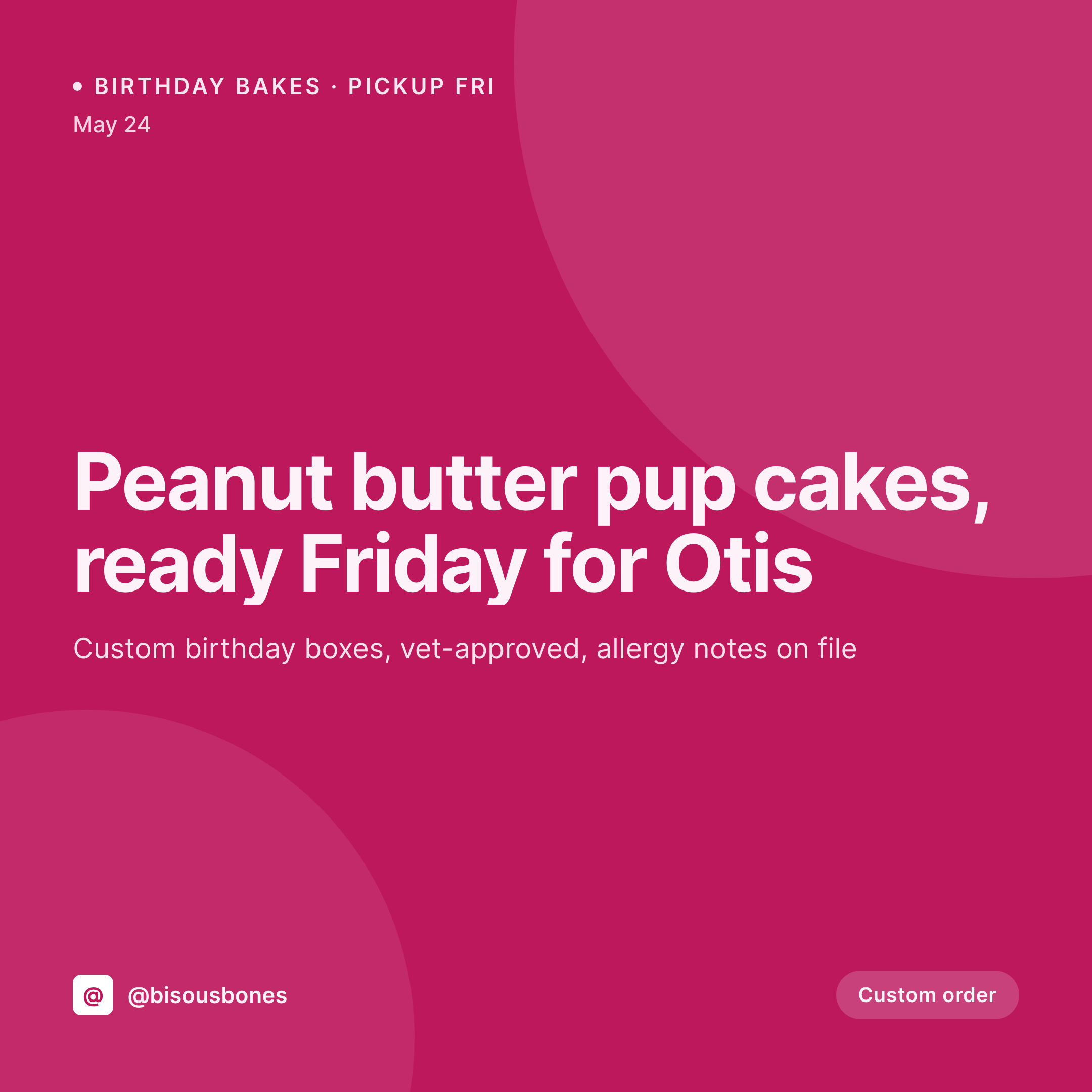
Friday peanut butter pup cakes for Otis, Saturday grain-free birthday box for Luna, Sunday seasonal pumpkin drop. Each order post on the website saves with a 1080x1080 grid card.
♾️ Lifetime License available
Custom pet bakes are personal, and the announcement should feel personal too
A pet bakery runs on custom orders. A neighbor places a birthday-box order for Otis on Thursday, a regular asks for a grain-free cake for Luna on Saturday, a wedding client orders a hundred dog-friendly favors for Sunday. Each order is small, and each one is a marketing moment, because a posted photo of Otis's cake brings two more orders the same week.
The data is on the website. The bakery runs a WooCommerce custom-order workflow or an order CPT with the pet's name, the order date, the pickup window, the allergens to avoid, the flavor (peanut butter, pumpkin, carob), the box contents, and the customer handle for the optional tag. The order details have been typed once. The gap is the image, the 1080x1080 grid card that says 'Otis's peanut butter pup cakes, ready Friday' and looks like every other bake the bakery has ever made.
SleekPixel reads the order post and renders the grid card on save. The pet name, the bake type, the pickup date, the allergen badges, and the customer handle land in the layout. The PNG is in uploads, the baker downloads it from the Gutenberg sidebar, posts to Instagram with the customer's tag. The custom-order grid stays consistent across a year of birthdays.
Workflow
From custom-order intake to grid-ready card
Map the order fields
Design one square template
Publish the order
Post with the customer's tag
Output
What gets generated per custom order
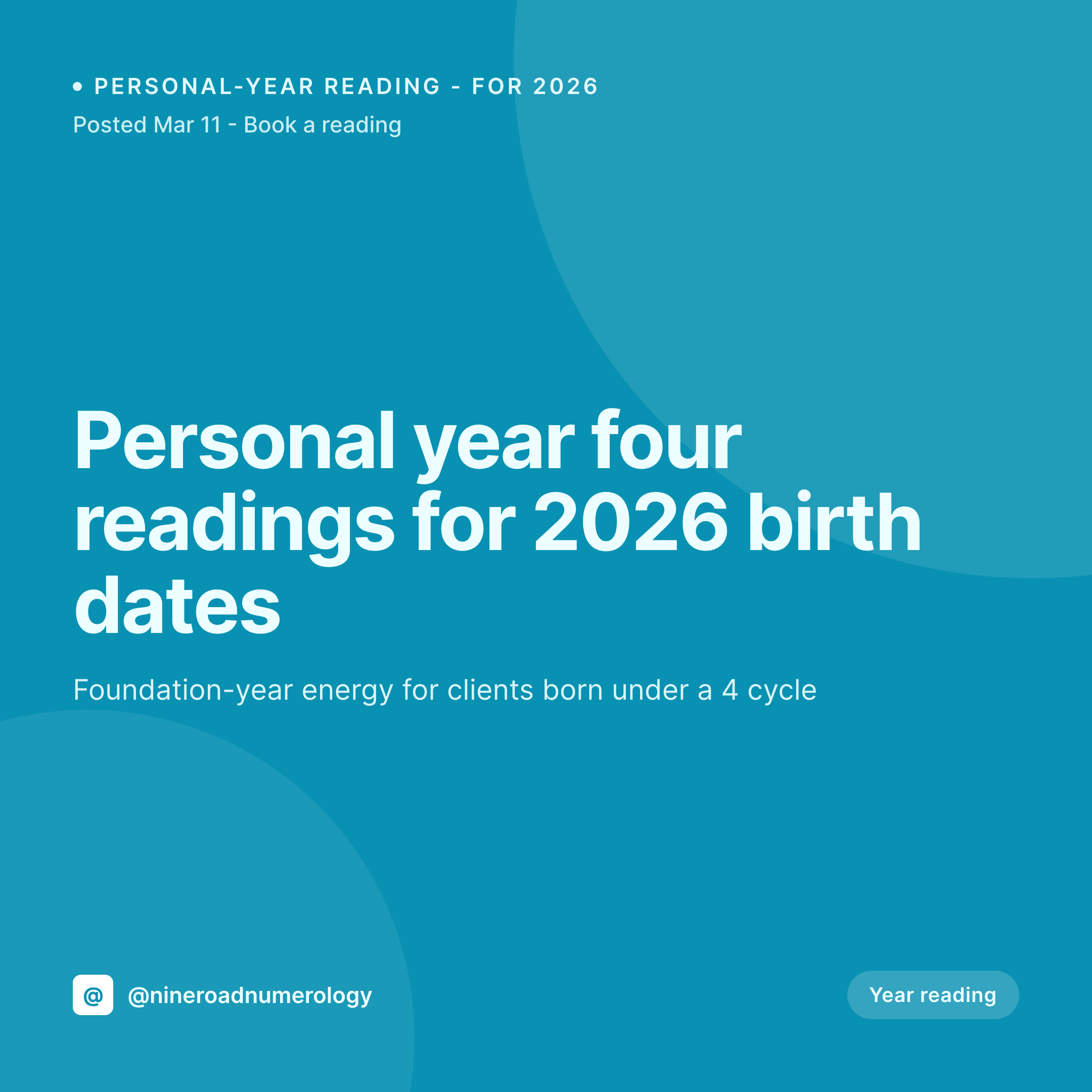
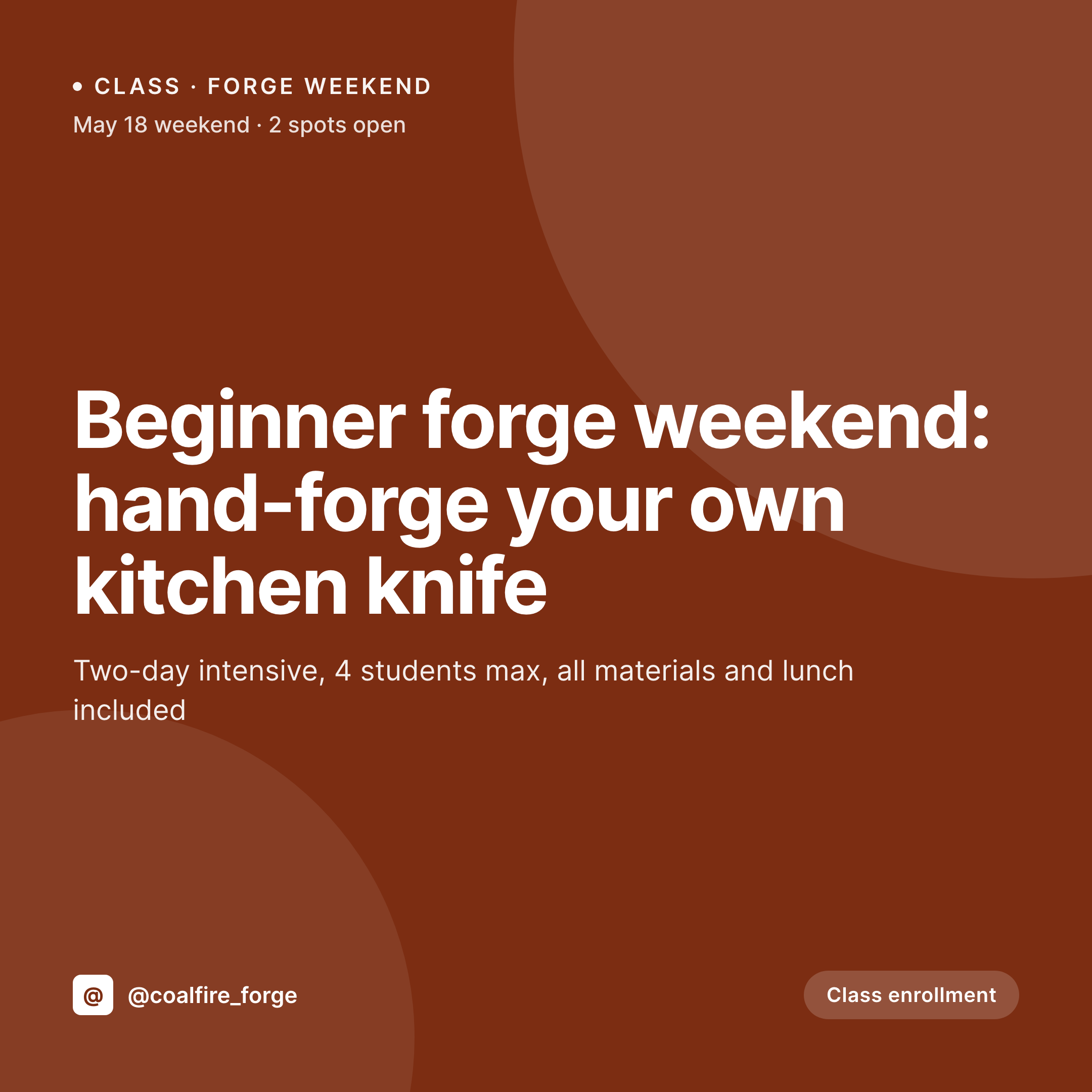
A 1080x1080 square card with the pet name, bake type, pickup date, allergen badges, and customer handle, pulled from the order post fields.
Comparison
Default pet bakery image vs SleekPixel
Default pet bakery image
- Baker rebuilds a Canva card for every birthday box and custom bake
- Pet names misspelled when an order gets retyped into a graphic
- Allergen notes (grain-free, dairy-free, chicken-free) drift across posts
- Birthday, wedding favor, and seasonal drop all use different templates
- Standing wholesale partners post off-brand versions of the bakery's items
SleekPixel
- Save the order post, the 1080x1080 PNG lands in uploads
- Pet name, bake type, pickup date, and allergens pulled from the order
- Square format sized for Instagram and Facebook grids
- Allergen badges render so vet-sensitive customers see safety at a glance
- Single template across orders keeps every birthday post on-brand
Features
What SleekPixel gives you for pet bakery
Card per order
Every birthday box, custom bake, and wedding favor saves with its own card. Pet name and pickup date come from the order, not a Canva file.
Allergen-aware
Grain-free, dairy-free, chicken-free, and other badges render consistently. The card communicates safety information without re-typing per post.
Pet-name personal
The pet's name renders into the headline so the post feels personal to the customer, while the layout and palette stay the bakery's brand.
Use cases
Who uses SleekPixel for pet bakeries
Birthday-box bakeries
Every custom birthday box renders as a grid card with the pet's name, the pickup date, and the bakery's brand frame.
Wedding-favor bakers
Wedding and event orders for dog-friendly favors render with the event date, the count, and the wedding couple's handle on the same template.
Pet bakery and retail combos
Bakeries with a retail catalog of standing bakes render daily catalog drops and custom orders from the same brand template.
The bigger picture
Why pet bakery posts have to balance personal and consistent
A pet bakery's marketing is fundamentally personal. Each order is for a single pet, with a specific name and a specific birthday, and the customer wants the post to feel like it was made for them. At the same time, the bakery's Instagram grid is the storefront, and it has to look like one bakery across hundreds of personalized posts.
Those two requirements pull against each other when every card is rebuilt in Canva, because the personal touch keeps drifting and the brand consistency keeps breaking. The fix is to type the order once into the system that already runs the website, and to let the card derive from the order record. The pet's name lands in the headline because the customer typed it into the order form.
The allergens render correctly because the baker noted them once during intake. The palette and frame stay the bakery's. A pet bakery built that way reads as a personal operation across hundreds of orders, which is what turns a one-time birthday into a standing client.
Questions
Common questions about SleekPixel for pet bakery
Yes. Any text typed in the order renders into the template, including accented letters and emoji. Custom web fonts keep the typography consistent across orders.
Yes. The PNG saves to uploads even when the order post is set to private. The baker downloads the image manually for the Instagram post, and the public URL stays hidden.
The retail catalog can be its own post type or WooCommerce product. The card renders the catalog item's name, price, and allergens on the same brand template.
Yes. SleekPixel reads any post type and any field, so WooCommerce orders, ACF order forms, or a plain order CPT all map onto the card template.
The badges are part of the bakery's template. Wholesale partners using the same brand will get the same badges; partners with their own brand should render their own cards.
No. SleekPixel renders the PNG and saves it to uploads. Posting and tagging is a manual step from Instagram, since tagging requires platform interaction.
Yes. One save can render a 1080x1080 square, a 1080x1920 Story, and a 1200x630 OG image. Each format is configured once and renders together.
Seasonal drops can be their own post type with a season taxonomy. Templates can be conditional on the season so a pumpkin drop renders in autumn colors and a holiday box in winter colors.
Pricing
More than 1000+
happy customers
Explore our flexible licensing options tailored to your needs. Upgrade your license anytime to access more features, or opt for a lifetime license for ongoing value, including lifetime updates and lifetime support. Our hassle-free upgrade process ensures that our platform can grow with you, starting from whichever plan you choose.
Lifetime ♾️
Most popular
EUR
once
- Unlimited websites
- Lifetime updates
- Lifetime support
...or get the Bundle Deal
and save €250 🎁
💎 Want everything forever? The All Access Pass is going away on 01.08.2026.
The Bundle (unlimited sites)
Pay once, own it forever
Elevate your WordPress site with our exclusive plugin bundle that includes all of our premium plugins in one package. Enjoy lifetime updates and lifetime support. Save significantly compared to buying plugins individually.
What’s included
-
SleekAI
-
SleekByte
-
SleekMotion
-
SleekPixel
-
SleekRank
-
SleekView
€749
Continue to checkoutBrowse more
- Threads profile banners
- podcast cover art
- X social cards
- Substack post thumbnail
- Facebook event covers
- LinkedIn document post covers
- YouTube ad thumbnails
- X list banners
- LinkedIn post images
- YouTube thumbnails
- LinkedIn company banners
- Discord server banners
- Facebook cover photos
- VSCO cover
- YouTube channel banners