






SleekPixel for horse trainer
A two-day flatwork clinic, a youth horsemanship series, a new haul-in lesson package. Each training post renders into a 1080x1080 tile with the dates, capacity, and rate the moment it publishes.
♾️ Lifetime License available

Clinic seasons, lesson packages, and the saddle-time tradeoff
A horse trainer's marketing is mostly clinics and lesson packages. A spring flatwork clinic, a summer young-horse intensive, a fall trail series, a winter dressage tune-up. Each one is a square image with dates, a discipline, a per-rider rate, and the trainer's name. Each one needs to ship before riders book somewhere else.
The data is already on the trainer's site. Most training operations run an event CPT, a booking plugin like LatePoint, or ACF groups for clinic dates and lesson rates. Clinic title, dates, capacity, rate, and the auditor option all live there. The work that keeps repeating is opening Canva on a phone in the tack room and rebuilding the same tile.
SleekPixel turns the clinic post into the tile. Save the May 17-18 flatwork clinic with eight rider spots and two auditors, the 1080x1080 PNG lands in uploads. Three spots fill, update capacity, the tile re-renders. The trainer doesn't open Canva between rides, the auditor count on the image matches the actual count on the booking page, and the clinic fills.
Workflow
From clinic calendar to posted tile
Map the clinic fields
Design one tile template
Publish or update the clinic
Post between rides
Output
What gets generated per clinic
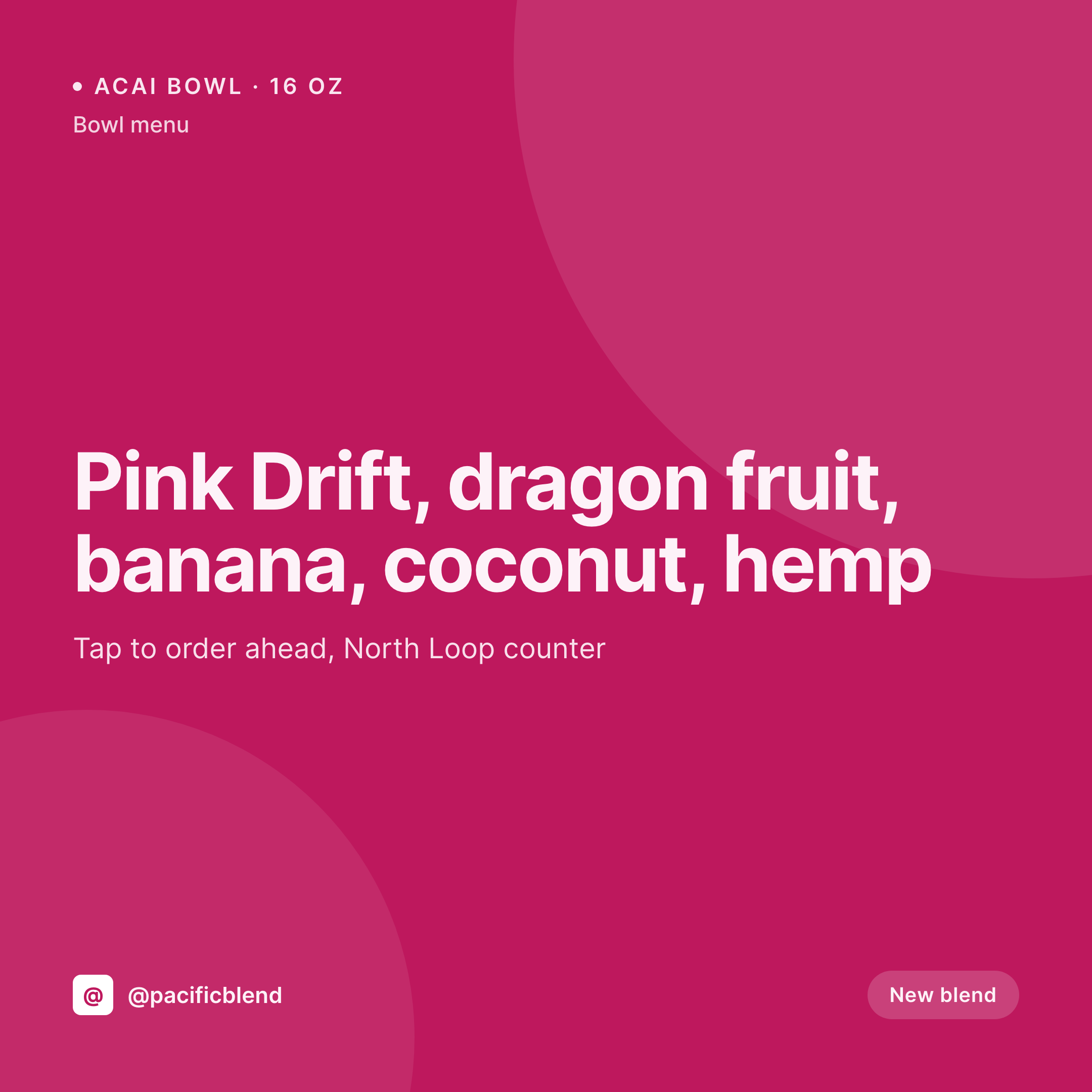
A 1080x1080 square card with the clinic title, dates, capacity remaining, rate, and trainer's name, pulled live from the clinic post fields.

Comparison
Default horse trainer image vs SleekPixel
Default horse trainer image
- Trainer opens Canva between rides every time a clinic fills
- Rider-spot count on the tile is yesterday's number
- Clinic title typed slightly different on the tile vs the booking page
- Dressage clinic and trail clinic tiles drift into different fonts
- Multi-trainer barns post their own off-brand clinic flyers
SleekPixel
- Save the clinic post, the 1080x1080 tile lands in uploads
- Clinic title, dates, capacity, and rate pulled from the post fields
- Capacity re-renders when bookings come in and spots fill
- Trainer downloads from the Gutenberg sidebar in the tack room
- One template across disciplines keeps the brand consistent year-round
Features
What SleekPixel gives you for horse trainer
Tile per clinic
Flatwork weekend, young-horse intensive, trail series. Each clinic post renders into a tile with dates and capacity visible on the image.
Live capacity
When a rider books and spots drop, the tile re-renders with the new count. The grid stops claiming eight spots when only three remain.
Tack room download
Trainer opens the clinic post on a phone, taps download in the Gutenberg sidebar, and posts. No design tool, no font drift.
Use cases
Who uses SleekPixel for horse training
Discipline clinics
Dressage tune-ups, jumping clinics, reining intensives, and trail series each render with their own discipline, dates, and rate.
Youth horsemanship series
Summer day camps, after-school lessons, and Pony Club prep series each save with capacity and rate pulled from the program post.
Milestone moments
Horse-and-rider milestones, first-show photos, and clinic recap cards render from a dedicated milestone CPT, all in one brand frame.
The bigger picture
Why training operations lose riders to stale clinic flyers
Horse training fills its calendar through riders who decide on a clinic in the time between two scrolls. A clinic flyer dated last March still pinned to the top of the grid signals a trainer who isn't paying attention, and serious riders book with someone else. Most training operations don't have a marketer on staff, the trainer handles social between sessions, often on a phone while a horse is on the cross-ties.
That setup falls apart in the middle of clinic season when four series are running and each one has different capacity, rate, and date. The work that gets cut first is the visual brand: rider-spot counts go stale, fonts drift, the dressage clinic and the trail series end up looking like two different barns. Treating the tile as derived from the clinic post means capacity, dates, and rate stay live with what the booking page shows.
Riders trust the number, book in one tap, and the trainer fills clinics without ever opening Canva in the tack room.
Questions
Common questions about SleekPixel for horse trainer
Yes for any plugin that stores clinic or lesson data as WordPress posts or accessible records. Booking plugins (LatePoint, Amelia, Bookly) and event plugins (The Events Calendar, EventPrime) all map onto the template.
Yes. Templates can be conditional on discipline taxonomy, so dressage clinics can use one layout, jumping another, and trail rides a third. All pull from the same clinic fields, just styled per discipline.
A horse-and-rider milestone CPT (first show, clinic completion, championship) renders into its own tile when staff publishes the post. The image carries the pair's names and milestone, framed in the barn's brand.
Yes. When the clinic post's capacity field changes (via a webhook or scheduled task from the booking plugin), SleekPixel re-renders the PNG. The grid shows real remaining spots.
Yes. One save can produce a 1080x1080 grid tile, a 1080x1920 story for last-minute spots, and a 1200x630 OG image. Configure each format once and they all render together.
No. SleekPixel renders the PNG and saves it to uploads. Posting to Instagram, Facebook, or Google Business is a manual step from the platform's app or a scheduling tool.
Yes. Each trainer's clinics render with the same brand frame but their own headshot, discipline, and rate. The grid stays consistent across the barn even when several trainers post.
No. Generation runs on save in the admin. Riders viewing the clinic calendar on the front end never trigger image rendering, they see the cached PNG. The og:image meta tag points at a static file.
Pricing
More than 1000+
happy customers
Explore our flexible licensing options tailored to your needs. Upgrade your license anytime to access more features, or opt for a lifetime license for ongoing value, including lifetime updates and lifetime support. Our hassle-free upgrade process ensures that our platform can grow with you, starting from whichever plan you choose.
Lifetime ♾️
Most popular
EUR
once
- Unlimited websites
- Lifetime updates
- Lifetime support
...or get the Bundle Deal
and save €250 🎁
💎 Want everything forever? The All Access Pass is going away on 01.08.2026.
The Bundle (unlimited sites)
Pay once, own it forever
Elevate your WordPress site with our exclusive plugin bundle that includes all of our premium plugins in one package. Enjoy lifetime updates and lifetime support. Save significantly compared to buying plugins individually.
What’s included
-
SleekAI
-
SleekByte
-
SleekMotion
-
SleekPixel
-
SleekRank
-
SleekView
€749
Continue to checkoutBrowse more
- Twitter/X header
- Discord stage banner
- Lemon Squeezy product covers
- Discord event cover
- Instagram feed posts
- Twitch stream overlay images
- Facebook group banners
- Behance banner
- Discord server banners
- Bluesky link cards
- Bluesky link cards
- Kick stream thumbnails
- YouTube podcast thumbnails
- Instagram collab post images
- Poshmark listing images