






SleekPixel for tree service company
Removal galleries, pruning pages, storm response landing pages, and stump grinding pages on a tree service site already carry tree species, height, and neighborhood. SleekPixel renders a branded share card on save so Nextdoor and Facebook recommendations arrive looking like the company.
♾️ Lifetime License available
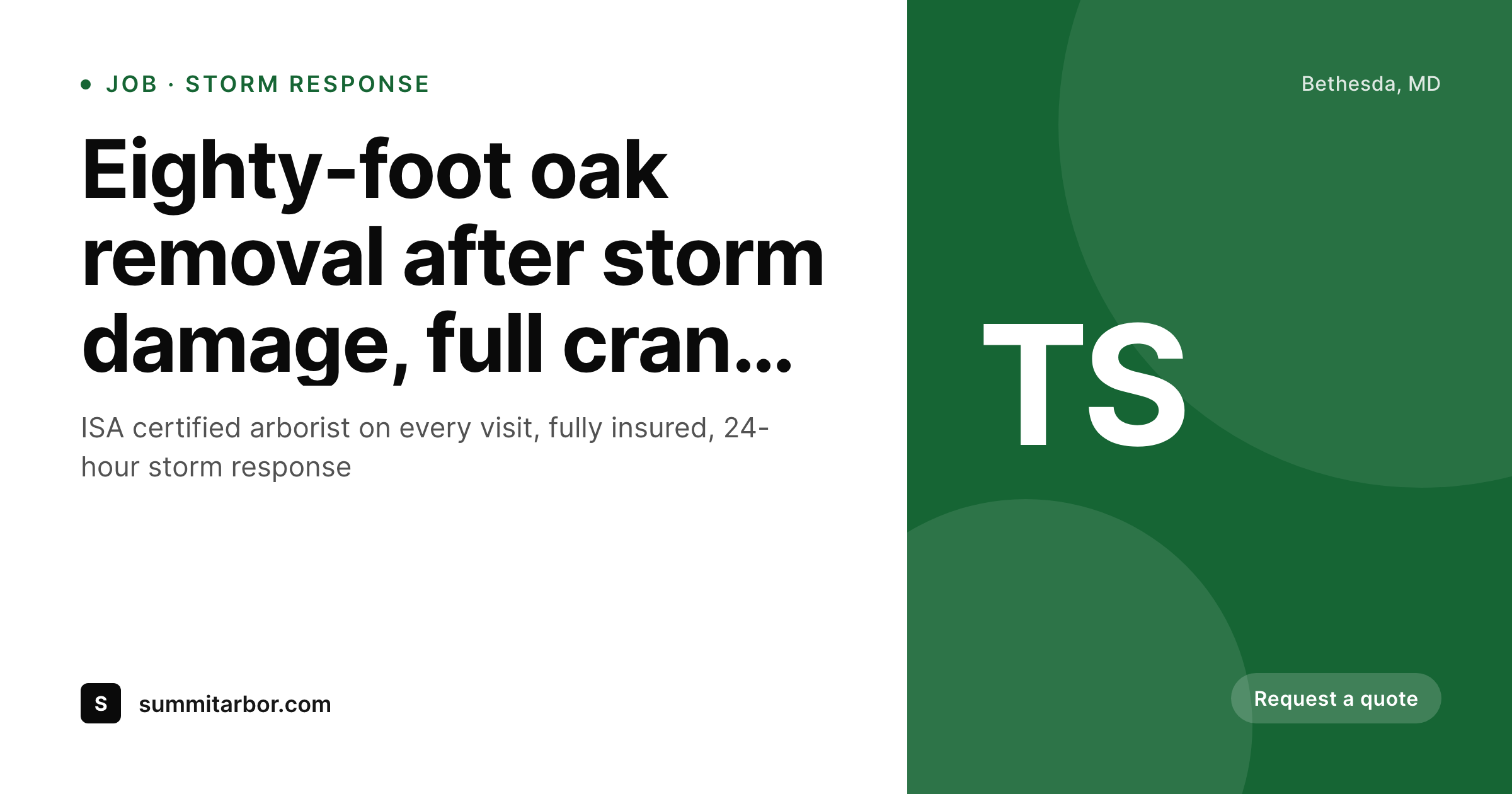
Tree service work earns referrals through visible scale, and previews carry the proof
Tree service is sold on demonstrated capability and visible safety. A homeowner watching a crew take down an eighty-foot oak with a crane during a windstorm posts about it on the neighborhood Facebook group, recommends the company on Nextdoor, and texts photos to friends in the same suburb. The recommendation lands with attached proof: the size of the tree, the equipment on site, the cleanup that left the yard usable the next day. The homeowner reading the recommendation clicks through to verify the company carries the certifications and insurance the work demands.
The link preview is where verification either holds or fails. A stock chainsaw photo, a theme default banner, or the company logo cropped without context all read as a generic contractor. The original poster's recommendation gets undercut by a preview that doesn't match the demonstrated capability. Most tree service company sites surface exactly that kind of generic preview, and the highest-intent lead source for the segment (storm-event neighbor referrals) leaks at the verification step.
SleekPixel reads each service page, job gallery, and storm response landing page on save, pulls the tree species, the height or job scale, the neighborhood, and the actual job photo, and renders a 1200x630 share card with the company's brand. The card carries the ISA certification mark, the insurance status, and the scale of the work demonstrated. Forwarded recommendations arrive with proof, neighbors verify quickly, and the booking call comes in before competing tree services arrive in the same window.
Workflow
From completed job to share-ready preview on save
Set the company template
Map service post types
Save the page
Neighbors share the recommendation
Output
What renders on every job page save
A 1200 by 630 share card carrying the tree species, job scale, neighborhood, and actual job photo behind the company wordmark. Used as og:image for Nextdoor, Facebook, and SMS forwards.
Comparison
Stock chainsaw photo vs auto-rendered job cards
Stock photo / Theme default
- Stock chainsaw or generic tree photo on most tree service company shares
- Theme default banner stretches over every job and storm response page
- Tree height, species, and crane scale never reach the share preview
- ISA certification and insurance status hidden behind the click
- Old job galleries share with brand templates from prior years
SleekPixel
- Service pages render branded share cards on save
- Tree species, job scale, and neighborhood pull from post fields directly
- Real removal and pruning photos slot into the share card background
- ISA certification and insurance marks render in the card footer
- Storm response pages flip to a 24-hour-availability variant during weather events
Features
What SleekPixel gives you for tree service company
Per-job share cards
Removal, pruning, and stump grinding job pages each save with a share card carrying the tree species, scale, and the company wordmark.
Storm response variant
Storm response landing pages flip to a 24-hour-availability variant when storms hit. The share card carries the urgency directly in the preview.
Neighborhood landing pages
Each suburb or city served renders share cards naming the area. Useful when storm-affected neighborhoods share contractor links rapidly.
Use cases
What tree services generate with SleekPixel
Tree removal galleries
Removal job pages share with cards showing the actual tree, the scale, and the equipment used. Neighbor recommendations land with verified capability.
Pruning and trimming pages
Pruning service pages share with cards differentiated from removal work. Aesthetic pruning, structural pruning, and storm prep all carry distinct visual treatment.
Storm response landing pages
Storm event pages share with cards calling out 24-hour availability and emergency response. Useful when neighbors share contractor links during active weather.
The bigger picture
Why tree service growth runs on visible verification
Tree service occupies a peculiar place in residential service markets. The work involves obvious safety risk (eighty-foot trees, chainsaws, cranes near houses), real liability exposure (insurance claims for damage to property or injury), and credentialing that the homeowner expects to verify (ISA certification, full insurance). The decision to hire a tree service is therefore both more researched and more reliant on referral than most service categories.
Homeowners do not casually pick a tree service from search ads. They want a recommendation from a neighbor who saw the work, plus a fast verification that the company is insured and certified. Both halves of that decision flow happen in the share preview window.
The neighbor's recommendation arrives via Nextdoor, Facebook group, or SMS, and the homeowner clicks through to verify. The link preview is the first verification surface, and it has to signal scale, certification, and brand identity in a few hundred pixels. A clean branded card with the ISA mark, the actual job photo, and the company wordmark accelerates the verification.
A stock chainsaw photo undermines the recommendation entirely, because it reads as generic when the work depicted is anything but. Across the storm seasons and seasonal pruning windows, the cumulative difference between branded and unbranded previews compounds into the booked calendar. The second reason is storm response timing.
Major weather events compress contractor selection into hours rather than days, and homeowners with damaged trees share contractor recommendations rapidly through neighborhood digital surfaces. Tree services with branded share cards capture that compressed-window demand. Tree services without leak it to the next contractor whose preview reads cleaner.
Questions
Common questions about SleekPixel for tree service company
ArborGold and similar tree service management tools are not WordPress plugins, so SleekPixel does not pull data from them directly. What it covers: the WordPress marketing site that runs in front of those tools. Service pages, gallery pages, and storm response landing pages on WordPress all share with branded cards. The job dispatching itself stays in ArborGold.
Yes. Configure the ISA mark as a template constant, and it renders in the footer slot on every share card. The certification signal travels with every forwarded link. Useful given how heavily homeowners weigh ISA status when verifying tree service companies.
Yes. Configure a storm response field on relevant pages, and the template flips to an urgency variant. '24-hour storm response' or 'emergency availability' renders as a prominent badge during active weather windows. When the field deactivates, the standard variant returns. Useful for compressed-window demand during hurricanes or ice storms.
Yes. Add an equipment field listing the gear used on the job (crane, bucket truck, climbing only), and the template can render an equipment badge. The badge signals the scale of work the company handles, which matters when homeowners with eighty-foot oaks want a contractor demonstrably equipped for the job.
Yes. Configure variant templates for removal, pruning, stump grinding, and storm response. Each variant has its own accent and icon system, anchored to the same company wordmark. A homeowner sharing a pruning page sees a pruning-specific card; a homeowner sharing a removal page sees a removal-specific card. Visual differentiation reinforces the service breadth.
Yes. Commercial tree service (HOA, property management, municipal) often warrants a distinct landing page treatment. Variant templates render share cards aligned with commercial pitches, with the appropriate certifications and contract scale callouts. Residential and commercial pages stay distinct without separate plugins.
If the company has a documented safety record (zero recordable injuries over a stated period, OSHA awards, or similar), configure those as template constants and they render in a designated slot. The credentialing signal compounds with the ISA mark to differentiate from less-credentialed competitors at the share preview level.
Yes. Bulk re-render walks every service page, job gallery, and storm response landing page and refreshes the share image to the latest template. Useful after a logo update, a certification renewal that adds new marks, or a brand refresh. The full archive returns to coherence in one pass without per-page edits.
Pricing
More than 1000+
happy customers
Explore our flexible licensing options tailored to your needs. Upgrade your license anytime to access more features, or opt for a lifetime license for ongoing value, including lifetime updates and lifetime support. Our hassle-free upgrade process ensures that our platform can grow with you, starting from whichever plan you choose.
Lifetime ♾️
Most popular
EUR
once
- Unlimited websites
- Lifetime updates
- Lifetime support
...or get the Bundle Deal
and save €250 🎁
💎 Want everything forever? The All Access Pass is going away on 01.08.2026.
The Bundle (unlimited sites)
Pay once, own it forever
Elevate your WordPress site with our exclusive plugin bundle that includes all of our premium plugins in one package. Enjoy lifetime updates and lifetime support. Save significantly compared to buying plugins individually.
What’s included
-
SleekAI
-
SleekByte
-
SleekMotion
-
SleekPixel
-
SleekRank
-
SleekView
€749
Continue to checkoutBrowse more
- case study
- feature comparison cards
- how-to guide cards
- infographic headers
- Trustpilot review cards
- monthly roundup cards
- pricing comparison cards
- survey result card
- diversity report card
- this not that cards
- track release cards
- deal of the day banners
- whitepaper covers
- security advisory cards
- good vs bad cards
- Pinterest video pin covers
- Twitch alert
- Signal sticker pack
- Tidal cover art
- Discord server banners
- Threads profile banners
- Threads post images
- Linktree banner image
- Discord event cover
- Threads profile banner
- Dailymotion thumbnails
- Threads post cover
- LinkedIn banner images
- Twitter header banners
- Twitch starting soon screen